LandOffer
AI at Work
Gemini Gems Are Moving to Skills: Preserve Your Work Instructions and Check the Account Timeline
A dated account-specific migration guide, complete fictional release-note preservation inventory and same-input regression acceptance record; no account migration or product reliability test.
Before a Gemini Gem changes to a skill, preserve its instructions, identify the knowledge files it actually needs, and prepare a small task you can repeat afterward. First identify the account signed into Gemini. Google's announced transition dates differ for personal, business, and education accounts; an announcement does not prove your work account has already changed.
This guide was checked on October 25, 2026. It is part of LandOffer's career and workplace content. The worked release-note example below is entirely fictional: its outputs are authored comparison examples, not results from a Gemini account test. The goal is a reviewable preservation and acceptance record you can adapt within your organization's approved tools.
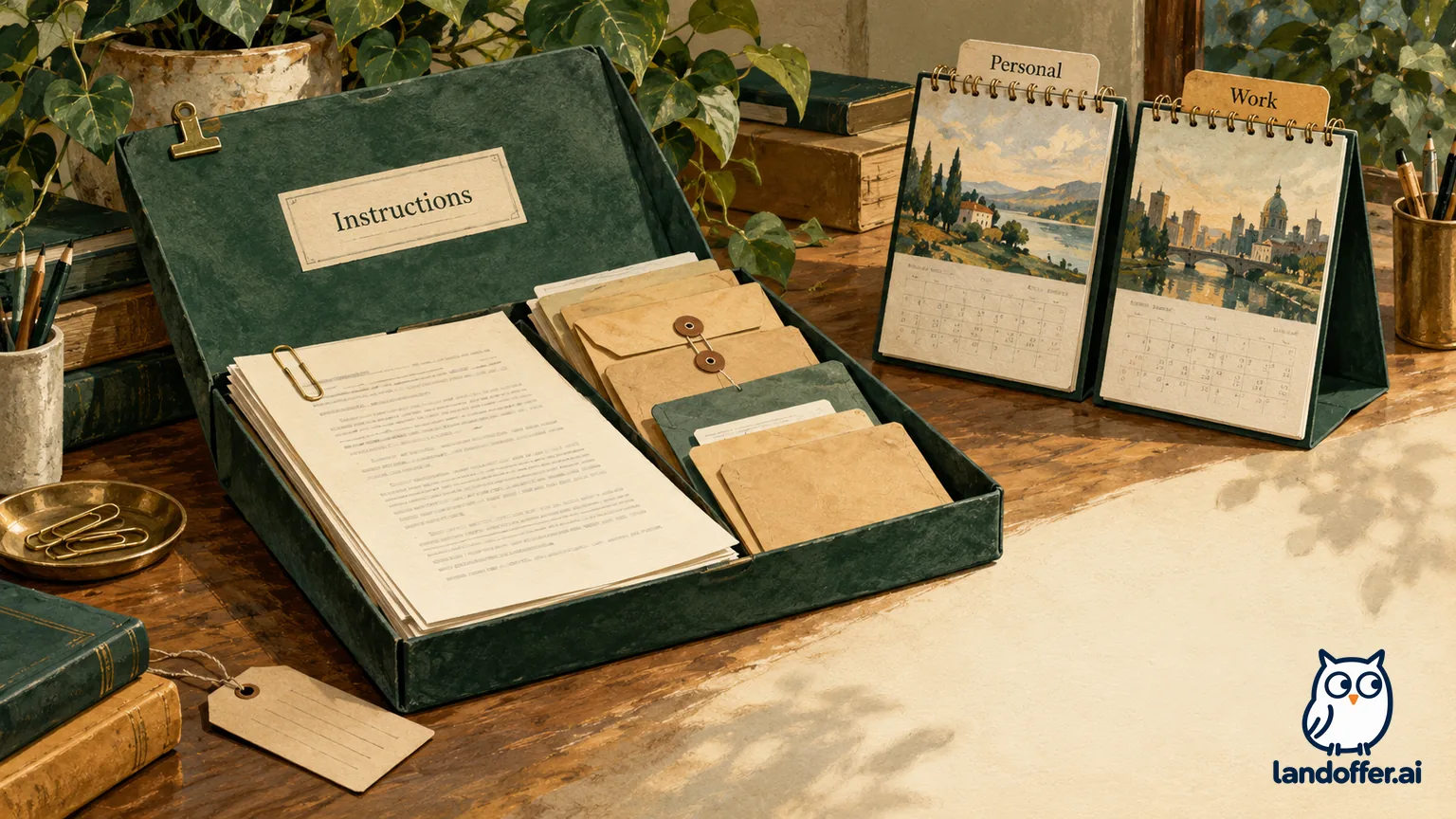
Check the account timeline before following migration instructions
The current Gemini transition help page gives this account-dependent schedule:
| Account signed into Gemini | Announced milestone | What to plan for |
|---|---|---|
| Personal Google account, age 18 or older | November 17, 2026: Gems become read-only; December 17: removal | Preserve necessary materials before access ends; do not assume read-only means usable |
| Personal account, under 18 | Later transition; details not specified | Check the applicable notice rather than borrowing the adult date |
| Workspace business, enterprise, or nonprofit | March 2027 | Ask which organization notice applies |
| Workspace education | June 2027 | Check the institution's guidance and affected teaching surfaces |
For business and education, the Workspace administrator guide describes retirement as no sooner than March 1 or June 1, 2027, respectively. These are boundaries, not proof that a particular tenant will migrate on those dates. The guide says remaining Gems become inactive draft skills requiring review and activation. Its migration details are subject to further updates.
Keep the application surface separate from the account category. Google's October 13 rollout update says skills in the Gemini app began rolling out, while the rollout in Workspace apps and Studio was delayed until further notice. For rollout planning, use that October 13 correction instead of the earlier October 5 and October 19 Workspace dates still visible in older material. It does not establish completion for your account.
Record the signed-in account category, approved surface, date checked, available controls, and administrator notice. If Skills is absent, preserve what you can through permitted routes and ask the designated administrator about availability. Do not switch to a personal account to bypass a missing work feature. A deadline for a consumer account is not permission to relocate company information.
Preserve the task's instructions and knowledge inventory
Separate the Gem’s operating instructions from the evidence it uses. Copying a polished prompt alone can lose an exception table, terminology rule, or example that made the old workflow usable. Conversely, copying every historical attachment can preserve obsolete material that should never guide the new output.
Here is a completed preservation record for a fictional internal release-note Gem. Owner Nessa prepares it for reviewer Luis on October 26. All filenames, sizes, people, and product details are invented. There is no actual download, company data transfer, or migration in this example.
| Item | Preserved record | Disposition and acceptance condition |
|---|---|---|
| Identity and purpose | Release Brief; drafts internal notes from an approved change list | New name: draft-release-brief; owner Nessa; reviewer Luis |
| Instructions version | RB-3, copied verbatim into an approved internal record | Compare original and recreated text before changing wording |
release-style-v3.md |
12 KB; headings, terminology, and example note | Include this exact version; verify it is readable |
support-matrix-2026-10.csv |
9 KB; CSV export supported for Admin; Viewer excluded | Include; Luis checks role wording against the inventory |
launch-walkthrough.mp4 |
18 MB; product demonstration | Preserve an authorized source reference; exclude from the skill package because video is unsupported |
old-launch-copy.docx |
44 KB; superseded marketing wording | Exclude; do not silently convert outdated claims into a new reference |
| Prior conversation | Relevant approved input and accepted output saved together | A comparison reference, not an instruction to reuse old release facts |
| Destination and decision | Approved work repository; proposed skill in the work Gemini app only | Administrator availability confirmation and reviewer acceptance still pending |
The two retained reference files total 21 KB in this fictional inventory. That arithmetic says nothing about whether the real upload will succeed. Nessa must still inspect the recreated package and its references in the approved account. Mark an inventory entry “included” only after checking that the corresponding file is present and usable.
Google's transition documentation warns that unsupported files will not carry over and that an oversized Gem loses its largest files first until it meets the limit. Preservation should therefore happen before relying on automatic conversion. In this case the unsupported video is a known gap, not a file Nessa pretends the new skill can read.
Preserve provenance alongside content: who approved each source, its version date, and whether the team may download it. If an attachment cannot be exported through an approved route, record the missing item and owner. A gap with a decision is more useful than an apparently complete folder containing unauthorized copies.
Recreate a focused skill without adding new authority
The create and manage skills documentation describes manual creation and uploading a root SKILL.md with optional references. Its current requirements include lowercase hyphenated naming, a 100 MB total limit, and supported file formats. It lists plain text, PDFs, and images among supported material, while binary Office formats such as .docx and .xlsx are unsupported. Check the current list before packaging files.
For an eligible, approved account, use the documented manual recreation route: retain the Gem's name, description, and instructions; create the skill; download its package if needed; and replace it with a folder containing SKILL.md and the permitted references. Google's migration guide requires the folder name to match the skill name. Follow the currently visible controls rather than guessing a missing menu.
Do not treat that package as a complete operating environment. Connected tools, sharing, account restrictions, and Workspace flows need separate checks. The administrator guide says skills do not currently sync between the Gemini app and Workspace apps. A skill appearing in chat does not establish that an existing Studio flow has an equivalent replacement or a responsible owner.
Nessa's proposed instruction text is deliberately narrow:
Draft an internal release brief from the supplied approved change list. Use the headings Summary, Availability, and Open Questions. Follow release-style-v3.md and support-matrix-2026-10.csv. Include only approved changes. Preserve dates and role restrictions exactly. Identify the reference filename supporting each availability statement. If a launch date or approval is missing, put the issue under Open Questions. Do not infer release approval, publish the draft, or contact anyone.
Google's effective skills guidance emphasizes a specific name and description, focused instructions, examples, and explicit handling of missing information. Applied here, the description should say that the skill drafts internal release briefs from approved change lists. A vague description such as “writing helper” gives the reviewer less clarity about when the instructions should apply.
Preserve RB-3 first, then record any intentional improvement as RB-4. Changing instructions and files simultaneously makes a later failure harder to diagnose. For example, if the new output loses a role restriction, the reviewer should be able to tell whether the file disappeared or the instruction stopped requiring it.
Compare the same input against explicit acceptance criteria
A familiar name and fluent paragraph leave factual accuracy and file coverage unverified. Define the conditions before looking at the new answer. Keep the input, instruction version, reference versions, and intended skill invocation fixed. Record other active skills and relevant chat context; otherwise the comparison can hide a changed setup.
For the fictional regression, Nessa uses this exact input in both authored examples:
Draft the internal release brief for version 2.8. Approved change: CSV export for Admin accounts on November 6, 2026. Viewer accounts cannot export. The import preview is under review; no launch date is approved. Use the preserved reference files. This is an internal draft for Luis, not publication approval.
Accepted reference example:
Summary: Version 2.8 adds CSV export for Admin accounts.
Availability: November 6, 2026; Viewer accounts cannot export. Reference: support-matrix-2026-10.csv.
Open Questions: Import preview remains under review; launch date not approved. Style reference: release-style-v3.md.
Illustrative failing recreated example:
Summary: Version 2.8 brings CSV export to all accounts on November 6. Import preview is coming soon.
Availability: Available after the release.
Open Questions: None.
Neither passage was produced by a live Gem or skill. Their purpose is to demonstrate what the reviewer would reject, including a plausible-looking output that changes an important restriction.
| Acceptance check | Reference example | Failing recreated example | Review decision |
|---|---|---|---|
| Approved change only | CSV export; preview explicitly unresolved | “Coming soon” implies an unsupported commitment | Fail; restore the unknown-state rule |
| Role restriction | Admin included, Viewer excluded | “All accounts” contradicts input | Fail; inspect matrix presence and instruction fidelity |
| Date | Full November 6, 2026 | Year omitted; availability becomes vague | Fail; require the complete approved date |
| Format | Three required headings | Headings present | Pass format only; does not offset factual failures |
| Reference attribution | Exact filenames named | No source filenames | Fail; require reviewer-verifiable attribution |
| Authority | Remains an internal draft | No explicit publication action | No publication observed in this written example; actual behavior untested |
The completed review decision is do not accept the recreated workflow. Luis assigns Nessa to check the two reference files and compare RB-3 instructions before another approved trial. He does not diagnose a Gemini defect from these invented outputs. Possible explanations to investigate include missing references, altered instructions, unrelated chat context, or additional skills; none is established here.
Keep a correction record and a separate cutover decision
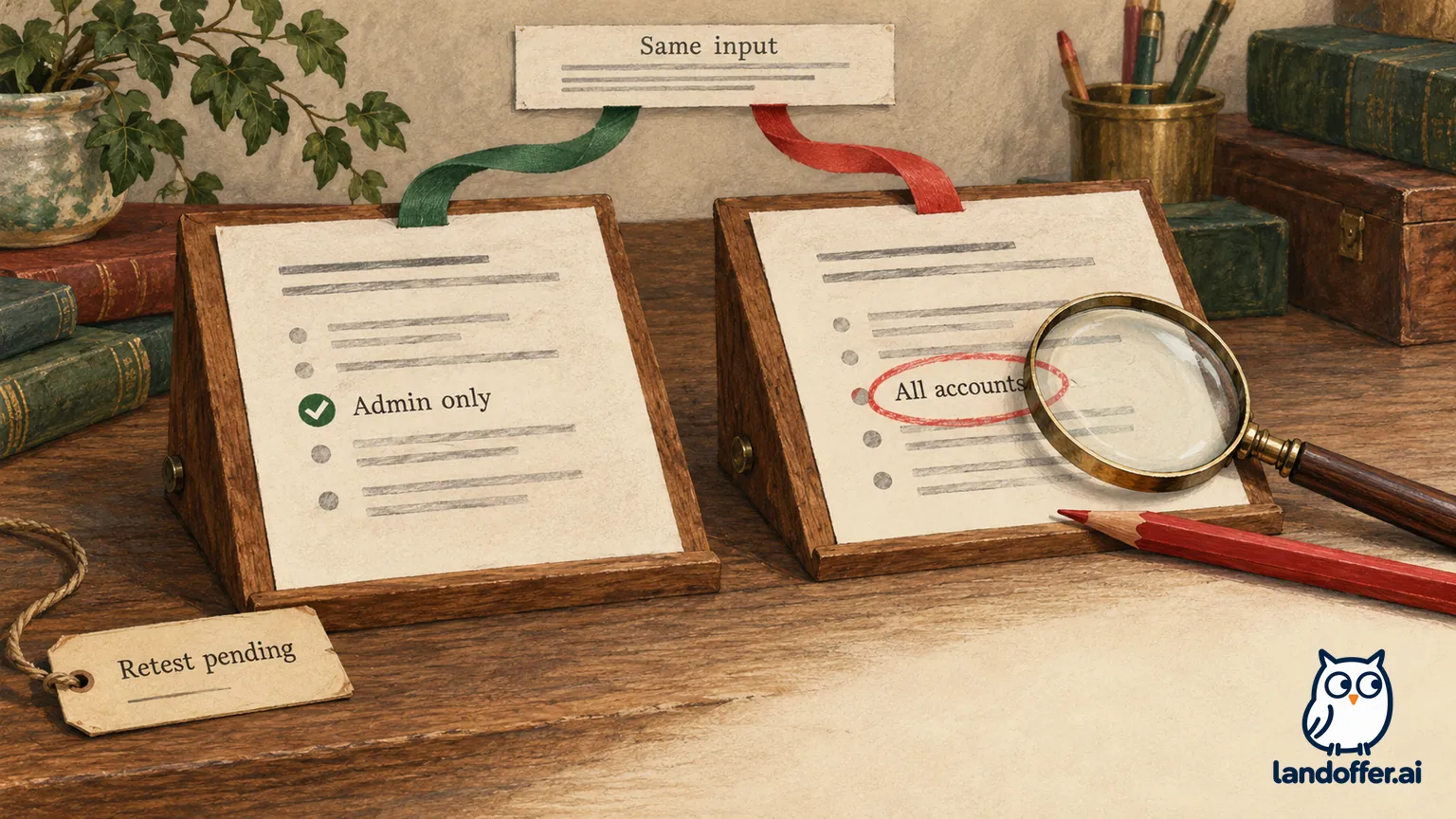
The fictional correction record reads: “October 27: RB-3 source text preserved. Proposed recreation had omitted the filename requirement; restore it. Verify the support matrix is included. Repeat the unchanged 2.8 input. Status: retest pending; do not replace the established workflow.” This is a completed decision record with an open outcome, not a fabricated successful retest.
When an actual approved trial becomes possible, save the answer and compare all six criteria in the record. A named filename is only an assertion until a person checks the underlying evidence. Inspect the source content and the resulting claim, especially exclusions, dates, and unavailable information. Repeat representative tasks with different conditions before expanding use; one clean release brief cannot establish reliable behavior across the team's entire workload.
Keep a separate case for a task that depended on unavailable features or files. Nessa's video-based walkthrough remains outside this text-only comparison. The owner must choose a permitted replacement reference or retain a manual review step. Passing the release-note case would not establish that video understanding, connected apps, or a Studio automation survived the transition.
Finish with a dated owner and an honest status
A useful handover says who owns the preserved instructions, where approved files live, which account timeline applies, and what remains unverified. For Nessa: Luis reviews the text and role restriction; the administrator confirms work-account availability; Nessa records the next approved comparison. The fictional record remains preservation-ready and recreation-unaccepted. It contains no real tenant observation.
Before relying on your own replacement, recheck Google's current notice, inspect the actual account and file inventory, and obtain the workflow owner's acceptance. Keep enough approved evidence to explain a failed comparison without overwriting the last accepted reference. Preserve the approved reference, complete the comparison, and record what remains unresolved. LandOffer's workplace content offers related work practices; acceptance of this replacement rests on your own evidence.