LandOffer
Productivity & Workflows
Bitwarden vs. 1Password for Teams: Choose by Sharing, Administration, and Recovery Needs
Compare team sharing and administrator recovery before choosing a subscription. A complete fictional employee lifecycle review and two seat-budget decisions separate documented capabilities, prior enrollment requirements, and the checks still needed before deployment.
Start with who may use shared work items, who administers access, and who can help a locked-out colleague. Compare the price of the plan that supports those responsibilities. Bitwarden Teams provides organizational sharing, event logs, and provisioning; administrator-led account recovery requires Enterprise. 1Password’s Teams Starter Pack supports small-team vault sharing and its documented team recovery process, while Business adds identity-provider integrations and broader administration. A lower-priced sharing plan is not equivalent to a plan that satisfies a mandatory recovery or SSO requirement.
This LandOffer.ai comparison checks official public documentation on October 27, 2026. Its studio, item inventory, employee lifecycle records, and budgets are fictional. We did not create accounts, vaults, credentials, invitations, exports, or recovery requests. Product descriptions below are documentation-based; local calculations verify subscription scenarios only. They do not establish comparative security, recovery success, deployment speed, or resistance to an attack.

Compare shared-item ownership and access roles
Bitwarden collections group organization-owned items such as logins and notes. Collection access can be assigned to members or groups, with separate permissions for viewing, editing, and managing. Organization roles and collection settings also affect authority. A folder in someone’s personal vault is not a substitute for an organization-owned shared collection.
The collection-permission guide distinguishes item actions from managing access. It also warns that hiding passwords does not prevent access to their values when they can be used through autofill. Treat those credentials as shared. The feature can reduce casual exposure; it is not a promise that a recipient can never retain a password.
1Password uses shared vaults as the access boundary. Teams has Allow Viewing, Allow Editing, and Allow Managing permissions. Managing alone does not include item viewing or editing, although the authority to change access still needs trusted ownership. Business separates item actions further and supplies additional client settings. Do not price Teams Starter Pack while assuming every Business control comes with it.
For limited external work, 1Password guests can access one selected vault and have no Employee vault. The Starter Pack has a maximum of five guests; Business includes 20. An employee who needs several work vaults should not be counted as a free guest merely to reduce the seat estimate. The examples below count employees as members and do not assume an equivalent free Bitwarden guest allowance.
Recovery is a planned capability, not a support promise
Bitwarden’s account recovery documentation places administrator-led recovery on Enterprise. The policy must be enabled and the member enrolled before the process can work. Its enrollment guide says automatic enrollment applies to people joining after activation; existing members need the appropriate enrollment process. Purchasing Enterprise after a lockout does not establish prior enrollment.
The authorized administrator initiates a reset, and the member uses an emailed recovery link to reset their master password or two-step method. The process affects credentials configured in Bitwarden; it does not bypass SSO or two-factor requirements at the identity provider. Deleted accounts are not restored through account recovery. A lost master password, unavailable email, and blocked identity-provider account therefore need different diagnosis.
1Password recovery also involves both an authorized recoverer and the member. In the ordinary password-and-Secret-Key flow, the member receives a new Secret Key and creates a new account password, then the recoverer completes the process. Recovery resets two-factor authentication and requires signing in again on devices. Do not describe an administrator beginning recovery as a completed return to work.
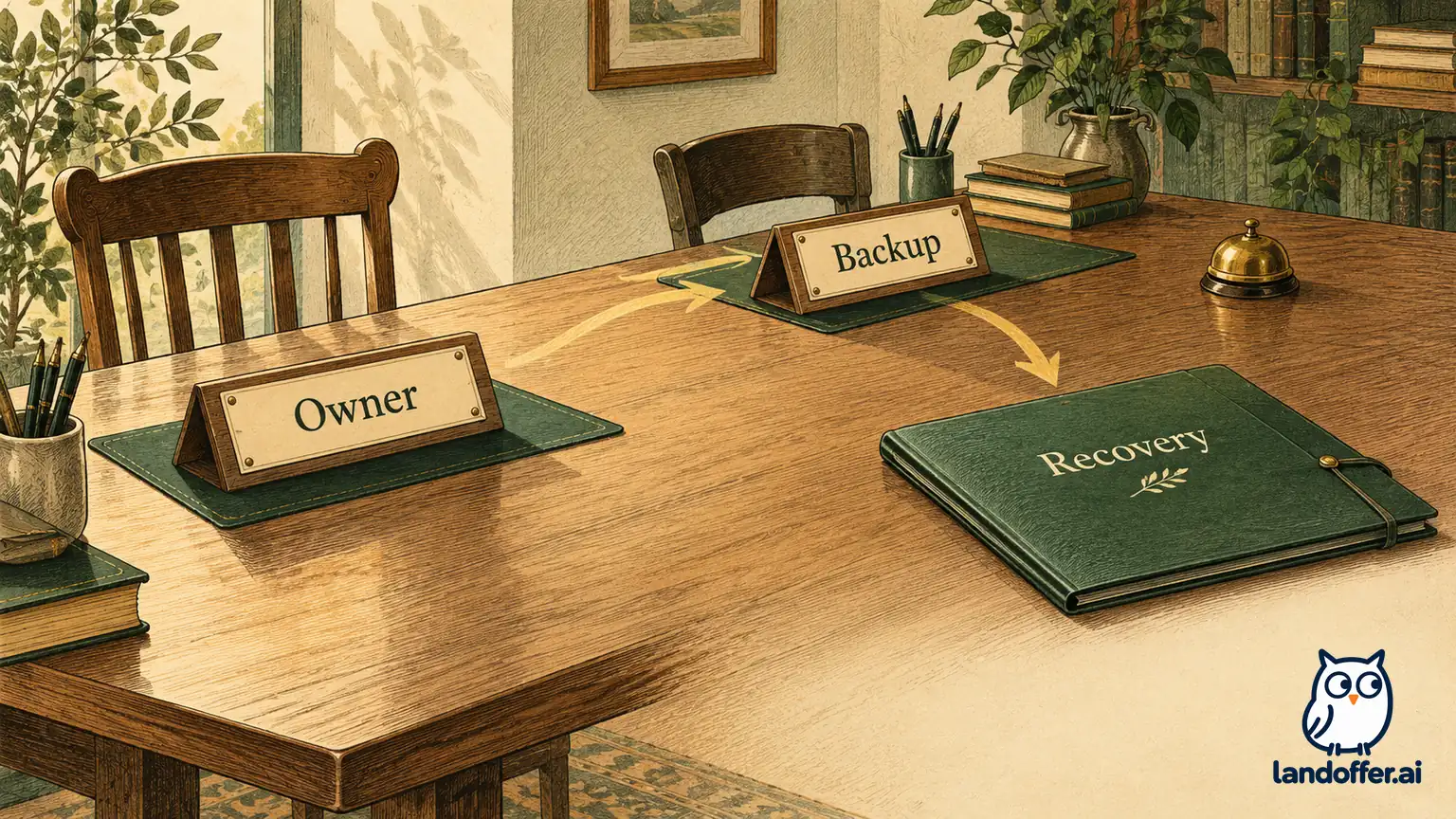
1Password’s recovery-plan guide recommends another owner because a person cannot recover their own account. Administrators can recover accounts too; Business custom groups can delegate selected responsibilities. Give recovery authority to named, accountable people; do not make every employee an administrator to provide backup. Name a backup and a way to verify requests through the organization’s approved process.
Recovery also changes the trust model. Bitwarden’s enrollment guide warns that recovery could allow an administrator to access personal items. The 1Password Business security guide describes access to Employee vaults through recovery, rather than ordinary direct access. Record this scope before enrollment; shared-work continuity and personal privacy are separate requirements.
A complete joiner, leaver, and recovery review
Consider fictional Seabrook Studio, buying its first team password manager for eight employees. Nora is the accountable owner and Sam the backup owner. The studio needs administrator-assisted recovery but has no current SSO requirement. Its reference packet contains only invented item labels, with no passwords, service addresses, account identifiers, or recovery codes.
The packet has three work sets. Tools contains two routine service-login labels needed by all eight employees. Client contains three delivery-service labels needed by four project staff. Finance contains two payment-administration labels for routine use by Nora and the finance operator. This routine membership does not imply that a trusted owner lacks the authority to manage shared-vault access. These are proposed organization collections in Bitwarden or shared vaults in 1Password, not an import file or an actual configuration.
Seabrook’s completed access decision gives the new employee Dani viewing and use of Tools and Client items for delivery, without item editing, access management, Finance access, or recovery administration. Nora owns the access review; Sam covers her absence. In 1Password Teams, the proposal uses direct member grants and its documented permissions rather than assuming Business custom groups. In Bitwarden, the proposal checks collection grants, organization roles, and applicable collection settings together.
The lifecycle review is filled out before the purchase decision:
| Scenario and evidence in the fictional packet | Completed review decision | What remains unverified |
|---|---|---|
| Dani joins delivery; approved role list names Tools and Client only | Scope access to those two sets; keep Finance excluded; Nora checks the final member list | No invitation, confirmation, grant, or device access tested |
| Eli leaves; his prior role allowed Tools and Client | Sam owns organizational offboarding; service owners separately review the five shared service items and existing sessions | No revocation, password change, service-session termination, or device cleanup occurred |
| Nora cannot unlock; Sam is the designated backup owner | Verify Nora’s identity through the approved internal route, then use the selected product’s documented recovery process | No real identity check, recovery email, or unlock succeeded |
| A simulated Bitwarden member was never enrolled in recovery | Mark administrator recovery unavailable for that stipulated account; do not promise that a new policy repairs the gap retrospectively | Alternative recovery options require separate account-specific evaluation |
The fourth row deliberately retains a failed readiness condition. It prevents the procurement record from claiming a successful recovery just because Enterprise lists the capability. Seabrook’s final acceptance status is “documentation fit established; runtime readiness untested.” The team keeps deployment readiness open until an authorized evaluation confirms the required grants, enrollment, backup access, and recovery completion.
A completed handoff note names the responsibility: “Nora owns membership and scope decisions. Sam covers owner recovery and offboarding coordination. Each underlying service owner handles its service-account changes. Client work secrets belong in the shared work sets; the member’s personal storage is not the team’s continuity plan. Keep recovery actions and ordinary access grants as separate records.” This is an authored example, not an instruction sent to employees.
Check the current seat model before using a headline price
Bitwarden pricing lists Teams at $4 and Enterprise at $6 per user per month billed annually, in USD before tax. Its plan guide lists a base of one user for each, with no upper user limit. Monthly billing is available, but the annual figures below are not monthly-subscription quotes; confirm the applicable monthly price if avoiding annual commitment is important.
The current 1Password pricing page shows Teams Starter Pack with a ten-user minimum and a 20-user ceiling. Its FAQ specifies $24.95 monthly equivalent, $299.40 annually, including ten members; up to ten additional seats cost $4.99 each per month on annual billing. Business is $8.99 per user monthly equivalent, $107.88 annually, with a one-user minimum.
There is a small presentation mismatch worth preserving: the Starter card displays $2.49 per user, while the FAQ’s ten-member total is $24.95, not $24.90. The calculations use the explicit FAQ package total and extra-seat rate rather than multiplying the rounded headline. Resolve the offer in the actual quote, especially when adding seats. We did not inspect a checkout or assume the old $19.95 pack still applies.
| Annual base using reviewed public USD terms | Eight employees | Eighteen employees |
|---|---|---|
| Bitwarden Teams, $4 × members × 12 | $384 | $864 |
| Bitwarden Enterprise, $6 × members × 12 | $576 | $1,296 |
| 1Password Teams Starter Pack, FAQ package plus seats above ten | $299.40 | $778.44 |
| 1Password Business, $107.88 × members | $863.04 | $1,941.84 |
For eight employees, Starter Pack still uses the ten-member package; eight times $2.49 is not the quoted base. For 18, the FAQ calculation is $299.40 plus eight additional seats at $4.99 × 12. Twenty is its listed member ceiling; do not extend that formula indefinitely. Prices exclude tax, discounts, implementation labor, and separate developer-secrets products.
The buying record should name the currency, billing term, member count, guest assumptions, administrative tier, and quote date together. A 14-day trial is a chance to evaluate the relevant controls, not proof the final configuration is ready. No trial or paid subscription was started here.
Two completed buying decisions from the same packet
For Seabrook’s original eight-person brief, annual base budget is $350. Named shared work sets and owner-assisted recovery are required; SSO and custom administrative groups are not. It selects 1Password Teams Starter Pack for evaluation at the FAQ’s $299.40 annual base, pending confirmation of the displayed-price mismatch and account terms. Bitwarden Teams costs $384 and lacks the required administrator recovery; Enterprise supplies recovery but its $576 base exceeds this budget. Business is unnecessary for the stated simple permission model.
That result is specific to an eight-person brief and the stated package price; it does not rank either product’s security. It follows a specific minimum-seat package and required capability. If the studio removes the administrator-recovery requirement, Bitwarden Teams becomes a different candidate—but an owner must explicitly accept that changed brief rather than silently erase a recovery need to fit a preferred price.
In a second completed brief, Seabrook has 18 employees and a $1,500 annual base budget. It now requires SSO, enforceable organization policies, administrator recovery, and documented ownership of provisioning. It selects Bitwarden Enterprise for evaluation at $1,296. Teams’ $864 does not satisfy that brief. The Starter Pack’s $778.44 also fails the identity-administration requirement; 1Password Business is the relevant candidate but its $1,941.84 base exceeds the stipulated budget.
SSO must remain separate from provisioning. 1Password’s SSO guide explicitly describes authentication only and directs user management to automated provisioning. It also excludes Owners from SSO unlock and lists other rollout requirements. Bitwarden Enterprise’s recovery documentation likewise does not bypass identity-provider controls. Neither purchase decision validates the studio’s provider, policy configuration, owner fallback, or removal workflow.
Plan departure handling without promising erased knowledge
Bitwarden’s removal guidance distinguishes organization access from the individual account and warns that offline clients may retain read-only organization data temporarily. 1Password’s business security guidance similarly warns about copied shared passwords and offline access. Removing membership is not equivalent to making a previously copied password stop working at its service.
In Seabrook’s departure record, Sam therefore assigns follow-up to the owners of the five Tools and Client service items Eli could access. The packet records those service reviews as pending, not completed rotations. Finance remains outside Eli’s stipulated scope, but a real investigation would verify actual access rather than trust a role label. No credential value is placed in the review record or this article.
Keep an existing password manager if it already meets the approved sharing, administration, and recovery brief without a disruptive migration. For related purchasing decisions, return to the LandOffer.ai guide library. Before buying, review one scoped joiner, one departure, and one owner lockout with the named backup; require a current quote and an authorized readiness check. Leave failed or untested conditions visible in the buying record before moving real work items.
Sources and Further Reading
- Bitwarden business pricing and Password Manager plans
- 1Password business and Teams pricing
- Bitwarden collections and collection permissions
- 1Password shared team vaults and guests
- Bitwarden account recovery and enrollment
- 1Password recovery, recovery planning, and SSO
- Bitwarden removal and 1Password business security practices