LandOffer
Job search
Alva Test Results Reuse: Match Your Email, Choose Results, and Request a Reset
Check Alva's 24-month result reuse window, match the original email, share the latest eligible personality or logic result, and ask the hiring company before requesting a retake reset.
If you have taken Alva tests before, you may be able to reuse the latest personality or logic result for a new company. The documented candidate flow checks three things: the result is less than 24 months old, the new invitation uses the same email tied to your Alva account, and you have not already shared that result with the company. You choose which eligible test result to share; you cannot select an older result from a history.
If you already shared results with the same organization, Alva says they can be shared again automatically while under 24 months old. You cannot start a retake for that organization on your own. Contact the hiring company if you need to retake sooner, and ask what a reset would do before agreeing: Alva’s employer guide says it removes the organization’s access to your current result across its jobs and cannot be undone.

Browse recent roles on LandOffer.ai while you keep track of the companies and assessment steps in your search.
Start with the invitation and the Alva email
Open the invitation from the hiring company and use its Go to application link. If Alva asks you to sign in, use the same email address associated with the test results you want to reuse. Alva says each account is tied to one unique email address; accounts cannot be merged and results cannot be moved between separate accounts.
That makes the email address the first thing to check when an earlier result seems missing. If you completed tests on a school or former work address and a new invitation went to your current address, do not create another Alva account just to see whether the results appear. Ask the company to resend its invitation to the email associated with your existing Alva results. Alva says it can help update the email on that existing account after the company sends the invitation to the correct account email.
If you cannot remember the password, the invitation guide points candidates to Alva’s password-recovery page and offers a password-free magic link. Use the official recovery links rather than opening a second profile. If you no longer control the old inbox, contact the hiring company and Alva support about updating the existing account identity. Neither a duplicate account nor an email alias automatically merges test history.
The invitation also matters because the company selects which tests belong to its recruitment process. A role may include a personality test, a logic test, a coding test, or another assessment. The reuse instructions discussed below specifically cover Alva’s personality and logic tests. Follow the invitation and on-screen labels for any other component rather than assuming that every Alva test has the same reuse controls.
Check whether this is a new company or one that already has your results
For a new company, Alva’s current candidate guide says you can share previous results if each test is within 24 months, you sign in with the same email used for that test, and you have not previously shared those results with that company. Once inside the application, open the relevant test and look for View and share previous result. Review the result, then choose Share personality test or Share logic test. If you want to send both, repeat the process for the other test.
The tests are separate. You can share one and start a new test for the other if the employer’s setup allows it and you want an updated result. The available result is the most recently completed one for that test type; Alva says you cannot choose among older results. If you retake personality, for example, you are not required by the sharing flow to retake logic too.
For an organization that already received your results, the flow is different. If you apply there again and your previously shared results are less than 24 months old, Alva says the results are shared automatically. The application may show a Completed label rather than a button to share the old result. Its invitation guide says that label means the organization already has the result; under Go to application, you can review the positions within that organization that have received your shared assessments.
A completed label is not a universal application status. Confirm that you opened the right company and the intended position. Check the list of positions where the test results were shared, and note whether personality, logic, or both appear. The label indicates the assessment result-sharing state described by Alva; it does not tell you whether the employer has reviewed your application or made a hiring decision.
If you do not see “View and share previous result”
Alva lists three common reasons the option may be missing: the result is older than 24 months, the application email does not match the email tied to the prior result, or you have not accepted Alva’s privacy policy consent. Check these in order before asking the company to create a different candidate record.
- Check the result date. Alva says results older than 24 months cannot be reused. If a test is too old, you will need to complete a new one for the application. A newly completed result may then be reusable for another 24 months, subject to the applicable invitation and sharing conditions.
- Check the account email. Compare the email on the invitation with the one used when you originally took the test. If they differ, ask the company to resend the invitation to the earlier account email. If you need to update the account address, use Alva’s help process for the existing account rather than making another account.
- Check privacy consent. Sign in, open Go to application, and look for the banner asking you to consent to Alva handling your test data independently from the hiring company. Accepting it is required for the documented reuse flow. Consent does not override the 24-month window or email match.
- Check whether this organization already has the result. If you shared it there before, look for Completed and the positions list instead of expecting the new-company share button.
- Confirm which test is missing. Personality and logic are separate. One may be reusable while the other needs a new test or a company-authorized reset.
If the invitation seems attached to the wrong email or company, ask the hiring team to verify the address and resend the invite to the account that holds the results. If login or recovery itself fails, contact Alva support through the official help center. Alva support can help with account issues, but its candidate guide says it cannot reset a test for a company.
Request a retake without losing track of the old result
When your results have already been shared with the same organization, the employer controls an early retake. Contact the recruiter or hiring team and state which test you want to update, when you took it, and why you are asking. For example: “I completed the logic test on [month year]. I’d like to request an updated attempt because [brief reason]. Can you confirm whether a retake is allowed for this application and what it will replace?”
There are two separate actions to clarify:
- Invitation: The company decides whether to invite you to take a test. Alva’s reset guide says resetting does not automatically send a new invitation. It says a candidate can use the original invitation to access the new test after a reset; the company can send a new invite if needed.
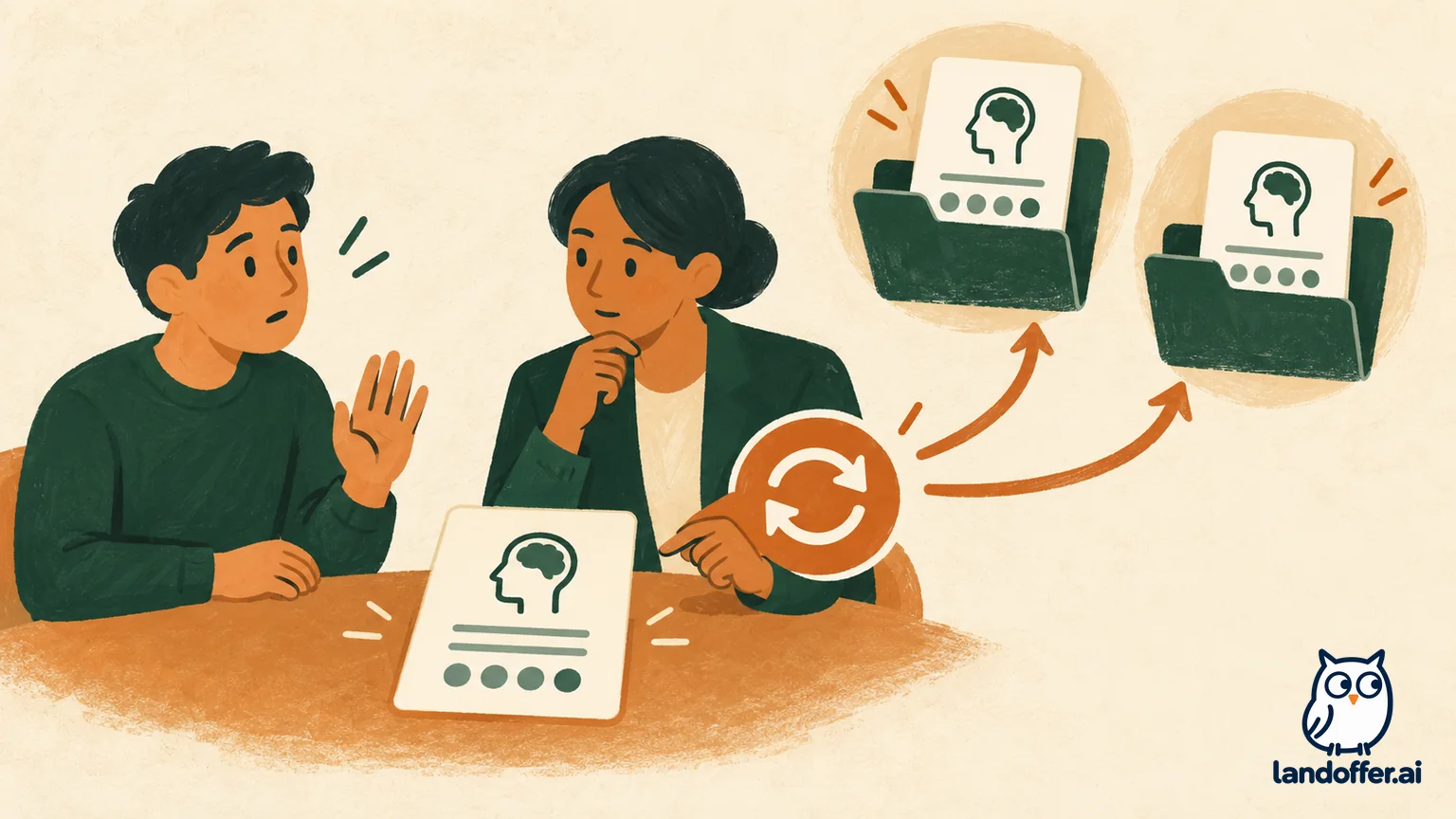
- Reset: An employer user can allow a retake earlier than the 24-month window. Alva warns that resetting a test removes the organization’s access to the current result across jobs you applied to at that organization. You must complete and share the new result before the employer can access it, and the employer’s Role Fit scores are recalculated. The guide calls the reset irreversible.
Before the employer resets anything, confirm which test is being reset, whether the existing result will disappear from the organization’s other job records, how you will receive access to the new attempt, and whether the change affects the application you care about. If you only need a different test updated, ask whether the company can reset that one alone. Do not assume that requesting a retake preserves both the old result and the new one for the employer.
A reset is not a routine “refresh” button for the candidate. It changes what the hiring organization can access. If you are unsure whether your previous result was shared, first check the organization’s positions list and ask the employer to confirm the current record. That can prevent an unnecessary reset request.
Keep a small reuse record
Alva does not require you to build your own tracking sheet, but a private note can help if you receive invitations from several companies. Record the test type, completion month, email tied to the result, organization, position, and whether the application shows View and share previous result, Completed, or Start test. Do not store your password or invitation token in a general job-search tracker.
For example, Maya completed Alva’s personality and logic tests 10 months ago with her university email. A new employer invites her using her personal address. She asks the company to resend the invitation to the email linked to her Alva account, signs into that account, checks Go to application, accepts any missing data consent, then shares the personality and logic results separately. She verifies the target organization in the application rather than assuming that sharing one test sent both.
Later, Maya applies to the organization that already received the results. She sees Completed and checks the positions list. Because the results are under 24 months old, the documented flow automatically shares them again. If she wants to update her logic result before 24 months, she asks the hiring team whether it will allow a reset and confirms the effect on existing results before it acts.
Quick decision guide
| What you see | What it usually means in Alva’s documented flow | Next action |
|---|---|---|
| View and share previous result | A prior eligible result may be shared with this new company | Confirm the test type and share each desired test separately |
| Completed | The organization already has that test result | Check the positions list; do not expect to retake on your own |
| Start test with no reuse button | Result may be over 24 months old, email differs, or privacy consent is missing | Check date, account email, and consent before proceeding |
| No test or wrong organization in application | Invitation or candidate identity may not match | Ask the company to verify and resend the invitation to the correct account email |
| Want to retake before 24 months | Earlier retake requires employer permission | Ask the hiring company; clarify reset consequences and access to the next attempt |
| Login or password trouble | Account access issue | Use Alva’s official recovery or magic-link option; contact Alva support if needed |
Frequently asked questions
Can I pick an older Alva result?
Alva says the candidate flow offers the most recently completed result for each test type. It does not let you choose among older results. If you want a more recent result, ask whether the company accepts a new attempt and whether a reset is needed.
Do I have to retake both personality and logic tests?
Not necessarily. Alva describes them as separate results and sharing actions. You can share one and start or request a new attempt for the other, subject to the employer’s invitation and reset settings.
Can I use one Alva account for two email addresses?
Alva says each account uses one unique email and separate accounts cannot be merged or share results. Ask the employer to send the invitation to the email attached to your existing results. Alva says it can help update that existing account’s email after the employer resends the invitation correctly.
Will the employer know whether I shared an old result or retook the test?
Alva’s candidate guide says an organization does not see whether you reused prior results or retook them when you apply to a new employer. That statement applies to the documented flow; the employer still receives the result data it is permitted to review.
Can Alva Support reset my test?
Alva’s candidate guide says support cannot reset tests for a hiring company. The employer has to allow an early retake. Contact Alva for account or login troubleshooting, and the hiring company for permission, application deadlines, or a reset decision.
Browse recent roles on LandOffer.ai as you organize applications, assessment invitations, and next steps.
Sources and Further Reading
- Sharing and Retaking Alva Tests — candidate reuse conditions, missing options, account email, and reset contact.
- How Alva Invitations Work — invite access, completed results, positions list, and login recovery.
- Resetting the Logic & Personality Test — employer reset steps and consequences.
- How Are My Results Presented to the Recruiter? — what a new organization can see about reuse versus retaking.
Alva’s documentation describes the current candidate and employer interfaces; the actual buttons depend on your invitation and organization. No account was accessed and no reset was performed. For current access or permission, confirm the state with the hiring company and Alva support.