LandOffer
Productivity & Workflows
ABBYY FineReader PDF Review: OCR Workflows, Document Comparison, and Edition Costs
A fictional service packet separates correcting a deliberately corrupted transcription from reviewing changed terms. Current Windows and Mac editions, subscription terms, and Hot Folder page arithmetic support a bounded purchase evaluation without invented OCR results.
ABBYY FineReader PDF is worth evaluating when scanned records need usable text, tables need correction, or reviewers must compare two document versions. For Windows, evaluate Standard for OCR/PDF work and Corporate when Compare Documents or Hot Folder automation is required. The Mac product is a separate offering with a different feature set; choosing it by price alone can leave a comparison requirement unmet.
This LandOffer.ai review uses one fictional service-agreement packet to show the verification work behind that decision. Official documentation and public store prices were checked on October 27, 2026. The completed examples are manually constructed teaching records, with local text-diff and arithmetic checks. They are not FineReader OCR output, a scanned-sample benchmark, or evidence of tested accuracy or time savings. No application was installed or document submitted to ABBYY.
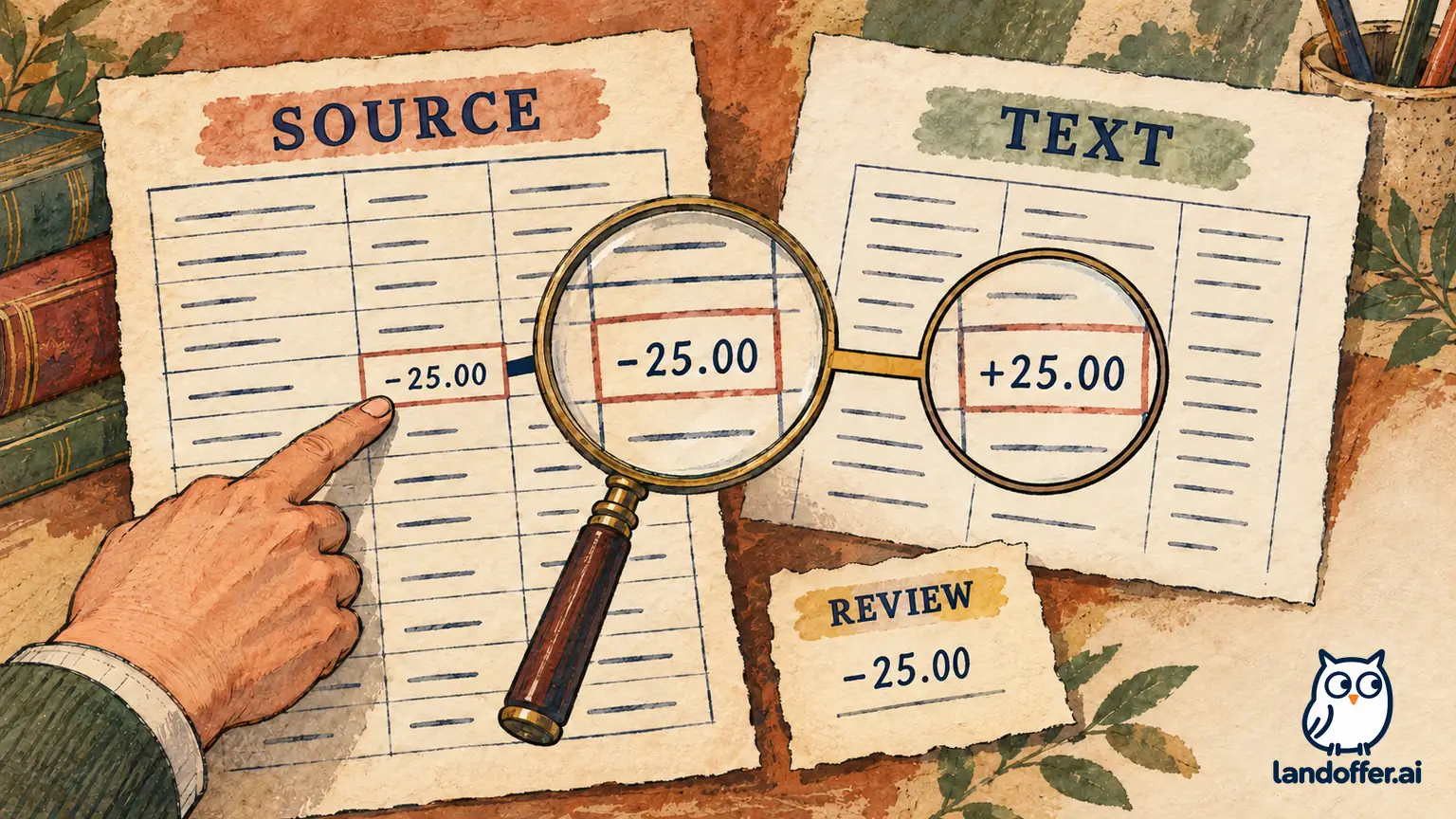
Separate text extraction from a verified record
A searchable PDF and a verified business record answer different questions. Searchable text can help someone find an agreement number; it does not establish that every digit, table cell, or negative amount matches the source.
FineReader's Windows guide describes checking recognized text against the corresponding image and correcting low-confidence characters through the Text pane or Verification dialog. Those controls support review; they do not remove the need to inspect important fields that were not flagged. Name the identifiers, dates, signed amounts, and table relationships you must verify before accepting a conversion. Checking recognized text.
ABBYY's current OCR support article suggests adjusting image resolution and recognizing the document again when results need improvement. Its table guide also describes correcting detected areas, rows, and columns before rerunning recognition. Keep the source beside the output and check the table relationships; clean formatting can conceal a value in the wrong row. OCR image-resolution guidance, Table-area corrections.
For an evaluation, retain the original file separately, identify page and field locations, and record the selected recognition language and export format. If a source digit is genuinely unreadable, hold it for clarification instead of silently selecting the value that makes the arithmetic work.
Completed asset: a table correction record with explicit ground truth
The following packet and people are fictional. North Quay Instruments is reviewing a calibration-service schedule, CR-184. Coordinator Elise prepares the archive copy and reviewer Tomas checks the commercial figures. There is no real supplier, signed agreement, payment, or calibration result.
The manually authored reference schedule has 24 units at USD 18.75 each, a USD 35.00 freight charge, and a USD 25.00 discount. Its service total is USD 460.00, with return due on November 6, 2026. The table below deliberately introduces recognition-like mistakes to teach verification. FineReader did not generate these mistakes, and no actual scan was processed.
| Reference field | Deliberately corrupted draft | Verified reference value | Completed correction and reason |
|---|---|---|---|
| Agreement identifier | CR-I84 | CR-184 | Replaced letter I with digit 1; retained the reference identifier |
| Quantity | 2A | 24 | Corrected the final character against the authored reference, not a guessed multiplication result |
| Unit rate | 18,75 | 18.75 | Restored the reference's decimal point; did not treat every comma in every locale as an error |
| Line amount | 450.00 | 450.00 | Retained after checking quantity, rate, and row association |
| Freight | 35.00 | 35.00 | Retained in its own row rather than combining it with the line amount |
| Discount | 25.00 | -25.00 | Restored the minus sign; this row reduces the total |
| Service total | 510.00 | 460.00 | Replaced with the reference value and independently checked the calculation |
| Return date | 2026-11-08 | 2026-11-06 | Restored the reference date; arithmetic cannot verify a date |
The corrected calculation is 24 × 18.75 = 450.00; 450.00 + 35.00 − 25.00 = 460.00. Losing only the discount's sign would produce 510.00, a difference of 50.00, even if the other numbers survived intact. That is why a small punctuation change can matter more than whether a page looks tidy.
Elise's completed review record states: “The corrected transcription matches the eight authored reference fields above. Tomas checked row association, identifier, date, currency, and signed amount. Retain the source reference and correction record together. Do not describe this exercise as a measured OCR result.”
A local Python check confirms the field differences and monetary arithmetic. It does not test image quality, language recognition, export layout, or FineReader's ability to find those errors. A genuine product evaluation would need the actual scan, software version, selected settings, and a separately checked human transcription.
Elise also separates the purpose of each saved record. The source reference preserves what she was asked to transcribe; the corrupted teaching draft shows which errors were introduced; the correction log records what changed; and the checked transcription is a derivative for retrieval. Tomas can trace each correction back without relying on a replaced file named “final.” In a real evaluation, page references and the original scan would join those records. This small packet does not establish that every other page or attachment has been checked, and the corrected date is not evidence that the supplier agreed to meet it.
The remaining question is deliberately specific: can the intended edition preserve the table structure and let Elise verify the relevant fields on her actual approved sample? That check has not happened. No “accuracy percentage” can be calculated from errors that an author deliberately inserted.
Completed asset: compare revisions without approving the changed terms
The same fictional packet has two short revision excerpts. Revision A contains:
Quantity: 24 units.
Service total: USD 460.00.
Return by: 2026-11-06.
Transit insurance is not included.
Custody records retained for 90 days.
Revision B contains:
Quantity: 26 units.
Service total: USD 497.50.
Return by: 2026-11-09.
Transit insurance is included.
Custody records retained for 90 days.
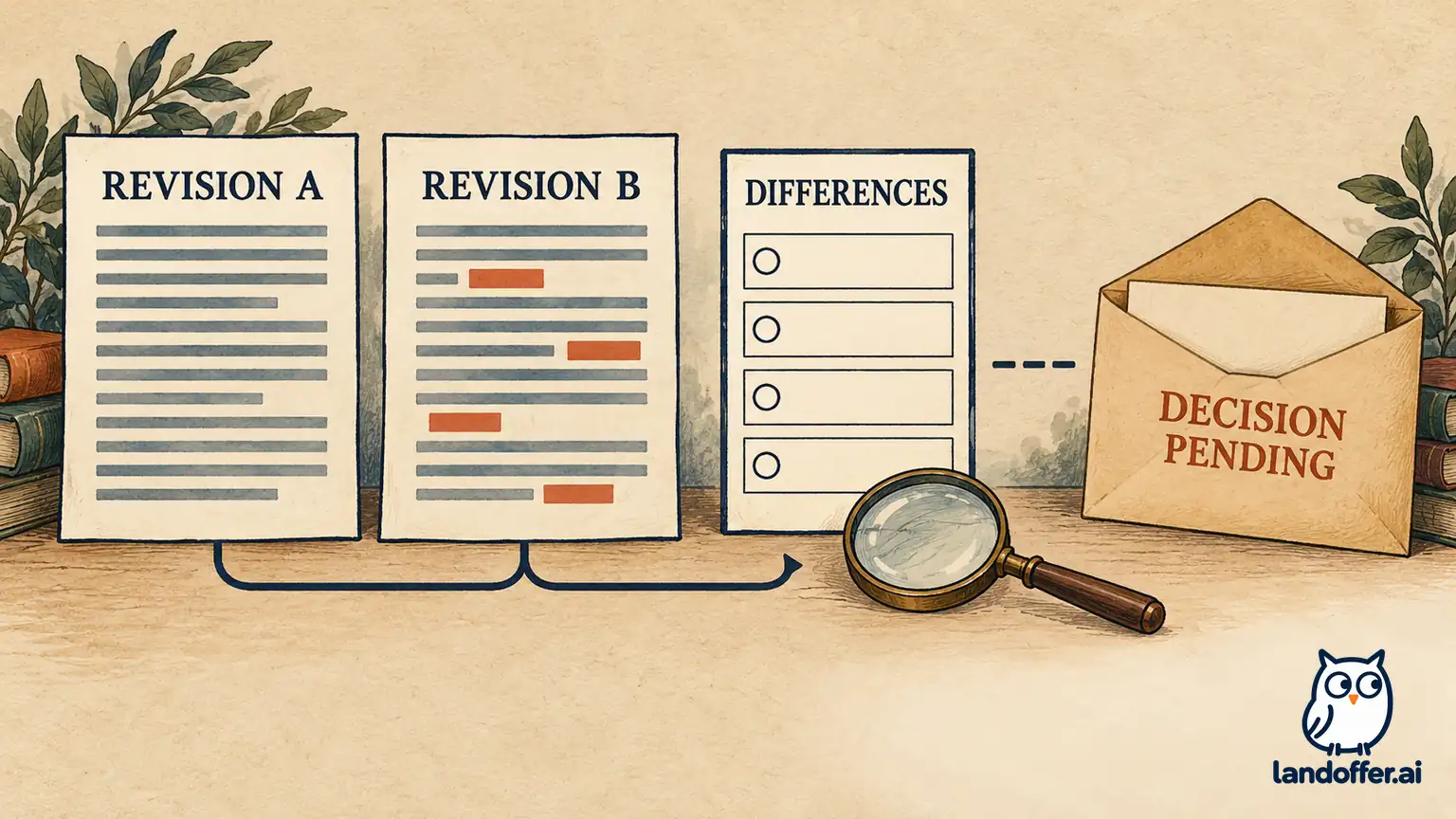
Elise and Tomas complete this difference register from the authored text, not an ABBYY comparison report:
| Item | Verified difference | Disposition in the fictional review |
|---|---|---|
| Quantity | 24 becomes 26 | Flagged for the requester to confirm the additional two units; not approved |
| Service total | 460.00 becomes 497.50 | Arithmetic is consistent with 26 × 18.75 + 35.00 − 25.00; commercial acceptance remains pending |
| Return date | November 6 becomes November 9 | Three calendar days later; scheduling owner must confirm acceptability |
| Insurance wording | The word “not” is removed | Escalated for explicit review; no conclusion about coverage or contractual effect is supplied |
| Custody-record retention | 90 days remains 90 days | Recorded as unchanged within this excerpt only |
The executed local Python comparison of these authored excerpts identifies four changed lines and one unchanged line; it does not invoke ABBYY. The larger amount increases by 37.50, matching two units at 18.75. These checks establish consistency within the fictional excerpts, not authenticity, completeness of a real contract, or agreement to the revisions.
Tomas's completed handoff is: “Revision B differs in quantity, amount, return date, and insurance wording. The stated total reconciles with our unchanged rate, freight, and discount assumptions. Do not archive B as accepted. Requester and scheduling confirmation are outstanding; the insurance wording needs the designated contract reviewer.”
For the actual product, Compare Documents is edition-dependent. The Windows guide describes selecting the document pair and language, reviewing highlighted differences, and saving comparison results. It warns that the recognized Word version used to show differences can contain recognition errors and visual differences. Retain the originals rather than treating that derivative as the authoritative agreement. Comparing documents.
Comparison settings also matter. The official guide includes options for punctuation and one-letter differences, plus PDF recognition modes. Elise's future sample check must document those choices; suppressing minor differences is not an acceptable shortcut when a short word or punctuation could change the meaning under review. Comparison options.
Price the edition and subscription term separately
The public store's yearly, three-year, and monthly selectors showed these standalone-license prices. The visible purchase-link currency parameters identified USD; no checkout was opened. Taxes, organizational licensing, renewal terms, and any special offer remain subject to the actual order. Current FineReader pricing.
| Edition | One year | Three years | Monthly option | Relevant boundary |
|---|---|---|---|---|
| Standard for Windows | $99 | $267 | $16/month | Evaluate OCR and PDF work; native comparison matrix does not include Compare Documents |
| Corporate for Windows | $165 | $446 | $24/month | Includes Compare Documents and Hot Folder automation within its stated allowance |
| FineReader PDF for Mac | $69 | $186 | Not available in the displayed store | OCR/conversion product; do not assume Windows comparison and PDF-editing parity |
For twelve unchanged monthly payments, Standard totals $192 and Corporate $288. One year at the displayed annual rates costs $99 for Standard or $165 for Corporate, compared with $192 or $288 for twelve monthly payments. These differences matter if the requirement is ongoing, but an annual commitment should follow the sample check rather than substitute for it.
North Quay's provisional two-user budget is one Windows Standard license for Elise's archive work plus one Windows Corporate license for Tomas's comparison work: $264 for one year, or $40 per month on those displayed monthly options. Two Corporate annual licenses would be $330, an increase of $66. Those are illustrative standalone purchases for two separate users; they do not authorize account sharing or establish a volume-license quote.
The Mac product page describes a conversion-focused application. The cheaper Mac price is not an interchangeable way to obtain Tomas's Windows workflow. Mac product scope. Confirm supported hardware and operating-system versions, required features, and license rights before purchasing. A product label that includes “FineReader” does not establish the same functions across platforms.
Hot Folder is a separate automation decision
Corporate's store description lists automated conversion of up to 5,000 pages per month and says the limitation applies only to Hot Folder processing, resetting every 30 days. It is not a general statement that every manually opened OCR page consumes that automation allowance.
The Windows Hot Folder guide also says processing tasks need the computer turned on and the user logged on. An allowance alone does not establish an unattended service that will run under every workstation policy. Hot Folder operation.
For North Quay's fictional planning case, 20 incoming batches of 180 pages would total 3,600 automated pages in one 30-day window, leaving 1,400 against that stated allowance. Eight more batches would raise the total to 5,040, exceeding it by 40. This is input-count arithmetic; no Hot Folder job ran, and no behavior at the limit was tested.
Elise records the decision: “Start with a manual approved-sample evaluation. Consider Hot Folder only after we define the incoming format, duplicate handling, review queue, page counting, and failure ownership. Keep converted output in a review queue until the named reviewer accepts the required fields and records any unresolved source questions.” Batch conversion changes throughput planning, not who is accountable for the resulting record.
Buy a workflow you can verify
Evaluate FineReader PDF against the conversion and review tasks your team repeats. Standard is a candidate for Windows OCR/PDF tasks; Corporate adds a specific comparison and automation case; Mac requires its own requirements check.
Before approving a subscription, reproduce the correction record and difference register with harmless permitted samples in the intended edition. Keep the source, settings, checked output, and unresolved questions together. More LandOffer.ai workplace-tool reviews can inform the buying decision; measured OCR quality and saved time should wait for an actual documented test.
Sources and Further Reading
- FineReader PDF current edition prices and platform comparison
- Checking recognized text in FineReader for Windows
- Improving OCR through image-resolution settings
- Correcting table areas and structure
- Launching edition-dependent Compare Documents
- Comparing documents and saving recognized derivatives
- Hot Folder workstation and processing requirements
- Mac product scope
- Comparison punctuation, spelling, and recognition options