LandOffer
Job search
Wobo Review: Swipe-to-Apply, Review Queues, and Autopilot Controls
Review Wobo's Free, Unlimited, and Autopilot plans, separate job and document approvals, and reconcile pending applications before retrying or renewing.
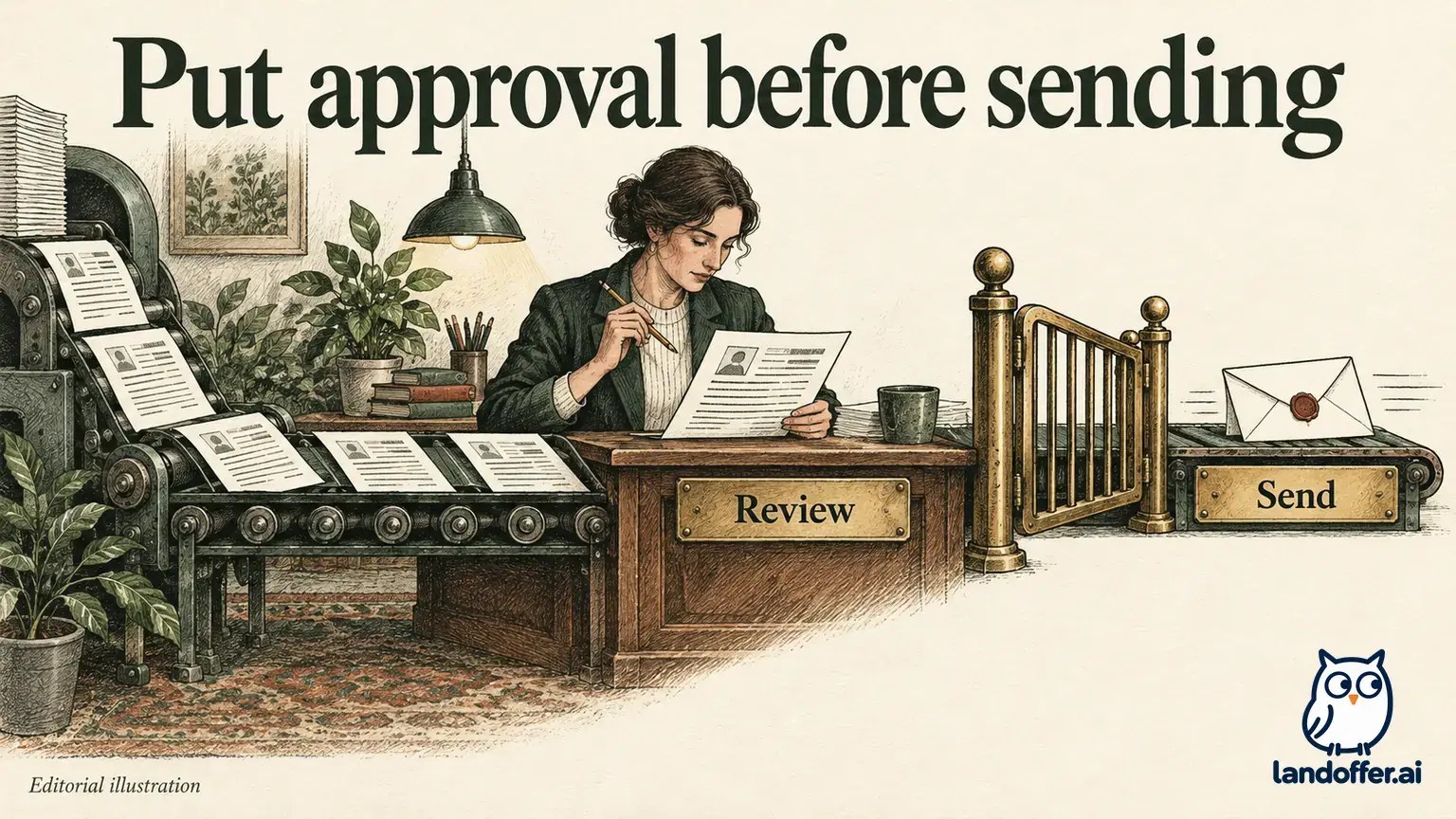
Wobo is worth considering if you want a service to submit applications while you retain a defined approval step. Its Free and Unlimited plans let you choose jobs; Autopilot adds automatic job selection. The latest help also describes an application review queue, when available for your account, where you can edit answers and documents before approving submission. Approving a job in the Feed does not, by itself, establish approval of the finished answers and documents.
LandOffer publishes this review and provides recent job discovery, so we have a commercial interest in this category. We reviewed official public descriptions on October 12, 2026, without purchasing a plan or testing a candidate account. Mira and the application records below are fictional teaching examples. They show how to evaluate the documented workflow, not Wobo's measured accuracy or hiring results.

Choose the decision you want to retain
An application service can save time at several different points: discovering a role, deciding whether it fits, preparing materials, filling the form, and submitting it. You may want help with all five tasks while still making the final decision about what leaves your account. A plan name alone does not establish that boundary.
Wobo's plan guide distinguishes Unlimited, where you select matches in the Feed, from Autopilot, where Wobo selects matching jobs and applies. Both paid plans describe resume building and tailoring. That means manual job selection can coexist with automated application preparation and submission.
Before choosing a plan, finish this sentence: “I want to approve ___ before anything is sent.” If the answer is the employer and role, a feed approval may address it. If the answer includes the exact resume, cover letter, and custom answers, you need a content review step as well. If you cannot find the latter in your account, keep those applications in a workflow that provides it.
Compare Free, Unlimited, and Autopilot on the same tasks
The public pricing page displayed the following monthly offer at our check. It also displayed a quarterly option and an Autopilot trial promotion; the table uses the published monthly prices rather than assuming a selected quarterly checkout or trial charge.
| Plan | Advertised monthly price | Who chooses the jobs? | Important boundary |
|---|---|---|---|
| Free | $0 | Candidate | Five application credits replenish daily; this is an ongoing limited plan |
| Unlimited | $34.99 | Candidate | No daily application-credit balance; available matching jobs still constrain useful volume |
| Autopilot | $44.99 | Wobo, with a manual selection option | Automatic selection is an additional delegated decision |
The difference between the two paid monthly prices is $10. That calculation tells you the additional advertised cash cost of automatic selection for one month. It does not tell you whether selection is good enough for your location, eligibility, or preferred responsibilities.
“Unlimited” is an allowance description. A narrow search may produce relatively few suitable openings, and some forms may require attention. Buying a larger allowance does not create more jobs that meet your requirements. A candidate who wants twelve carefully chosen applications should evaluate the twelve applications, rather than treating unused capacity as a reason to broaden the search.
Mira's completed plan decision
Mira is a fictional frontend engineer looking for individual-contributor roles within commuting distance of her home. She has already selected eight current employer postings. Four are remote within her state, three require two office days, and one lists a location she cannot reach. She removes the last role before considering automation.
Her constraint is content accuracy: her source resume describes accessibility testing and a measured page-load improvement, but she has never owned a company-wide design system. She wants any tailored wording checked against those facts. She does not need a tool to choose different employers for her.
| Mira's requirement | Completed decision | Why it changes the purchase |
|---|---|---|
| Select employers herself | Keep manual job selection | Autopilot's main selection benefit is unnecessary for her current list |
| Review every outgoing claim | Require visible document and answer review in her account | A swipe alone does not satisfy this requirement |
| Seven eligible roles | Begin with a bounded evaluation of the available free workflow | More daily capacity would not solve missing document review |
| More matches later | Reconsider Unlimited if free capacity becomes a real bottleneck | She has not established a need for automatic selection |
Mira's result is conditional, not a product endorsement. If her account exposes the documented review controls, she can evaluate them with a small set of eligible jobs. If it does not, paying for more volume would leave her main requirement unresolved. She can continue manually while obtaining a precise answer about account availability.
Inspect the application review controls separately
Wobo's current pause and review guide describes a Review before applying setting, when available for the account. New applications wait in Job History → Review, where answers and documents can be edited. Save & exit preserves work without approval; Skip for now also leaves an application unapproved.
That is a different control from Swipe to apply, which concerns job selection. It is also different from turning Actively applying off. Check three separate questions: who chose this role, who approved this material, and what is the current submission state?
Mira would inspect whether the review page exposes the actual attachment and required answers, rather than only a summary. She would verify that an edit remains visible after saving and returning, then read the complete material before approving. This is an evaluation procedure, not a claim that we performed those account actions.
Review settings apply to new work according to the guide. They do not undo a submitted application. Nor should an applicant assume that changing a setting retrieves something already being sent. Inspect existing pending items and any available cancellation action separately before relying on the new setting.
Read pending states before adding the same job again
The Applying soon guide distinguishes review, approved queueing, sending, confirmation, and Applied. It also describes timing controls, including an optional Autopilot delay, weekly cap, and minimum match score. The delay is off by default and can extend to seven days; self-approved jobs skip it.
These distinctions matter when a candidate sees no employer email. A job awaiting review has not received content approval. A queued application has not necessarily been transmitted. A confirmation state means the service is checking the result. Repeatedly adding the same posting can create a second request while the first remains unresolved.
Use the record for the exact employer requisition, not just the title. Two “Frontend Engineer” listings may be different jobs, while two URLs may point to one requisition. Record the job ID, location, selected resume version, and observed status before deciding whether anything needs to be retried.
A completed five-record application audit
Mira's fictional ledger below illustrates decisions she could make from different evidence. The rows are constructed examples, not screenshots or reported Wobo incidents.
| Record | Evidence available in the example | Mira's next action |
|---|---|---|
| Alder UI-14 | Review item contains an unsupported ownership claim | Edit the claim and reread the complete application before approval |
| Birch FE-29 | Approved item remains queued; no send evidence | Inspect timing and current status; do not add a duplicate |
| Cedar WEB-08 | Service is confirming submission | Wait for resolution or investigate the existing record |
| Dune UI-61 | Applied record, sent file, and employer receipt agree | Record the receipt and schedule the next action |
| Elm FE-33 | Action needed identifies an incorrect profile detail | Correct that detail through the documented recovery path |
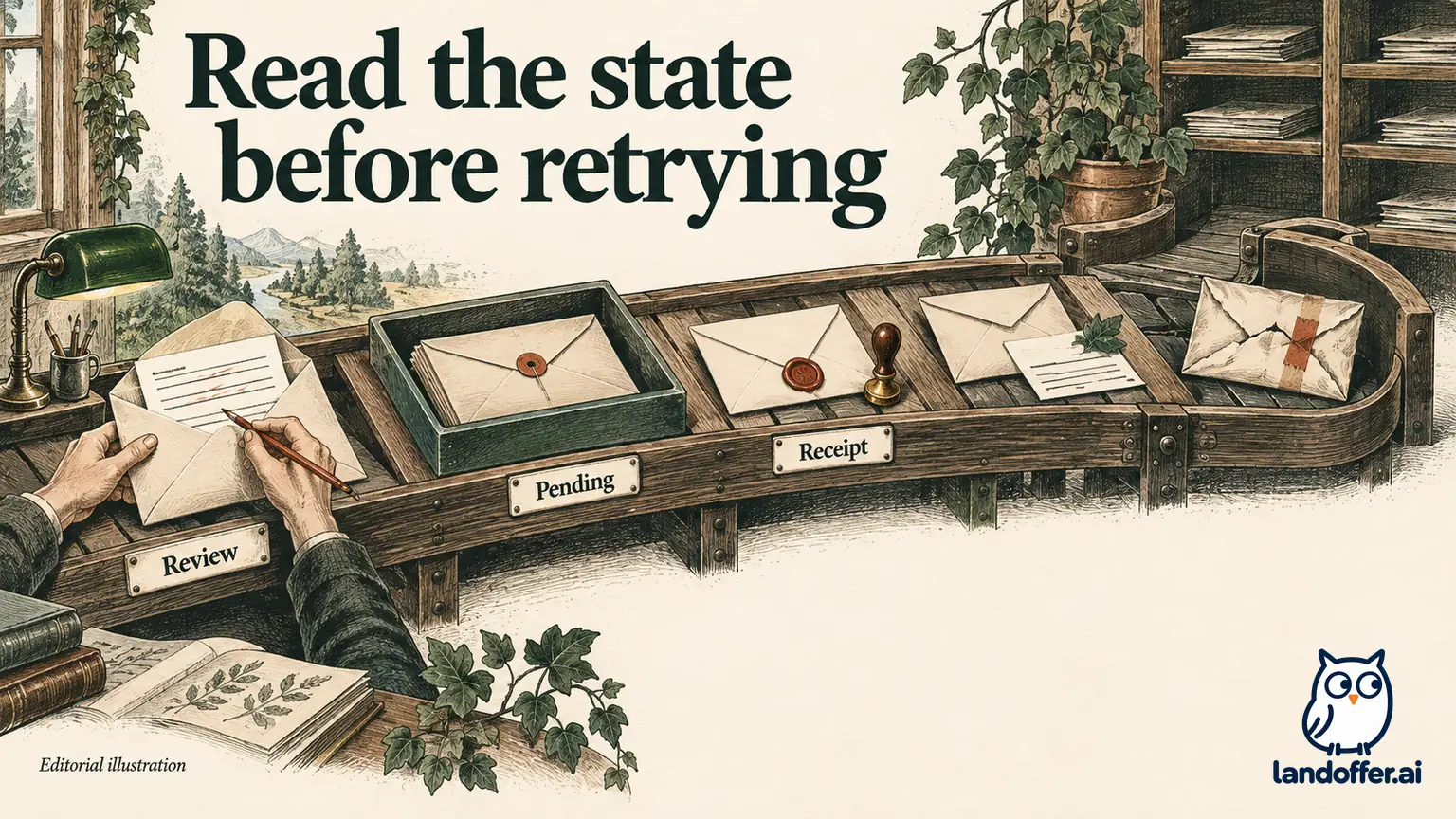
Only Dune is reconciled with employer-side receipt evidence in this example. That does not mean the other four applications failed. They occupy different unresolved or unfinished states and need different actions. Mira preserves that distinction instead of converting every record into a single “applied” count.
Wobo's pending-status guide documents access to sent documents and answers from an Applied application's Application tab. An applicant can use that record to compare the actual outgoing version with the approved source. The service's label establishes its reported state; an employer receipt adds separate evidence of receipt. Neither establishes that a recruiter has read the application.
Repair the source, not only the generated sentence
The fictional Alder draft says, “Owned the company design system and led accessibility strategy.” Mira's project notes support a smaller, useful contribution: she updated keyboard interactions in three checkout components, added automated checks, and worked with a designer to resolve focus-order issues. They do not support organization-wide ownership.
Her accepted revision is: “Improved keyboard interactions across three checkout components, added automated accessibility checks, and resolved focus-order issues with a product designer.” It retains the relevant UI work and collaboration without changing her level of responsibility.
Mira also checks the source profile. If a broad summary implies design-system ownership, correcting one draft may leave the same problem available for future generation. She revises the source to describe component-level work, preserves her original project notes, and checks later applications for consistency. A change to the source is preventive; it is not a correction to anything already submitted.
If an inaccurate application has already left the system, she first determines the employer's available correction route. She keeps the sent version and the corrected version separately. Sending another application without checking the existing record could create confusion while leaving the original claim in place.
Stop applications and future billing as separate tasks
Before stopping, Mira reconciles the size of her original list with the ledger. Of seven eligible roles, five appear in Mira's audit and two have no prepared application. Those last two remain leads. She does not count them as applications simply because they were saved or matched. She can resume from a known list instead of reopening every inbox to reconstruct what happened.
The Free plan's five daily credits would provide enough nominal capacity for seven requests across two daily allowances, assuming sufficient credits and eligible requests. That arithmetic is a capacity illustration, not a two-day submission promise. Time spent correcting Alder, waiting on Cedar, and resolving Elm may matter more than the allowance. The relevant bottleneck is the work that prevents an accurate application from progressing.
She also preserves the information needed to investigate a problem: requisition ID, observed state, timestamp, selected file, and the specific unanswered question. A narrow question such as whether an approved item is still waiting for submission is easier to resolve than a general complaint about missing responses. She excludes unnecessary personal documents from any support request.
Wobo's billing guide says pausing applications leaves the subscription active. Web cancellation requires completing the flow and reaching the cancelled status; app-store purchases are managed through the relevant store. Paid access continues to the end of its term, and refunds are reviewed separately.
For Mira, stopping a search means checking both application activity and the renewal state. She records any unresolved items before turning off new sending, then confirms cancellation if she intends to stop future charges. Opening a cancellation page is not the same as completing it.
Wobo is a stronger candidate when its available controls match the decisions you intend to retain. Keep a manual workflow when document approval is essential but unavailable, or when the eligible list is already small enough to manage comfortably. Start by choosing one current role on LandOffer, defining the required approval, and following its existing record through to evidence of submission. Increase volume only if the observed controls still meet your requirements.