LandOffer
Job search
Unsubscribe from Recruiting Emails Without Losing Application Updates
Separate digests, recruiter conversations and application tasks. A completed preference review and missing-message inquiry preserve candidacy without promising email delivery.
To reduce recruiting emails while protecting an active application, identify the sender and message category before changing anything. Prefer a specific opportunity-digest or talent-community preference when the service offers it. Read the described scope, keep a separate way to check current applications, and verify the saved setting. There is no universal guarantee that every unsubscribe control preserves every application email.
LandOffer publishes this guide. You can browse recent roles on LandOffer.ai without treating an inbox cleanup as a decision to end an application. This article uses public documentation checked October 12, 2026 and a fictional preference review. We did not change a real account's settings, test message delivery or send a recruiter inquiry.
Classify the email before touching its footer
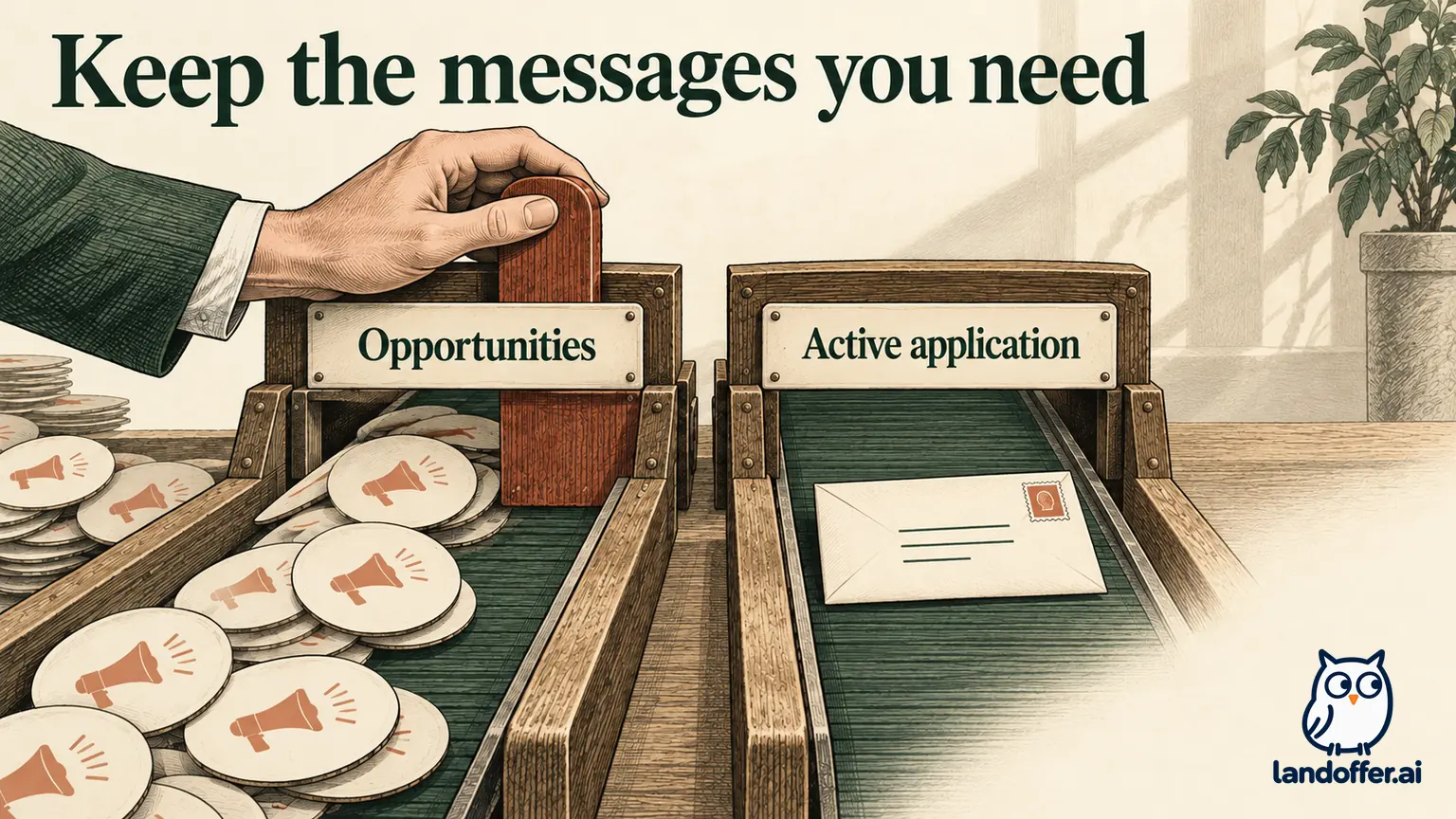
Start with one unwanted message. Is it a broad job digest, an employer event invitation, talent-community outreach, a direct recruiter conversation, or a task for a role you already applied to? The visible brand may be the same across several categories. The purpose of the message determines what you want to change.
Look at the full sender address and the service named in the footer. A company can send a newsletter through one provider and interview scheduling through another. Conversely, a shared platform can send both optional recommendations and application confirmations. Neither relationship can be inferred from a logo alone.
Keep at least one recent example of the category you want to stop until the change is understood. Note its sender, subject, date and footer wording. One example is usually enough to identify the stream you want to stop and distinguish it from messages you still need.
If the email itself looks suspicious, use a known official site to find preferences. Do not trust an unexpected footer link simply because unsubscribe sounds harmless. The FTC's phishing guidance recommends contacting a familiar organization through information you know is real when a message asks you to follow a questionable link.
Different services make different promises
Microsoft provides a useful example of an explicit separation. Its Careers Transparency FAQ describes profile settings for job alerts, company updates and other career opportunities. It says applicants will still receive emails about jobs they apply to even if they opt out of email updates. That is Microsoft's published description of its preferences. It does not measure inbox delivery or establish the same separation for another portal.
Handshake provides an important counterexample to a blanket reassurance. Its application instructions warn that a missing confirmation email can be associated with an unsubscribe. They direct students to check My Jobs and contact support for help investigating email unsubscribes. A saved application record therefore matters even when the expected email does not arrive.
Handshake also documents notification preferences by category and available channel. Email, in-app and mobile push are separate choices where offered, and changes save automatically. The available combinations differ by notification type. Read your actual options instead of expecting three switches beside every category.
These differences resolve the main decision: use a documented, narrow control when one exists, and retain an independent application-check route. Do not use Microsoft's promise to explain Handshake's settings, or infer that a channel missing from one category must be broken.
Compare the effect of four common controls
An unsubscribe link, a category preference, a mail filter and a block act at different places. A provider may use additional terms, so check the actual description before confirming a change.
| Control | Question to answer first | Practical limitation |
|---|---|---|
| Category preference | Which exact notifications and channels does this change? | Other categories or senders may remain active |
| Message-footer unsubscribe | Is it this list, this employer or broader platform email? | Footer wording can be ambiguous |
| Inbox filter | Which messages match its sender, subject or other condition? | A broad rule can hide useful mail that also matches |
| Sender/domain block | Does this sender also carry application or security messages? | Blocking can prevent you noticing a needed request |
If the problem is a weekly digest, first look for that digest's setting. Avoid a whole-domain block as the default response to one category. A subject-based inbox rule may also be brittle if it catches interview messages containing the same company name or job keyword.
Filtering is a delivery-management choice, not proof that you unsubscribed at the source. Similarly, moving an email to an archive does not change the underlying subscription. Record a source unsubscribe separately from an inbox rule. If a message still arrives, check whether it belongs to the list you changed; if it disappears from view, inspect the rule that may have moved it.
Preserve active application routes before the change
List the roles for which you still expect a task or interview. For each, keep the employer's candidate-portal entry, exact role reference, a permitted recruiting contact and any current deadline. This small inventory provides a fallback if an email is delayed, suppressed or misclassified.
Check the portal through a known route, rather than searching for an arbitrary login page after something goes missing. Save the current task instructions privately. If an interview invitation is already in your inbox, retain its legitimate scheduling details before applying rules to future messages.
Look for an explanation of notices that cannot be disabled. Handshake has a separate list of notifications sent regardless of preferences. That list includes several account and process messages. Its existence does not prove that every notice you personally expect is included, or that delivery is guaranteed.
For an application with an imminent deadline, resolve any unclear preference scope before making a broad change. You can postpone an inbox cleanup while completing a current task. That is a prioritization choice, not a requirement to keep unwanted marketing indefinitely.
A completed preference review with two active roles
This example is fictional. Elena Brooks has applications EM-204 and EM-209 with an invented employer, Elm Market. She receives a weekly opportunities digest from a talent-community stream and has an interview invitation in a separate recruiting thread. She wants fewer digests while continuing both applications.
Elena begins with an overly broad idea: block every address mentioning Elm Market. She instead opens the employer's official preference page from its careers site. In this fictional configuration, the page explicitly separates weekly opportunity digests from application communications. She turns off the digest category, saves the change and reopens the page to verify the displayed state.
| Record | Before review | Completed outcome in the fictional example |
|---|---|---|
| Weekly opportunities | Enabled | Digest preference displays off after reopening |
| EM-204 | Interview invitation saved | Invitation and portal task remain available |
| EM-209 | Submission receipt saved | Portal record retained for checks |
| Broad block rule | Considered but not created | No whole-domain block added |
| Delivery confidence | Assumed all mail was interchangeable | Specific setting verified; future delivery untested |
The result is a saved preference change with a retained application-check plan. It is not proof that every future message will arrive, or that all employer systems share this configuration. The exact separation is a stipulated fact of the fictional case, not a feature attributed to an unnamed real ATS.
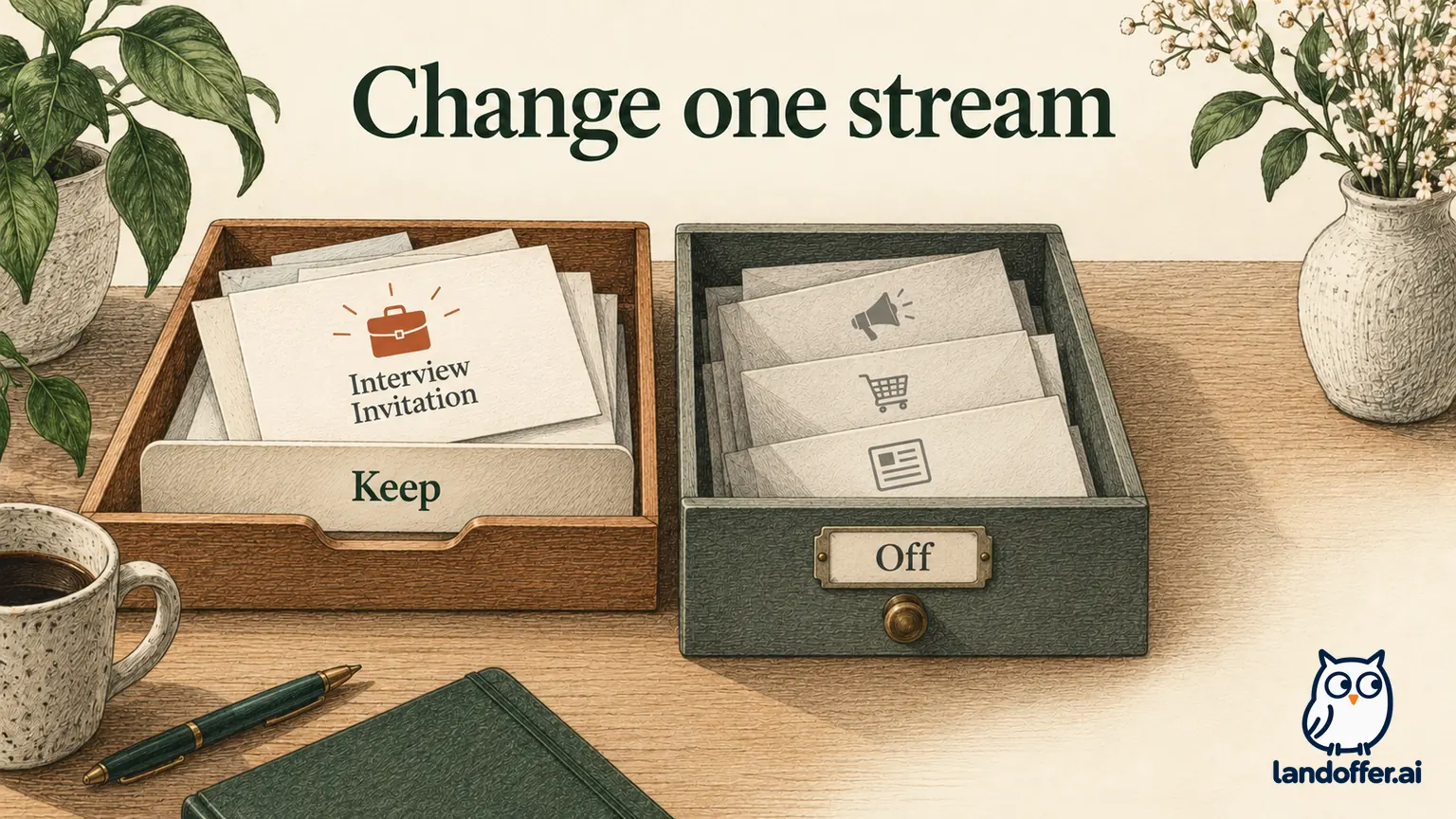
Elena records the change date and the category's exact label. That note lets her distinguish a fresh job alert, a delayed digest and an application task without reopening every communication preference. She can ask about the one stream still arriving instead of reversing a useful change or blocking the entire employer. If another digest arrives, she can compare its sender and stream with the one she changed. She does not immediately conclude that her active applications were withdrawn or that the saved preference failed across the entire company.
Verify the setting without inventing a delivery test
After saving, re-open the relevant preference page and confirm the displayed option. Some systems autosave; others require a separate button or confirmation. Use the behavior the service documents and the result you can actually observe. A closed dialog without acknowledgment is weaker evidence than the saved value on a fresh view.
Keep the preference confirmation if one is supplied, but do not expect every provider to send one. Absence of a confirmation email cannot establish whether a setting was saved unless the service says that email is the authoritative result. Check the account state instead.
Do not submit a duplicate job application just to generate a new notification. That creates a hiring record to test an email question and can complicate the original application. If you need to check delivery, use the provider's support process or an existing legitimate message flow when it occurs.
The next ordinary task or update may provide useful evidence, but record it narrowly. Receiving an interview email shows that particular message arrived after the change. It cannot establish that every category remains enabled, or prove that all future messages will bypass a filter.
If an application update appears to be missing
Start with the application's current state and any known deadline. Check its official portal and the existing recruiting thread. Then review spam, archived mail, filters and blocked senders. Distinguish “I cannot find the email” from “the employer did not send it”; only the first may be directly observable to you.
For Handshake, its documented My Jobs check can help confirm a submission when email is absent. For an external application, check the employer's system as well. A status visible on the originating job platform may describe a different part of the process.
If you contact support, identify the category change and the specific missing message, rather than asking it to turn on all communications. Here is a completed, unsent inquiry for Elena's fictional case if a later scheduling notice is missing:
Hello Recruiting Support,
I have an active application for EM-204. On October 10 I turned off the weekly opportunity digest in the careers preference page; I intended to keep application-related messages.
The portal now shows a scheduling task, but I cannot find a matching email after checking spam and my filters. Could you confirm which communication setting controls that notice and how I should complete the task?
Thank you,
Elena Brooks
This inquiry ties the question to an actionable task. It does not claim the preference caused the missing email. If the task can already be completed securely through the portal, follow those instructions while the delivery issue is investigated.
Keep communication choices separate from candidacy
A decision to stop a digest does not express an intention to withdraw from a role. A deletion request is a broader question again. If you want either of those outcomes, use the relevant employer process and verify its scope rather than expecting an email preference to perform it.
An overflowing inbox can make every recruiting message feel like noise. Begin with the one digest you no longer use, then check the saved preference and your current tasks. Review subscriptions when your search changes. You might keep one useful alert and remove several overlapping digests, or prefer in-app checks for a category where that option exists. Choose a pattern you can maintain without mistaking an empty inbox for a complete application record.
Finish with a note such as “weekly opportunities off; saved state checked; EM-204 scheduling available in the portal.” Use the labels and references from your own account. Keep the verified portal route available for active tasks; a saved preference is not a guarantee of delivery. Then browse recent roles on LandOffer.ai, keeping opportunity discovery and active application follow-through organized separately.