LandOffer
Job search
Redact Personal Identifiers from Application Transcripts Without Hiding Qualifications
Remove unnecessary identifiers from a permitted application copy while retaining education evidence; compare actual synthetic PDF overlays, applied redactions and cleanup.
When an application allows an unofficial transcript, remove unnecessary personal identifiers from a separate copy while keeping the information needed to verify your education. Apply the redactions and inspect the newly saved copy before attaching it. Keep your original record. A black rectangle placed over text can leave that text recoverable, and hiding the school, courses or grades can make the remaining document less useful.
Start with the particular job's document instructions. Permission to submit an unofficial copy does not establish permission to alter every field, and a requirement for a certified or unopened official record needs a different route. This guide combines public instructions with an original, clearly labeled synthetic PDF experiment; we did not edit anyone's real transcript or upload an application.
LandOffer publishes this guide. You can browse recent roles on LandOffer.ai while checking each role's education evidence requirements. LandOffer does not authenticate academic records or decide whether an agency will accept a redacted copy.
Match the document copy to the application instructions
USAJOBS' transcript guide says the announcement determines whether an unofficial copy is acceptable or a certified copy is required. A later stage may require an official, unopened record. Its description includes courses, attendance dates, major, degree, GPA, honors and the degree award date. These details help explain why covering every date or grade is a poor default privacy strategy.
A specific employer can also name information to exclude. An archived CAL FIRE posting, whose filing date was April 7, 2026, instructs applicants to exclude identifiers including SSN, birthdate and student ID from submitted documents. It is a historical example of an explicit instruction, not a current vacancy or a rule for every employer.
Read such wording together with the qualification requirement. The task is to provide the allowed copy with the required evidence intact. If the instructions appear to require both an unchanged official record and removal of a field already printed on it, ask the hiring contact or registrar about an acceptable version. Do not silently substitute an edited file and call it official.
Also distinguish information supplied to obtain a transcript from information placed in an employer attachment. A registrar's identity check and an application's supporting document serve different purposes. Keep the issuing process separate from the copy you prepare for a particular application.
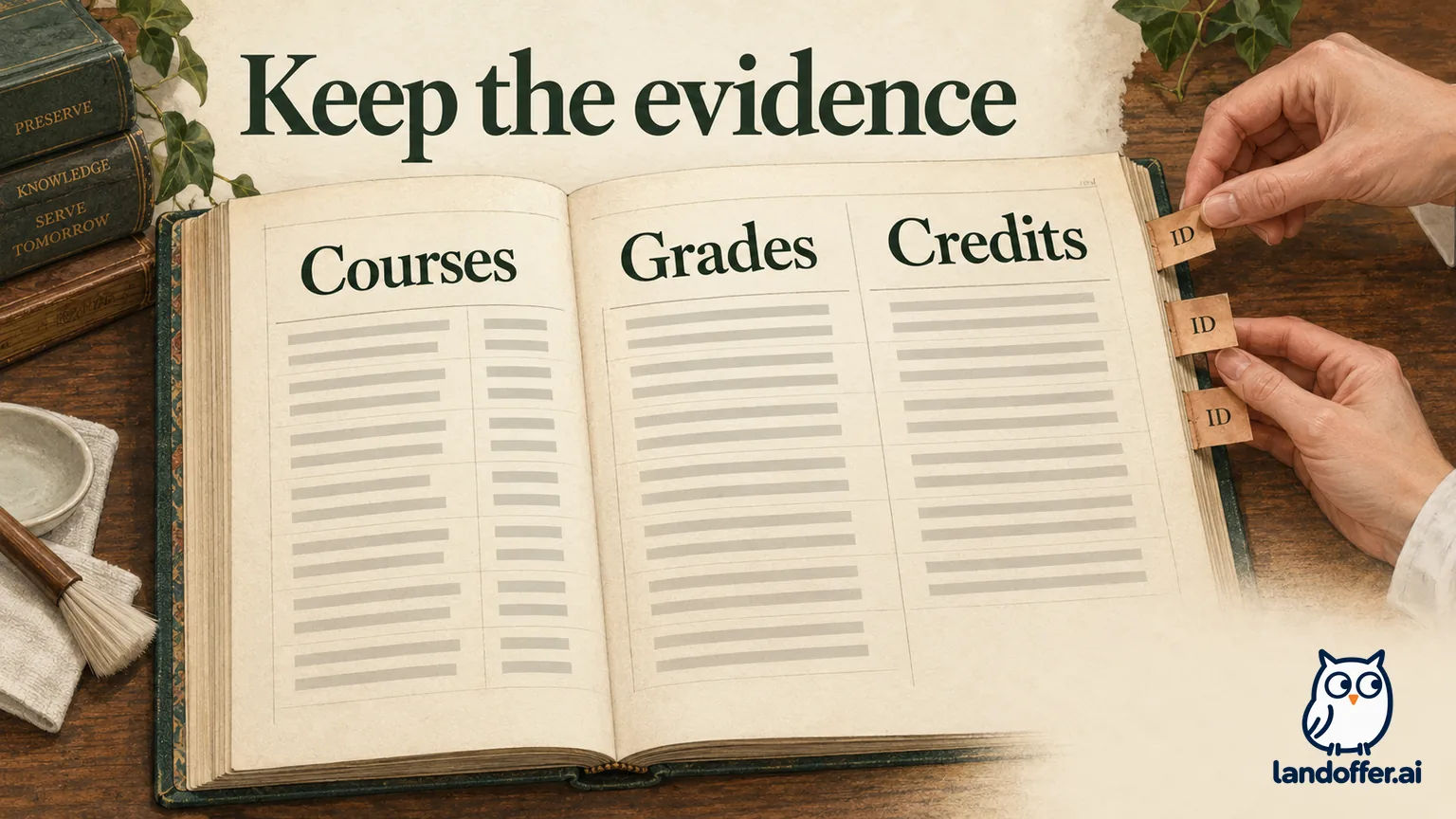
Keep the evidence that connects the record to your qualifications
DFAS' document requirements make the identification boundary concrete: the applicant's full name and school name must remain visible. Its transcript guidance accepts specified forms of education evidence and says a grade report or diploma alone is insufficient. Those are DFAS requirements; another agency's announcement can differ.
For a computing applicant, a course title and its credit unit can matter as much as the degree label. A reviewer cannot evaluate a claimed course requirement if the title, grade or semester-hour notation has been covered. A conferred date is also a different field from a birth date, even though both look like dates in a PDF.
Decide which fields to remove and which to keep before opening the redaction tool. Identify what the application asks you to prove, locate that evidence and then identify unrelated fields the instructions say to remove. That separation helps you remove an identifier without covering the evidence beside it. It also gives you a reference for checking whether a redaction accidentally touched a neighboring line.
Worked example: Jules' permitted unofficial copy
Jules Sample and Fictional Example Institute are invented. Our two-page fixture is prominently labeled “SYNTHETIC DEMO - NOT VALID” and has no seal, registrar signature or institutional authentication. It contains a course excerpt and fictional degree information solely to demonstrate document handling. It must never be used in an application.
For this example, assume the fictional application accepts an unofficial copy and requests removal of SSN, birthdate and student ID. Jules marks only those three value fields, each repeated on both pages. The field labels remain visible so the document still makes sense.
| Fixture field | Completed decision | Evidence retained |
|---|---|---|
| Demo SSN, birthdate and student ID | Remove the three values on both pages | Labels remain; six value regions are targeted |
| Student and institution names | Keep Jules Sample and Fictional Example Institute | The record still identifies its fictional subject and issuer |
| Course titles, grades and hours | Keep the complete course lines | Data Structures: four semester hours, A; Discrete Mathematics: three, C; Databases: three, B |
| Degree information | Keep the original displayed values | Degree label, May 20, 2025 award date, 120 semester hours and GPA 3.10 |
The C grade stays. Redacting an identifier is a different decision from hiding an unfavorable academic result. The excerpt contains four plus three plus three semester hours, totaling ten, while the fixture separately displays 120 total degree credits; the course list is explicitly an excerpt, not evidence of a complete degree audit.
That distinction matters during final review. A redaction around the birthdate should not spread over the award date merely because both contain numerals. Likewise, a student ID printed beside a name does not make the name itself a removal target. Jules checks the selected regions before applying them, using the field decision as the reference.
If the fictional application instead demanded an unopened official transcript, this edited demonstration would not solve that requirement. Jules would need the issuer's appropriate delivery process. The worked decision therefore ends with a permitted application copy, not a claim that editing produces a new official record.
Marking, applying and saving are separate steps
Adobe's current Acrobat Pro instructions, updated August 31, 2026, describe choosing the redaction tool, selecting text or images, applying the operation and saving the result. The flow also offers sanitization to remove hidden information. Treat a selection awaiting Apply as work in progress, not a finished redacted document.
Our experiment used local code rather than Acrobat. We created a searchable-text PDF, then processed copies with PyMuPDF 1.28.2 and checked text extraction with pypdf. PyMuPDF documents separate adding a redaction annotation from applying it. We saved a new file with garbage collection instead of replacing the original. This is an observed local experiment, not a test of Adobe's interface or a recommendation to change your document tools.
The fixture has three unmistakably synthetic target strings: 000-00-0000, 1900-01-01 and STUDENT-DEMO-001. Each appears once per page, giving six page-text occurrences. We also placed the demo student ID in the PDF's author metadata and in a comment on page two. Those extra placements let us test more than the visible black boxes.
What the five saved PDF versions actually showed
We saved the original and four comparison copies, reopened them and extracted their text. We rendered both pages of each of the five versions with Poppler and inspected all ten page images. The following table reports those actual results; it does not describe an applicant's document.
| Saved version | Target occurrences in extracted page text | Demo ID outside page text |
|---|---|---|
| Original fixture | Six | Present in author metadata and one comment |
| Black rectangles drawn over values | Six | Still present in metadata and comment |
| Redaction regions marked but not applied | Six | Still present in metadata and comment |
| Page redactions applied and saved | Zero | Still present in metadata and comment |
| Applied copy with metadata and comments cleaned | Zero | Not present in checked metadata; no comments remained |
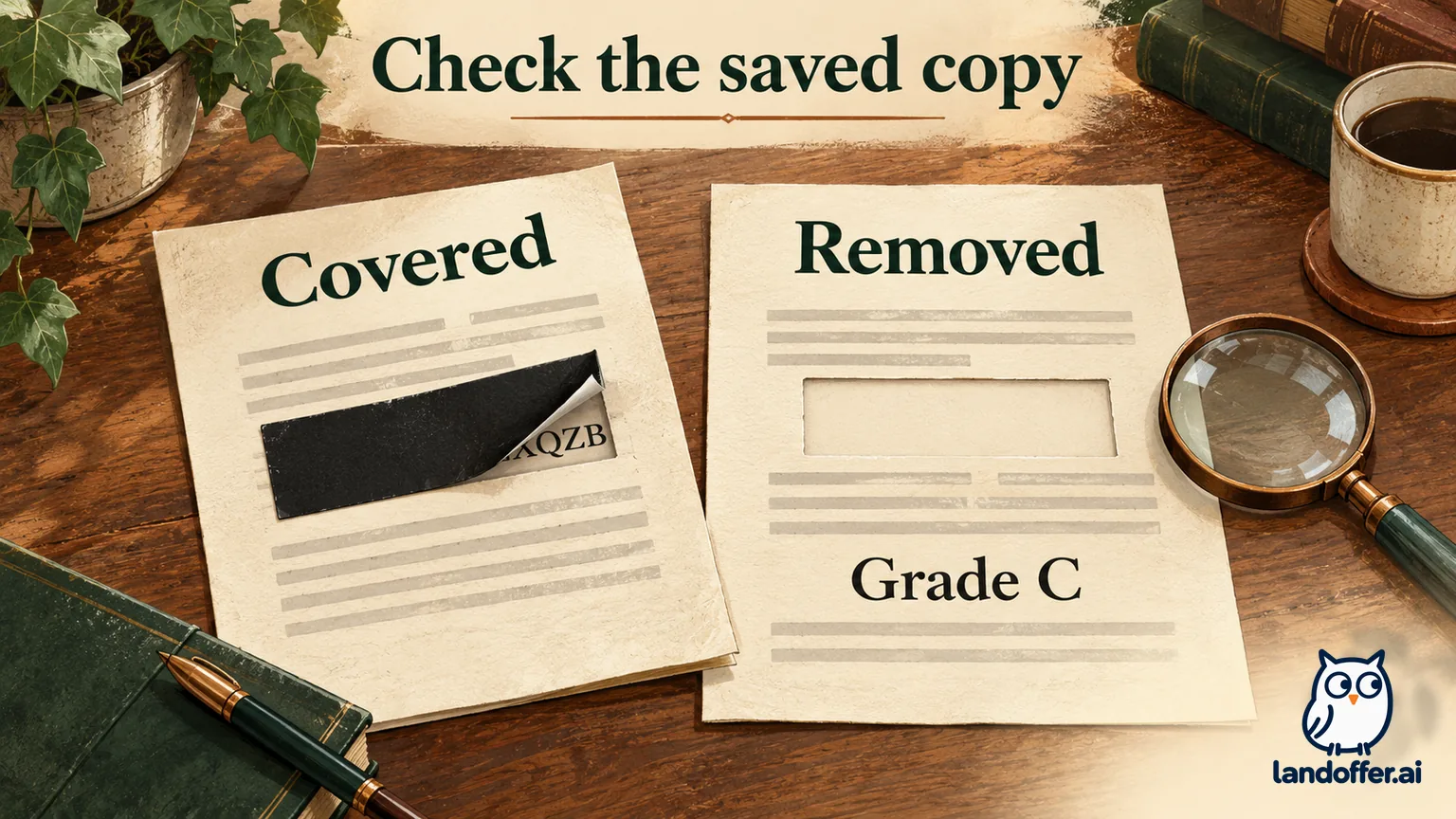
The overlay copy looked blacked out in the render, yet all six target occurrences remained in extracted text. The marked-only copy showed red outlines and likewise retained the text. Applying the redactions removed the targets from page extraction, but that operation alone left the separate metadata value and comment.
After cleaning those additional locations, we reopened the final copy. It contained zero target occurrences in page text, no demo ID in the checked metadata and no remaining annotations. The fixture contained no embedded attachments to begin with, so its zero attachment count does not demonstrate removing a hidden attachment from a real record.
All five versions retained eleven checked qualification strings, including the student and institution names, course titles, credit information and the C grade. The original's file hash was unchanged. The rendered final copy kept both page numbers and the qualification lines readable, with the six identifier regions removed.
Inspect the saved copy, including information beyond the page
The experiment gives two practical checks for your own permitted copy: confirm that the intended information is absent, and confirm that required evidence is still present. Search for the identifiers in the saved output, inspect any remaining selectable text around the regions and review every page visually. Reopen the exact file you intend to attach, rather than judging an unsaved editing session.
Adobe's sanitization tutorial, updated June 28, 2026, addresses comments, metadata and hidden layers as well as visible content. Inspect those areas using your editor's supported workflow. A page-only result should not be renamed “clean” while a comment still contains the same identifier.
Keep the limits of our demonstration in view. It used a simple text PDF, not a scanned transcript with OCR, embedded files, form fields or a digital signature. A failed search in an image-only document does not establish that a visible identifier has disappeared. Conversely, legible pixels do not establish that underlying text or document metadata is absent. Our checks are not a forensic certification for arbitrary PDFs.
If a file is protected or digitally authenticated, use an authorized issuer or hiring-contact route to resolve the requirement. Do not remove a signature mechanism and then present the changed file as an untouched certified record. An acceptable unofficial application copy and an institution's authenticated transcript are separate deliverables.
For Jules' fixture, the qualification check is deliberately specific. We look for the complete phrase “Grade C,” not merely a letter C that could appear somewhere else on the page. We also check “semester hours” alongside the course information. Check the institution name, credit unit and course grade separately; each answers a different qualification question.
If the saved copy loses a required course line, return to a new working copy of the original and narrow the selected region. Do not reconstruct the missing grade or type a replacement course into the application copy. That would introduce a different kind of editing from removing an identifier. Compare the new result with the original again, then repeat both the removal checks and the qualification checks. In this experiment, no such reconstruction was needed: the observed final file retained the original qualification text.
Attach the reviewed version without obscuring the record
Give the application copy a clear filename that omits the identifiers you removed. Keep the original in its existing private location and distinguish it from the reviewed copy. Jules' final demonstration filename contains no demo student ID; the before-and-after files remain separate so the original can be compared without guessing what was changed.
Before attaching anything, compare the output against the announcement's required documents. Confirm name, institution, relevant courses, grades, credit units and degree details as applicable. Match the selected attachment filename to the reviewed copy, then confirm its page count. If an application offers a preview, inspect that saved attachment too; an upload success message alone does not tell you whether the right file was chosen.
This guide has not uploaded Jules' fixture or tested any employer portal's handling of it. Its completed result is narrower: the synthetic identifiers were removed from the checked locations while the specified qualification evidence remained readable. Use that same pair of questions to review your permitted copy, then keep the application record alongside your wider job search on LandOffer.ai.
Sources and Further Reading
- USAJOBS: Obtaining your transcripts — current migrated Help Center article
- DFAS: Document Requirements — agency-specific transcript identification and evidence rules
- CalCareers: CAL FIRE posting 513341 — historical example, filing date April 7, 2026
- Adobe: Redact sensitive content in Acrobat Pro, updated August 31, 2026
- Adobe: Remove sensitive information — redaction and sanitization tutorial
- PyMuPDF: Page redaction API — marking and applying are distinct operations