 LandOffer
Job search
Saved Application Answers: What to Reuse and What to Check for Each Employer
Reuse verified evidence with provenance and refresh rules; a stored answer’s scope determines whether it fits another employer.

Reuse the evidence behind an application answer, then check whether its wording, timing, and employer context still fit. Current contact details and verified experience often transfer. Start dates, preferences, employer-specific motivation, and consent choices need a fresh decision. A saved answer should carry a source and a rule for when to stop reusing it.
Choose one role from LandOffer's recent jobs and build the answers it actually requires. LandOffer publishes this guide. Product descriptions were checked on October 8, 2026; Noor, the employers, records, and outcomes below are fictional teaching examples. We did not operate an account or submit an application.
Save a reusable fact separately from a finished answer
An answer bank can contain two different kinds of material. A fact records something about you: a role's dates, a project contribution, or a contact route. A finished answer combines facts with a particular question, audience, and length limit. Keeping both in one undifferentiated list makes a company-specific sentence look as reusable as a phone number.
Keep the factual note intact when adapting its presentation. If you wrote a data importer in a class project, that contribution can support a technical-project answer and a collaboration answer. The first might explain validation; the second might explain how you helped a teammate use the error report. Neither permits claiming that you owned the whole system.
Tools can make a different distinction. Simplify's essay-answer documentation says previously submitted responses can be refilled when the question wording matches exactly. Similar prompts with different wording are treated separately. An exact text match is a retrieval rule. It does not establish that your circumstances or the new employer's context match.
For example, “When can you start?” can appear unchanged two weeks apart while your availability changes. Conversely, two differently worded project questions may legitimately draw on the same evidence. Use the saved material as a starting point, with the current question deciding the final answer.
Give every bank entry a reuse decision
Use three practical states: reuse, refresh, and invalidate. Reuse means the evidence and intended scope still fit. Refresh means the underlying material remains useful but the wording or current value needs review. Invalidate means the answer must leave the active bank until its problem is resolved. These are editorial labels for your records, not claimed product features.
Add the exact prompt when saving a finished response. Also record whether it was meant for one employer, one role family, or a general factual question. “Why this employer?” belongs to the first category even if the prompt has appeared many times. A project evidence note can have broader scope, but its accompanying answer still needs a context check.
Noor's completed bank begins with five entries:
| Entry | Saved material and source | Reuse decision on October 8 |
|---|---|---|
| A01: professional link | Current portfolio URL; Noor opened the public page | Reuse while the URL and access remain current |
| A02: project contribution | Python inventory importer; private commit and course report | Reuse evidence; refresh wording for each prompt |
| A03: start date | November 2 availability; calendar checked October 1 | Invalidate: a new course commitment changes the date |
| A04: Alder motivation | Interest in the AL14 posting's data-cleaning work | Restricted to Alder AL14; refresh if the posting changes |
| A05: office preference | Willingness to attend two days weekly in the current city | Refresh for location, schedule, and the exact question |
This table is useful because it tells Noor what to do next. A01 and A02 remain available. A03 cannot silently reappear. A04 does not become a general motivation answer, and A05 cannot stand in for a promise to relocate. The labels let Noor find usable material without treating every saved paragraph as current.
For personal eligibility or authorization questions, retain your own confirmed facts and read the exact wording. Do not convert a previous yes or no into a universal rule. If you cannot determine an accurate answer, leave that item unresolved and obtain the information you need rather than allowing a saved response to decide it.
Complete a provenance record before polishing the wording
Provenance means recording an answer’s source and what that source supports. A short note is enough. For a project, record the contribution, the evidence you checked, and the limits on what it establishes. This lets you verify a contribution without reconstructing the project or accepting details added during repeated editing.
Here is Noor's completed A02 record. The private source references are invented identifiers; they demonstrate a method without asking candidates to expose private repositories.
| Record field | Completed value |
|---|---|
| Evidence note | In a two-person equipment-loan course project, Noor wrote the Python CSV importer and duplicate-ID checks |
| Sources checked | Private commit inventory-import-r3; course report, contribution section; peer walkthrough notes |
| Bounded result | In the course demonstration, duplicate asset IDs were excluded from import and listed in an error report |
| Limits | No production deployment, business savings, or ownership of the teammate's web interface |
| Reviewed | October 8, 2026; check again if a source correction changes the contribution or result |
| Answer scope | Technical-project and user-support prompts; select the relevant detail for each |
Within the fictional case, Noor now has one checked contribution note that supports two different answers. Noor can explain what happened in the demonstration without inventing a revenue figure or implying that a class tool served a real business. The walkthrough notes also support a different angle: helping a peer interpret the output.
Keep private evidence private. An internal note can say which source you checked without attaching confidential material to the employer's form. If you cannot disclose a project's details, use an appropriately general description that remains true. Do not replace restricted details with invented customers, public links, or unsupported results.
An AI-written draft is a wording proposal, not a source for personal facts. Trace any new technology, metric, responsibility, or employer assertion back to something you know. When no source supports the addition, remove it. A persuasive sentence can be easy to trust on a tired evening; saving it without checking its facts repeats the error on the next form.
Reuse one project across two different employer questions
The following completed example shows how the bank changes the answer without changing the experience. Fictional Alder Labs, requisition AL14, asks Noor to describe a project and personal contribution in no more than 120 words. Fictional Quarry Systems, requisition QS28, asks how Noor helped someone use a technical tool, with an 80-word limit.
Alder AL14 — project contribution:
In a two-person course project, I wrote a Python importer for an equipment-loan inventory. I added checks for duplicate asset IDs and an error report that identified the affected rows. During our demonstration, the importer excluded those duplicate records so we could correct the input before loading it. My teammate built the web interface; my contribution was the import logic, its checks, and the explanation of rejected rows.
Quarry QS28 — helping someone use a tool:
In our equipment-loan course project, my teammate initially could not tell why some inventory rows were missing after import. I walked through the error report with them, connected each rejected row to its duplicate asset ID, and added a short example to our project notes. They then used that example to correct the demonstration input. I learned to explain the recovery step alongside the error message.
Both answers come from A02. Alder receives the implementation detail and division of responsibility. Quarry receives the interaction and explanation. Noor has not added product use, commercial impact, or experience with either employer's internal systems. Both answers remain below their fictional limits.
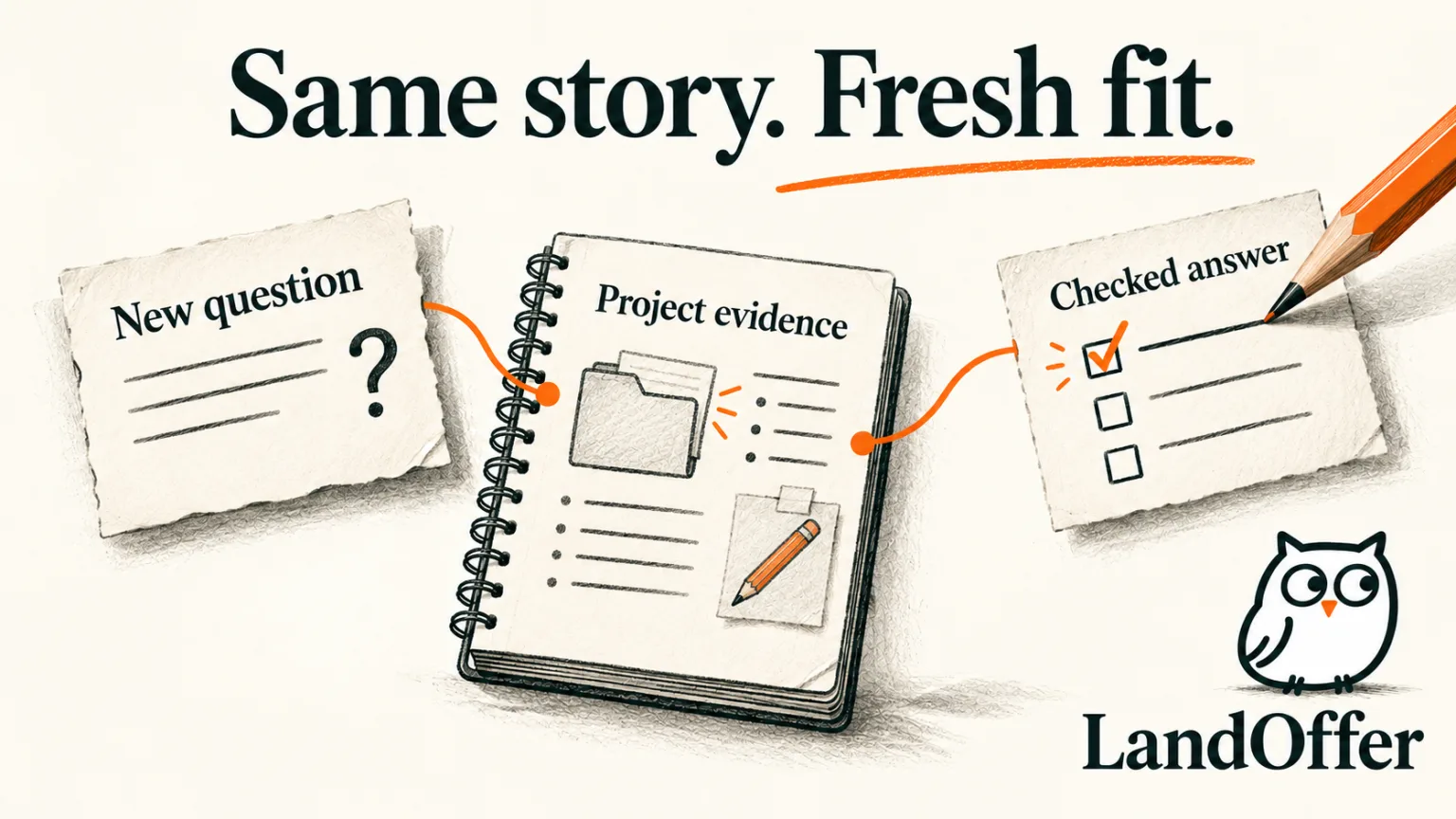
Noor records these as A02-AL14 and A02-QS28, linked to the underlying evidence note. The two versions remain distinct because the exact prompts and purposes differ. If a later source correction changes the project result, Noor can find both active answers rather than hoping to remember every place the sentence was copied.
This approach also handles shorter fields. Cut background first, then choose the action and bounded result that answer the prompt. Do not remove a qualifying phrase such as “course project” merely to make the experience sound larger. Length reduction should change the amount of detail, not the meaning of the facts.
Refresh changing answers with an event, not only a date
A review date tells you when someone last checked an answer. A refresh trigger tells you what would make it stale. For contact information, that might be a changed number or inaccessible link. For availability, it might be a new commitment. For employer motivation, it might be a different posting, team, or location.
In Noor's example, a course commitment discovered on October 8 makes the November 2 start date inaccurate. Noor removes A03 from active reuse, checks the calendar, and creates A03-r2 with November 16 as the earliest available date. The older entry stays labeled invalidated, with the reason recorded. It is not overwritten into a misleading history.
Noor also finds a draft answer attached to AL14 that used November 2. That draft is refreshed to November 16. The project answers need no change because availability does not alter the course contribution. This is a completed update decision: one source entry and one dependent draft change, while unrelated evidence remains intact.
Do not assume a profile correction updates separately saved prose. Simplify's profile guidance documents how profile changes feed Copilot and connected resume facts. Its essay guidance describes a separate response-reuse mechanism. Review affected saved answers explicitly rather than treating a profile sync as proof that every sentence has been corrected.
When a correction concerns an earlier application, separate prevention from repair. MyGreenhouse's candidate FAQ says profile name and phone changes affect future applications, while earlier corrections require contacting the employer. Your bank can prevent reuse; it cannot itself rewrite information an employer already received.
Control where answers are remembered
A personal notebook and a service's saved-answer store are different locations. Updating one does not establish that the other changed. Record where an active answer can be reused: a local note, a profile field, or a tool's response store. For A03, Noor’s location list names the local bank and AL14 draft; both need the November 16 correction.
For Simplify, the current essay guide says to edit a saved response the next time the exact question appears. It does not document a universal bulk invalidation control in that guide. If you cannot verify a needed update, avoid relying on automatic reuse for that item. Copy the corrected answer from your bank or complete the question manually.
Consider what you need to store at all. Simplify's privacy policy includes saved application answers among collected information and says the extension keeps recent answers locally. LandOffer's privacy page likewise describes remembered answers and edited AI drafts. These are descriptions of storage, not independent security assessments or a reason to copy sensitive supporting documents into every tool.
Keep optional personal disclosures under your control. Read the employer's current choices and the service's relevant controls before saving them for future use. Do not assume that a previous disclosure preference should be applied everywhere, or that deleting an answer from your notes deletes copies held by a service or employer.
Build a smaller bank you can keep accurate
You do not need a stored response for every possible prompt. Begin with a few verified project or work notes, current factual details, and employer-specific drafts for roles you actually intend to pursue. Expand the bank when a useful answer recurs, while preserving its scope and refresh rule.
Noor finishes with two checked project answers, one corrected availability entry, and a motivation draft restricted to Alder. The bank reduces repeated reconstruction of facts while keeping employer decisions visible. The result is an organized set of usable drafts; it does not establish submission, employer receipt, or a hiring outcome.
Choose one role from LandOffer's recent jobs. Make a sourced note for one experience, adapt it to that employer's actual question, and record what would invalidate the answer. The next step is drafting one accurate response; browsing a listing does not authorize a tool to submit an application.
Sources and Further Reading
- Simplify: Answering Essay Questions with Copilot: exact-question response reuse and the documented update route.
- Simplify: Editing your Profile after Onboarding: connected profile facts, distinct from saved prose.
- MyGreenhouse: FAQ for Candidates: future-profile changes and earlier employer corrections.
- Simplify: Privacy Policy: saved application information and local extension copies.
- LandOffer: Privacy: remembered answers and edited drafts described by the publisher.