LandOffer
Job search
PeopleSoft Draft Application Returns to Start: Recheck Changed Terms and Required Steps
Continue an existing PeopleSoft draft after returning to Start: review changed notices and configured steps, preserve entered facts and verify submission separately.
A PeopleSoft draft that reopens at Start may need you to revisit changed notices, terms or application steps. Oracle documents that behavior for Candidate Gateway, with previously entered data preserved in the described situation. Returning to Start alone does not prove that your draft was deleted, that a configuration changed or that your application was submitted. First open the existing application record. Check its status and current requirements before considering a new application.
LandOffer publishes this guide and offers a place to browse recent roles while keeping each employer's application record separate. We reviewed Oracle's PeopleSoft HCM 9.2.055 documentation on October 23, 2026. We did not sign in to an employer portal, change answers, accept terms, upload files or submit an application. The two completed walkthroughs below use fictional applicants and records, not recovered real applications.

Identify the existing draft before interpreting Start
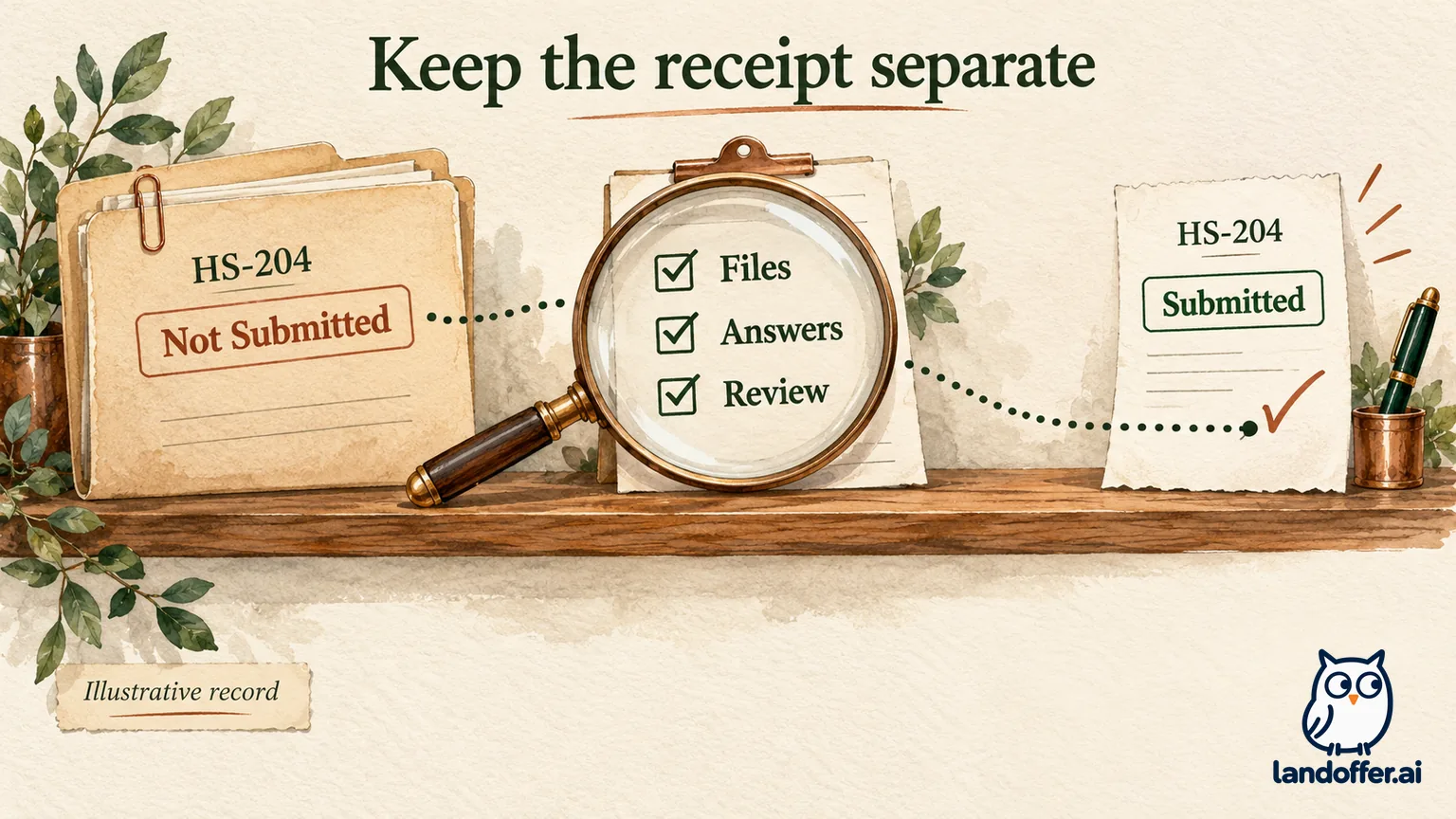
Oracle's online application process distinguishes saved drafts from submitted applications. In the documented classic interface, drafts appear as Not Submitted in My Activities. Use a saved record to continue work. Treat a submission confirmation as a separate event.
Begin with the employer's official careers entry point and the account you originally used. Match the job title and job identifier with your own saved reference. If you have several drafts, confirm which record you opened before comparing its contents with what you remember. A similar title at another employer is not the same application.
Record the status exactly as displayed so a later check can distinguish unfinished work from a verified submission. “Not Submitted; reopened at Start” is a useful observation. “My application was rejected” adds a conclusion the observation does not support. Likewise, an application with a different identifier should not be called the original draft merely because your name and resume appear in it.
If you cannot locate the record, keep that problem separate. This guide explains a documented restart condition for an existing draft. It does not recover a lost account, recreate unsaved text or establish what happened in a particular employer's system.
Understand the documented configuration-change route
The Fluid Candidate Gateway process describes returning to Start after changes to Start notices or terms and conditions, or changes to application steps from the resume template. It says entered data is preserved but the applicant must revisit every step. It also distinguishes this from reopening on certain self-identification or community-background steps whose information is not saved until submission.
That is a possible explanation, not a diagnosis you can make from the first page alone. You may be able to see different wording or a newly required section. You normally cannot infer the employer's administrative change history just by looking at the activity guide. Describe what changed visibly and ask the employer if you need confirmation of the cause.
“Resume template” here means configuration of the application process. It does not necessarily mean your uploaded resume file was edited or rejected. Oracle's template setup documentation explains that templates organize collected information and configurable steps. Applicants should inspect the resulting requirements rather than look for an administrative template setting to change themselves.
Do not accept a new notice only to make the navigation move forward. Read what the page actually presents. If you do not understand a requirement or cannot truthfully agree, use the employer's designated help route before continuing. This guide does not interpret the legal effect of a particular agreement.
Worked example: preserve a draft while revisiting the route
Fictional teaching case: Elena saved an application for Harbor Systems' Data Services Analyst role, identifier HS-204, on Monday. Her own note says she reached Work Experience and saved a draft. On Wednesday, the same record shows Not Submitted and opens at Start. Harbor Systems and HS-204 are invented; no employer portal was tested.
Elena considers selecting Apply again from the posting. Instead, she compares the existing record with her Monday notes. The identifier matches. Her work-history entries remain visible when she reaches that step. At Start, she sees a notice with wording different from the copy she previously saved. She records a visible difference; this fictional observation does not identify who changed a setting or prove a backend change.
Her completed state record reads:
| Checkpoint | Fictional observation | Elena's decision |
|---|---|---|
| Record identity | HS-204 matches the saved job reference | Continue this record rather than create another |
| Opening status | Not Submitted, now at Start | Keep the application marked unfinished |
| Start content | Notice wording differs from Monday's copy | Read the current notice and resolve any question before consenting |
| Saved work | Two prior work-history entries are present | Check their accuracy; do not retype unchanged entries |
| Required attachment | Current instructions request a named supporting file | Inspect what belongs in that section before continuing |
| Final stage | Review and Submit has not yet been reached | No submission claim or receipt recorded |
The outcome is a controlled continuation: the draft exists, entered work is present and there are current requirements to review. Elena has not proved a backend configuration change. She also has not submitted anything. Those limits make the record more useful than a broad note saying the portal “reset everything.”
Her next actions follow the current sequence. She reads each step, checks the corresponding saved content and supplies only information the page requests and she can support. Repeating the route becomes a review task rather than a blind restart.
Revisit the current steps without assuming every field is saved
Preserved application data in the documented restart condition does not justify ignoring the contents. Compare employment dates, document selections and answers with your own originals. If a field is missing, distinguish an unsaved edit from a value you previously verified in the saved record. Memory alone is a poor basis for deciding which event occurred.
Oracle's Fluid application guide describes required-information validation when moving forward, and says a required resume or cover letter must be supplied before proceeding. It also explains that saving or exiting before ever moving past Start does not create a draft with application information.
Use the actual controls and messages in your employer's portal. A required label on a current step matters even if an older saved note treated that item as optional. If an attachment is present, confirm which file is selected rather than repeatedly uploading alternatives until the page changes.
Keep reusable source material outside the form where appropriate: your current resume export, accurate work-history dates and your own answer drafts. These are preparation copies, not substitutes for the application record. Avoid placing passwords, one-time codes or access-bearing links in the same notes you might send to support.
If the required material is unavailable, record the exact item and pause the application honestly. Do not fill a mandatory question with an invented response or assume a resume elsewhere in the account satisfies this particular section.
Inspect questionnaires before relying on the final summary
The Fluid guide notes that Review and Submit does not display questionnaire data. Read relevant answers on their own step before the final review. That is a product-specific reason to review the full route rather than treating one summary page as a complete copy of every response.
For a long answer, compare the actual question with your saved draft before pasting or editing. A similar-looking prompt can ask for a different period, qualification or example. Retain accurate facts while answering the current request. Do not transform an eligibility answer to pass a check whose meaning you have not established.
Check the final application as a coherent packet. A resume, work-history field and supporting statement can all look complete while giving inconsistent dates or describing different versions of your responsibilities. Correct the underlying fact before submitting instead of treating a successful Next action as evidence of substantive accuracy.
Keep a before-and-after note for changed requirements. For example, Elena records “supporting statement requested on Wednesday; no comparable instruction in my Monday copy.” That observation is narrower than claiming the employer added a mandatory file to every application. If her earlier copy is incomplete, she marks the comparison uncertain. A careful comparison preserves what she can show without turning a missing screenshot or imperfect memory into evidence of a system change.
The practical question is what you can verify now. If a previously completed section contains different information, preserve the observation and investigate. Reaching the final step does not require pretending that an unexplained difference is harmless.
Worked example: a review log that ends with a distinct receipt
Fictional continuation: Elena has resolved the notice, checked both work-history entries and supplied the requested supporting file. She keeps a small review log instead of counting how many times she clicked Next. The following is an invented successful sequence showing what the records mean, not an account action performed for this article.
| Stage | Completed fictional check | Recorded state |
|---|---|---|
| Resume | Selected Elena-HS204.pdf; dates match her work-history notes | Reviewed, still draft |
| Supporting file | Selected the file requested by the current instruction | Reviewed, still draft |
| Questionnaire | Read each current question and compared its answer on that step | Reviewed, still draft |
| Review and Submit | Checked contact information, attachments and displayed summaries | Ready for Elena's own final decision |
| Final Submit | Elena chooses to submit in this fictional example | Action taken; verify outcome next |
| Confirmation | Confirmation names Data Services Analyst, HS-204; application list shows Submitted | Submission recorded for HS-204 |
Her final personal note says: “HS-204 submitted Wednesday at the time displayed by the portal; confirmation and application status retained.” She replaces the earlier Not Submitted note only after the new evidence exists. The example does not invent a universal confirmation number, email arrival time or hiring outcome.
If the final action produced an error instead, her log would end “submission unconfirmed” with the message and time. A completed review is useful progress, but it cannot become the missing confirmation. She would inspect the application record or seek employer help before deciding whether another action is necessary.
Verify the outcome before creating another application
The Fluid guide places Submit on the final review step and describes the Application Confirmation page as evidence of successful submission. Its job list identifies the jobs included. Inspect the relevant title and identifier, especially if you began a multi-job application. Do not assume every originally selected role survived every preceding step.
If the displayed result and your application list disagree, retain both observations with their times. Use the employer's official applicant-support contact and identify the affected role. Ask what action is needed for that record rather than creating a second account or submitting a duplicate as a test.
In an alternate fictional interruption, Elena could prepare this unsent note: “My HS-204 draft reopened at Start. I reviewed the current steps but the same supporting-file requirement blocks Next after I select the requested file. The application remains Not Submitted. What should I do for this record?” The question names the current obstacle without asking support to infer a cause or treat the draft as received.
Once the outcome is clear, keep the confirmation or unresolved-status record with that exact job identifier before returning to your wider search. Browse recent roles on LandOffer.ai using your shortlist. LandOffer does not control PeopleSoft configuration, restore drafts or submit the application described here.