LandOffer
Productivity & Workflows
Obsidian Sync Conflict at Work: Preserve Both Versions Before Resolving the Note
Preserve device copies and resolve content deliberately, distinguishing Markdown, Canvas and JSON behavior, Sync history and local recovery using actual synthetic file comparisons.
When an Obsidian work note conflicts across devices, preserve the available versions before choosing or restoring anything. Compare the actual content, separate compatible additions from contradictory decisions, and verify the resulting note before treating synchronization as complete. The newest timestamp cannot tell you which meeting time, owner, or technical decision is correct.
This guide from LandOffer.ai uses current Obsidian documentation and original synthetic files. We actually compared local Markdown copies, preserved their bytes, and checked sample Canvas and settings JSON. The devices, work notes, and proposed resolutions are fictional. We did not trigger a live Obsidian Sync conflict, restore a remote version, or test propagation between connected devices.

Preserve the content before trying to make devices agree
Stop editing the affected note while you establish what exists. Identify the vault, note path, devices involved, and which devices may still contain unsynced changes. Use only storage approved for that work material. A convenient personal cloud folder or external comparison website may fall outside the permitted handling of company notes.
Obsidian's Sync settings guide documents a Pause or Resume control. Where appropriate, pause the involved Sync sessions while collecting copies, and record which devices you paused. Check the other involved devices separately; one paused session does not collect their unsaved content. Avoid clearing local data, replacing a vault, or deleting a conflict copy as an early troubleshooting step.
If an editor still shows unsaved text, capture that text in a separate permitted copy before relying on a disk-file copy. Do not assume the file on disk already contains the visible edit.
Save identifiable copies of the available files in an approved location outside the active synchronization path. Label their source device and collection time without renaming the only remaining original. Preserve related attachments or configuration files if the problem concerns those, and record any file you could not retrieve. An inaccessible device is a missing source, not evidence that its changes never existed.
The Obsidian backup guide distinguishes synchronization from independent backup. Sync can propagate an unwanted change as well as a useful one. A preservation copy for this incident provides a comparison reference; it does not replace your organization's ongoing backup arrangement.
Understand what the conflict mechanism does
Obsidian's conflict documentation describes conflicts arising when the same file changes on multiple devices before synchronization. Offline editing increases the opportunity. Markdown changes are merged, while other file types, including Canvas files, use a last-modified-wins approach. Settings conflicts have a separate JSON merge behavior: local keys are applied over remote keys.
Automatic Markdown merging can leave duplicate passages or formatting problems. Even an apparently clean result may contain two incompatible commitments. Review the meaning of the text rather than assuming an algorithm has chosen the right operational decision.
The documented conflict-file option, introduced in Obsidian 1.9.7, allows manual comparison instead of automatic merging. The settings guide says this choice is device-specific, so configure it separately where you want that behavior. Changing an option now does not recreate an older version that has already been overwritten.
A documented conflict filename includes the original name, device, and timestamp. The troubleshooting guide says the conflict file contains changes from the device where the conflict was detected, while the original keeps the remote version. Treat those labels as provenance. Use the content and the responsible person's confirmation to choose text; the filename alone cannot settle the work decision.
Completed asset: compare two preserved Markdown versions
Our fictional note is Meridian service handoff. Lena edited a laptop copy while offline; a phone copy contains Omar's temporary coverage information and a different queue-limit proposal. These files were written for this exercise. Their timestamps and content do not represent an actual Sync event.
We saved both input files, made separate preservation copies, and checked that each copy matched its source byte for byte. A local comparison produced this completed decision record:
| Topic | Laptop copy | Phone copy | Candidate treatment |
|---|---|---|---|
| Ownership | Owner: Lena | Omar, temporary cover Friday afternoon | Retain Lena as owner and record Omar's coverage separately, pending confirmation |
| Review time | Friday 15:00, Lena proposal | Friday 16:00 | Preserve both times as unresolved; ask Lena |
| Rollback note | Checked task: Draft rollback note | No corresponding item | Retain it with attribution to the laptop copy |
| Replay | Unchecked Run replay on staging | Same unchecked task | Keep one unchecked task |
| Queue limit | Lena proposed 800; not approved | Omar proposed 600; not approved | Keep both proposals and state that neither is approved |
| Support request | No corresponding item | Support needs a sample alert | Retain the request |
Absence in one copy does not automatically mean deletion was intended. Similarly, a checked box is a recorded claim in a source note. In this example we preserve its attribution; we did not perform the rollback-document task or independently verify its completion.
The resulting candidate note is fully written, including the unresolved decisions:
# Meridian service handoff
Owner: Lena
Cover: Omar, Friday afternoon; confirm handoff with Lena.
Review: unresolved — Lena proposed Friday 15:00; phone copy says Friday 16:00. Lena to confirm.

## Ready
- [x] Draft rollback note. (Recorded in laptop copy.)
- [ ] Run replay on staging.

## Open
- Queue limit: unresolved — Lena proposed 800; Omar proposed 600. Neither is approved.
- Support needs a sample alert.
This is a comparison candidate, not a final team agreement. Lena still needs to confirm coverage, the review time, and the queue-limit decision through the team's normal process. Keep that uncertainty visible instead of combining the proposals into a fictitious approved value.
Our local checks confirmed that both proposed times, both queue limits, the coverage context, and the support request remained in the candidate. They also confirmed that the replay task appears once and remains unchecked. Those checks establish the contents of these synthetic text files. They do not reproduce Obsidian's merge algorithm or determine the truth of a work decision.
Choose the recovery source that can contain the missing version
Obsidian's version-history guide distinguishes recent Sync history from restorable file versions. The recent-history sidebar is not the complete recovery interface: settings and deleted items do not appear there. For a present file, inspect its version history; for a deleted or renamed file, look in Sync's Deleted files area. Settings have their own history under vault configuration sync.
As checked on October 25, 2026, the guide lists note history retention of one month for Sync Standard and twelve months for Sync Plus. Older attachment versions are retained for two weeks. Check the history actually available for the file and plan. A published retention period does not establish that a particular unsynced edit reached the remote history.
File recovery is different: it saves device-local snapshots when enabled. Its defaults are a minimum five-minute interval between snapshots and seven-day retention, both configurable. Snapshots remain on the device and are not synchronized. Look on the device that may have held the missing edit, not only the device currently displaying the conflict.
Preserve the current content before using Restore, because restoration replaces the file content. The recovery interface also offers Copy, which can help compare a snapshot without immediately replacing the current note. If no relevant snapshot or historical version exists, record that gap and use the copies or approved backups you actually have.
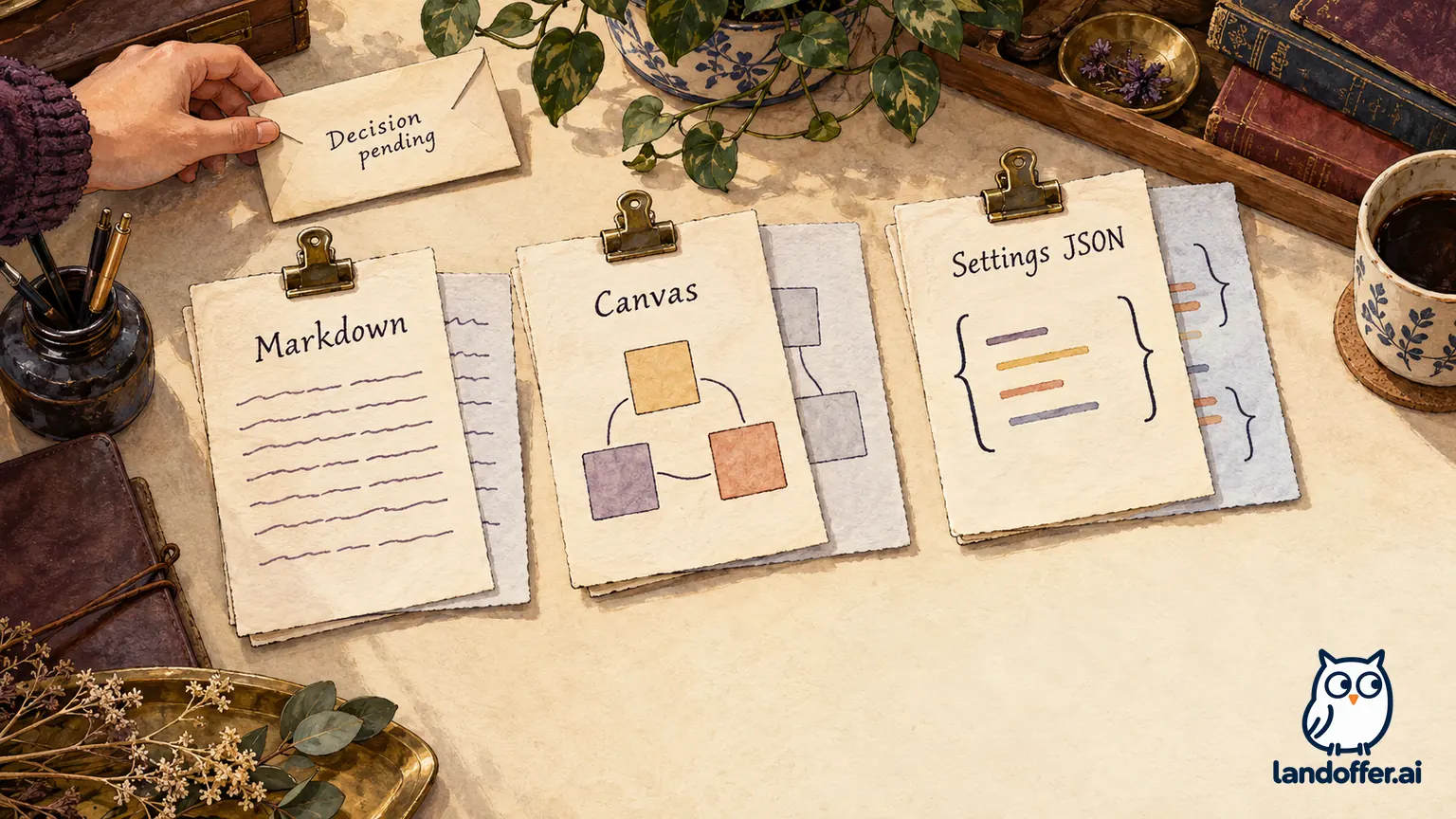
Completed asset: recovery choices for three file types
The following record combines actual isolated file checks with documentation-grounded recovery choices. We created the Canvas and settings files ourselves. We did not restore them through Obsidian, open their rendered Canvas, or apply settings to an installation.
| File and issue | Preserved evidence and candidate | Appropriate recovery route | Verification and remaining work |
|---|---|---|---|
| Markdown note has competing times and limits | Two original copies plus the candidate above | Compare preserved copies; inspect Sync versions or that device's File recovery if content is missing | Both proposals retained, replay still unchecked; Lena's decisions remain pending |
| Canvas loses a content node in one copy | Laptop has three nodes; phone has two and a different layout; candidate retains the three-node laptop version | Inspect available Sync history or a local Canvas snapshot before choosing a candidate | Candidate JSON parses; three unique node IDs and edge endpoints checked; phone layout preserved separately; Canvas rendering untested |
| Settings JSON contains different display preferences | Both JSON copies retained; candidate chooses the phone's two values for illustration | Inspect Settings version history, with the authorized settings owner deciding values | JSON parses; no live settings applied, no reload or cross-device behavior verified |
Our Canvas fixture has nodes for Lena as primary owner, a pending replay, and a requested sample alert. The phone version lacks the sample-alert node and moves the replay node. Selecting the three-node candidate preserves the substantive request, while retaining the phone file preserves its alternate layout. This exercise does not assert that the layout was unimportant or that either file was the latest version.
The settings example uses readableLineLength and showLineNumber. The local candidate contains false and true, respectively. Those values are an illustrative preference choice, not a recommended company configuration or an observed result of Sync. A successful JSON parse establishes syntax, not that Obsidian accepts the configuration or a plugin behaves correctly.
The File recovery documentation limits restoration to .md and .canvas files. Do not assume it can recover a settings JSON file. It also documents path-related limitations: snapshots use absolute paths, and moving a vault can affect access. Check the documented recovery context before concluding that history is absent.
Verify the candidate before resuming normal editing
Read the candidate for the decisions and actions a teammate will rely on. Can someone identify the current owner, pending actions, competing proposals, and who must decide? Check the review-time line, queue-limit status, coverage note, unchecked replay, and any links or attachments in your real note. An intact paragraph can still point to a missing file, and a resolved formatting conflict can still contain contradictory instructions.
The isolated exercise recorded twenty-two checks covering byte preservation, retained Markdown content, JSON parsing, and basic Canvas structure. We retained both original Markdown files, byte-matched preservation copies, text differences, JSON fixtures, candidates, and file hashes. No account settings, remote vault, or real work note changed. Actual synchronization status, settings reload, Canvas display, and second-device content checks remain outside that test.
For a real incident, obtain the necessary content decisions before replacing the working note with a candidate. Then resume synchronization deliberately on the devices you paused, allowing time to inspect actual results. Do not assume that a status icon proves the recovered decision text is present. Reopen the note on another involved device and compare the specific sections you resolved.
If the content changes again or a required device is still unavailable, keep the incident open and preserve the new evidence. Keep the preservation copies available while the recovery result is still being checked. Apply your organization's retention rules once recovery and verification are complete.
Record what was preserved, resolved, and still missing
A useful closing record names the files and devices inspected, preservation location, candidate chosen, outstanding content decisions, and checks actually completed. Avoid saying “recovered everything” when one device, attachment, or historical interval was unavailable.
For our fictional case, the accurate record is: “Laptop and phone Markdown copies preserved. Candidate retains both review times and both unapproved queue proposals. Three-node Canvas and sample settings JSON checked locally. Lena's confirmations, Obsidian rendering, live settings behavior, and Sync propagation remain pending.” That statement is useful even though it does not claim a finished live recovery.
For your next conflict, start by preserving both available versions and writing down the specific disagreement. Compare the preserved content and obtain the responsible person's decisions before marking the note resolved. For further workplace reading, visit LandOffer.ai.
Sources and Further Reading
- Obsidian Help: Troubleshoot Obsidian Sync — file-type behavior and conflict-copy provenance.
- Obsidian Help: Sync Settings and Selective Syncing — pause/resume and device-specific conflict options.
- Obsidian Help: Version History — history interfaces and retention limits.
- Obsidian Help: File Recovery — local snapshots, defaults, file-type and path limits.
- Obsidian Help: Back Up Your Obsidian Files — synchronization and independent backup.