 LandOffer
Job search
No Confirmation Email After Applying: What to Check Before Applying Again
Check the exact employer, job reference, mailbox and submission evidence before applying again. Work through a fictional receipt case and choose a supported next action.
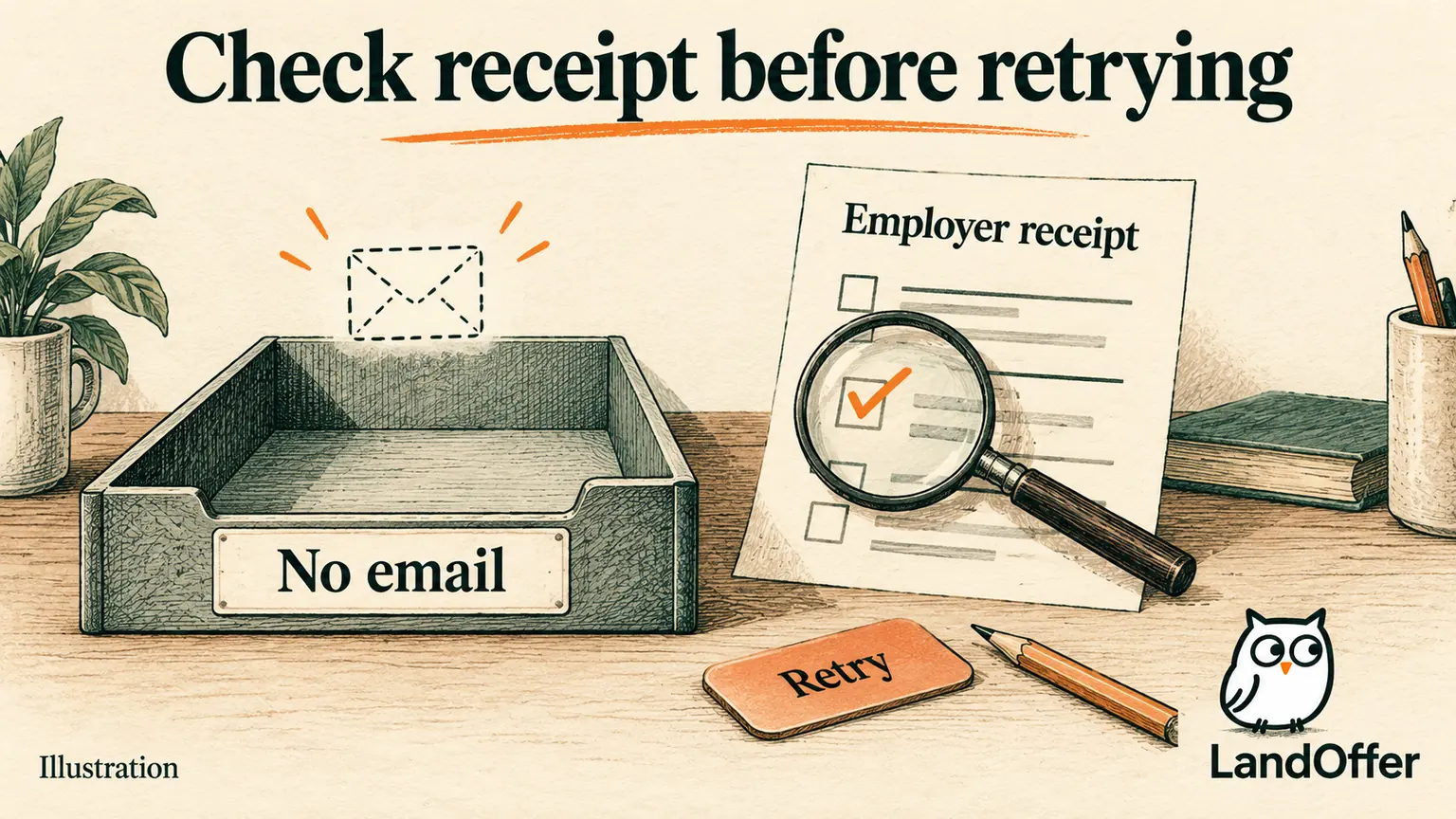
A missing confirmation email does not prove that your application failed. Before applying again, match the employer, job reference, application destination, and email address; then check any final confirmation page or submitted application record. If a matching receipt or submitted employer record establishes receipt, keep the existing application. If the outcome remains unclear, record the uncertainty and use the employer's stated support route before making another attempt.
Keep this check attached to the exact role you found, whether through recent jobs on LandOffer or another source. LandOffer publishes this guide. Official help pages were reviewed on October 8, 2026; the recovery cases below are fictional illustrations. No employer account, email inbox, or real application was operated for this article.
Separate email delivery from application receipt
An application and its notification are different events. You can have evidence that the employer received an application even when you cannot find an email. You can also receive an account-verification message without completing an application. Read what the evidence actually confirms.
Greenhouse's candidate help page says organizations can configure confirmation emails and some choose not to send them. Its separate confirmation-page documentation describes the page shown after submission as confirmation that the organization received the application. These are documented Greenhouse distinctions, not a promise about every employer form.
By contrast, Microsoft's hiring guidance describes an email confirmation after a completed application and status tracking in the Action Center. That expectation belongs to Microsoft's described process. It cannot establish that another employer must send the same message or that an absent message automatically authorizes a second submission.
Your immediate question is whether this particular application reached its destination. Hiring progress comes later. A receipt does not tell you whether a recruiter read your resume, whether you passed screening, or when a decision will arrive. Keep those questions separate so a notification problem does not become a prediction about your candidacy.
Identify the application you are checking
Write down the employer, role title, requisition or job ID when available, and the final application URL. Include the date and approximate time of the attempt, with your time zone. These details prevent a receipt for a similar title from settling the wrong application.
The same role may appear on a job board and the employer's careers page. Record where you actually completed the form. A saved job-board listing shows discovery; an employer application page shows the destination. An application handled entirely by a third-party site may have its own receipt. Opening the employer page afterward does not make that page the source of the earlier submission.
Next, identify the email you entered into the application, which may differ from the account currently open in your browser. Use a saved draft, your own notes, or a visible application summary if available. Do not edit a submitted record merely to investigate which address it used. A second browser account can explain a missing record without proving an application was lost.
If you have several similar positions, compare job IDs before treating an email as the missing receipt. A confirmation for Aster Labs AL-48 cannot settle the outcome for AL-47 simply because both titles say Backend Engineer. When a receipt omits an ID, compare its employer, title, destination, and time; retain any uncertainty that those details cannot resolve.
Search the mailbox that the application used
Start with the correct mailbox and search for the employer, role, and job reference separately. A message may use a recruiting-service sender rather than the company's display name. Searching only for one exact subject can miss a differently worded acknowledgement.
For Gmail, Google's missing-message guidance recommends searching across Mail, Spam, and Trash. It also describes filters that archive or delete incoming mail and forwarding or other email-client settings that affect where messages appear. Inspect the relevant settings when your search gives you a reason to investigate them; their existence is not evidence that they caused this missing message.
If you use another email provider, follow its equivalent search and junk-folder instructions. A school address, forwarded alias, and personal address are three different places to check when they were part of your actual application setup. Avoid collecting unrelated account information just because you are unsure where a notification went.
Read what each message confirms. A sign-in code confirms an authentication step. A job alert confirms an alert event. An assessment invitation concerns the task it describes. An application acknowledgement concerns receipt of the application it identifies. Preserve a matching acknowledgement; do not substitute a message about a different event.
If the form contained an incorrect address, treat that as a correction problem. Changing the email on your general profile may not change the historical application. MyGreenhouse's FAQ says a submitted application's email cannot be changed there and directs candidates to the employer. It also allows reapplication with the correct address if the posting is open. Read those specific options in context rather than treating every missing email as an address error.
Check the employer record without starting another application
Return to the employer's stated application-status route, using the account associated with the attempt. Look for the exact application and distinguish a saved draft from a submitted entry. Capture the visible wording and date instead of translating an unfamiliar label into “received” or “rejected.”
MyGreenhouse's current candidate FAQ says application visibility depends on what the hiring company shares. An application can be absent because the company did not share it, because it came through a third-party site, or because a different or incorrect email was used. Therefore, an empty MyGreenhouse list alone cannot prove a failed submission.
Use the employer portal and its own status guidance to interpret the exact record. If your application originated on an older or different careers system, follow the route in the original posting or communication. Do not choose whichever portal looks newest and assume every historical record moved there.
If the final confirmation page is still open, save its wording and the identifying details before navigating away. A generic thank-you message is less useful when you cannot tie it to a role or attempt. Conversely, a screenshot of a completed form before pressing Submit establishes preparation, not receipt.
Use the evidence to choose your next action
The following decision table is an editorial method. Its labels organize your records; they are not universal employer status names. Apply the branch that matches the evidence you actually have.
| Evidence for the exact application | What you can conclude | Next action |
|---|---|---|
| Matching employer receipt or clearly submitted employer record | Receipt is established within the evidence's scope; missing email remains a notification issue | Retain one application record and follow the employer's stated next steps |
| Saved draft with a required step unfinished and no submission attempt | The application is still being prepared | Complete and review the existing draft if the role remains open |
| Error during or after Submit; no matching receipt | Submission outcome is uncertain | Save the error and check available employer records or support before retrying |
| No email and no visible portal entry, but portal visibility is limited | Available evidence does not establish success or failure | Keep the outcome unresolved and use the employer's appropriate contact route |
| Employer confirms no application was received or directs a new attempt | A new attempt has a specific basis | Follow the instruction, check the current posting, and record the new event against the same opportunity |
The difference between “unfinished draft” and “uncertain submission” matters. In the first branch, no submission was attempted. In the second, a request may have been sent before the screen failed. A spinner, timeout, or local connection interruption does not tell you what the employer received.
Likewise, a tool's Applied label needs provenance. It may describe your own stage change or an automation service's report. Keep that report, but identify whether it includes a matching employer confirmation. Re-running a tool to produce a reassuring label can leave the original uncertainty unresolved.
Work through a missing-email case without duplicating it
Fictional example: Rowan found Aster Labs Backend Engineer, AL-47, on a job board and completed its employer-hosted application on October 8 at 10:20 a.m. Pacific time. After Submit, a page identified Aster Labs and AL-47 and said the application had been received. Rowan saved that page. No confirmation email was visible afterward.
Rowan's initial tracker entry said “Applied?” with a reminder to apply again that afternoon. The saved page changes the decision. Rowan compares its employer and ID with the original posting, checks the email recorded in the application notes, and searches the correct mailbox including junk and archived messages. The search still finds no acknowledgement.
An empty inbox can feel like unfinished work. Rowan keeps that feeling separate from the saved receipt: AL-47 was received, while email delivery remains unknown. Rowan replaces the vague tracker entry with this completed record:
| Record field | Reconciled value |
|---|---|
| Opportunity | Aster Labs, Backend Engineer, AL-47 |
| Application destination | Employer-hosted form reached from the saved posting |
| Attempt | October 8, 2026, 10:20 a.m. Pacific |
| Receipt evidence | Saved final page identifying Aster Labs and AL-47 |
| Local status | Submitted; receipt supported by the saved page |
| No matching acknowledgement found; cause unknown | |
| Next action | Read and follow the employer's next-step instructions; cancel the unnecessary retry task |
The completed result is one reconciled opportunity and no duplicate submission. It is not a claim that Rowan advanced in hiring. The email search did useful work, but it did not outrank the matching receipt merely because email felt more familiar.
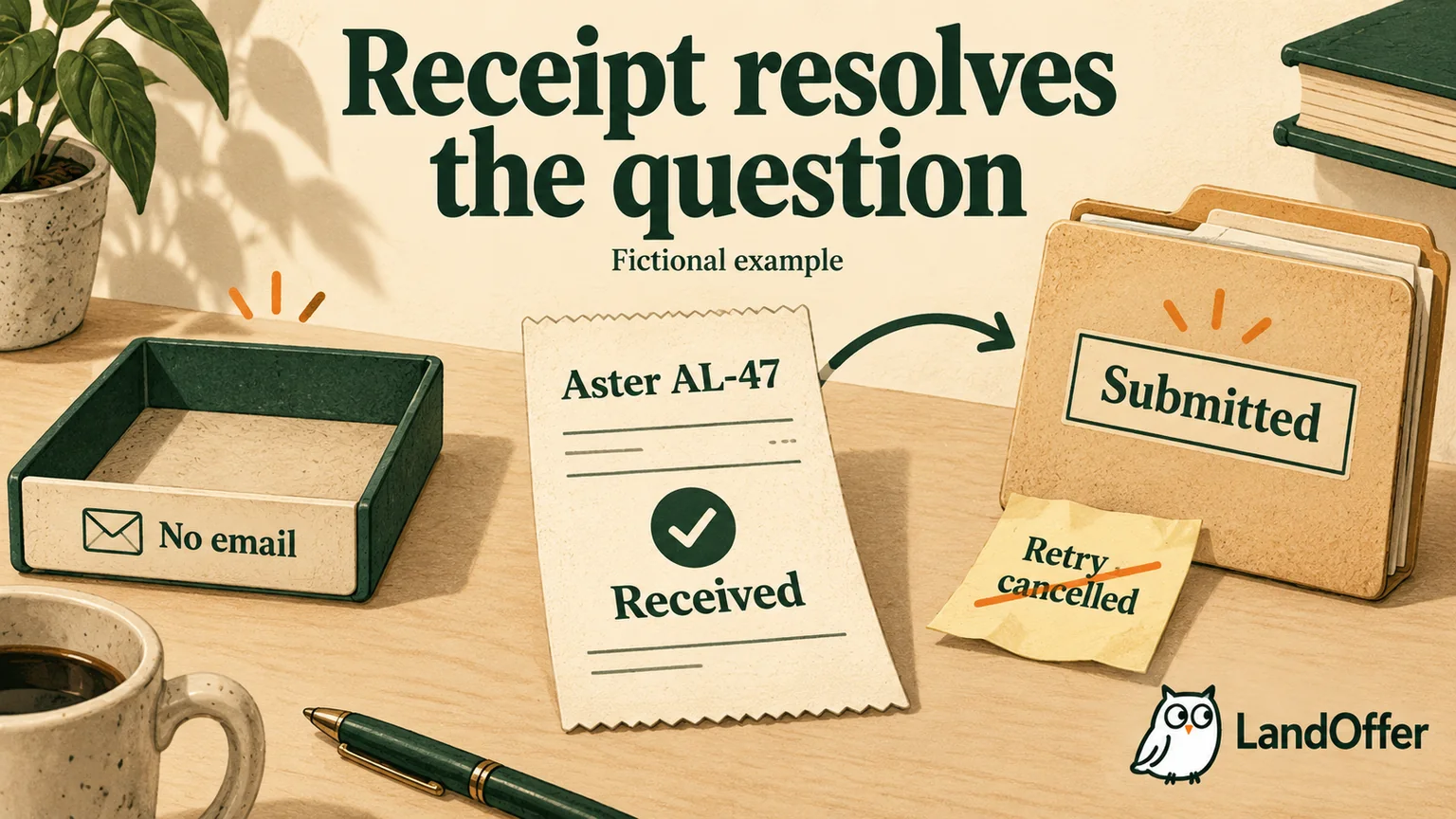
Now change one fact. Suppose Rowan saw a timeout immediately after Submit and saved only the error screen. There is no matching acknowledgement or visible submitted record. The correct entry becomes “Needs verification,” with the error and timestamp retained. The next action is a receipt check through the employer's supported route. Calling that case Submitted would overstate the evidence; calling it Failed would do the same.
Ask about receipt with enough detail to resolve it
When the outcome remains unclear, use the technical-support or recruiting contact specified by the employer. Greenhouse's missing-confirmation guidance directs candidates to the organization's recruiting team. Microsoft publishes a Support route in its careers-site FAQ. The correct destination depends on the employer; a recruiting platform cannot necessarily inspect or change a company's hiring decisions for you.
Give the employer and role reference, attempt time and time zone, the email used in the application, and the exact error or confirmation wording. Ask whether the application was received and what action they recommend. A concise factual request is easier to reconcile than a second pitch about your qualifications.
For example, Rowan's timeout branch could produce this unsent illustrative request: “I attempted to submit an application for Backend Engineer AL-47 on October 8 at about 10:20 a.m. Pacific. The page timed out after Submit, and I have not found a matching receipt. Could you confirm whether the application was received and advise whether I should retry?” This does not claim the employer lost anything.
Do not include a password, sign-in code, or unrelated identity document. Provide the application email through the employer's appropriate channel when needed for lookup. If the employer prohibits general follow-up or provides a specific issue form, follow that instruction. There is no universal waiting period that makes an uncertain application safe to duplicate.
Retry only when the reason is clear
A retry can be appropriate when you know the draft was never submitted, the employer confirms no receipt, or the employer explicitly asks for a fresh application. Check that the same requisition remains open and review the current required fields and uploaded file before acting. An old draft may need new information.
For a known incorrect email address, follow the employer's correction instructions or the specific MyGreenhouse option above. Missing email alone does not establish that correction is needed.
Keep a second attempt as an event under the existing opportunity, recording why it happened and any new receipt. A different job ID is a separate role decision, even if its title matches. Withdrawing a received application just to resend it is another action with its own consequences; do not use it as a notification repair without employer guidance.
Before opening another role from LandOffer's recent jobs, reconcile one existing uncertain record. Retain the final receipt immediately when one appears in your next application. When an email is missing, check the exact application first and end with a supported next action: keep the receipt, finish the draft, resolve uncertainty, or follow an instructed retry.
Sources and Further Reading
- Greenhouse: No confirmation after applying: employer-configurable emails; source last updated June 13, 2022 and accessible at review.
- Greenhouse: Application confirmation page: receipt meaning and employer-controlled page wording; March 2, 2026.
- MyGreenhouse FAQ for Candidates: visibility, application email, and employer-contact boundaries; October 2, 2026.
- Microsoft: How we hire: documented completed-application confirmation and Action Center.
- Microsoft: Hiring FAQs: Support route. Some migration-date text is historical and is not used as a current timetable here.
- Google: Gmail messages are missing: mailbox search, filters, and forwarding or client settings.