LandOffer
Job search
NBIS eApp Invitation Access: Use the Applicant Username and the Correct MFA Route
Follow the applicant route and supplied username, compare current invitation guidance and separate authentication, eApp launch and assigned-form problems.
For a National Background Investigation Services (NBIS) eApp invitation, start with the applicant username supplied in your official instructions and use the applicant route. Do not assume your email address is that username or choose a security officer's smart-card route because you already have a government badge. Complete the authentication steps presented to your account, then distinguish entering the portal from opening eApp and reaching an assigned form.
This is a review of public Defense Counterintelligence and Security Agency (DCSA) guidance, including its currently linked login job aid dated December 3, 2025. We did not access an applicant account, enroll an authentication method, enter identity information or complete an investigative form. The examples below are fictional decisions, not successful account-recovery tests.
LandOffer publishes this guide. You can browse recent roles on LandOffer.ai while keeping a separate record of a role's onboarding requirements. LandOffer cannot initiate an NBIS investigation, repair a government account or determine a clearance outcome.
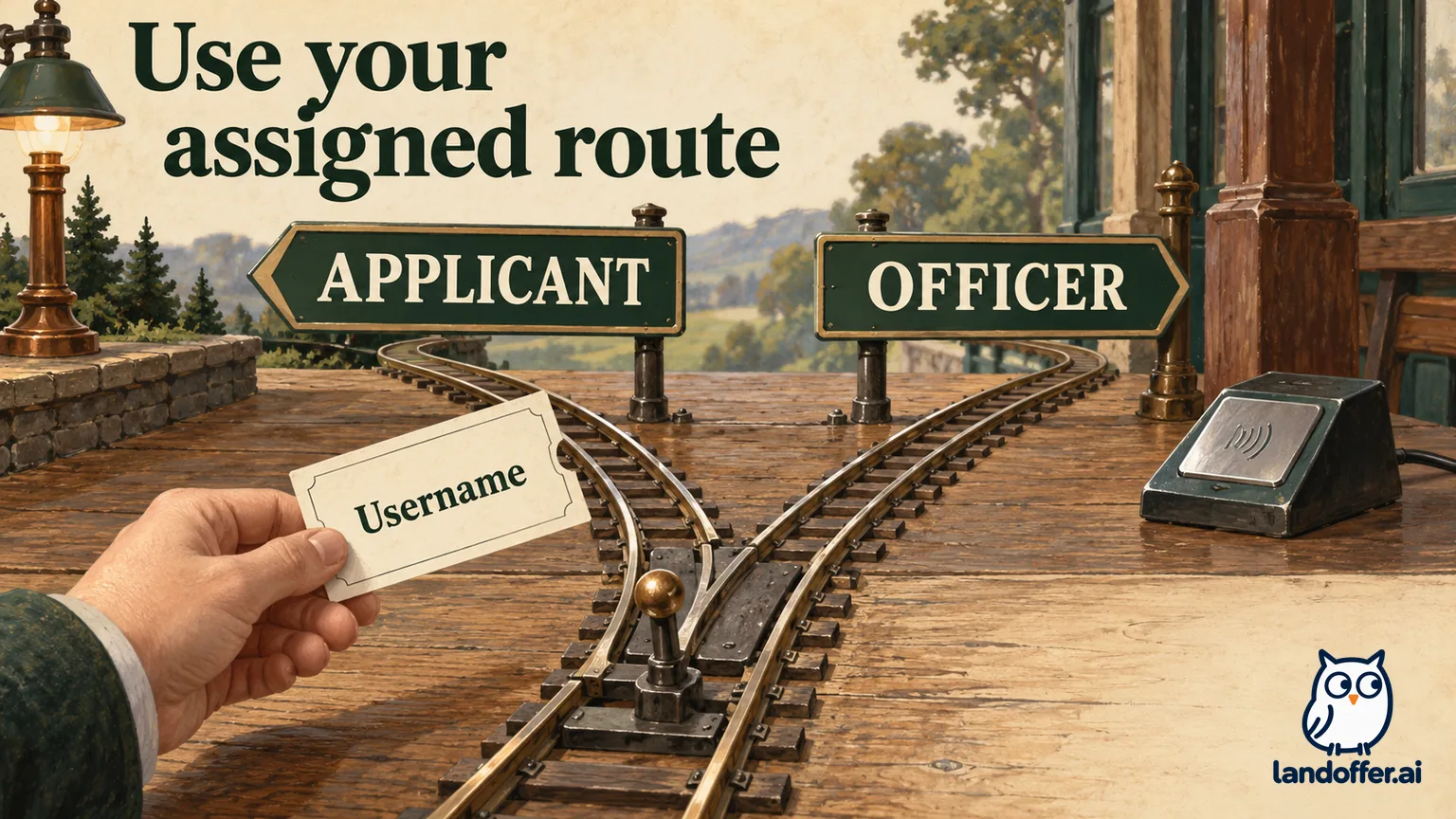
Choose the applicant entry before troubleshooting credentials
DCSA's NBIS page presents two different entries: eApp for applicants and NBIS Agency for security officers. Someone asked to complete an investigative form belongs on the applicant side. Security managers and officers use the agency application to manage investigations.
The names share NBIS, which makes a search result or bookmark an unreliable way to identify your task. Read the role label before treating a sign-in problem as a bad password. An applicant does not become an agency user by finding an agency login button.
The current multi-factor authentication (MFA) assistance page says applicants must use their provided username and that Common Access Card (CAC) or Personal Identity Verification (PIV) login does not provide eApp access. Its separate instructions for external security officers allow their CAC/PIV route. Advice intended for an officer therefore cannot be transferred to an applicant simply because the screens look related.
If you hold both responsibilities, identify which one you are performing now. Completing your own assigned questionnaire and managing someone else's case are separate activities. A badge used to manage cases does not establish the route for your own form.
Read the invitation against the dated instructions
Do not turn an old message count into a diagnosis. DCSA's June 6, 2025 rollout update described an NBIS username email plus a separate Okta activation email. That was published during the authentication rollout.
The login job aid currently linked by DCSA is dated December 3, 2025 inside the document. Its new-user section describes one NBIS activation invitation. We opened the linked PDF and checked its printed revision; the filename alone did not establish that date.
For your own case, read the current invitation and sponsoring organization's instructions together. A missing second email is not enough, by itself, to establish that account creation failed. Equally, finding an old activation message does not prove it belongs to the case you are handling today.
Agency correspondence can add another message for a different purpose. NIH's access page describes an NIH message alongside the NBIS invitation and gives an NIH completion deadline of seven business days. That is an agency-specific form deadline, not a universal activation-link lifetime. The page also displays a notice that its information may not be current.
Use your own supplied deadline. Keep the date, time zone if provided and responsible contact in your private onboarding notes. A credential reset or newly found invitation should not be treated as permission to move that deadline.
Worked example: Noel separates three different records
Noel is a fictional computing applicant. Their teaching example contains no real username, activation URL or case identifier. Assume Noel has received official onboarding instructions but initially tries an email address at an entry intended for officers.
Noel compares the invitation, the entry's role label and the point at which progress stops before choosing a recovery action. The completed decision record looks like this:
| Item Noel checked | Initial assumption | Completed decision |
|---|---|---|
| Role being performed | A government badge should determine the route | The task is completing Noel's own investigative form |
| Username | The receiving email address must be the login name | Use the assigned value in the invitation; keep it private |
| Message history | An older guide's second email must always arrive | Compare the current invitation with the dated guidance |
| Result to record | Reaching any portal means onboarding is complete | Record the last screen actually reached |
The useful output is a corrected diagnosis, not a claim that Noel has been cleared. Noel can identify which assumptions were unsupported before attempting recovery. The record also avoids combining two different questions: whether an account can authenticate and whether a particular form is available.
Suppose the revised attempt reaches a portal. Noel records that observation without filling in later steps from memory. If the eApp tile opens but the expected form is absent, the new report should describe that later stage. Sending the original “cannot log in” description would conceal the progress already made.
This is why the last successful screen belongs in a support note. It lets a recipient distinguish an entry problem from an application or assignment problem without needing Noel's password or answers. Our example stops at that distinction; it does not invent a help-desk reply or a restored form.
Follow the authentication sequence without skipping the application launch
The December job aid separates new users from existing users and self-service password resets. In its existing-user and reset sections, the sequence includes the assigned username, email verification and the password step. The reset option appears within that sequence. The aid then shows launching the NBIS eApp tile and selecting an available form.
Those stages should remain separate in your notes. “Verification message received,” “portal opened” and “assigned form visible” describe different observations. Write only the one you can establish from your own session.
DCSA's MFA page describes authentication choices and recommends an authenticator app while also discussing email. Follow the options and requirements actually presented to your account. The dated job aid's optional setup screen is not a general instruction to bypass MFA or change your organization's security requirements.
Keep activation links, one-time codes and enrollment material private. A support description can identify that a code did not arrive without reproducing a code that did arrive. It can identify an enrollment screen without sending a QR image. That distinction makes the report useful while avoiding an unnecessary copy of authentication material.
If a reset attempt fails, note the stage and exact message after removing sensitive details. Do not infer an account's condition from a label remembered from a different guide. This review did not test a lockout, reset a password or measure how quickly a verification message arrives.

Route the failure by the point where progress stops
Use the following filled examples to classify a problem before choosing whom to contact. They are editorial triage examples, not documented guarantees that each action will resolve an account.
| Fictional observation | Useful conclusion | Next request |
|---|---|---|
| Noel has onboarding instructions but cannot locate an invitation | The invitation and initiating contact need reconciliation | Ask the known sponsoring contact to confirm the intended instructions and receiving address |
| Noel stops at username, password or verification | Access has not been established | Describe the authentication stage to the access help desk |
| A portal opens, but Noel cannot find the expected application or form | The problem occurs after an earlier successful step | Distinguish a missing application tile from a missing assignment when reporting it |
| eApp opens, then the identity check rejects Noel's entry | The issue concerns that validation stage | Ask the case contact or security officer to review the mismatch |
The table is deliberately specific about observations and restrained about causes. A missing message does not prove the sponsor used the wrong address. A missing form does not prove that an investigation was canceled. An identity mismatch does not establish that the applicant's underlying records are wrong.
Describe the evidence before asking a recipient to diagnose the cause. If the portal already opens, say so: the next person can focus on the missing tile or form instead of repeating the entry instructions.
For a missing tile or form, include the distinction in the first sentence. Ask the appropriate access or sponsoring contact to confirm the next step rather than creating a second account. This is a routing recommendation; we did not observe a particular account or test whether a tile was provisioned.
Treat identity validation as a separate issue
DCSA's linked incorrect-PII resource assigns correction of inaccurate subject-profile information to the initiating security manager or facility security officer (FSO). It also identifies entry-format mistakes, including a two-digit birth year or dashes in an SSN.
That is a reason to check the displayed format and involve the case owner if the mismatch remains. It is not a reason to keep guessing values, manufacture an identifier or attempt officer-side case changes. We have not reproduced those administrative procedures here.
In Noel's example, assume the authentication steps succeed and the identity check is now the obstacle. Noel reports that stage to the known case contact and asks how to verify the profile through the approved channel. The example's completed result is the correct question reaching the responsible role. No changed identity data or successful validation is assumed.
Avoid putting full identity details into an ordinary troubleshooting message just to make it seem complete. The case contact can explain an approved way to reconcile information if needed. A public forum, screenshot gallery or job-search tracker is not the place to reproduce the form's contents.
Keep access support separate from form-content support
DCSA's current contact information distinguishes the IT access desk, at 878-274-1344 and dcsa.ITSupport@mail.mil, from applicant assistance with completing standard forms, at 878-274-5091 and dcsa.boyers.dcsa.mbx.applicant-knowledge-center@mail.mil. Use the linked official page for current service hours.
An access report should describe the entry and failure stage. A question about what a form asks should identify the relevant question through the support channel's instructions. Neither should turn into a public discussion of investigative answers.
Here is an original, unsent example Noel could adapt:
I am completing my own eApp as an applicant. I can reach the portal, but I cannot find the expected assigned form. I have checked the instructions from my sponsoring contact. The issue occurred on October 14, 2026, at 10:20 Eastern on my desktop browser. Please confirm whether this should be reviewed as an access issue or referred to my case contact.
The example communicates role, progress and a routing request. Its time and observations are fictional. It includes no credential, identity value, activation token or questionnaire answer, and it does not request a deadline extension by implication.
Before your next attempt, write down the last successful stage and the next unresolved one. Keep that note with the current invitation and sponsor instructions in your private onboarding record. You can continue your wider job search on LandOffer.ai while you wait for instructions from the responsible contact. Keep form submission, suitability and clearance decisions separate from a successful sign-in.
Sources and Further Reading
- DCSA: NBIS Agency and eApp — applicant and officer entry points and current contacts
- DCSA: Multi-Factor Authentication Assistance — applicant username and authentication guidance
- DCSA: Login Process for eApp via D-ICAM — job aid updated December 3, 2025
- DCSA: June 6, 2025 MFA rollout update — historical email instructions
- NIH: How to Access eApp — agency-specific correspondence and completion requirements
- DCSA: Incorrect User PII in eApp — validation formats and initiating officer responsibilities