LandOffer
Job search
Microsoft Interview Travel Reimbursement: Build an Itemized Receipt Packet
Build a traceable itemized receipt packet and check a completed fictional USD ledger before using your assigned Microsoft reimbursement form.
Build your Microsoft interview travel packet around the expenses you personally paid, with each amount linked to its original receipt, date, currency and trip purpose. Separate costs paid by Microsoft, duplicate images and merchant refunds before calculating the amount you intend to request. A tidy total helps a reviewer follow the evidence; it does not establish that every charge is eligible.
First confirm that your interview requires travel. Microsoft's interview guidance says the format varies by role and that your recruiter helps explain it. This guide reviews public instructions and an original fictional expense ledger. We did not book travel, inspect a candidate's account, submit a reimbursement request or test a payment.
LandOffer publishes this guide. You can browse recent roles on LandOffer.ai while keeping each employer's interview arrangements separate. LandOffer does not approve Microsoft travel, process its reimbursements or need your financial documents.
Confirm the trip and the applicable instructions
Keep the invitation, travel arrangements and expense instructions together before booking. Ask who will arrange each major part of the trip and which costs you are expected to pay yourself. An itinerary can identify a reservation without establishing that you should buy a replacement.
The public candidate travel policy asks for submission within 30 days of the interview and generally requires original itemized receipts. Expenses outside air, hotel, ground transportation and meals need recruiter preapproval; emergency reservation changes with additional charges need Travel Team authorization. Meal guidance lists USD 15 breakfast, USD 20 lunch and USD 40 dinner, including tax and gratuity, within USD 75 daily. Meals must be itemized, and hotel-billed meals paid by Microsoft should not be claimed again.
Use the instructions for your own trip when deciding what to spend. Keep any approval with the related expense so its scope remains visible. “Travel approved” is less informative than knowing which reservation, date and change the approval covers.
Treat the example amounts below as invented entries, not a spending allowance. Its invented amounts demonstrate how to organize evidence. Neither a familiar expense category nor a receipt by itself establishes approval.
Give every expense a traceable identity
Use a simple reference such as R01 for each distinct expense. This is your filing aid, not a Microsoft-required naming convention. Connect the reference to the date, merchant, purpose, currency and document that supports the amount.
An itemized record and a payment record answer different questions. The first shows what was purchased; the second may show what was charged. Keep both when needed, but do not treat two views of one transaction as two expenses.
Preserve the merchant's original document. Make any explanatory note separately rather than editing a total or replacing a description on the receipt. If the detail is missing, request the itemized version from the supplier and record what remains unresolved.
For a ride, a useful private note identifies the journey's purpose without turning the packet into a complete personal travel history. For a meal, link the individual purchase to its own record. For a refund, identify the original transaction so the credit is not left floating among unrelated costs.
Worked example: Iris prepares a USD receipt index
Iris is a fictional computing candidate with an assumed authorized trip for an October 6 interview. Flight and hotel arrangements are handled separately in this example. Every amount below is invented, all are USD, and no merchant receipt or financial account was used.
Iris assigns references to six candidate-paid charges and one later credit:
| Reference and date | Fictional expense | Amount in USD |
|---|---|---|
| R01, October 5 | Home-to-airport ride | 28.40 |
| R02, October 5 | Dinner | 35.50 |
| R03, October 6 | Breakfast | 12.60 |
| R04, October 6 | Lunch | 18.20 |
| R05, October 6 | Dinner | 36.00 |
| R06, October 7 | Hotel-to-airport ride | 32.10 |
| C01, October 7 | Merchant refund linked to R01 | -4.40 |
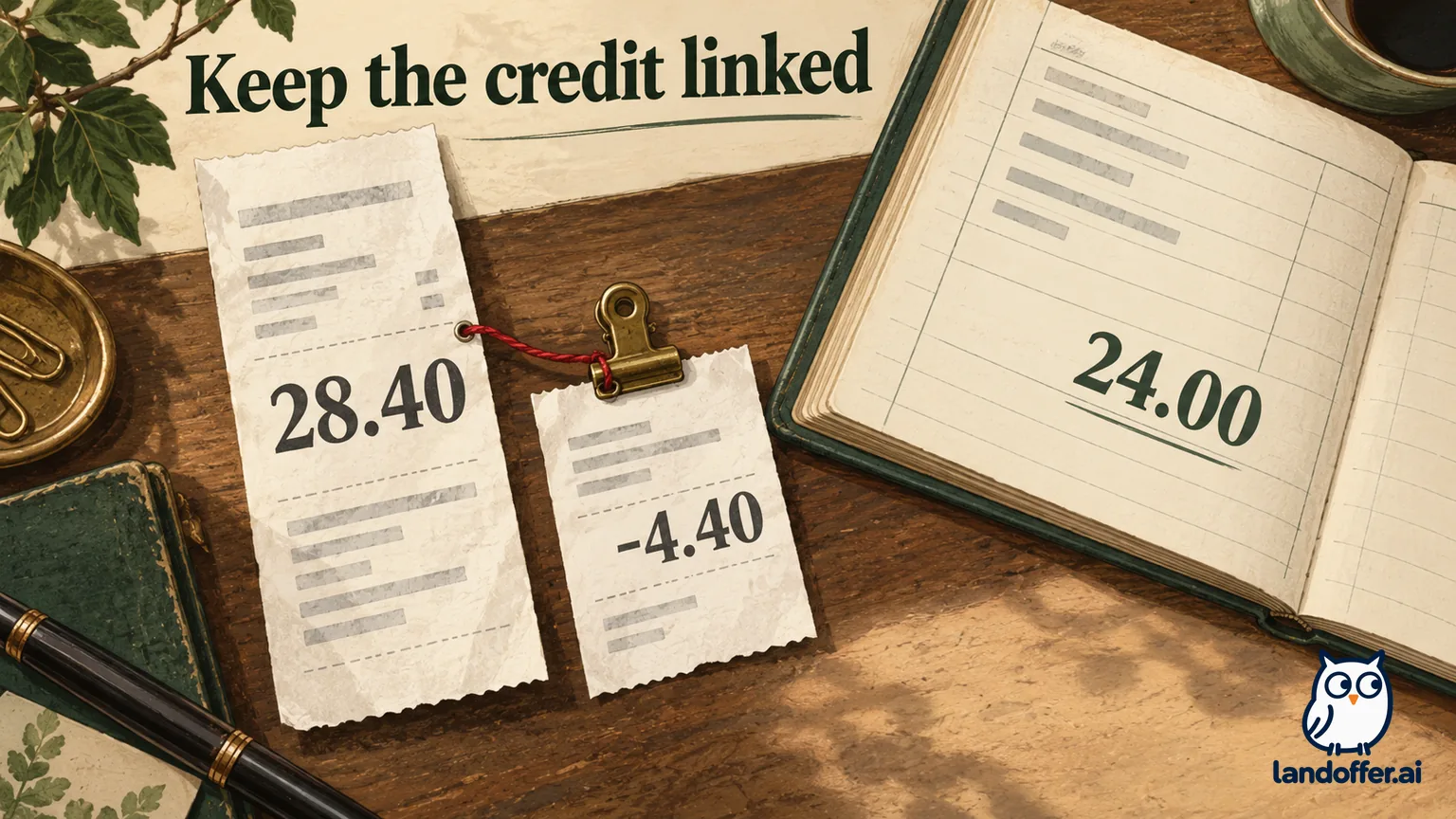
The six positive charges total 162.80. After the 4.40 refund, the prepared net request is 158.40. R01's net cost is 24.00, but Iris keeps both the 28.40 charge and its linked credit visible instead of silently replacing the receipt amount.
The October 6 meal entries total 66.80. They remain three separate records. That subtotal helps Iris check the day's entries without losing the link from each line to the corresponding document.
We checked the ten-row fictional ledger locally with decimal arithmetic, including both reconciliation totals. The checked fixture establishes that the invented numbers reconcile; it does not establish a reimbursable amount for an actual candidate. Your form may represent refunds differently, so follow its instructions while retaining the underlying charge-and-credit relationship.
C01 is dated October 7, after the October 6 interview. If Iris had already entered the original ride before that credit arrived, the prepared index would need a revision. Iris would identify the changed reference and ask how to correct an existing request, rather than submit the same trip again as a new claim. The original ride record and later refund would remain separate evidence. That is an illustrative correction decision; this guide did not test Microsoft's edit or resubmission controls.
The index is also useful when a reviewer asks about a single item. Iris can identify R04 without resending an unexplained bundle. If R04 needs correction, the reference points back to that lunch record and keeps the other entries separate.
Remove duplicate and separately paid items from the requested total
Iris initially has ten ledger records, including three that do not belong in the candidate-paid request. One is a second photograph of R03, one is breakfast on the company-paid hotel invoice, and one is a personal sightseeing ride outside the example's assumed approval.
The completed reconciliation is:
| Record or group | Treatment in this fictional packet | Amount in USD |
|---|---|---|
| All ten records, including C01 | Starting ledger total | 194.00 |
| R07: hotel breakfast already paid elsewhere | Remove from candidate request | -14.00 |
| R08: another image of R03 | Remove the duplicate entry | -12.60 |
| R09: personal sightseeing ride | Exclude under the example's stated assumptions | -9.00 |
| Prepared request after exclusions | Retain six charges and C01 | 158.40 |
The starting 194.00 already includes the negative credit. Subtracting 4.40 again would understate the prepared request. Iris therefore checks two routes to the same result:162.80 less 4.40, and 194.00 less 35.60. Both equal 158.40.
A duplicate photograph is particularly easy to misclassify because it may have a different filename. Compare the transaction details, not just the document names. Two files can support one expense; two similar amounts can also represent genuinely separate purchases.
Keep the excluded records identified in your private reconciliation rather than erasing the explanation for the difference. The point is to understand why the request differs from the original pile of records. It is not to upload every personal purchase or make the reviewer decide which copy is a duplicate.
Iris's example ends with a coherent proposed packet. It does not assume Microsoft accepts the sightseeing classification, approves the remaining entries or sends a payment of 158.40. The arithmetic and the authorization decision remain separate.
Keep currencies and regional receipt rules distinct
Record the original currency alongside every amount. A number without its currency is incomplete: USD 30 and CAD 30 are not interchangeable entries, even if the digits match.
Microsoft's policy gives country-specific receipt rules. Its Canada section, for example, specifies original itemized receipts above CAD 30 for domestic travel and CAD 75 for international travel. Those are receipt-document thresholds, not exchange rates or permission to spend those amounts.
Iris's fixture avoids conversion by using USD throughout. If your packet contains another currency, keep a separate subtotal until you know how the assigned form requires it to be represented. Do not add unlike currencies and label the result a single-currency claim.
If a payment record shows a converted charge, retain its relationship to the original-currency receipt. Ask the scheduler which amount and supporting evidence to use when the instructions are unclear. This guide did not test a foreign-exchange field or establish a conversion method for Microsoft.
The same distinction applies to local document requirements. A card statement, receipt and fiscal invoice are different records. Check the applicable instructions before assuming that one can replace another simply because it contains a total.
Assemble the packet before opening the assigned form
Prepare a compact index with references that match the documents you intend to attach. Check that each page is legible and complete, including the purchase details and final amount. If a receipt spans multiple pages, keep the pages connected to the same expense reference.
Use descriptive filenames without unnecessary financial identifiers. A label such as “R03 breakfast October 6” is easier to reconcile than a camera-generated filename. Naming helps you locate the evidence; it does not change what the merchant issued.
Keep approvals, original documents and your explanatory notes distinguishable. An approval is not a receipt. A receipt is not evidence that a reviewer approved an exception. A note can explain a relationship, but it should not pretend to be a missing supplier document.
Before proceeding, read the request from the reviewer's perspective. Can someone locate the evidence for R01, see C01's connection to it and understand why R08 is absent from the requested total? Can they identify the currency without looking elsewhere?
If the answer is unclear, fix the index rather than adding a longer narrative. The worked example needs only a short explanation of its refund, duplicate and separately paid items. Those details account for the difference between the initial ledger and the prepared request.
Use the current form route and retain the result you actually receive
Microsoft's hiring FAQ places travel requests and expense reimbursement for on-site interviews in Action Center > Forms Manager. We read that public guidance; we did not inspect an authenticated candidate's assigned form or verify its upload fields.
Follow your invitation's current instructions. If the expected form is missing, ask the Interview Scheduler to confirm the route for your case. A public description of Forms Manager does not establish that a particular account has a reimbursement task.
During entry, compare the form's values with your prepared index. Follow the form's treatment of credits rather than forcing a negative amount into a field that does not support it. If a required field cannot represent the situation, ask for instructions and keep the affected item identified.
Review the selected attachments before submitting the request. Confirm that they correspond to the entries, not an earlier draft of the packet. If the system provides a review screen or confirmation, retain what it actually shows. Do not describe a draft, upload or submission acknowledgment as approval or payment.
For a clarification request, keep the question narrow: identify the interview date, expense reference and unresolved document or field. Use the established recruiting channel and avoid placing bank details or full card information in an ordinary question. This article has not sent such a request.
Before using the assigned form, reconcile the requested amount with its evidence and identify any item still awaiting instructions. Keep that record while continuing your wider job search on LandOffer.ai. A complete local packet makes the request easier to review; the reimbursement decision still belongs to Microsoft.