LandOffer
Job search
Microsoft Action Center Tasks: Respond to Interviews and Find Required Forms
Use Microsoft’s documented Interviews and Forms Manager routes, reconcile the correct application, and distinguish completing tasks from scheduling or hiring decisions.
For Microsoft recruiting tasks, start with the specific request and its application record. Microsoft’s current public guidance places interview responses in Action Center > Interviews and hiring documents in Action Center > Forms Manager. An application status, a meeting request and an unfinished form can require different actions. Do not assume that finding one means the others are complete.
This guide reviews Microsoft Careers documentation checked October 20, 2026. We did not sign in, inspect a candidate’s tasks, respond to an interview, open a private form or submit documents. The completed examples are fictional. While managing your search, browse recently posted jobs on LandOffer and keep each employer’s outstanding request beside the correct role.
Use the documented module rather than guess at a Tasks tab
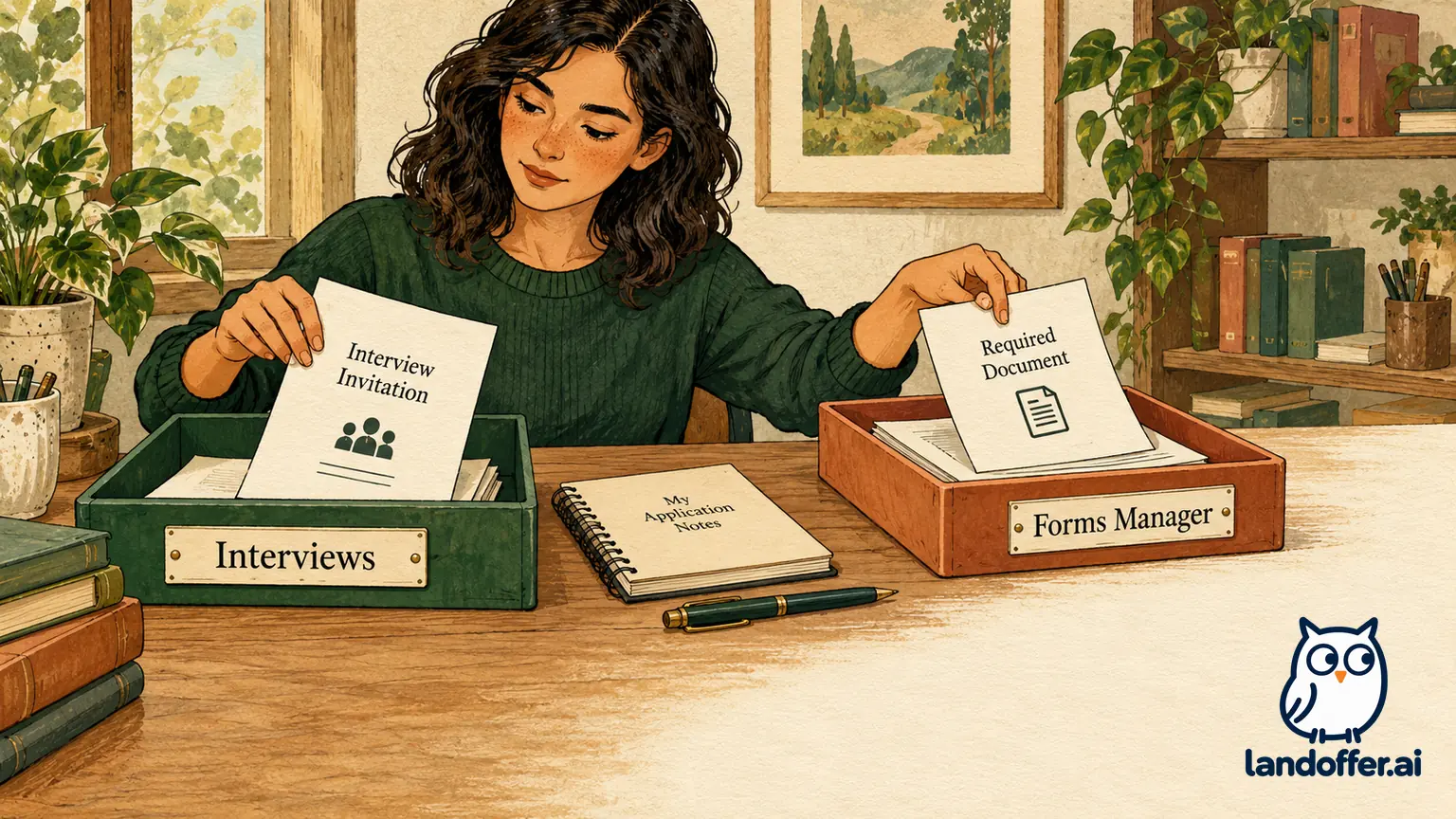
The title “Action Center tasks” describes work you may need to do. The public guidance reviewed here does not document a universal navigation tab named Tasks. In the Microsoft Hiring Process FAQs, the documented destinations are Interviews for meeting requests and Forms Manager for documents or requests related to hiring.
Use those labels as a starting point, then follow the instructions associated with your application. We verified their descriptions on the public FAQ, not their exact layout inside a signed-in account. Button wording, available requests and the information shown for a particular role were not tested.
Before acting, match the job title, job ID where provided, account email and recruiting communication. Candidates can have several applications in progress. A request for one position should not be treated as proof that every other application has advanced or requires the same documents.
Answer three questions separately: Which application is this about? What action is requested? What evidence will show that action was completed? A broad status such as being in the interview stage cannot answer all three. Likewise, reading a message or creating your own calendar entry does not establish that Microsoft received the requested response.
Check whether an older application belongs to the legacy route
Microsoft’s published FAQ still contains a New Recruiting System section. It references a November 17 transition and directs certain older applications to the legacy Global Career Site Action Center. It says candidates selected to move forward may receive an email inviting them to reapply on the newer platform, after which they check the newer Action Center.
Read that material with its dates intact. The same FAQ includes a legacy job-description availability date of March 31, 2026, which is already past as of this review. The November 17 wording does not identify a year in the displayed answer. We do not treat it as an announcement of a new November 2026 migration or a promise that every legacy description remains accessible today.
For your own record, use the application confirmation and any later transition instructions to identify the relevant system. Do not submit a duplicate application simply because an old record is absent from a different portal. If recruiting asks you to reapply to a new job ID, preserve the old and new references and the instruction connecting them.
A legacy inactive status also needs context. Microsoft’s FAQ lists several possibilities, including a closed position, withdrawal, transfer or non-selection. It does not support interpreting every inactive legacy record as one specific hiring decision. Ask the recruiting contact to reconcile an unexpected record with the communication you received rather than inventing a migration explanation.
Respond to an interview request in Interviews
The current FAQ documents accepting or declining a request, selecting a time when multiple options are offered, and downloading the meeting invitation for your calendar. If none of the times works, Microsoft directs candidates to request assistance through the Interviews module to coordinate an alternative.
Responding, selecting a time and downloading an invite serve different purposes. A question about availability is not necessarily a confirmed meeting. A calendar download helps you remember an appointment; it does not replace the requested recruiting response. Check what the invitation actually asks you to do and whether a confirmation or updated request follows.
Compare the date, timezone, role and meeting details between the request and your calendar. If a change is being coordinated, retain the uncertainty instead of treating a suggested time as final. Microsoft’s How we hire page says next steps vary by role and that the recruiter shares the timeline after interviews. It does not publish a universal task-to-status update deadline.
Worked example: Ari separates two applications and an unavailable slot
Fictional candidate Ari has two Microsoft applications in his private log: Cloud Support Engineer, reference CS-410, and Software Engineer, reference SE-628. The references are invented. He receives an interview request tied to CS-410 with two offered times, both conflicting with a commitment he cannot move. SE-628 has no interview request in this example.
| Item Ari reconciles | What the fictional evidence establishes | Completed decision |
|---|---|---|
| CS-410 interview request | It belongs to the Cloud Support application; neither offered time works | Use the Interviews assistance route to propose an alternative, rather than accept a known conflict |
| Personal calendar placeholder | Ari temporarily reserved a possible time | Keep it marked tentative; it is not a Microsoft confirmation |
| SE-628 application record | A separate application exists without an interview request | Do not respond to CS-410 as though it schedules both roles |
| Follow-up still pending | No agreed replacement appointment yet | Record “alternative time requested; appointment unconfirmed” in his own log |
That last phrase is Ari’s personal notation, not a Microsoft interface status. His completed outcome is a correctly routed scheduling decision with an explicit unresolved appointment. He has not booked a meeting simply by asking for a different time.
His prepared, unsent clarification reads: “For Cloud Support Engineer, reference CS-410, neither offered interview time works for me. I can attend during either of the alternative periods listed in my request. Please confirm which appointment is available and the timezone.” In actual use, he would provide concrete availability through the permitted route, not post private scheduling details publicly.
Once an agreed replacement arrives, Ari checks it against CS-410 and updates the tentative calendar entry. He leaves SE-628’s next-action field unchanged. Keeping the references separate lets Ari track the unresolved appointment without changing the other application’s next action.
Find assigned documents in Forms Manager
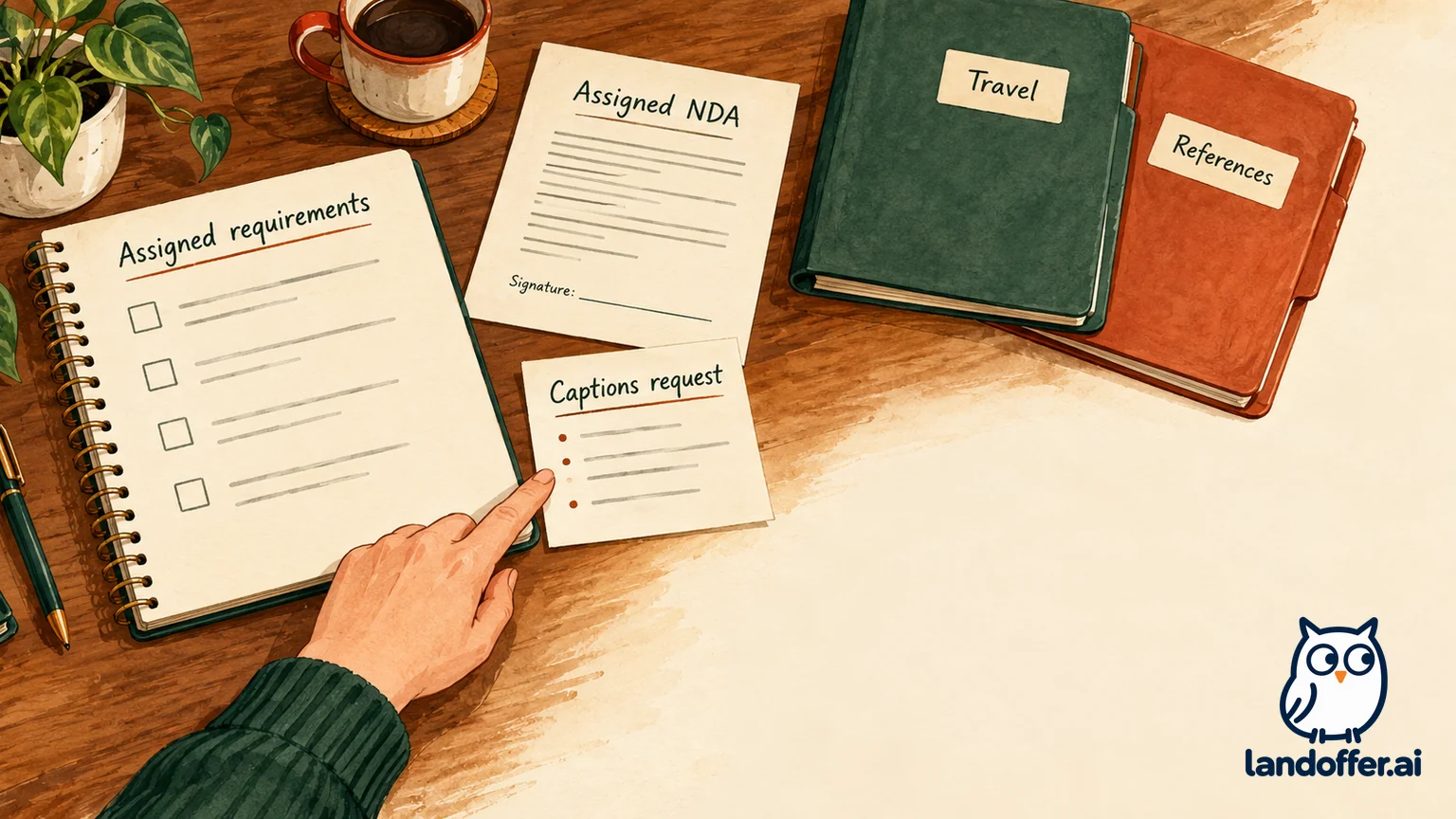
Microsoft lists several kinds of work in Forms Manager: assessment-stage accommodation requests, reference-letter requests for Microsoft Research roles, travel or expense requests related to on-site interviews, NDAs and other required documents. These are examples of supported requests, not a checklist that every applicant must complete.
Start with what you were actually asked to provide. For an assigned form, identify its role, purpose, deadline if stated, required fields and completion instructions. Do not upload an unrelated document because it happens to fit a broad category or complete every available form to try to accelerate the process.
Microsoft’s virtual interview guidance is explicit about NDAs: certain teams require them, and candidates who have not been asked have no action to take. If an NDA is assigned, review the actual document and its terms before deciding whether to sign. The existence of an interview invitation does not by itself establish that every applicant has that requirement.
The same guide says the recruiting contact identifies the virtual platform, which may include Teams or a third-party technical interview platform. An NDA in Action Center and instructions for an external interview tool can therefore concern the same appointment. Their different locations do not automatically make one irrelevant, but both should be tied back to the verified request.
Worked example: Mei maps requirements without inventing extra forms
Fictional candidate Mei is interviewing remotely for a Software Engineer role. Her instructions assign an NDA, specify a virtual interview, and direct her to the recruiting accommodation route if she needs an adjustment. She wants captions during the interview. There is no Microsoft Research reference-letter request and no planned on-site travel in this case.
| Document or request | Evidence for Mei’s fictional application | Decision and completion boundary |
|---|---|---|
| NDA | Specifically assigned in her interview instructions | Review the assigned document; record completion only after following its actual process |
| Captioning request | Mei identifies a functional interview need after being invited | Use the recruiting accommodation route; a request does not establish the arrangement is confirmed |
| Research reference letters | Listed as a Forms Manager example, but not assigned to this role | Do not solicit or upload letters merely to fill that category |
| Travel or reimbursement | The interview is remote and no travel is authorized in the example | Do not create an expense request for hypothetical travel |
Mei records two relevant actions and leaves the two unassigned categories alone. It avoids both missing an assigned NDA and treating Forms Manager’s feature list as universal paperwork.
Her private follow-up note reads: “Assigned NDA: review and complete through the indicated document process. Captions: request coordinated for the confirmed interview; obtain the arrangement details before relying on them. No reference or travel request assigned.” This is a planning result, not a claim that a real agreement was signed or an accommodation approved.
For the captioning request, Mei describes the adjustment needed for the interview rather than adding unrelated personal information to a general application note. Microsoft’s accessibility guidance says stage-specific requests should follow an invitation to that stage and encourages discussion with the recruiting or scheduling partner when context is unclear. Individual arrangements depend on that process.
Distinguish opening, completing and receiving a decision
Finding a document establishes its location, not whether its required action is complete. It is not evidence that all required fields are complete, that a final submission succeeded or that another team reviewed it. Use the completion information actually provided by the task. We did not verify a universal set of badges, receipt wording or update intervals across Microsoft’s signed-in forms.
Keep your own short record of the request, the action taken and any remaining dependency. If something fails, capture the relevant error and time without exposing private document content or invitation links in a public screenshot. If submission is uncertain, preserve the visible result and ask the appropriate contact to reconcile it before sending duplicate forms.
Do not infer an offer from an NDA, travel request or administrative document. Microsoft’s hiring guidance separately describes offer documents and says their delivery varies by country: Action Center, email or a secure link may be used, with the recruiter guiding the candidate. Forms Manager is useful, but it is not proof that every future document must appear there.
Route unresolved issues to the right person
For a scheduling conflict, use the documented Interviews assistance route. For an assigned requirement that is missing or inconsistent with recruiting instructions, identify the role and request when asking your recruiting or scheduling partner to clarify it. For a site problem, Microsoft’s FAQ directs candidates to Support in the website footer.
Do not treat Feedback, a survey or a public social post as a substitute for resolving a time-sensitive recruiting requirement. Describe the blocked action precisely and retain the unresolved state until there is usable confirmation. No public documentation reviewed here guarantees a particular response time, automatic advancement after task completion or an employer decision inferred from a refreshed page.
Finish with the correct interview response and the documents actually required for your role. Keep legacy records and dated transition notices in context. Then return to LandOffer with a clear next-action log, while Microsoft’s recruiting team remains the source for appointment arrangements and hiring decisions.