LandOffer
AI at Work
MeetGeek Review: Choose a Plan by Meeting Volume, Retention, and Workflow Exports
A synthetic two-organizer workload compares meeting duration, retention needs, billing cadence, and mixed plans, then reviews a hypothetical action-item draft before any ClickUp task is sent.
MeetGeek is worth evaluating when you need meeting capture plus reviewed outputs in another work system, but choose the plan by three separate constraints: recording volume, how long you need the original media and transcript, and the export or workflow you will actually use. Check the longest meeting and each artifact's retention separately from monthly hours; a transcript can remain after its audio retention window ends.
This LandOffer.ai review is based on official documentation and public pricing inspected October 27, 2026, including rendered monthly/yearly selections. We did not record a call, test transcription accuracy, connect an account, export a file, create a task, or purchase a subscription. The two worked assets use an original synthetic workload and fictional meeting exchange. Calculations are actual offline arithmetic; product behavior remains a documented claim until tested in an authorized account.

Keep volume, per-meeting length, and retention separate
The pricing page describes Basic, Pro, Business, and custom Enterprise options. The relevant limits inspected for the first three were:
| Constraint | Basic | Pro | Business |
|---|---|---|---|
| Transcription per month | 3 hours | 20 hours | Unlimited |
| Recording length per meeting | 2 hours | 2 hours | 3 hours |
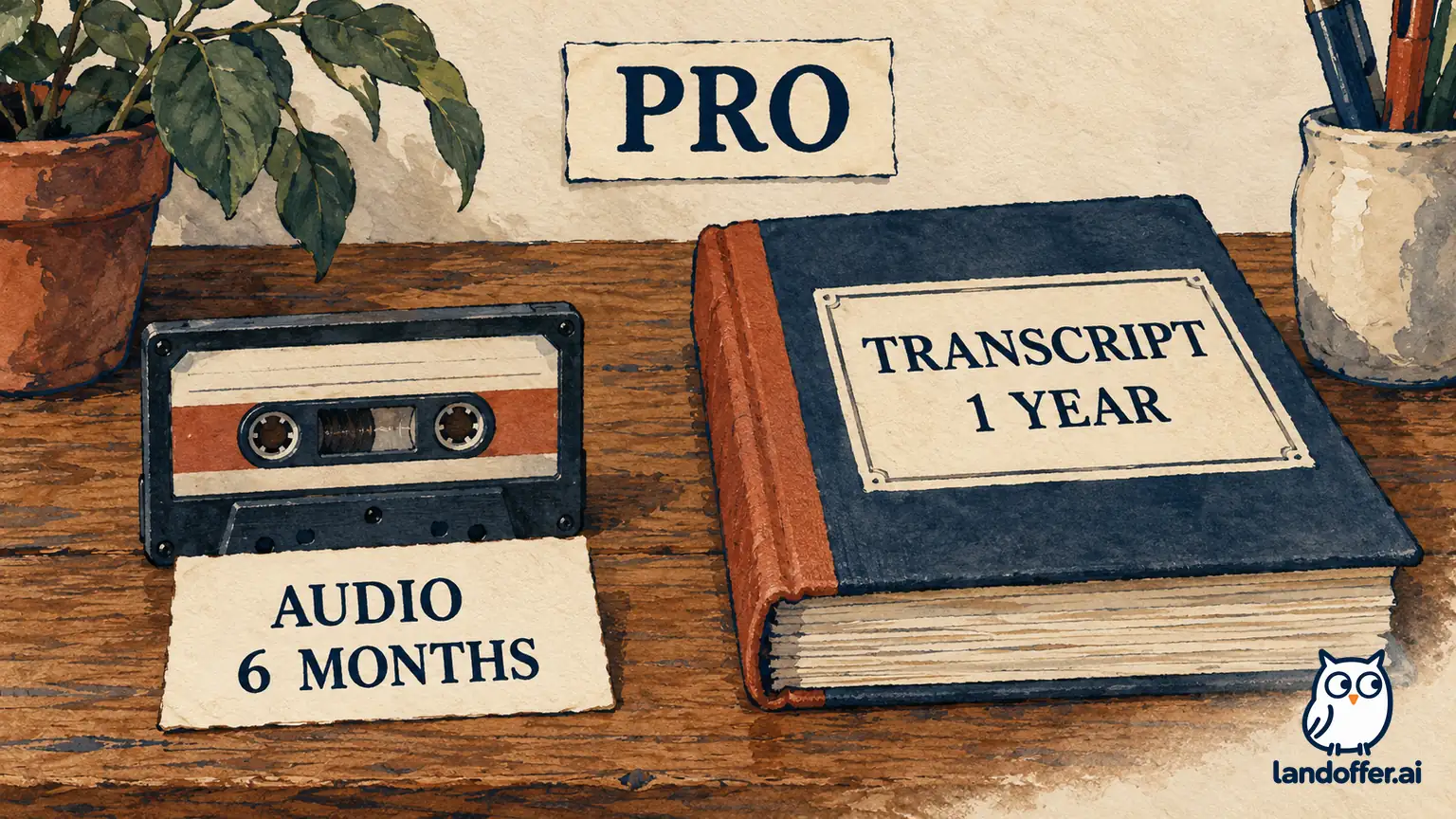
| Transcript storage | 3 months | 1 year | Unlimited |
| Audio storage | 1 month | 6 months | 12 months |
| Video storage | Not listed as included | Not listed as included | 12 months |
| Asset/transcript downloads | Excluded in the comparison | Included | Included |
Read “unlimited transcription” as that specific allowance; other retention, duration, and automation limits still need checking. Likewise, transcript storage and audio storage answer different needs. If you need to listen to the original wording months later, a summary or transcript is not a substitute for the retained recording. A plan decision should state which artifact matters and for how long.
The current pricing comparison marks HD video recording as Business, while an August 12 help article says Pro or higher. We have not resolved this conflict through an account test. Use the current pricing boundary for planning and confirm the actual entitlement before relying on Pro video capture. Do not assume a trial's features describe the plan you will retain.
Read the selected billing context, then budget the workload
The rendered top cards showed Pro at $15.99 and Business at $27 under Monthly, and $9.99 and $17 under Yearly. These are the site's displayed per-user monthly rates; yearly figures are monthly equivalents, not permission to pay one discounted month. The lower sticky comparison retained the yearly figures when Monthly was selected, so that static table alone would have misstated the monthly choice.
For one Pro and one Business seat, the base arithmetic is $42.99 per month on the monthly selection. The yearly equivalents total $26.99 per month, or $323.88 for twelve months. Twelve unchanged monthly payments would total $515.88. These comparisons preserve the site's dollar display; checkout currency, taxes, renewal conditions, discounts, and any additional charges were not verified. They are planning comparisons, not quotes or an observed bill.
MeetGeek's subscription help describes optional pay-as-you-go at $0.50 per additional hour. It also describes an overrun allowance when a meeting begins with at least one minute remaining, and says re-transcription and summary regeneration can consume quota. Those details matter: nominal meeting duration above a quota does not automatically equal an identical billed overage. Check the actual reset date, consumption rules, and pay-as-you-go setting rather than predicting an invoice from a simple total.
The team-plan guide says subscriptions can be mixed across an organization. That supports comparing different needs per organizer instead of buying the same tier for everyone. It does not establish every sharing permission, pooled-hour arrangement, or minimum order term. Confirm the proposed seat assignment and purchase conditions before making a commitment.
Completed asset: two organizers have different constraints
Fictional product team Cedar Lane evaluates two organizers, Mira and Inez, for one planned billing cycle. Their recorded meetings are disjoint in this scenario, so the example does not assume how simultaneous bots, shared calls, or duplicate captures are billed. Durations exclude any reprocessing or extra imports. This is a capacity plan, not a record of MeetGeek usage.
| Organizer | Planned cycle workload | Actual arithmetic | Required history |
|---|---|---|---|
| Mira | 26 calls of 45 minutes, then one 90-minute workshop | 1,170 + 90 = 1,260 minutes, or 21 hours; longest meeting 90 minutes | Transcript for 9 months; audio for 3 months |
| Inez | 8 calls of 60 minutes and one 150-minute workshop | 480 + 150 = 630 minutes, or 10.5 hours; longest meeting 150 minutes | Transcript for 9 months; audio for 9 months |
Their combined 31.5 hours hides Inez's longer meeting and longer audio requirement, so choose each organizer's tier before totaling the budget. Basic's nominal monthly allowance is below either workload, and its artifact-retention windows do not meet their stated history needs. Do not assume one unused colleague's quota covers another person's calls unless the applicable account terms establish it.
Mira's 90-minute maximum fits the listed Pro per-meeting limit, and her stated transcript and audio needs fit its listed retention windows. Her nominal 21 hours is one hour above the 20-hour allocation. However, the scheduled final 90-minute workshop begins after 19.5 hours, leaving 30 minutes before it starts. The help guide's overrun allowance is therefore relevant; we cannot treat that one nominal excess hour as a verified $0.50 charge. Additional usage and actual metering still need review.
Inez has fewer monthly hours, yet Pro does not fit the stated requirements: her 150-minute workshop exceeds the listed two-hour meeting limit, and nine-month audio access exceeds six months. Business's listed three-hour limit and twelve-month audio window fit those particular requirements. Those listed limits fit Inez's requirements; capture success and actual account retention remain untested.
The completed plan recommendation is one Pro seat for Mira, subject to usage/reset confirmation, and one Business seat for Inez, subject to the actual purchase and retention terms. Buying two Business seats would produce a displayed monthly base of $54 instead of $42.99; the $11.01 difference is not evidence that the mixed plan saves staff time or delivers better results. If exactly three extra hours were billable at the published overage rate, the extra charge would be $1.50; whether those hours are billable is an account question.
Plan history access before a recording reaches its limit
MeetGeek's FAQ says retention is automated and directs readers to the pricing page for current periods. A prospective nine-month audio requirement should be addressed before capture, not discovered when someone needs the recording later. Do not assume upgrading can restore material that is no longer available. Ask what happens to existing meetings when a plan changes and which retention policy applies to the account.
For Mira, an audio check three months after a meeting is a different requirement from finding its transcript nine months later. For Inez, retaining the raw recording nine months later is essential to the stated scenario. Separate those requirements in the buying record even if the same meeting page originally displayed all three artifacts together.
The post-meeting guide describes downloading captions, transcripts, and media, and a Google Drive sharing route for meeting owners. The current paid-plan download entitlement still needs to match the chosen subscription. An export is not proof of a complete archive: confirm the authorized artifact, format, destination, access, and ability to open it. A recording link is not necessarily an independent media copy.
Exporting also creates another governed copy. Keep only material your team is authorized to retain, and apply the destination's access and retention requirements. We did not download or inspect an export for this review, so completeness, formatting, permissions, and long-term retrievability remain untested. Do not interpret an integration logo as proof those questions are solved.
Completed asset: review a proposed action before it becomes a task
The same Cedar Lane workload includes a fictional November 4 planning call. MeetGeek's ClickUp guide describes sending a meeting summary or selected highlights manually, as well as paid automated workflows beginning with Pro. It requires the destination fields, including list and status, to be set. These are documented capabilities; we did not connect ClickUp, verify field mapping, or send any meeting content.
For the worked review, use this original fictional exchange, not an actual recording or a claim about output generated by MeetGeek:
Mira: “I can draft the migration checklist by November 6. I am not committing to a cutover date.”
Inez: “I can review that checklist on November 9 if Design supplies the vendor input by November 5.”
Tao: “We should ask Support who could validate it. I have not asked anyone yet.”
Now review a hypothetical draft that says “Mira will complete cutover November 6; Inez will approve November 9; Support will validate November 5.” The draft changes the work, turns review into approval, and invents an accepted Support owner. We wrote that inaccurate draft solely to exercise human review; MeetGeek did not generate it, and it says nothing about the vendor's error rate.
| Candidate output | Completed human-review disposition | Destination status |
|---|---|---|
| Mira: complete cutover by November 6 | Replace with “Draft the migration checklist by November 6.” Mira confirms the narrower task within the fiction; cutover remains undecided. | Prepared for authorized entry, not sent |
| Inez: approve by November 9 | Record a conditional checklist review, dependent on the specified Design input. Inez confirms that review is not approval; input arrival remains unverified. | Hold as a conditional item; do not mark approval committed |
| Support: validate by November 5 | Remove the invented assignment. Preserve the question of who can validate and obtain an actual owner's acceptance. | No Support task or deadline authorized |
The finished task packet for the first item reads: “Draft migration checklist — owner Mira — due November 6, 2026. Include the checklist for review; do not schedule or represent cutover as approved. Source: reviewed November 4 planning excerpt. Proposed destination: Cedar Lane's ClickUp review list, with its authorized initial status and access checked before entry.” That is complete reviewable content, not a task created in an external system.
The two remaining items retain their unresolved conditions. The example's endpoint is not that every highlight has become a task; it is that the task-ready content accurately reflects an accepted commitment. Before any authorized integration test, verify the exact workspace, list, initial status, visibility, required fields, and what happens on repeat delivery. Our review did not establish automatic deduplication, reliable assignee matching, or correct conversion of tentative language into commitments.
Make the purchase decision with the untested parts visible
Mira and Inez's case shows why a single “hours per month” comparison is insufficient. The longer meeting and raw-audio history drive Inez's tier, while Mira's reset and usage rules need attention despite fitting the Pro duration and retention limits. The export workflow also needs human review even if the subscription includes automation.
A useful next evaluation would use an authorized, nonconfidential sample and check capture permission, the relevant meeting length, artifact access, one reviewed export, and the destination's actual result. Record the plan and billing cycle used, including any trial entitlement. This is an evaluation proposal; none of those account tests occurred here, and no accuracy or time-saving result has been measured.
Use the workload table and completed review packet to decide what must be confirmed before purchase. LandOffer.ai publishes this workplace-software guide; it does not record meetings or operate these integrations. Confirm the selected plan, retention terms, and a reviewed destination output before committing to the workflow; keep proposed actions separate from accepted commitments.