LandOffer
Job search
Made a Mistake in LinkedIn Easy Apply? A Correction and Contact Workflow
Verify the Easy Apply mistake, decide whether contact is warranted, and distinguish a prepared request from an employer-confirmed correction.
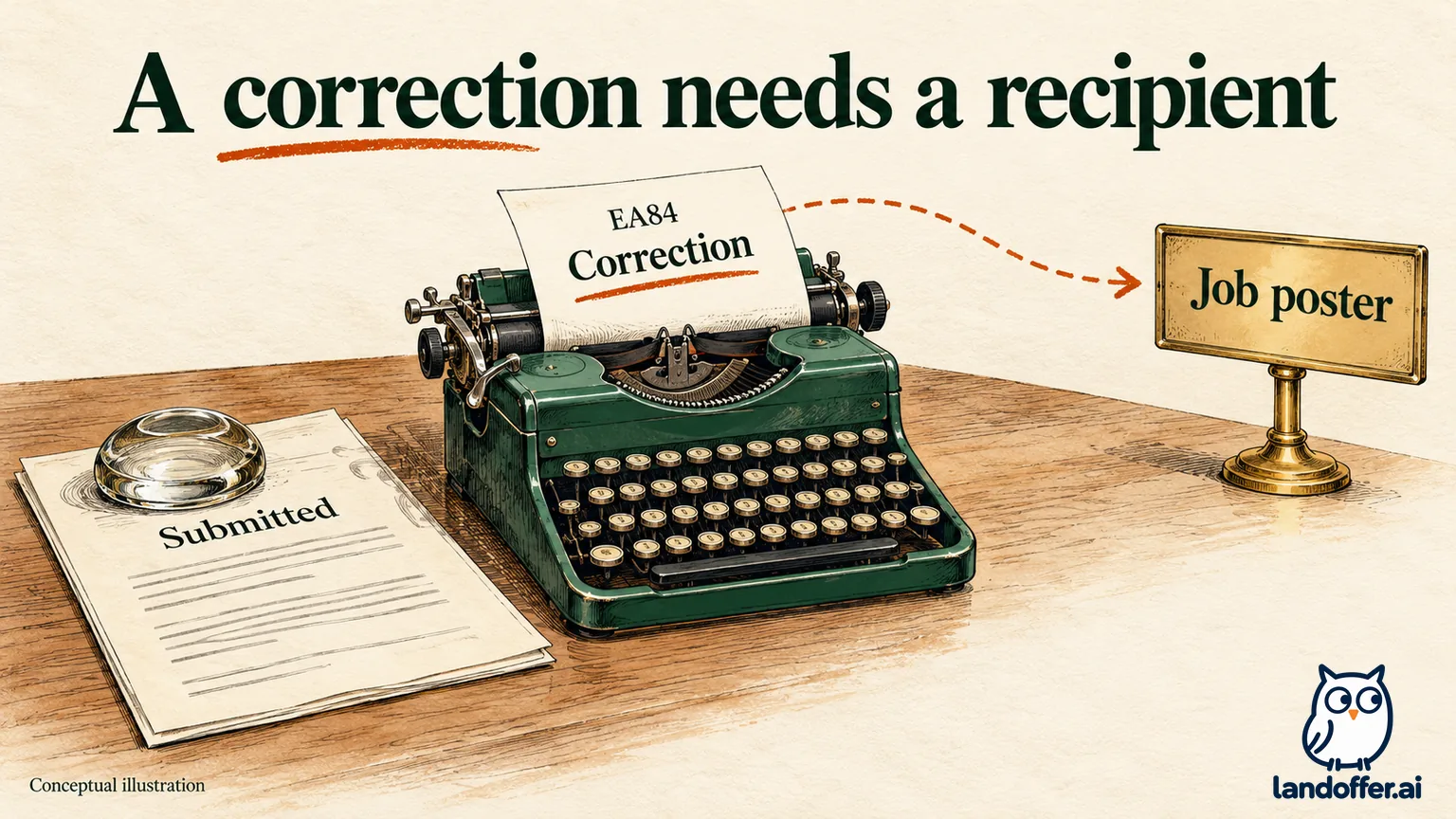
If you spot a mistake after submitting LinkedIn Easy Apply, you cannot reopen the application to edit it or withdraw it through LinkedIn. LinkedIn’s application help directs candidates who need changes to contact the job poster via InMail. First confirm the exact application and error, then use an available, legitimate contact route to explain the smallest necessary correction.
A correction message is a request, not proof that the submitted application changed. This guide reviews LinkedIn’s public documentation checked on October 19, 2026, with fictional examples; no application was submitted, changed, or withdrawn, and no employer was contacted for this article. LandOffer publishes the guide and offers recent job listings. Those listings can support your continuing search, but they do not unlock edits to a sent LinkedIn application.
Confirm that this was an Easy Apply submission
Locate the employer, role title, job identifier, application date, and any confirmation you retained. Similar titles can describe different openings, so preserve the listing link too. These details help the recipient locate the affected application without confusing it with your other submissions.
The distinction between Easy Apply and Apply matters here. LinkedIn documents Easy Apply as its own submission flow, while Apply takes you to a company website or job board to continue. If the mistake happened in an external employer form, investigate that destination’s instructions. LinkedIn’s contact guidance does not establish that an outside applicant portal has the same editing rules.
Also establish whether you submitted at all. An unfinished application and a completed submission need different actions. If you are still reviewing an unsubmitted form, correct the field before the final submission. Do not send a recruiter a correction to an application that remains only a draft on your device.
For an actual Easy Apply submission, keep its original evidence while investigating. Removing a saved job, changing your profile, or preparing a better resume does not demonstrate that the sent record was replaced. Use the official post-submission limit to rule out a self-service edit before choosing your next step.
Inspect the submitted resume before diagnosing a wrong file
LinkedIn has a specific guide to viewing the resume used for an application. Its documented desktop route is Jobs → Job tracker → Applied. Open the relevant application’s job details, then select Submitted resume to inspect the file used.
Compare the document’s content with your intended version. A familiar filename is not enough when several exports share a name. Check contact details, employment dates, project descriptions, and the relevant version difference. A resume that emphasizes a different project may still be factually accurate; a wrong date or contact detail is a different kind of problem.
This source establishes a submitted-resume viewing route. It does not establish a way to replace that attachment or view every answer you previously entered. If the suspected mistake concerns a screening question, use whatever reliable record you kept. Do not claim certainty about the original answer when you only remember clicking through quickly.
When the exact answer is uncertain but the underlying fact matters, your message can state the fact without inventing a quotation from the form. For example: “To clarify my current availability, I can commit to two office days per week.” Explain the uncertainty briefly if needed. State what you know and keep the uncertain original answer clearly identified.
Decide whether this error warrants contact
Contact is most useful when the correction changes a fact the employer needs to evaluate or reach you. That does not mean every small imperfection deserves another message. Consider what the employer would misunderstand if the record stayed as submitted, then weigh that against the actual contact options and posting instructions.
The following completed decision table is editorial guidance, not a LinkedIn rule about which mistakes recruiters forgive. Each decision follows from the stated input; it does not predict an interview outcome.
| Confirmed situation | Why it matters | Completed next-action decision |
|---|---|---|
| A screening answer says three office days are possible; actual capacity is two | The answer misstates availability for a stated requirement | Prepare a direct factual correction through the appropriate available route |
| The submitted resume contains an incorrect employment end date | The document misstates work history | Verify the date, prepare one corrected version, and request the permitted update |
| The resume is truthful but uses a less relevant project first | The concern is emphasis rather than an inaccurate fact | Keep a better version for future forms; consider contact only if the employer accepts material updates |
| A harmless formatting inconsistency leaves all information readable | No factual or contact information is wrong | Fix the working file for later applications; no correction message is needed for this issue alone |
| The applicant is unsure which resume was sent | A wrong-file claim has not been established | Inspect Submitted resume before asking anyone to replace it |
A material correction can also reveal that you do not meet a requirement. State the accurate fact anyway. Do not change your explanation to make the application look eligible, or present a genuine constraint as a technical glitch. The employer may accept, decline, or be unable to act on the update; the guide cannot determine that result.
Identify the job poster and check the available channel
Return to the exact listing and inspect any poster information or contact option it provides. Match the recipient to that role and organization. A person employed by the company is not automatically the owner of your application, and a similarly named recruiter is not enough to establish the connection.
LinkedIn’s stated route for post-submission changes is InMail to the job poster. The documented contact route has access limits. Its InMail help says Basic members generally need Premium to use InMail, recipients can choose not to receive it, and members with Open Profile enabled can receive messages for free. Those distinctions mean a contact suggestion is not a promise that every applicant will see a usable InMail control.
Inspect the legitimate options already available to you. An existing recruiter conversation or an applicant-contact channel expressly provided by the employer may offer a way to ask about a correction. Check that it is appropriate for application questions. An accommodation address or a technical-support form should not become a general resume-update inbox merely because it is easy to find.
If no suitable route is visible, record that limit. Do not buy an upgrade on the assumption that it can edit the application, reveal a hidden decision maker, or guarantee a response. Do not broadcast the same correction to employees you cannot connect to the posting. Keep the corrected facts ready for a later legitimate conversation.
Write a small correction that names the application
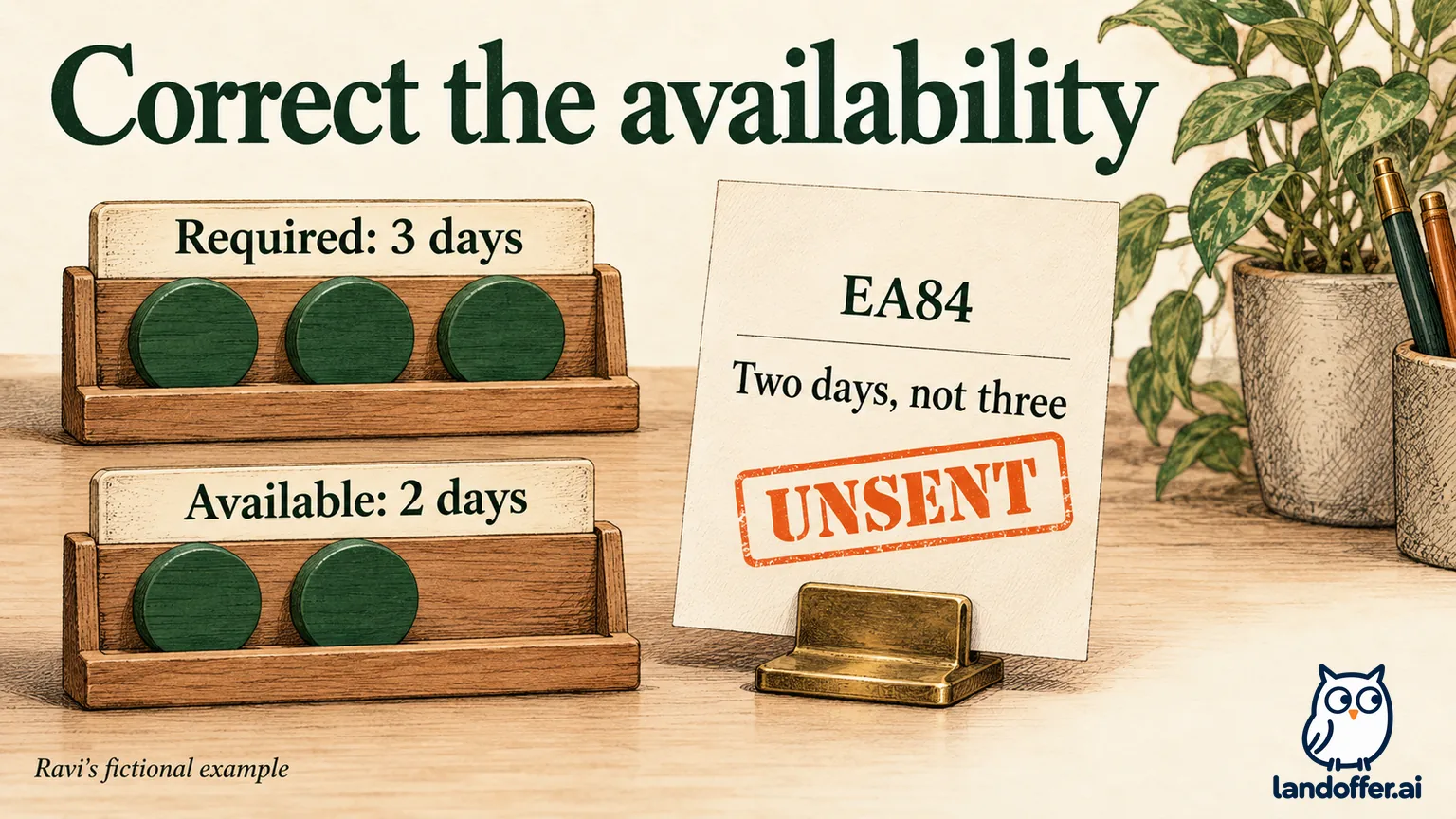
Ravi Senn is a fictional data engineer who applied to invented Morrow Bay Systems role EA84 on October 17. The posting requires three office days each week. In this example, Ravi’s own application note confirms that he selected Yes to meeting that schedule, but his actual commitment is two days. This is a factual availability error, not a request to make a cosmetic resume change.
The fictional listing identifies its job poster and provides a usable message route. Ravi prepares the following local draft. Nothing has been sent, and no real employer has received or accepted it:
Subject: Availability correction — Data Engineer EA84
Hello,
I submitted an Easy Apply application for Data Engineer EA84 on October 17. I selected Yes to the question about working on site three days per week. That answer was incorrect: I can currently commit to two office days per week, not three.
Could you note this correction against my application, or let me know the appropriate route if updates are accepted? I understand that this availability does not meet the three-day requirement as stated.
Thank you, Ravi Senn
The message identifies the role and submission date, names the mistaken answer, supplies the correct fact, and asks for a bounded action. It does not ask the poster to overlook the requirement or pretend that two days satisfy it. Ravi also avoids adding a new sales pitch that could obscure the correction.
If his mistake concerned a document, the message would identify the filename and specific correction instead. Prepare one reviewed replacement before offering it, and follow the recipient’s attachment instructions. Ravi’s draft needs no replacement resume: the correction concerns his two-day availability, and his employment history is unchanged in this example.
Keep a prepared message separate from a confirmed correction
Ravi’s drafted message improves his readiness to act, but his original application remains the only evidenced submission in this example. The next state depends on what he actually does and what, if anything, the employer confirms.
| Evidence in the fictional workflow | Accurate private record | What it does not establish |
|---|---|---|
| Complete message saved locally | Correction draft ready; unsent | That the job poster received it |
| Message sent through a verified available channel | Correction requested on the recorded date | That the application was edited or the requirement waived |
| Reply only says the message was received | Receipt acknowledged | That the corrected fact was associated with EA84 |
| Reply explicitly says the availability correction was noted against EA84 | Correction noted per employer reply | That an interview will follow or the schedule is acceptable |
These are conditional teaching branches, not messages received during this article’s preparation. Keep the original submission, correction text, channel, date, and any reply together. A read indicator or a polite acknowledgment should not be stretched into an employer-side update the recipient never confirmed.
If a reply tells you updates are unavailable, preserve that answer. If it supplies a different approved route, follow the instructions for that exact record. If it never resolves the question, your log can remain “correction requested; association unconfirmed.” Leave the request unresolved in your notes until evidence supports a more specific result.
Avoid creating a second application as a substitute for a reply
An application correction concerns an existing record. A second submission through another route may create another record without resolving the first one. Do not assume the employer will merge them, select the newer attachment, or preserve the first application date. None of the public help reviewed here establishes that outcome.
Likewise, LinkedIn’s rule does not offer withdrawal as a convenient resume-swap tool after submission. Do not follow a generic tutorial that promises a Withdraw button for every submitted Easy Apply record when LinkedIn’s own application help says otherwise. If an employer gives you a specific instruction about a separate application route, keep that instruction and understand what new action it asks you to take.
A closed listing does not change what your existing evidence proves. You may still have a legitimate recruiter thread, but an inaccessible job page does not establish permission to resubmit elsewhere or send private documents to an unverified address. Use the identifiers you saved to keep a permitted inquiry narrow.
Ravi therefore preserves EA84 and the original availability answer in his notes. He has one prepared correction and no duplicate application. He can explain the discrepancy consistently if an appropriate contact becomes available, without guessing that the sent form changed behind the scenes.
Review the next application without rewriting the past
Correct your working resume and review reusable answers before the next form. Recheck each question’s wording: two similar questions can ask about different locations, hours, or start dates. Use your current truthful circumstances, then inspect the selected attachment and answers before the final submission.
This future preparation is separate from the correction request. An updated profile or newly selected file should not be recorded as proof that EA84 was repaired. For a broader wrong-file problem across different employer systems, our submitted-resume correction guide explains why the receiving system’s own controls and instructions matter.
For this Easy Apply record, start with the confirmed error and exact role. Check that the recipient is connected to the opening, prepare one concise factual correction, and keep it marked unsent until you send it through an appropriate available channel. Afterward, record only what the reply or saved record confirms. Then continue with recent roles on LandOffer, keeping the selected version and key answers tied to each new application. Careful recordkeeping supports a clearer conversation; it cannot promise a recruiter response or hiring result.
Sources and Further Reading
- LinkedIn: Apply for jobs on LinkedIn, Easy Apply versus external Apply and the post-submission edit/withdrawal limit; native page showed “1 year ago” on October 19, 2026.
- LinkedIn: View resume used for job application, Job tracker and Submitted resume; native page showed “8 months ago” on the checked date.
- LinkedIn: Send an InMail Message, access, recipient preferences, and Open Profile exception; native page showed “6 months ago” on the checked date.