 LandOffer
Job search
The Job Posting Disappeared After You Applied: What Can You Actually Infer?
A job posting disappearing does not establish your application outcome. Check role identity, preserve receipt evidence and choose a useful next action.

A job posting disappearing after you applied establishes a change in what you can see at that address. It does not, by itself, establish rejection, a hire, a cancelled role or the loss of your application. Preserve the earlier application record, check the employer's current role information and act on a message or status that actually refers to your application.
LandOffer publishes this guide and offers job-search tools. You can keep browsing recent roles on LandOffer.ai without treating an absent page as a hiring decision. Official ATS documentation was checked on October 9, 2026. The timelines and messages below are fictional examples, not observations of an employer's internal process.
Separate the posting, the job and your application
Three different records are involved. The posting is a public description and application entry point. The job is the employer's underlying hiring need or requisition. Your application is the information you submitted for a particular role. A posting can stop accepting applications without revealing a decision about your existing application.
Greenhouse's job-post guidance explicitly distinguishes post status from job status. It describes an offline post as no longer visible even when the job is open and interviews continue. That is a concrete reason not to equate a missing page with a personal outcome, although it does not explain any specific employer's action.
The same distinction helps with a “no longer available” message. Read what the message describes. Is the page unavailable for new applications, or does the employer explicitly say that your candidacy has ended? Do not silently turn a statement about the listing into a statement about you.
A closed role is also different from an individual rejection. If the employer says the position was cancelled, record that role outcome. If it says you were not selected, record the application outcome. If it says only that the listing is unavailable, keep the reason unknown.
You can continue the search while this role's outcome remains unknown. It is a reason to make your next action from the evidence you have, while continuing the rest of your search.
Understand documented mechanisms without choosing a story
Several processes can remove a listing. An employer may stop accepting new applications, change its posting schedule or alter the role. A technical or routing problem can also make an address unavailable. You usually cannot choose among those explanations from the missing page alone.
The current Greenhouse scheduling documentation describes scheduled unpublishing, optional recurring publication and application-capacity controls. These are documented product mechanisms. They are not evidence that a particular employer used them, and they provide no probability that your application will advance.
It is natural to read the timing personally. Keep that reaction separate from what the page change establishes. “They have enough candidates, so I must be in the shortlist” adds an unsupported selection claim. “They removed it immediately after I applied, so I failed screening” adds an unsupported causal claim. The timing may be worth recording, but it does not establish either explanation.
Do not infer the employer's motives from a job-board badge. The label may describe that platform's copy or link state. Check the employer's own careers entry and the original role identifier before interpreting a change.
If you later receive a specific explanation, add it with its date and source. Keep the original observation in the history. A later answer can resolve uncertainty without changing what you actually knew when the page first disappeared.
Make one focused check of the role identity
Start from the saved description or application confirmation. Note the employer, title, requisition or posting ID, location, application date and the email address used. Open the employer's current careers site through a known route and search for that role or identifier.
Compare any result carefully. A similar title may be a different team, location or level. A different URL may be a new route to the same role. Keep identity evidence separate from publication dates, which can change for reasons unrelated to your application.
If the original link now redirects to a general careers page, record that behavior. If it displays an unavailable message, record the wording and the date. If the site cannot load, record a failed access check rather than concluding that the role was removed.
For a likely site-wide issue, one later check or an official status notice may clarify access. Repeated refreshing does not generate new evidence about your candidacy. Avoid trying guessed application endpoints or submitting through an unverified copy merely to force a different result.
Save the description when you apply so you can prepare for a later interview even if the public page disappears. Store it privately alongside the role reference and materials sent. You may still need that context if the employer contacts you after the public post is gone.
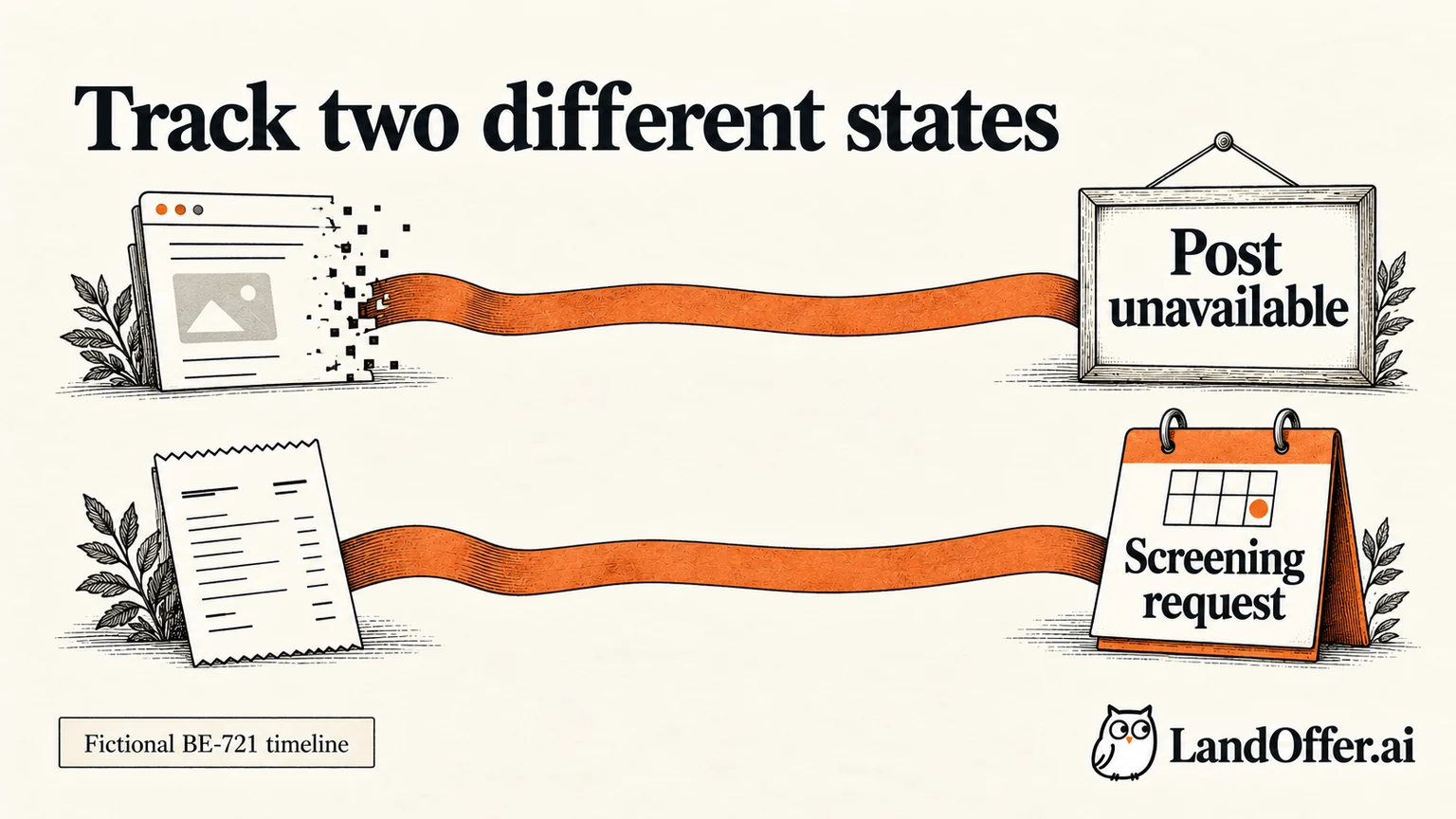
A completed timeline with two independent states
Ellis Park, a fictional backend engineer, applied for the fictional Northbank Systems role BE-721. The table describes stipulated teaching events, not a real application.
| Event | Posting evidence | Application evidence | Justified conclusion |
|---|---|---|---|
| October 1, 10:14 local time | BE-721 description accessible | Employer confirmation identifies BE-721 | An employer confirmation identifies an application for that role |
| October 3, morning | Original page says no longer available | Earlier receipt remains saved | Public route changed; personal outcome unknown |
| October 3, later | Current careers search has no exact match | Portal still displays Received | No exact live listing found; no new personal decision shown |
| October 6 | No additional role information located | No new employer message | Continue other applications; retain this record |
| October 9 | Public page still unavailable | Recruiter asks for screening availability for BE-721 | Respond to that specific request; page absence does not cancel it |
Ellis's tracker uses two fields. Posting visibility reads “unavailable at original URL, checked October 3.” Application state reads “receipt saved; screening availability requested October 9.” Combining them into one “closed/rejected” field would lose useful information.
The October 9 request supports a concrete next action, not a prediction of an offer. Ellis verifies that it concerns BE-721 and replies through the legitimate recruiting thread. He keeps the saved description for preparation and continues the wider search.
The timeline also shows why later events matter more than theories about the missing page. He did not need to determine the exact unpublishing mechanism to handle a clear, role-specific request correctly.
Choose the next action from your application evidence
Now change one fact in the example: what evidence Ellis has about submission. The appropriate response changes even though the public posting is unavailable in every branch.
| Situation | Useful next action | Conclusion to avoid |
|---|---|---|
| Role-specific employer receipt exists; no decision message | Preserve the application and follow any stated update route | Missing post means rejected |
| Only a tool's completion label exists | Look for confirmation, a portal record or available submission evidence | The label proves employer receipt |
| Explicit employer rejection identifies BE-721 | Record the decision and follow any stated reapplication guidance | A cached listing overrides the rejection |
| Employer requests an interview or task for BE-721 | Verify and answer the request by its deadline | The public page must reopen before you can continue |
If receipt is uncertain, investigate receipt. Do not use the disappearance as proof that an earlier click succeeded or failed. The relevant question is whether an application for the intended role reached the employer, not whether the page remains publicly visible now.
For a portal record, use the employer's explanation of its labels. The MyGreenhouse FAQ says companies choose which updates to share and the portal does not display every internal step. An unchanged status therefore cannot confirm that someone is currently reviewing your resume.
Missing confirmation and an unchanged portal are separate observations. Record both if necessary. Keeping the distinction prevents you from applying again simply because the evidence feels incomplete.
Ask a bounded question when the answer changes your action
A useful inquiry identifies the existing application and asks about the uncertainty you need resolved. It does not accuse the employer of deleting your candidacy or ask a recruiter to explain every internal hiring decision.
For the receipt-confirmed branch, Ellis could use this draft:
Hello, I applied for Backend Engineer, reference BE-721, on October 1 and received a confirmation. The posting is now unavailable at the original link. Could you let me know whether my existing application remains under consideration and whether any action is needed from me? Thank you, Ellis.
This is a fictional draft, not a message sent by this guide. Use a verified recruiting contact or the employer's documented candidate-support route. If the employer asks candidates not to send status inquiries, respect that instruction and rely on the available portal or scheduled update.
If the employer already promised an update date, use that expectation rather than a universal follow-up interval from a blog. If an interview or task is scheduled, ask about that commitment directly. A pending task deadline may require clarification sooner than a general status question.
Keep the message short. Your earlier receipt establishes which record you mean; the inquiry need not repeat your full pitch or attach an unsolicited new resume. If receipt is not established, ask how to verify the existing attempt instead of describing it as confirmed.
Do not reapply just to recreate a visible record
A second application is a new action, not a diagnostic tool. Before taking it, compare the role identifier, responsibilities, location and employer instructions with the original. A newly visible role may be the same requisition or a genuinely different opportunity.
For the same role, look for an explicit invitation to reapply, an approved correction process or evidence that the earlier attempt did not complete. A missing page alone supplies none of those. If a recruiter tells you to use a replacement link, preserve that instruction and relate the new record to the earlier one.
For a different requisition, assess fit again. Similar wording does not make it a duplicate automatically, but the existing application does not establish fit for the new scope either. Keep your answers and materials consistent with the particular role.
A third-party copy can help you recover descriptive context. It cannot overrule the employer's current route or create permission to submit to an unavailable role. Navigate from the employer source when deciding where an application belongs.
If you cannot resolve the status, retain a clear unresolved record and choose where to spend effort next. Uncertainty about one role does not require stopping all other applications.
Preserve the record while continuing your search
Keep the last verified personal state, the posting observation and a next action in separate fields. For Ellis before October 9, that means receipt saved, original page unavailable and no additional action requested. After the screening message, it means respond with availability and prepare from the saved description.
Set a personal review date based on the employer's instructions and the role's importance to you. That is an organization choice, not a promised response time. If there is nothing actionable, move the record out of your immediate task list without relabeling it rejected.
When an explicit decision arrives, update the application record with the source and date. When only visibility changes, update visibility. This small discipline prevents a tracker from turning uncertain signals into invented outcomes.
Continue with recent roles on LandOffer.ai, saving the role reference and submission evidence as you go. Use discovery for the next opportunity; keep this application's state tied to its own evidence and requested next action.
Sources and Further Reading
- Greenhouse: Change a Job Post's Status: distinction between post visibility and the underlying job.
- Greenhouse: Automatically Publish or Unpublish a Job Post: scheduling and application-capacity mechanisms.
- MyGreenhouse FAQ for Candidates: employer-controlled candidate updates and contact boundaries.
Documentation checked October 9, 2026. Ellis, Northbank Systems, BE-721 and all timeline events are fictional. No likelihood of rejection or advancement is estimated.