 LandOffer
Job search
Your Resume Parsed Incorrectly: How to Fix Dates, Titles, and Missing Fields
Compare each extracted field with the source; correct the current form, repair persistent data and recheck without rewriting history.

When your resume parses incorrectly, compare the extracted fields with the actual source file, correct the current form, and repair any saved profile that would repeat the mistake. Review contact information first, then each employer-title-date block and each education record. A readable attachment, a complete profile, and an accurate employer form are three separate checks.
Use a specific employer application, perhaps for a role found through LandOffer's recent jobs, to identify the actual problem. LandOffer publishes this guide. Official parsing and file guidance was checked on October 8, 2026. Iris, the resume records, and the extracted errors below are fictional teaching examples; we did not test a live parser or submit an application.
Identify which layer is wrong
Start with the uploaded file. Open the exact file you selected, not another document with a similar name. If the source already has the wrong date or title, the parser may have copied it accurately. Correct the source and create a new export before trying to diagnose a mapping problem that originated in the document itself.
Next inspect the saved profile, if the application system uses one. A profile may contain data extracted from an older resume or edited separately. Finally inspect the current employer form. A correct profile can be mapped incorrectly, and a correct file can coexist with stale structured fields. Correct the layer that contains the error so it does not reappear on the next form.
Greenhouse's parsing guide describes detecting resume information and placing it into candidate fields. It says parsing can fail or be partial. The article concerns recruiter-side candidate creation; use it to understand documented causes, not to assume its screenshots are the candidate interface you will see.
MyGreenhouse's candidate FAQ directs candidates to review and edit extracted information before saving and applying. That makes manual review a normal part of the workflow. A parsing error alone does not establish an ATS rejection, a missing application, or an employer's assessment of your qualifications.
Compare complete records, not isolated cells
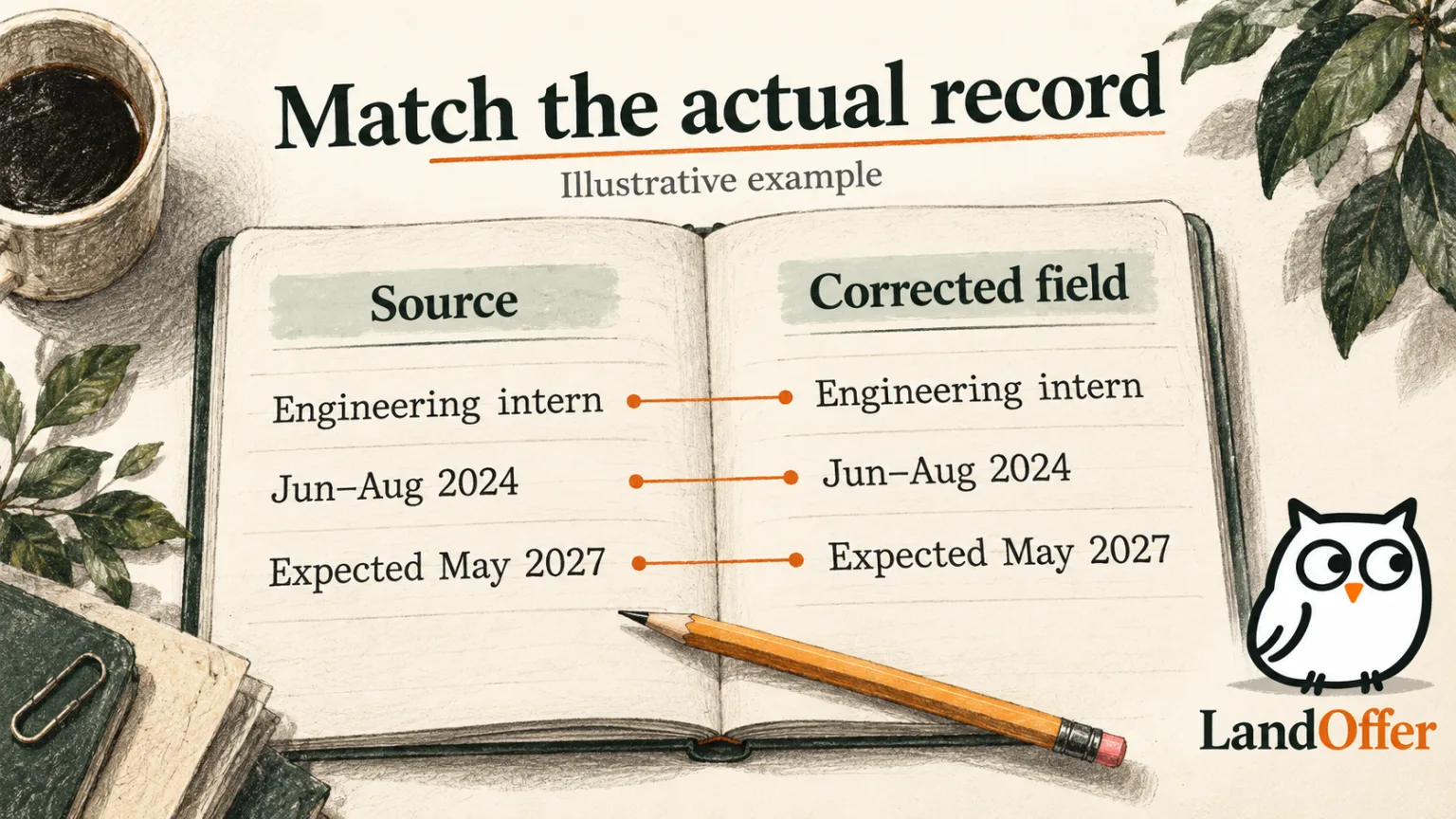
Iris has a fictional resume with two experiences: Software Engineering Intern at Northbridge Labs from June through August 2024, and a part-time research role at her university from October 2024 to the present. Her degree is expected in May 2027. The resume states these facts correctly, but a hypothetical extraction mixes several fields.
The internship appears current, its title becomes “Developer,” the degree appears completed in 2025, and the contact email is missing. Iris should not repair each date independently without checking the employer and title attached to it. A correct August 2024 date in the wrong experience block is still an inaccurate record.
| Record | Source says | Hypothetical error | Correction decision |
|---|---|---|---|
| Internship title | Software Engineering Intern | Developer | Restore the actual title |
| Internship dates | Jun–Aug 2024 | Jun 2024–Present | Enter Aug 2024 and clear current status |
| Research role | Oct 2024–Present, part-time | Omitted | Add only if the form permits or requires the record |
| Degree | Expected May 2027 | Completed May 2025 | Restore date and expected status |
| Contact email | Current email in source | Blank | Enter the verified address |
This comparison produces a concrete repair plan rather than a general instruction to change templates. Iris corrects the active form and saved record where editable. She preserves the accurate dates in the resume. The goal is agreement with her actual history, not making the document match a mistaken extraction.
Keep a short note of recurring errors. Record the source file revision, field, wrong value, correction, and whether the saved profile also changed. That note helps distinguish one bad import from a repeatable source-layout issue without collecting an unnecessary second copy of all your personal details.
Check dates and current-status choices together
Employment dates describe an interval, while a “currently work here” choice can change how the end date is interpreted. Inspect both. If a role ended, enter the real end date and clear the current-status choice where appropriate. If it is current, do not invent an end date merely because the parser or form prefers one.
Use the date precision the form asks for and the history you can support. A month-and-year field can take the corresponding months from your resume. If a form requires a day you have not documented, verify the date or consult the employer's instructions. Do not silently translate a monthly record into an exact start day as though you know it.
Two roles can legitimately overlap: a part-time research role may coexist with another job or course. Preserve the actual timeline and any supported part-time context. Do not move dates to eliminate an overlap simply because it looks untidy. The parser's grouping problem should be corrected without changing the underlying history.
For education, distinguish attendance, expected completion, and an awarded degree. In Iris's example, May 2027 is an expected date, not evidence that the degree has already been granted. Review the degree-status field as well as the date. An accurate month with an inaccurate completed-status choice still misrepresents the credential.
Restore titles and employer relationships
A title should identify the actual role you held. If an abbreviation creates ambiguity, use a faithful expanded form rather than upgrading the position. “Software Engineering Intern” communicates a different employment status from “Software Engineer.” The target job's title is not permission to replace your historical one.
Check whether a company name has become a job title or a title has moved under the wrong employer. Multi-entry sections can produce grouping errors even when the individual words are readable. Compare each experience block with the source in order, including its dates and responsibilities.
If your employer used an unusual internal title, a truthful functional explanation may help the reader when the form permits it. Preserve the original role identity and make the explanation explicit. Do not invent a company suffix, employment type, or seniority level simply to trigger a parser's expected pattern.
Greenhouse's parsing guide names incomplete titles and ambiguous company formatting among possible issues. That is guidance about a particular parser, not a requirement to rename your employer. Use clearer formatting or manual correction while retaining the real facts. Parser recognition is a technical constraint; it does not override accurate representation.
Repair missing fields without creating new facts
For missing contact information, enter the current verified email, phone, and relevant links. Test the links you intend to share and check that the employer form places them in the expected field. A portfolio URL in a phone field is not fixed simply because both values exist somewhere on the page.
For an omitted experience, check what the form requires. Some applications ask for structured history; others primarily take a resume and a few contact fields. Add accurate missing records where appropriate, but do not duplicate a role just because its entry is not obvious at first. Compare existing records before creating another one.
If a school or degree option is unavailable, inspect the supported manual-entry or help route. Choose the actual institution and credential rather than the nearest-looking alternative. A selector problem does not justify an inaccurate education record. Keep the resume truthful while resolving how the form can represent it.
Distinguish a field that failed extraction from a question absent from the resume. Work authorization, availability, or employer-specific motivation may require the candidate's separate answer. A resume parser should not be expected to infer those choices from a location, degree, or work history. Complete them from confirmed information after reading the exact question.
Inspect the source's text and reading order
If errors recur, try selecting and copying the relevant resume section into a plain-text editor. Check whether the title, employer, dates, and bullets appear in a sensible sequence. This is a diagnostic for the file's text layer and reading order; it is not a simulation of every ATS parser.
An image-only PDF can look sharp while lacking selectable text. Adobe's OCR guidance explains how recognition adds a searchable text layer to scanned documents. If you have the original editable resume, a fresh text-based export may be simpler than repairing a scan. Keep the original while testing a revised export.
OCR also requires review. Adobe's guidance on recognition errors describes checking uncertain recognized words. OCR can recognize the wrong digit even when the visible date is correct; search or copy the important text and compare it with the visible document after any OCR step.
Look for headers, footers, text boxes, columns, and tables that split information into unexpected sequences. Greenhouse documents those as potential causes of partial parsing. A simpler layout is a reasonable troubleshooting change, but it is not a universal compatibility guarantee. Change one likely cause, export again, and check the resulting fields.
Separate file acceptance from successful parsing
An upload can be accepted while its data fails to populate fields correctly. Conversely, a file-format or size error can prevent an attachment from being accepted at all. Read the actual message before deciding that the parser is responsible. Check whether the page has an attachment, extracted records, both, or neither.
Greenhouse's supported-upload documentation lists accepted document formats and a candidate-upload limit. Its separate parsing guide describes a smaller parsing limit. The documented 100 MB upload limit and 2.5 MB parsing limit refer to different operations; do not treat them as one threshold or apply either to every portal.
MyGreenhouse recommends PDF in its candidate FAQ, while the broader Greenhouse upload documentation accepts other formats too. Follow the current employer page's instructions and inspect the result. Neither a PDF extension nor an accepted upload proves that all dates, titles, and education fields were understood correctly.
Keep a lean resume file where practical. Removing unnecessary images can reduce size without removing your evidence. After changing the export, inspect its appearance and text again. Avoid compressing so aggressively that the document becomes difficult to read or turning a text-based file into screenshots just to make an upload smaller.
Correct the form, then prevent the next recurrence
When the deadline is close and the form permits edits, manually correcting accurate source facts can be the immediate solution. If the source is accurate and the form allows edits, correct the affected fields manually. Review the corrected form after saving or advancing because a later import or fill may change it again.
Then repair the reusable source where needed. If the saved profile has the wrong internship end date, correct that profile. If the PDF's reading order repeatedly combines employers, create a simpler export. If the tool maps one field poorly despite a clear source, complete that field manually and note the limitation instead of repeatedly reimporting it.
Use a controlled comparison for diagnosis. Keep the same factual content, simplify the suspected layout issue, and compare the resulting extraction. Changing wording, format, file type, and account simultaneously makes it difficult to know which change helped. Preserve the original and revised exports under different names.
In Iris's example, the immediate outcome is an accurate current form: internship ended August 2024, university role remains current, and degree remains expected in May 2027. She also corrects the saved profile and prepares a simpler source export for future use. The example does not claim that a named parser successfully reprocessed it or that an employer received it.
Handle errors discovered after submission separately
If you discover the mismatch after submitting, check the employer's correction options. Do not assume changing a profile or uploading a replacement updates an earlier application. MyGreenhouse's FAQ makes that boundary explicit for profile name and phone updates and directs candidates to the employer for changes to previously shared information.
Keep the original selected file and any confirmation, then record the specific correction you requested and the employer's response if one arrives. If the resume was accurate but a field was wrong, explain that difference through the permitted route. Do not submit another application automatically or claim a correction succeeded without evidence.
For the next application, choose one role from LandOffer's recent jobs, open the exact resume export, and compare its contact, experience, and education records with the filled form. Fix the current mismatch and its reusable source, then recheck what the page actually contains before deciding to submit.
Sources and Further Reading
- Greenhouse: Unsuccessful resume parse: partial parsing, documented layout causes and parsing size limit.
- MyGreenhouse: FAQ for Candidates: candidate review and correction boundaries.
- Greenhouse: Supported candidate uploads: accepted files and upload limits.
- Adobe: Recognize text in scanned documents: searchable text and post-OCR review.
- Adobe: Fix text recognition issues: correcting uncertain recognized words.