LandOffer
Onboarding & Teamwork
Your First Engineering Ticket: Clarify the Task, Ship a Small Change, and Learn the Workflow
Follow a bounded onboarding display fix from requirement clarification through actual local tests, reviewer handoff, release ownership and a completed documentation note.
For your first engineering ticket, agree on one observable behavior, reproduce the current result, and make the smallest complete change that satisfies the agreed task. Run the relevant checks, explain what remains untested, and learn who reviews, merges, releases, and verifies the change. A merged branch and a working production feature are different milestones; ask which one closes this ticket.
This guide from LandOffer.ai follows a fictional equipment-directory task. Its Python helper, tests, and archive handoff were actually run locally. The teammates, application, ticket, and release arrangements are invented; no employer repository was accessed and nothing was deployed. The example shows a complete learning record while keeping real test evidence separate from simulated team decisions.

Choose a small task with a visible finish
A first task should introduce a useful path through the team's workflow without requiring you to redesign a system you have barely seen. A display correction, a focused regression fix, or a documented configuration repair can work if someone can explain its expected behavior and help you reach the relevant environment. A short ticket can still depend on unfamiliar services or unavailable access.
Ask your onboarding partner why this task is suitable. Can you reproduce it with permitted test data? Is the component maintained? Who can answer a product question? Does it require access you do not yet have? If production credentials or an unfamiliar migration are prerequisites, resolve those dependencies before treating the task as a quick win.
Google's small-change guidance describes a useful unit as a self-contained change with its related tests and enough context for review. Apply that principle to the behavior you are changing. Do not turn a particular company's suggested line count into your own onboarding target.
Use the task to learn how this team delivers safely. Commit volume, time spent typing, and the number of files touched cannot tell your manager whether you understood the task, surfaced uncertainty, or followed the release process.
Turn the ambiguous ticket into an agreed contract
Our fictional ticket reads: “Location looks empty for some equipment. Show a sensible label.” New engineer Rosa asks maintainer Chen whether “empty” means missing data, whitespace, a loading state, or a failed request. Those cases could belong to different parts of an application.
They inspect a permitted synthetic fixture containing a location string made only of spaces. The display helper returns those spaces unchanged. Chen confirms the intended behavior for this exercise: inputs are strings or None; remove leading and trailing whitespace for display, and show Unassigned when no text remains. Preserve the stored value. Do not change search, persistence, permissions, translations, or loading behavior.
Rosa records that agreement before editing. If the real ticket involves localized text or a design-system component, the corresponding owner should confirm that choice; the English fallback here is a teaching assumption. That boundary keeps the display fix reviewable and leaves a data migration for a separately agreed task.
GitLab's frontend development lifecycle similarly starts with clarifying an issue and planning the implementation, then covers testing, self-review, and verification. Its particular labels, channels, and roles belong to GitLab. Use your employer's documented equivalents rather than copying operational instructions from another company.
Reproduce the behavior before changing the helper
Rosa locates the smallest function responsible for the display value. Before modifying it, she identifies its callers and checks whether their input assumptions match the ticket. A helper can look trivial while serving other screens; knowing that boundary matters more than guessing a clever replacement.
Here is the original isolated example:
def display_location(value):
    return value if value else "Unassigned"
We ran this exact function locally. A single-space string returned a single space, and a tab/newline string returned its whitespace. The padded string " Shelf A " retained its surrounding spaces. Those three results failed the stipulated display contract. None and the empty string already produced Unassigned; the task did not require inventing a second fix for those working cases.
For a real repository, save a minimal reproduction using approved fixtures, not a customer's identifying data. Record the command, relevant runtime, expected result, and observed result. If your environment fails to start, describe that as an environment blocker. It does not establish that the application has the reported defect.
Before expanding the task, ask whether a nearby problem shares the same acceptance criteria. A search-normalization inconsistency could be real and still deserve a separate ticket. Link it for follow-up instead of mixing two behavior changes into the first review.
Implement and test the agreed behavior
The corrected helper for this example is:
def display_location(value):
    """Display a location from a str or None without changing stored data."""
    if value is None:
        return "Unassigned"
    return value.strip() or "Unassigned"
The explicit None branch preserves that allowed input; the remaining branch uses the stipulated string contract. This function does not validate arbitrary types or clean a database. If a real caller can supply numbers, objects, or another sentinel value, decide how to handle those inputs with the maintainer before reusing the code.
Our actual Python 3.12.14 harness checked eight input/output cases: None, an empty string, a space, tab/newline whitespace, the padded shelf label, an ordinary rack label, São lab, and "0". A ninth check confirmed that calling the helper left the original padded string unchanged. The original implementation passed six of nine checks; the corrected version passed nine of nine. The newly passing cases were the two whitespace-only strings and the padded label.
That evidence is deliberately narrow. We did not run a complete application, verify screen-reader output, exercise a browser, inspect a database, or measure production performance. The unchanged-string check concerns this local string value; it is not a test of an application's persistence layer. A real UI change still needs the team's relevant rendering, accessibility, integration, and regression checks.
Keep the code and related tests together so the reviewer can assess the intended behavior. If the team's recommended suite cannot run, give the exact failure and ask how to proceed. A passing small harness should not be presented as a substitute for a blocked required check.
Completed asset: the task and delivery record
The following filled record combines fictional requirements and role decisions with the actual local exercise. Its status labels distinguish them. Adapt its level of detail to your team's ticket rather than copying the invented names or commands into a real project.
| Stage | Completed record | Evidence boundary |
|---|---|---|
| Clarification | Rosa and Chen agree that whitespace-only locations display Unassigned; padded labels are trimmed for display. Inputs: string or None. |
Fictional agreement; stored data and other features excluded. |
| Reproduction | Space, tab/newline, and padded shelf cases fail the expected display output. | Actual isolated harness: original helper passes 6/9. |
| Implementation | Add the explicit None branch and strip the display string. Keep the input value untouched. |
Exact helper shown above and saved with the fixture. |
| Verification | Repeat the same nine checks against the corrected helper. | Actual local result: 9/9; no full application or browser test. |
| Review preparation | Rosa describes the input contract, three changed cases, exclusions, and missing application checks. Chen is the proposed reviewer. | Fictional handoff description; no real review approval. |
| Delivery rehearsal | Package both helpers and the harness, extract into a fresh temporary directory, and rerun the checks. | Actual local archive replay: corrected helper 9/9; not a release. |
| Release ownership | Chen owns the example's merge decision; release engineer Ivo owns deployment and production verification. Rosa supplies the expected display cases. | Fictional responsibility assignment; merge, deployment, and production checks remain unperformed. |
We extracted the saved archive into a fresh temporary directory and reran its harness successfully. It does not turn that archive into an approved application artifact. In a real team, identify the actual build, version, environment, release owner, and verification evidence required by its process.
Rosa's sample review summary is specific: “This changes location presentation for strings and None. Whitespace-only input now uses the agreed fallback; padded labels lose surrounding whitespace. The local fixture passes nine checks. Search and stored data are unchanged by this helper. Application rendering and release verification are not covered by this exercise.” It gives a reviewer a bounded claim to examine.
Learn the review and release path without guessing permissions
Before asking for review, inspect your own diff. Remove unrelated formatting, temporary output, and accidental secrets. Explain the input contract and attach the command and test result that support it. If you cannot tell why a file changed, investigate it before assuming the reviewer will sort it out.
GitHub's Hello World tutorial teaches repositories, branches, commits, pull requests, and merging as distinct steps in a practice exercise. It does not establish your employer's approval rules or deployment process. Ask which branch to target, who must review, and whether a successful merge triggers a release or merely makes code eligible for one.
When feedback changes the implementation, repeat the affected checks and update the description. When a reviewer requests a broader redesign, explain the original scope and ask whether that work belongs in this change. Ask the maintainer to help decide which requests are needed for this ticket and which deserve separate work.
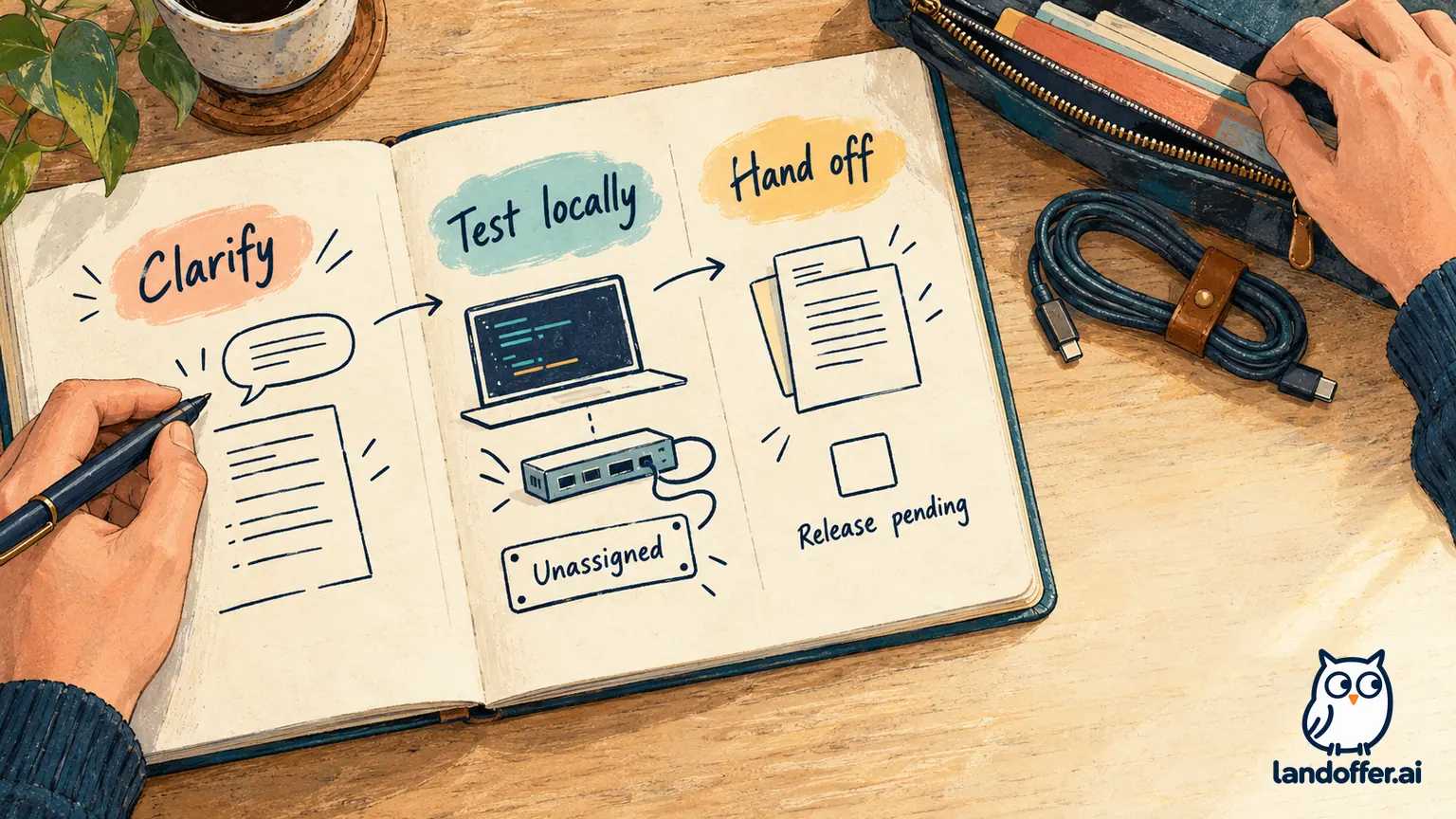
For the fictional task, Rosa would ask Ivo what release evidence he needs and where he records verification. She would not mark the ticket “shipped” because her local helper passed. If a required environment is unavailable, the handoff should identify its owner and pending check. Use the team's actual state for waiting work rather than inventing a completion label.
Completed asset: improve the onboarding note
A small documentation contribution can preserve what you learned. Write it after verifying the instructions, and ask the maintainer to review team-specific details. The example below is a finished note for our isolated exercise, followed by explicitly fictional ownership information. It is not a runbook for GitLab or any employer.
Location-display exercise: reproduction and handoff
Purpose: Check the display-only contract for strings and
None. Runpython check.pyfrom the extracted exercise archive using the recorded Python 3.12.14 environment. The harness evaluates both implementations: the original passes six of nine checks and the corrected helper passes nine. A different result needs investigation before the exercise is treated as reproduced.Changed cases: A space and tab/newline whitespace use
Unassigned;" Shelf A "displaysShelf A. Do not modify the fixture's original value to make the result pass. The fixture contains no customer records and requires no production credentials.Team decisions in the fictional scenario: Chen answers helper-contract questions and reviews the proposed change. Ivo owns deployment and production verification. Ask them which application checks and release evidence are required; the isolated harness does not answer that question. No merge or deployment has occurred in this exercise.
Definition-of-done gap: The initial ticket omitted whether “done” meant code merged or behavior verified after release. Before closing a real ticket, record the team's agreed milestone and any remaining owner-dependent work. Keep an unavailable release check visibly pending.
The note captures an actual runnable command and exposes the missing workflow decision instead of filling it with a guessed policy. That is more useful than a long diary of every installation attempt.
Close your first ticket by stating what changed, what evidence supports it, and what the next owner still needs to do. Bring the clarified done condition and release-owner question to your onboarding partner before selecting the next task. For further workplace reading, visit LandOffer.ai.
Sources and Further Reading
- GitLab Docs: Getting Started — company-specific frontend development lifecycle.
- Google Engineering Practices: Small CLs — self-contained changes, related tests, and review context.
- GitHub Docs: Hello World — practice branch, commit, pull-request, and merge workflow.