LandOffer
Job search
Enhancv Alternatives When You Need Simpler Exports or More Resume Versions
Compare Enhancv alternatives for PDF editing, independent resume copies, Word output and recoverable source files, with two completed migration examples.
Choose an Enhancv alternative for the editing, version management or recovery task you need to keep doing. OpenResume is a candidate for a deliberately simple, browser-local PDF workflow. Reactive Resume offers documented independent copies, saved history and structured backups, with current Word export as well. An editor you already use may be enough for a required editable file. Keep Enhancv when its design controls and paid access already meet your needs; Pro advertises substantial document capacity.
LandOffer publishes this guide and offers job-search tools. We checked public descriptions on October 14, 2026, and inspected signed-out entry points. We did not test vendor imports, exports, AI or employer parsing. Our completed examples use original fictional files and local browser checks. Select a relevant description from recent LandOffer roles, then identify the attachment and future editing requirements before moving your history.

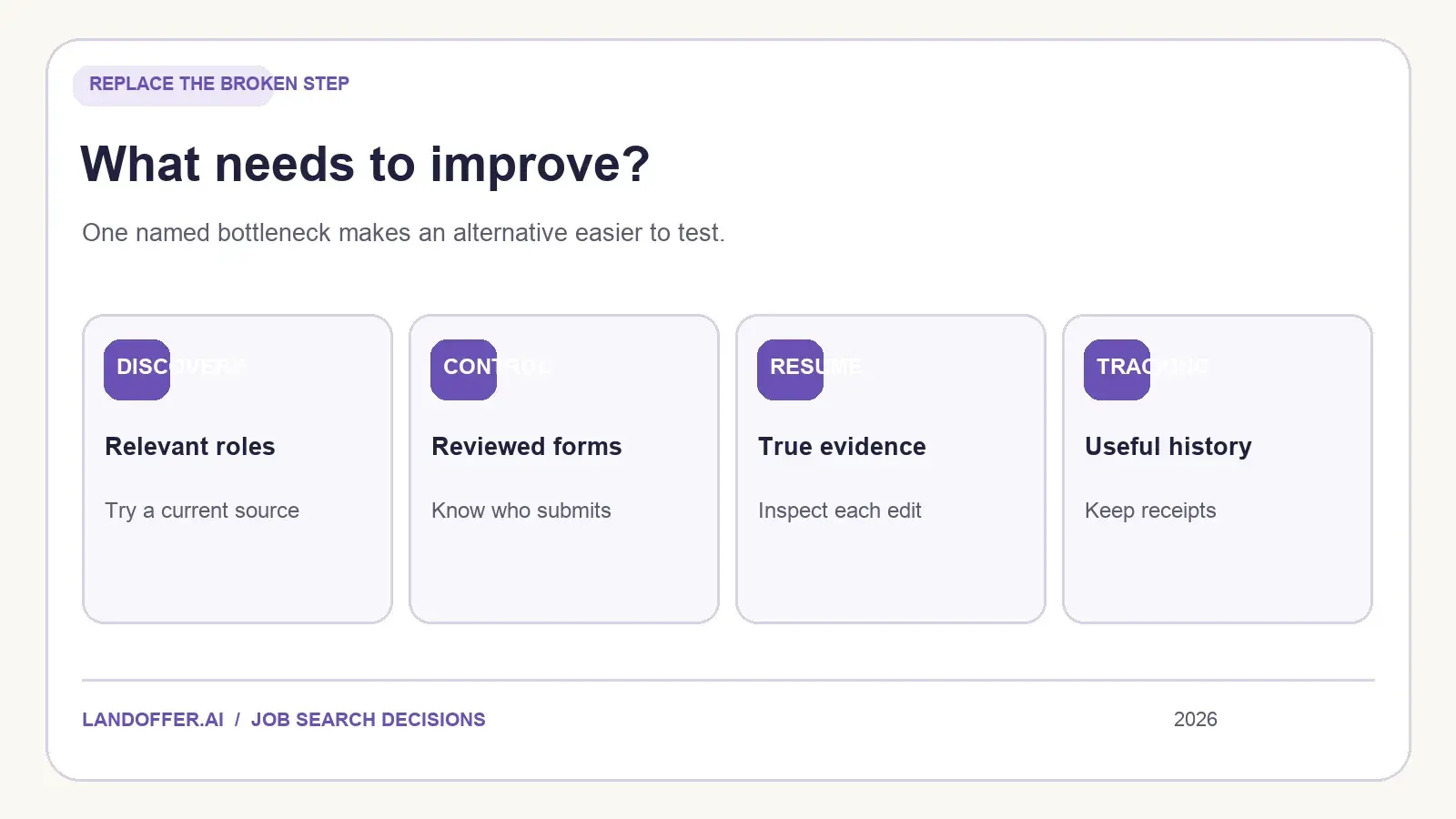
Identify the operation that needs replacing
“More versions” can mean several different things: independent resumes for different roles, earlier revisions of one document, or files saved after each application. A builder can support one of those requirements without resolving the others. Name the document, earlier revision or attachment you need to keep, and how you expect to use it.
Enhancv's current pricing page advertises 300 resumes and cover letters on Pro. Its seven-day Free offer has branding and a maximum of 12 section items. The public paid-price values rendered NaN and zero during our check, so we cannot supply a usable selected-plan quote. Do not interpret that display as free Pro access or describe paid Enhancv as a one-resume product.
Ongoing access is a separate requirement. Enhancv's April 16, 2026 cancellation help says full Pro editing continues through the paid period. After it expires, existing documents remain downloadable in read-only mode, while saving edits and creating documents require reactivation. That describes expired paid access; it does not establish what happens to every free account.
If the problem is maintaining next month's revisions without another paid period, extra document slots alone will not solve it. If the problem is a recruiter requesting Word, more templates will not resolve the required format either. Name that constraint first.
Compare source, copies and attachment formats
| Requirement | Relevant route | Work that remains |
|---|---|---|
| One simple PDF with no builder account | OpenResume's local workflow | Retain source and backups outside the browser |
| Independent role copies plus earlier revisions | Reactive Resume's document and history features | Keep document identity separate from revision labels |
| Word attachment and a reusable structured source | Reactive Resume's documented DOCX and JSON outputs | Inspect simplified Word layout; keep private backup separate |
| Required editable file with familiar collaboration | Existing compatible editor | Maintain layout and verify the actual saved format |
| Current design controls already work | Retain Enhancv with appropriate access | Confirm continuing editing and the selected paid offer |
These are capability comparisons, not measured quality rankings. We have not compared export accuracy or editing speed across the products. A PDF attachment, an editable Word document and a structured backup serve different purposes; choose the route around the one your next task requires.
Enhancv's tailoring page describes PDF or DOCX input and PDF plus simple TXT output. Accepting a Word file for import does not establish a Word export. Its design and tailoring controls may still be useful when PDF is the required deliverable. Compare that current workflow with the operation you need to replace.
OpenResume for a deliberately narrow local workflow
OpenResume describes a free builder requiring no signup, with data stored in the browser. Its deliberately restricted design uses a top-down single column and core resume content. That restraint can suit someone who wants fewer layout choices to maintain rather than another elaborate template collection.
The official repository documents PDF import and a downloadable resume PDF. The public builder exposes content fields, font and document-size controls, and a download link. We inspected those controls without changing the existing fictional sample or downloading another file. Neither that observation nor the documentation establishes a managed collection of independent role versions or DOCX output.
Browser-local storage changes the maintenance routine. Keep your factual text somewhere you can recover independently, alongside the final attachments you need. Treat browser clearing, switching devices and replacing the current resume as events that require a deliberate recovery plan. We did not simulate data loss or test restoration in OpenResume.
This is a sensible shortlist for a narrow PDF task when you accept manual source management. It is less direct for a search involving many simultaneously maintained documents or shared editing. Its advertised privacy approach also does not constitute our security audit or proof of compatibility with every employer system.
Reactive Resume for independent documents and recovery
Reactive Resume's current introduction describes a free hosted account and a self-hosted option. Its public dashboard led us to a sign-in screen; we stopped there. Self-hosting adds infrastructure and maintenance responsibilities, even when the software itself has no paid tier.
The document guide describes Duplicate as a separate copy whose edits do not change the original. Copy for a job can connect a copy with a particular application. Manual creation, copying and editing do not require an AI connection. Those operations address independent content rather than simply storing another downloaded file.
The history guide describes named versions, read-only previews and restoration. History shows the 100 most recent versions. Editing-session versions are retained for 90 days; named versions remain until deleted. That is a documented recovery mechanism with specific limits, rather than a promise of unlimited permanent history.
Choose this route when finding a target copy and recovering an earlier edit are recurring tasks. History can help you recover an earlier sentence or date without rebuilding the document from memory. Give each target its own document when both must remain independently editable. Restoring an old state of one resume should not become the routine for switching between two active applications.
Check what the current exports actually contain
The current download guide lists PDF, Word, OpenDocument, Markdown and JSON. Word output simplifies visual design and omits hidden content. JSON retains sections, hidden entries, design settings and private notes; importing it creates a new resume. Keep that private backup separate from an employer attachment. We did not create or inspect a Reactive Resume export.
Its import guide distinguishes structured backups from PDF and Word. PDF can be read in the browser without an AI provider, or sent to a configured provider. Word import requires a provider. Imported fields still need review because sections, dates or wording can change. There is no documented promise that an Enhancv page transfers with identical layout and meaning.
Reactive Resume's AI setup guide says users pay their provider for usage. The app's free offer does not make those external calls free. Manual editing remains an option if you want to avoid adding a provider solely to move an existing document.
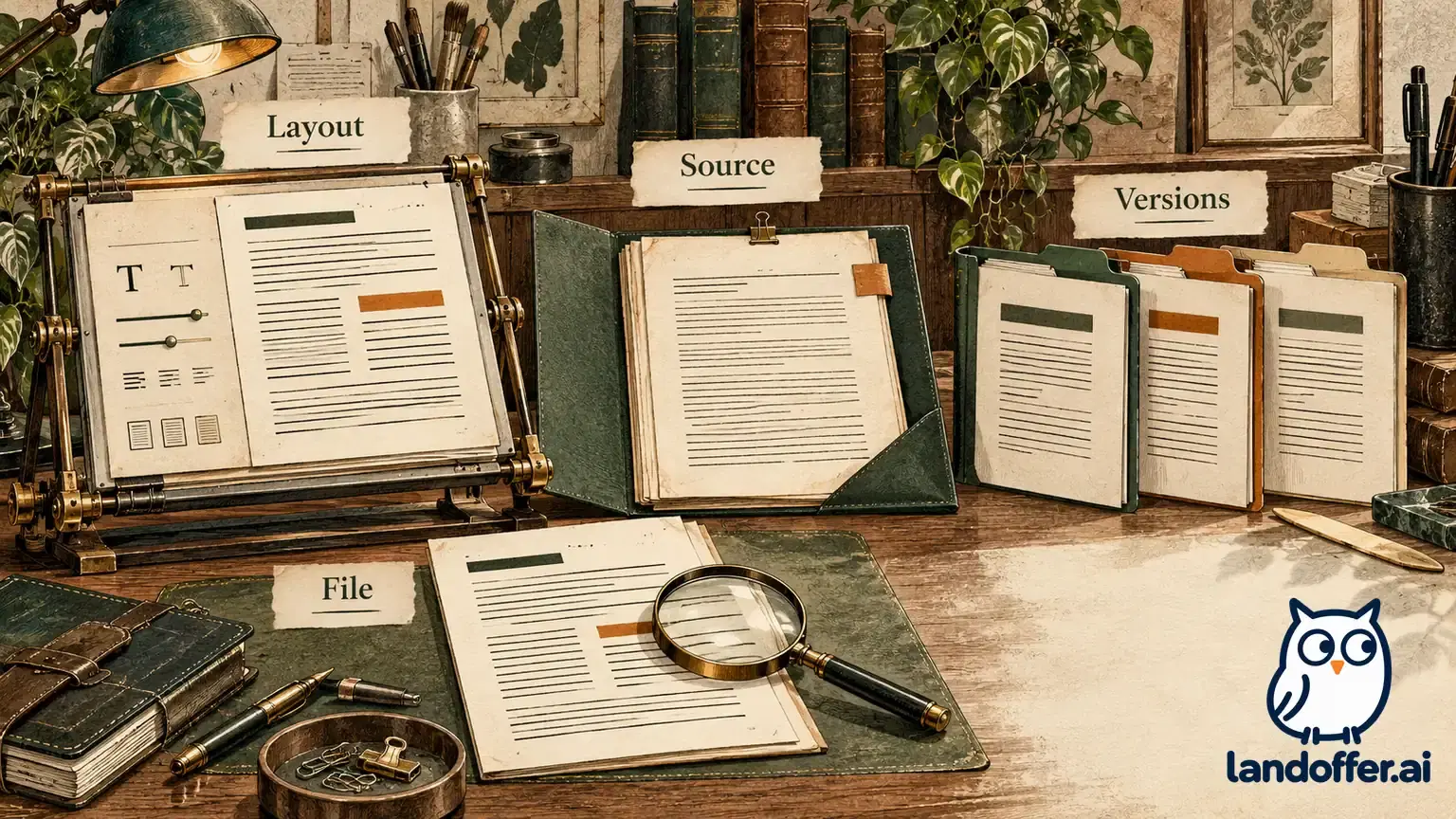
A useful migration comparison therefore includes what remains editable, what becomes an attachment and what is included in a backup. A backup containing private drafting notes has a different audience from a resume. Review the actual chosen format before sharing it, even if its filename resembles the final attachment.
Amoret's completed source migration
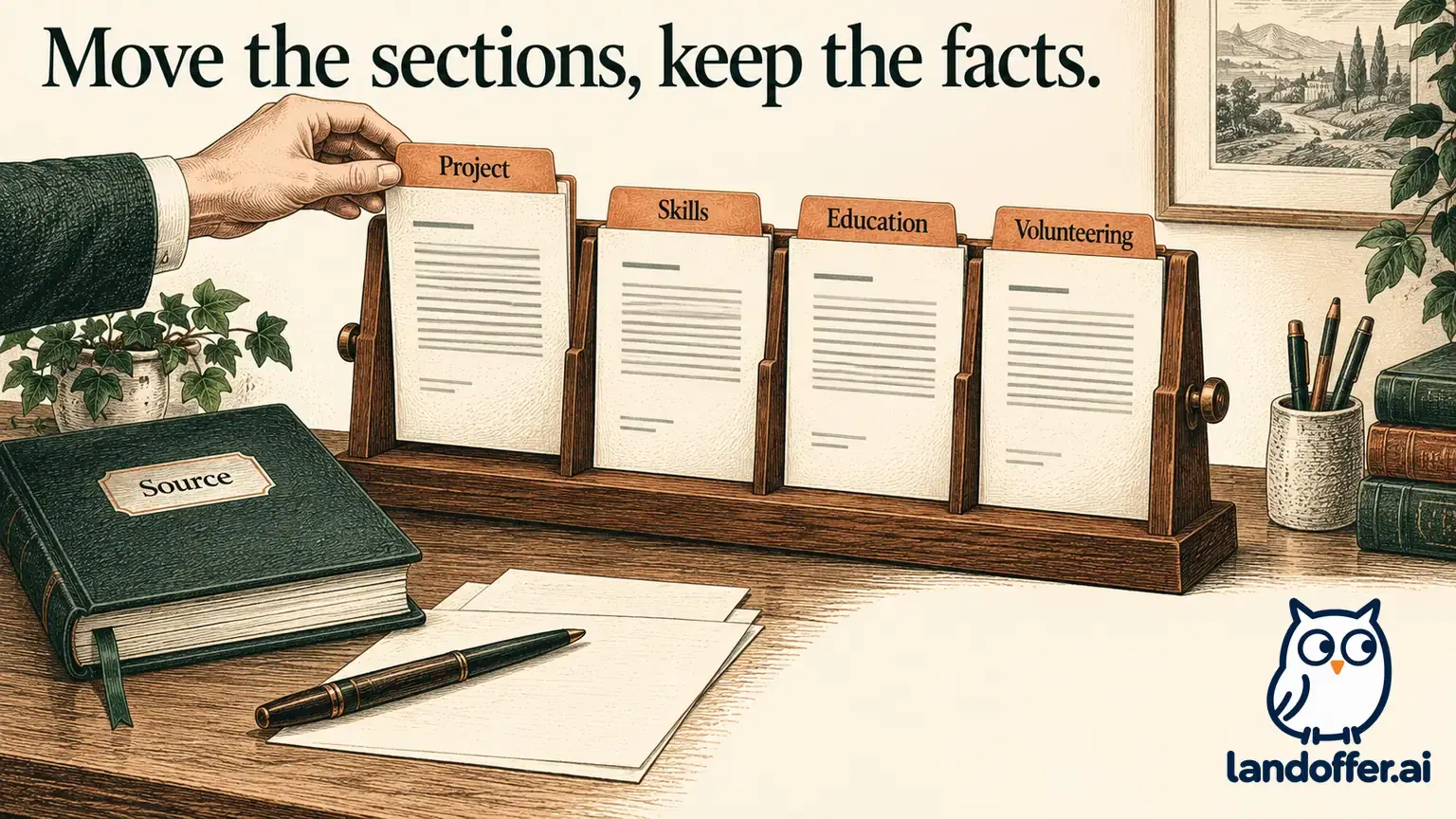
Amoret is a fictional computer science student with expected graduation in December 2026. Her January–March 2026 interface practicum produced a local SVG icon catalog. She used JavaScript filters and visible HTML labels, and an instructor reviewed the keyboard-navigation notes. The source makes no employment, production-deployment or measured business-result claim.
We created a miniature styled HTML source with education and practicum context in a sidebar. A second plain HTML file and a fielded JSON source preserve the same six fact groups. These are our editorial examples, not an Enhancv template, a product import or a full resume export.
| Fact association | Preserved meaning after migration |
|---|---|
| December 2026 | Expected graduation, not an awarded degree |
| January–March 2026 | Student practicum, not employment dates |
| JavaScript filters and HTML labels | Local classroom icon examples |
| Instructor review | Keyboard-navigation notes, not a production accessibility audit |
Our saved browser comparison contains the same six fact identifiers and identical paragraph text in both HTML files. The saved record also retains hashes for those fact groups. This checks our authored files; it does not predict how a vendor would parse the styled page or an exported PDF.
Amoret's completed decision is to retain the fielded source and shortlist OpenResume for a simple local PDF workflow. The required content fits a restrained arrangement, and she accepts managing the source independently. If she needs several maintained role copies later, that requirement would justify comparing a document workspace.
The important migration result is the preserved association between dates, activities and scope. An attractive new page would not compensate for turning the practicum into employment or graduation into a completed degree. Compare those associations before revising presentation further.
Benedict's completed document and restore decision
Benedict is a fictional student whose August–September 2026 exercise revised CSS focus styles and HTML labels on a local reading-list page. He documented keyboard steps and reviewed examples with an instructor. His source does not establish employment, a production rollout or a measured usability improvement.
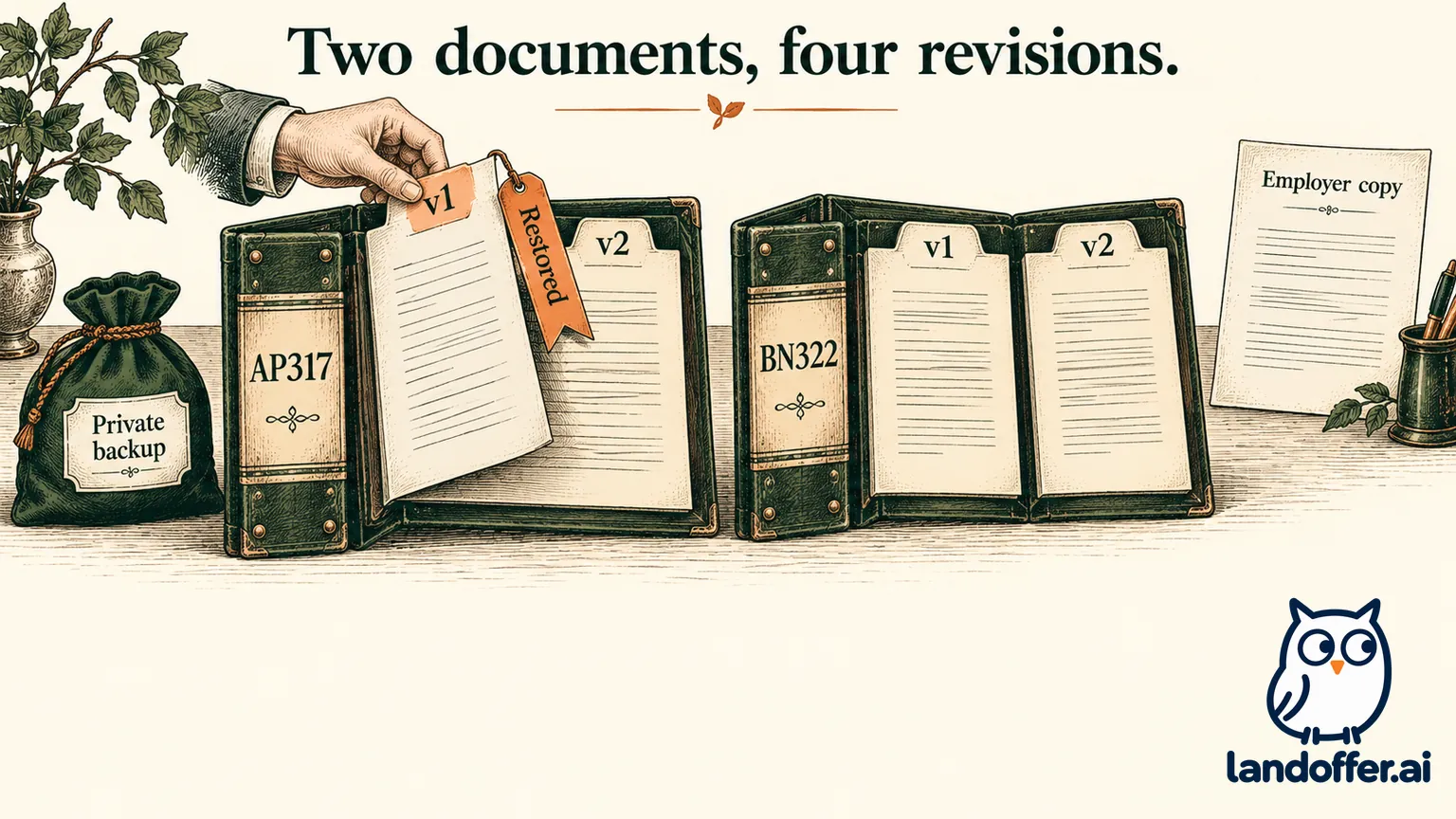
We created two independent target documents: AP317 for a fictional front-end internship and BN322 for a fictional documentation internship. Each has two saved revisions, producing four snapshots. AP317 leads with CSS and HTML work; BN322 leads with the keyboard instructions. Those are separate document identities even though they draw on the same facts.
In AP317's second revision, a deliberate shortening experiment removed the months from its educational-context sentence. We restored the first revision from a saved local JSON file. The restored content equaled the first revision exactly, including August–September 2026. BN322's current file hash remained unchanged.
The restored backup retained this private reminder: “Personal drafting reminder: ask the instructor which examples may be shared.” We excluded it from a separately saved employer-text sample. Both files remain unsent. The local example uses our own schema and does not establish compatibility with Reactive Resume JSON or demonstrate its restore implementation.
Benedict's selected route is a workspace with independent copies and documented recovery, making Reactive Resume worth evaluating. His four historical snapshots do not satisfy the requirement for two active documents by themselves. He also keeps a private recovery file and a separate employer deliverable, because recovering everything and sharing selected content are different operations.
Make one migration decision before moving everything
Stay with Enhancv if its controls, formats and continuing access already serve the actual task. Consider OpenResume when a narrow local PDF routine is sufficient, or Reactive Resume when independent documents and recoverable history are the recurring requirement. An existing compatible editor remains reasonable for a required editable attachment and familiar collaboration.
Keep a usable current resume available while evaluating one copy, so a migration does not interrupt preparation for an application deadline. Start with one representative document and compare its content with the source. Then make a small revision and identify how you would recover the earlier state. A successful first download alone does not establish that you can maintain the next version.
Choose one recent LandOffer role, read its attachment instructions and identify how you will edit the document again. Try that complete operation on one copy before moving the rest of your history. Preserve the current source until you can identify the attachment, the editable document and the recovery copy.
Sources and Further Reading
- Enhancv pricing and document capacity
- Enhancv cancellation and paid-expiry access
- Enhancv tailoring and output descriptions
- OpenResume's local builder
- OpenResume official repository
- Reactive Resume introduction
- Reactive Resume document management
- Reactive Resume version history
- Reactive Resume download formats
- Reactive Resume imports
- Reactive Resume AI providers and usage