LandOffer
Job search
Dayforce Duplicate Application Declined? Understand Reapply Windows and Hidden Duplicates
Check Dayforce duplicate declines, hidden application records and employer-configured reapply rules before submitting the same job application again.
A Dayforce duplicate-application decline can concern a later submission to a job you already applied for. Preserve the original receipt, compare the employer and requisition, and check the earlier application's status before sending anything again. A missing duplicate row in your candidate account does not establish that the second attempt disappeared or that the original was rejected. Reapplying depends on the employer's posting configuration and your earlier application, rather than a universal waiting period.
LandOffer publishes this guide and offers job-search tools. Official Dayforce documentation was checked on October 13, 2026; the application records and decisions below are fictional. We did not access an employer account or test a submission. While you resolve one application, you can find other recent tech roles on LandOffer.ai and keep their records separate.

First, identify which submission was declined
Read the actual decline message and identify the submission it refers to. Its arrival time does not identify the reason. Save its wording, date, employer, job title, job reference and any application reference. Compare those details with your first confirmation. If the message explicitly identifies a duplicate application, investigate the repeated attempt. A generic decline does not establish its cause.
Keep two questions separate in your notes: was the later submission treated as a duplicate, and what happened to the earlier application? You might have evidence for only one. Record the original as awaiting confirmation when its status is unknown. Calling everything “rejected” loses the distinction you need when asking the employer for help.
Also check what the reference identifies. A posting number, requisition number and application reference can refer to different objects. Label each number as the employer labels it; do not convert an unexplained confirmation number into a requisition ID. The employer can help establish whether two postings belong to the same requisition.
A different route can still reach the same job
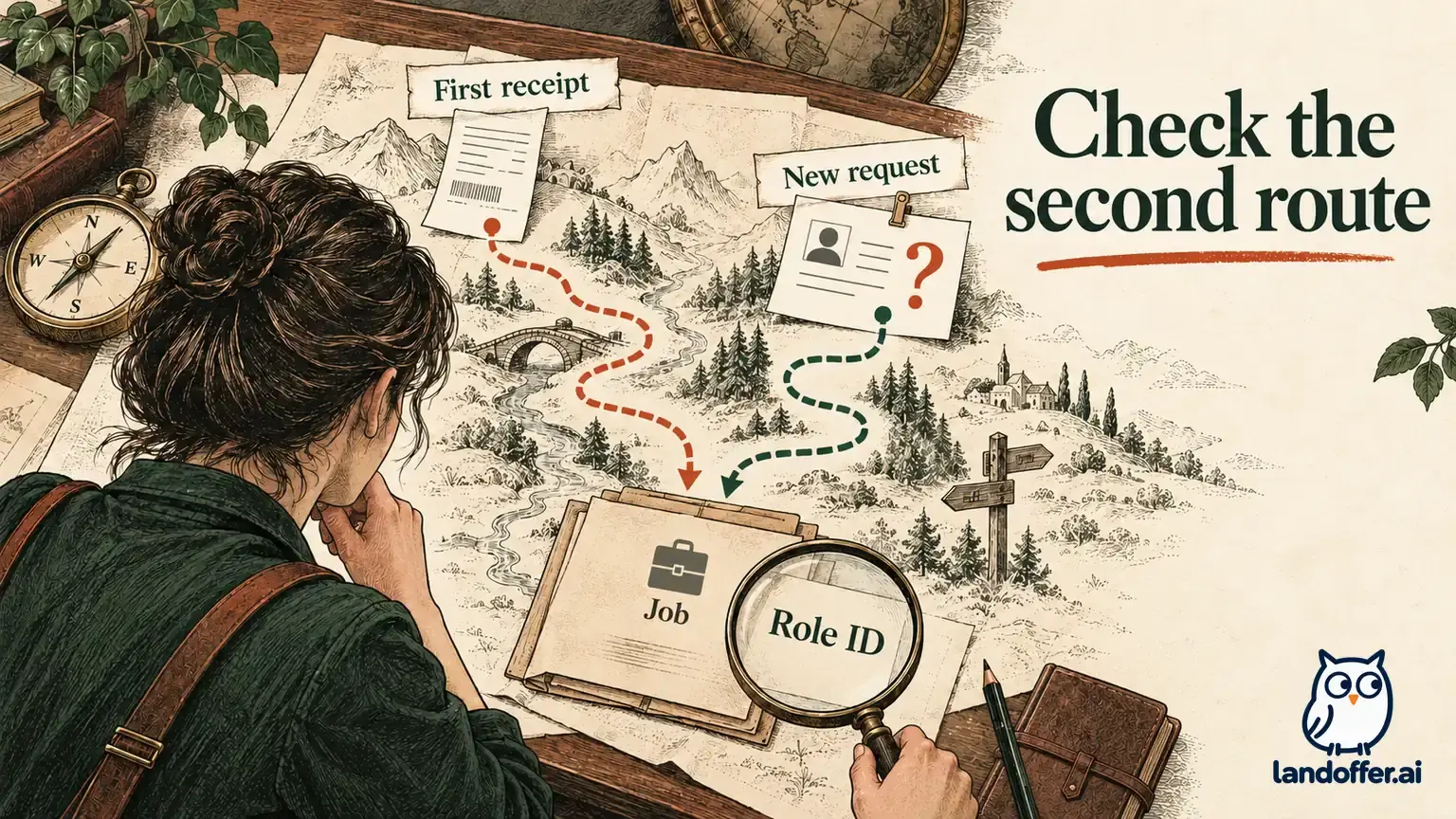
The current Dayforce duplicate-application documentation describes detection across career sites, job boards, recruiter-created records, external vendor APIs and file imports. Applying without an account is also covered. The R2026.2.0 guide identifies first and last names and email as matching criteria, with phone used when email is unavailable. It says duplicate submissions enter the system, receive a duplicate decline reason and are automatically declined.
A practical consequence is that changing your route does not establish a new application opportunity. For example, compare your employer-site confirmation with the later Indeed submission and retain both dates. The second route is not evidence that the first application failed. This is a documentation-based explanation, not a test of every employer's integration or a claim that all similar names are merged.
For posting identity, Dayforce's candidate application guide says ordinary applications are limited to one posting per requisition; other postings for that requisition show that you have already applied. Configured evergreen reapplication is an exception. Compare identifiers even when two pages have different URLs, locations or refreshed dates. A genuinely separate requisition deserves its own fit review; a second page for the existing one does not settle that question.
Why your account may not show the duplicate
Dayforce says candidates do not see duplicate submissions in the client career site's Jobs Applied For list. Duplicate notifications depend on a configured workflow being triggered. Therefore, an absent second row or missing email cannot independently settle whether that attempt reached the system. Keep the original confirmation, the later notice and the date you checked your account. If they conflict, ask the employer which application each message identifies. The documentation also describes employer-side duplicate records and audit information; it does not give applicants access to those screens. Dayforce duplicate records.
There are other visibility limits. The Jobs Applied For guide describes a configurable signed-in feature, an optional read-only application view, and settings that can hide a status behind “Status Not Available.” That label is not a decline reason. Read the screen you have, save its exact wording and avoid filling missing information with assumptions about recruiter activity.
For a guest submission, keep the original confirmation and application reference. Dayforce's unregistered-application guide describes limited candidate tracking and a reference supplied with confirmation. Do not assume that registering later will restore a complete application history. A candidate profile and an application's visible history are different pieces of information. If the history remains incomplete, use the employer's verified candidate-help route instead of creating another submission to test it.
Reapply timing has more than one condition
Dayforce's Candidate Reapply Feature guide explains the configured period: blank prevents reapplication, zero removes the timing wait, and a positive value counts from the previous application date. Its detailed conditions also require an eligible candidate whose earlier application was declined, or who was hired and later terminated without a Do Not Hire flag. An elapsed countdown alone is insufficient.
The detailed feature guide is more specific than the duplicate article's shorthand reference to a prior “hired or declined” status. Do not treat Hired by itself as permission to reapply. Ask the employer about the exact posting and application. A hidden Apply button does not establish a Do Not Hire flag, and the documentation does not let you determine a private flag from a missing control. The guide describes the Apply button returning when requirements are met; a visible countdown in an employer-facing example does not mean your candidate account exposes the same control.
For your own tracking, use this decision table as a way to identify the missing fact. It does not determine your eligibility or replace the employer's instructions.
| What you can establish | What remains unresolved | Next action |
|---|---|---|
| The original submission has a matching receipt | Its current status is unclear | Preserve it and ask about that reference |
| A later notice explicitly says duplicate | Whether the earlier application remains under consideration | Ask which record the notice concerns |
| A stated waiting period has elapsed | Posting eligibility or prior status | Confirm those conditions before another attempt |
| A similar role has a different posting link | Whether it has a different requisition | Compare IDs or request clarification |
Work through Iris's records without adding another application
Consider Iris, a fictional backend engineer applying to the fictional NorthPier Systems. Her records contain an employer-site confirmation on September 20, 2026, for Backend Engineer, requisition NP-204, application APP-731. She kept the confirmation and the submitted resume, Iris_Backend_2026-09-20.pdf.
On October 5 she found a board listing with the same requisition and submitted again, believing it might reach a different hiring team. A later message explicitly called this a duplicate. On October 13 her candidate account showed the September 20 application as In Review and no October 5 entry. These are constructed facts for the example, not observed candidate behavior.
Her first spreadsheet version contained two independent job opportunities and a single “rejected” note. She corrects it to one requisition with two submission events. The original stays In Review, as shown in the fictional account. The second event says “duplicate notice; not visible in candidate history.” She keeps both messages, dates and source routes. Her pipeline contains one distinct role and two submission attempts, with only one original application status currently visible.
Her completed record now reads:
| Field | Recorded value |
|---|---|
| Employer and requisition | NorthPier Systems, NP-204 |
| Original application | APP-731; employer site; September 20 |
| Original status checked | In Review, October 13 |
| Repeated attempt | Same requisition through a job board, October 5 |
| Evidence for repeated attempt | Explicit duplicate notice; original message retained |
| Reapply configuration | Unknown; no waiting period inferred |
| Next action | Clarify original status and applicable reapply rules; no further submission |
She does not replace the original resume file in her archive with a newer version. That file is evidence of what she sent. A current resume belongs in a separate folder until there is a confirmed correction or reapplication route. If she discovers an error, she identifies the specific field or file and asks about a permitted correction; she does not assume another application will overwrite APP-731.

Prepare a narrow question the employer can answer
Iris can adapt the following message after verifying the employer's candidate-contact address. It is a complete fictional draft and has not been sent:
Subject: Clarification on duplicate notice — Backend Engineer NP-204
Hello recruiting team,
I received confirmation for application APP-731 to Backend Engineer NP-204 on September 20. I submitted to the same requisition through a job board on October 5 and later received a duplicate-application notice. My candidate account currently shows the September 20 application as In Review, with no separate entry for the later attempt.
Could you confirm whether APP-731 is the application I should continue tracking? If a future reapplication is appropriate, could you clarify the posting's waiting period and the required status of my earlier application? I will wait for your guidance before submitting again.
Thank you, Iris
Attach evidence only if requested or useful for that employer's stated process. A short screenshot can show the message without exposing unrelated applications, identity documents or account credentials. Keep your application email consistent so the team can locate the record. Do not send this question to an address guessed from an employee's name.
If the employer provides a specific next step, record who supplied it, the date and the requisition it covers. “Please apply to NP-219” is a different instruction from “wait before reapplying to NP-204.” Compare the new role's requirements rather than treating either reply as a general authorization for every future opening.
Use a calendar reminder without turning it into permission
Suppose an illustrative NP-204 configuration uses 30 elapsed calendar days from September 20. October 20 is 30 days later. This is an invented setting for planning, not a Dayforce default or a verified system timestamp boundary. Iris labels October 20 “check reapply conditions,” rather than “submit again.” She records the assumed 30-day setting beside the reminder and replaces it if the employer provides a different rule. The employer's actual countdown and instructions govern the next step.
At that reminder, three different findings produce different decisions. If the original remains In Review, she keeps tracking it and does not reapply solely because 30 days passed. If the employer confirms an eligible evergreen posting, the wait has ended and the prior application is declined, she reviews the available reapplication route once. If the period is undefined, the calendar calculation does not create a right to reapply. In every branch, an unavailable or contradictory control calls for clarification.
For a permitted reapplication, check the actual Review screen, resume version, current employment dates and employer-specific answers. Dayforce documents loading saved profile information into that screen and creating a separate new application after reapplication. Saved details can be stale. Preserve the earlier receipt and add the new reference only after a confirmed submission; do not overwrite history with the latest date.
Stop when the evidence no longer supports another attempt
Avoid using withdrawal, deletion, alternate contact details or a new account as a speculative reset. Those actions can change your records while leaving the underlying question unanswered. Correct an actual contact error truthfully through an appropriate route; do not manufacture a different identity to get past a duplicate rule. While waiting for clarification, mark the record “status question pending,” retain its last verified status and leave the next-submission date unset. If a posting deadline is approaching, include that date in the inquiry; do not treat urgency as proof that a duplicate will correct the record.
For Iris, the finished task is a corrected ledger, retained evidence and a specific unsent inquiry. There is no claim that she secured another review or changed a hiring outcome. Her next search session can focus on distinct openings while NP-204 remains attached to its evidence and next action. Use LandOffer.ai's recent jobs to build that separate shortlist, checking each employer destination before applying.