LandOffer
Job search
CodeSubmit Due Date vs. Time Limit: Plan and Finish a Take-Home Submission
Understand CodeSubmit's soft due date and Start-triggered time limit, then plan a take-home assignment with enough time for review and final submission.
A CodeSubmit due date and time limit answer different questions. The due date is the calendar deadline requested by the employer; CodeSubmit describes it as a soft deadline and says candidates can still submit after it passes. The time limit is an active work window that starts only when you press Start. Receiving the invitation does not start that timer. A late submission being technically possible does not mean the employer will accept or review it, so plan to finish before the stated due date and ask the recruiter if your timing is at risk.
Before starting, check whether your assignment came through an individual invite or a self-serve invite link. CodeSubmit documents these separately: an individual invite can have a due date, a time limit, or both; for a self-serve link, due days may be counted from when you begin. Read the exact instructions and any employer-specific date or time zone before you start, then reserve enough room for setup, implementation, tests, documentation, and the final submission step.

Browse recent roles on LandOffer.ai while keeping your applications and take-home steps organized.
Due date and time limit at a glance
| Setting | What it tells you | When it applies | What to verify |
|---|---|---|---|
| Due date | The employer’s requested calendar deadline; CodeSubmit calls it a soft deadline. | A date on the invite or a due-day rule for an invite link. | The exact date, time, and time zone in your invitation or recruiter instructions. |
| Time limit | How long you have for the active assignment session. | Starts after you press Start; invite delivery alone does not start it. | The displayed duration and what the assignment says about completing the work. |
| Both settings | The work must fit the session window and the employer’s requested schedule. | The timer begins when you start; the calendar date remains a separate deadline. | Start early enough to leave time for the active window and final handoff before the due date. |
CodeSubmit’s individual-invite guide says that the due date is soft and the platform can accept a submission after it passes. It also says the timer starts only after you press Start. These are platform rules. The employer controls whether a late submission meets its process, whether it will be reviewed, or whether it can affect your application. If the invitation says “must be received by,” “late work will not be reviewed,” or gives a different instruction, treat that employer wording as important and clarify any conflict before relying on the platform’s technical behavior.
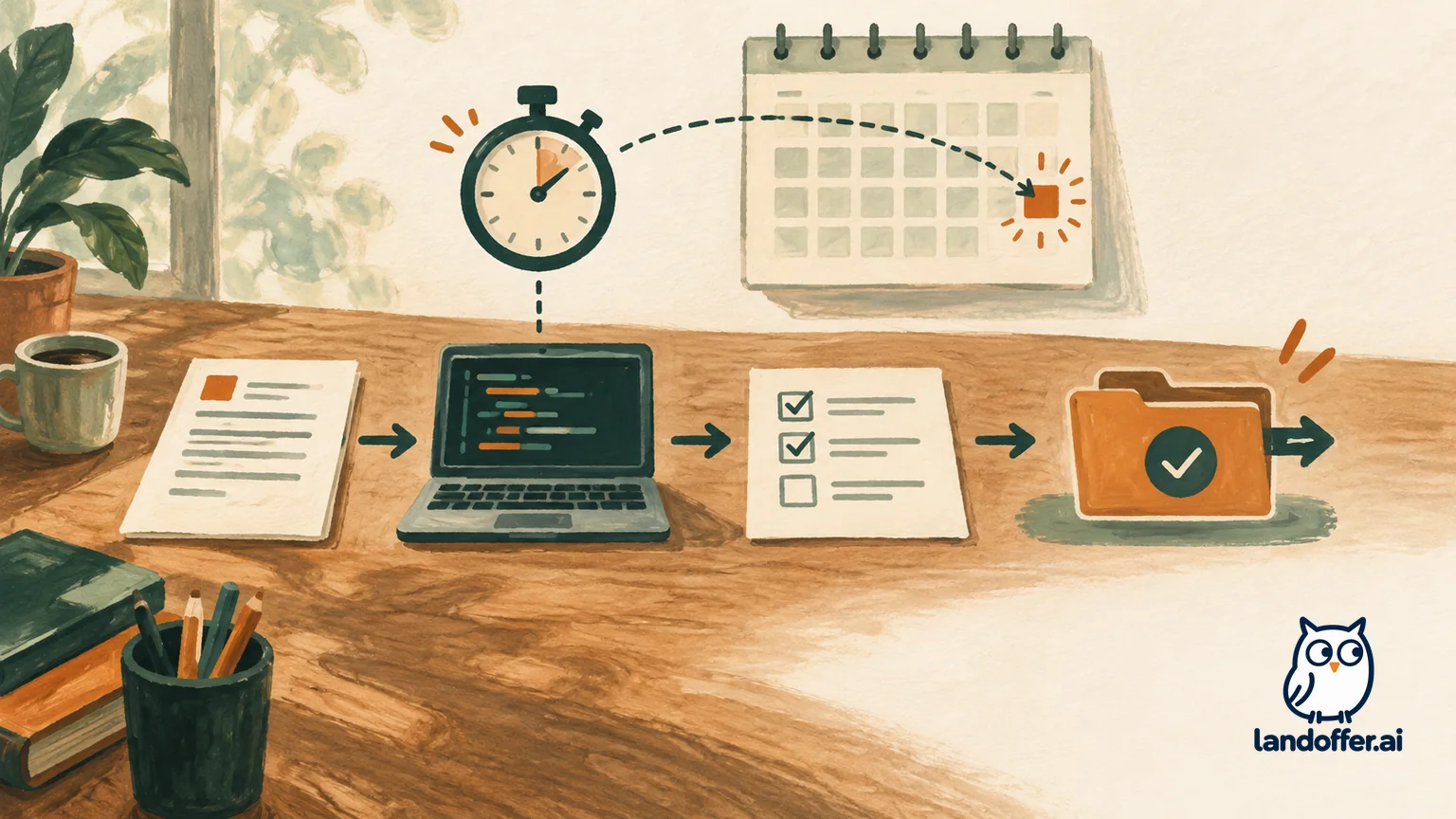
Identify which invitation flow you have
An individual invitation and a reusable invite link can set up the schedule differently. In an individual invite, the employer chooses an assignment, enters your details, and may set a due date, a time limit, or both. For a self-serve invite link, CodeSubmit says the due date can be set as a number of days from when the candidate begins. A configured time limit also starts when the candidate starts the assignment.
This distinction matters if you received a reusable link: its due days may be counted from your own start rather than from the day the link was sent. Use the date and instructions shown in your actual flow; ask the recruiter if the start point or time zone is unclear.
Before starting, write down four details:
- The assignment name and the employer who sent it.
- The calendar due date, including the time zone if shown.
- The active time limit, if one is set, and the button that starts it.
- Any requirements for language, tools, repository access, tests, documentation, or final delivery.
Keep the invitation tied to the correct employer and role so you can return to its instructions.
Plan around both clocks
First estimate the assignment’s actual work, then compare that estimate with both the active time limit and the calendar deadline. If there is no active timer, you still need to manage the due date. If there is a timer, make sure you have the uninterrupted time to work after pressing Start. A free evening is not useful if setup, dependency installation, or unclear requirements consume half of a short timer.
A practical plan separates the work into stages:
- Read the task before starting. Note what must be built, how it will be evaluated, and the required delivery method. If the invitation lets you view instructions without starting the timed session, use that opportunity, but confirm the button’s meaning before clicking.
- Check the environment. Confirm that you can access the repository or workspace, install permitted dependencies, and run the project. If you need to resolve an access issue, do so before the active timer when possible.
- Set a small first milestone. Identify the smallest working path through the core requirement. Avoid spending the opening block polishing an optional feature while the primary behavior remains unfinished.
- Reserve time for verification. Run the tests the assignment provides, inspect the changed files, and check the expected command or output. A working local screen is not proof that the final delivery has been sent.
- Leave time for documentation and handoff. Add the explanation the employer requests, check that the required branch or submission state is correct, and follow the final instructions in CodeSubmit.
A repository task may involve cloning, coding, testing, and pushing; another format may use a hosted workspace. Follow the task’s instructions rather than assuming that closing a tab, pushing a commit, or seeing a confirmation has the same meaning for every employer.
If the estimated work is longer than the active timer, do not start and hope the clock can be extended. Ask the employer whether a different time window or scope is available. CodeSubmit documents that a team can reopen a submitted challenge, but that is an employer action and not a candidate-controlled pause. Its reopen guide says existing code and progress stay in place while the timer resets to the assignment’s original time limit. Ask the recruiter or support contact before relying on that path, and follow any instructions about how the reopened work will be reviewed.
A worked schedule example
Suppose a fictional individual invite says the assignment is due Thursday at 5 p.m. Pacific Time and has a three-hour active time limit. Those dates and values are illustrative; use the ones in your own invite. The goal is to complete the assignment before the calendar date while also staying within the three-hour session once started.
On Monday, read the brief and check repository access without pressing Start unless you are ready to use the active window. List the required behaviors and ask about any missing evaluation or delivery instruction. On Tuesday, block a three-hour period when you can work without interruption. Reserve the first part for setup and a small working implementation, the middle for the required functionality, and the last portion for tests, review, documentation, and final handoff. If the work appears larger than that window, tell the employer before starting.
After you press Start, the three-hour clock begins. Keep a simple checklist of remaining required work and check the visible timer as you go. Submit through the assignment’s instructed flow before the session or due date becomes uncertain. If you finish early, use the remaining time to verify the expected branch or output and review the final page for a completion indicator or receipt. Save that confirmation if the platform provides one.
If an unexpected issue pushes the assignment past Thursday at 5 p.m., CodeSubmit’s documentation says the platform can still accept a submission after the due date. That does not answer whether this employer will count it. Contact the recruiter, explain the specific issue and your expected completion time, and ask what they want you to do. If you already submitted, avoid creating a second attempt or using another invite unless the employer directs you to. A late technical acceptance is not the same as an extension or a promise that the work will be reviewed.
When the due date is unclear or already passed
A due-date label can be ambiguous if it lacks a time zone or says only “due in two days.” Check the invitation email and assignment page together, then compare them with any recruiter message. If they conflict, ask the employer which deadline applies and whether the time zone is theirs or yours. Do not infer a deadline from your computer clock or from a generic CodeSubmit help article.
If the date has passed but the assignment remains available, decide what to do based on the employer’s instructions. If the employer said late work is not accepted, do not treat the platform’s open submission control as an override. If no policy is stated, contact the recruiter with a short, factual request: identify the assignment, note the deadline you saw, explain whether you have started or submitted, and ask whether they want you to continue. Keep the reply and any confirmation with the application record.
If you have not started and need more time, ask before pressing Start. CodeSubmit says the active timer begins only after that action, but a calendar deadline can still apply. Starting near the deadline may leave too little room to finish. If you have already started, do not assume that closing the tab pauses the timer or that a new invitation will preserve your progress. The public timing guidance reviewed here does not describe pause, resume, or timeout behavior for every assignment.
If a technical problem interrupts the work, capture the error and contact the employer promptly. CodeSubmit’s support guidance says employers can reopen a submitted challenge and keep the candidate’s existing code and progress, while resetting the timer to its original assignment value. That is one potential employer-directed recovery route, not a guaranteed candidate self-service feature. Ask whether they want a reopen, an extension, or another action, and avoid starting over until they answer.
Common timing mistakes to avoid
Treating the invitation email as the start of the timer. The individual-invite guide says the time limit starts after you press Start, not when the invite is sent. Still, the due date may be counting down, so read both settings before waiting.
Assuming “soft deadline” means the employer must accept late work. It means CodeSubmit can allow submission after the date. It does not set the hiring team’s evaluation policy. Ask the employer if you will miss the requested date.
Starting before the environment is ready. If a timer is configured, the Start action activates it. Confirm access and permitted tools first, then begin when you have the planned work block available.
Using the full timer on coding and leaving no handoff time. Reserve a final block for tests, required notes, and the submission instructions. A last-minute push or incomplete delivery may not meet the prompt.
Assuming an invite-link deadline is a fixed calendar date. Self-serve links can calculate due days from when the candidate begins. Read the link’s actual terms and ask if the start point is uncertain.
Frequently asked questions
Does CodeSubmit let me submit after the due date?
CodeSubmit’s help guide describes the due date as a soft deadline and says candidates can still submit after it passes. The employer decides whether a late submission will be accepted or reviewed, so ask before relying on that behavior.
Does the time limit start when I receive the invite?
No. CodeSubmit says the timer starts after you press Start. The due date is separate and may already be approaching while you decide when to begin.
If I have both a due date and a time limit, which one matters?
Both. The time limit governs the active work window after you start, and the due date is the employer’s requested calendar deadline. Plan to finish within the active window and before the calendar deadline where possible.
Is the due date the same for an invite link and a direct invitation?
Not necessarily. CodeSubmit says self-serve invite links can use due days counted from when a candidate begins. An individual invite may use a specific due date. Check your actual invitation flow.
Can I pause the timer or get more time after starting?
The official timing page reviewed for this guide does not specify candidate pause or resume controls. Do not assume the timer pauses when you close the page. Contact the employer if you need an adjustment or hit a technical problem.
What if I submitted, but I need to fix something?
Ask the employer before making another attempt. CodeSubmit documents an employer-controlled reopen flow that preserves existing code and progress while resetting the timer to its original value. The employer decides whether reopening is appropriate and how it will be reviewed.
Keep your next job-search step moving while you plan: browse recent roles on LandOffer.ai.