LandOffer
Job search
Need a Quiet Place for a Virtual Interview? Book and Test a Campus Interview Room
Two original complete fictional occupancy and device-preparation cases distinguish eligible space, confirmed reservations, documented equipment, authorized alternatives, and tests still needed.
A campus interview room is useful only if you are eligible to use it, can reserve the whole time you need, and can run the employer’s interview tools there. Record eligibility, the complete occupancy window, and equipment readiness as separate checks. A room described as quiet or equipped does not establish that a computer, approved software, or a working connection will be ready for your particular interview.
This guide checks public university sources on October 21, 2026, and develops two original fictional planning cases. LandOffer publishes this guide and offers job-search tools. No reservation, equipment test, network login, or software installation was performed. While arranging space for existing interviews, you can browse recent opportunities on LandOffer without treating a new application as a confirmed appointment.

Confirm who can use the service and where it is
Start with your own institution’s current page. “Students and alumni” in a site’s navigation does not prove that every room service is open to both groups. Read the requirements for the exact room category, interview type, location, and request route you plan to use.
Penn Career Services currently describes two small rooms for students at 3935 Walnut Street, second floor. It lists Monday–Friday availability from 09:15 to 16:30 when classes are in session, with a maximum of three hours per day. That is a facility policy, not evidence that a particular date or room is available.
Illinois illustrates why the location check matters. Its Student Interview Room Request page says the room is no longer available at The Career Center and directs students to the Illini Union. Requests are for current students, require at least three business days’ advance submission, and are not finalized until an approval email arrives. Do not go to the old office or treat a submitted form as a reservation.
CMU’s Interview Center page distinguishes standard and Premium rooms. Premium eligibility covers students and alumni with scheduled technical or late-stage interviews or assessments, and excludes first-round interviews.
Reserve the full occupancy window
Count preparation and departure time as well as interview time. You may need to connect a laptop, choose the right camera and microphone, arrange notes, find the next-round link, and leave the room ready for another student. Include setup and departure in the requested window so the next user’s reservation does not become your troubleshooting time.
Read whether a limit applies per reservation, per day, or per interview. Penn’s published limit is three hours per day. Creating consecutive reservations should not be used to bypass that limit. If the entire interview day does not fit, request an approved alternative and explain the actual duration.
CMU Premium requests are required; walk-ins and availability are not guaranteed. Its thirty-minute setup and departure allowances remain subject to closing rules.
Advance notice also differs. Penn’s room FAQ says reservations must be made twenty-four hours ahead. CMU’s page gives a 16:00 day-before reservation cutoff, while Illinois specifies three business days. Check the applicable rule rather than assuming that “tomorrow morning” works everywhere.
Worked example: a long Penn interview that just fits
Marta is a fictional Penn student with a virtual interview scheduled from 09:30 to noon on October 23, 2026. The scenario assumes an eligible teaching weekday; the academic calendar, actual room inventory, and Marta’s eligibility have not been verified. Campus-local times in the calculation use America/New_York.
Her completed room-occupancy calculation is:
| Part | Planned time | Minutes |
|---|---|---|
| Setup and quiet preparation | 09:15–09:30 | 15 |
| Interview | 09:30–12:00 | 150 |
| Pack up and leave ready for the next user | 12:00–12:15 | 15 |
| Total requested occupancy | 09:15–12:15 | 180 |
The saved local Python run checks the 180-minute occupancy, the 09:15–12:15 interval against the stated daily hours, and the longer case’s 205-minute total. An illustrative request prepared at 08:30 on October 22 would precede the intended occupancy start by twenty-four hours and forty-five minutes. That checks the example’s lead-time arithmetic, not a submitted request or the reservation system’s acceptance.
Marta keeps two separate rows in her personal plan: the employer’s 09:30–12:00 interview and the proposed 09:15–12:15 room occupancy. A room approval for only the interview interval would leave her preparation and departure unconfirmed. She would reconcile that difference rather than silently treating the longer requested window as approved.
Marta’s completed decision is “potential fit; request the entire 09:15–12:15 window and verify availability, term-date eligibility, and confirmation.” She has no spare occupancy margin if the interview overruns. The plan therefore includes asking the organizer how to handle an overrun and keeping an approved alternative location unresolved until one is actually arranged.
Now change only the interview length to 175 minutes. It ends at 12:25, and the same setup and departure allowance produces 205 minutes of occupancy, ending at 12:40. The interview alone is under three hours, but the full room plan exceeds the daily limit by twenty-five minutes.
The completed alternative decision is “does not fit this plan; ask about another permitted space or scheduling arrangement.” It is not “book another slot immediately afterward” or “stay until finished.” Penn points readers toward other campus spaces, but explicitly warns that those locations have their own limits, including study rooms that may be unsuitable for long interviews.
Match equipment to the actual interview task
A room description is the beginning of a technical check. Identify whether the interview needs only a voice call, video, screen sharing, a coding workspace, an external display, a presentation, or a specific assessment application. Then compare that requirement with equipment and permissions actually confirmed for the room and your device.
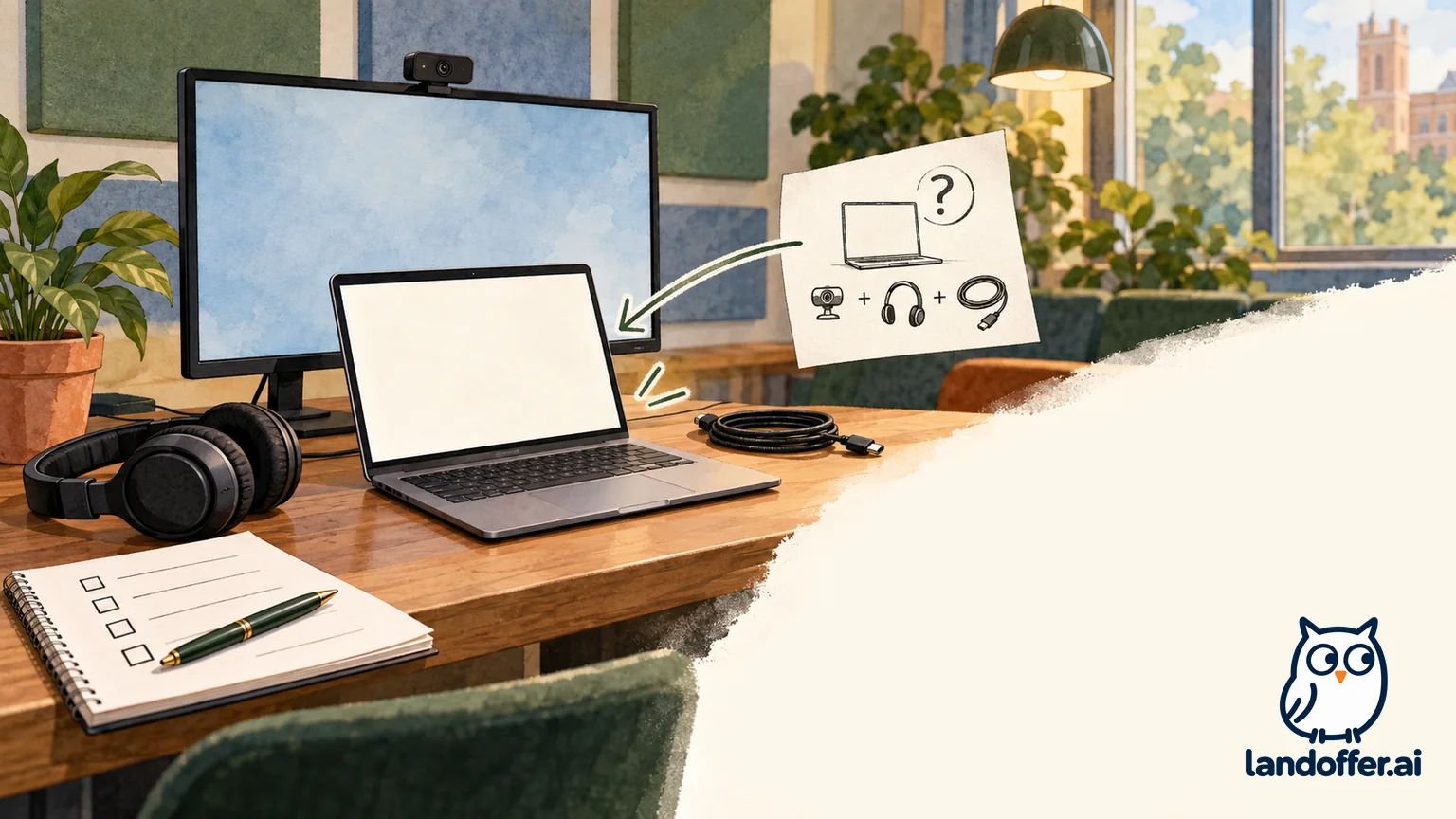
CMU advertises a smart monitor, webcam, speakers and environmental improvements. Confirm the computer, microphone, connectors and permissions separately; listed equipment does not establish operational readiness.
Do not plan to install software on a campus-managed device without authorization. If the employer requires a desktop application and your permitted device cannot run it, ask about an approved alternative. A browser option is suitable only if the employer and platform allow it for that interview, not merely because another meeting service supports browser access.
Network readiness is another separate item. Penn’s FAQ describes AirPennNet and AirPennNet-Guest, with the guest route requiring acceptance of an Acceptable Use Policy and an email address. Read the terms and use your institution’s authorized support process; this guide did not connect, accept an agreement, or verify that an assessment service works over that network.
Worked example: room eligibility passes, device plan blocks
Fictional CMU alumnus Devin has a late-stage technical interview from 17:30–18:15 on a teaching weekday. Assume eligibility for this example; an actual Premium reservation is unconfirmed.
The current Premium request needs scheduled-interview proof with sensitive details redacted and a reason for using the room. Devin has prepared neither an actual request nor an upload.
The room-time plan is 17:00–18:45: thirty minutes before, forty-five minutes interviewing, and thirty minutes afterward. The local calculation confirms 105 minutes and an end exactly at the stated 18:45 vacate cutoff. Although the page lists availability through 19:00, it separately requires everyone to vacate by 18:45 and notes that late interviews can have a shortened post-interview allowance. The plan uses the earlier operational cutoff.
Devin’s two-stage preparation record is complete about what it establishes:
| Check | Stage one: initial plan | Stage two: revised fictional plan |
|---|---|---|
| Room category | Late-stage technical interview matches a listed use | Eligibility appears appropriate; actual reservation remains unconfirmed |
| Computer | Assumes the monitor means a computer is supplied | Assumption removed; own laptop is the proposed device |
| Software | Intended to install an assessment client on an unspecified room computer | In the fictional scenario, the employer approves its browser-based alternative and staff permits use of Devin’s own laptop; no actual approvals obtained |
| Display and audio | Assumes the monitor, camera, and microphone will all work automatically | Connector, device selection, and audio path still require a permitted test |
| Network | Assumes campus Wi-Fi will support the assessment | Authorized connection and required-service access remain untested |
| Readiness decision | Blocked: computer and installation permissions unknown | Document-approved device path within the fiction; operational readiness still unverified |
The revised plan resolves an unsupported installation assumption by relying on explicit hypothetical approvals. It does not claim CMU universally approves that device, that the employer universally offers a browser alternative, or that anyone tested the room. If those approvals were absent in a real case, the plan would stay blocked while the candidate sought a permitted device or location.
The next checks are concrete: can the laptop connect to the intended display, can the candidate select the required camera and microphone, and can the authorized network reach the permitted interview tool? A listed webcam alone cannot answer those questions.
Test the permitted setup without starting the interview
If the room provider permits a preparation visit or test period, arrange it through the stated process. Confirm the exact room and device rather than testing an unrelated study room and assuming the result transfers. Keep the distinction between checking equipment and entering a live employer meeting or starting a timed assessment.
A useful test record names the device, room, connection method, tool, date, observed result, and remaining problem. “Camera preview visible on the intended laptop” is more informative than “tech checked.” An unused microphone, untested screen-sharing route, or inaccessible coding site should remain a separate pending item.
Use only approved test modes and content. Do not launch a real assessment merely to see whether the page loads, join a private interviewer room early without instructions, or upload confidential employer material as a test file. If account access, network terms, or software permissions are required, resolve them through the appropriate authorized process.
The only executed checks here are the local occupancy calculations; equipment, network, software, and reservation checks remain unperformed. The facility descriptions and hypothetical device approvals establish a planning route, while actual operational checks remain future work.
Arrive and leave according to the room’s rules
Confirm the address, floor, entry process, and lockout contact before the day. Penn’s FAQ currently says no formal check-in at the main desk is needed, a schedule is posted on each door, and staff at the main office one floor above can help with a lockout. That is Penn’s current process, not a rule for every campus.
Keep your room confirmation and organizer contact accessible privately. If the room is unavailable on arrival, contact the room provider through its published route and notify the interview coordinator as appropriate; a reservation request or public room description cannot substitute for access. Do not enter another person’s reserved space because your interview is starting.
Leave within the authorized window and follow the provider’s cleanup instructions. If the interview becomes longer than expected, ask for a permitted solution instead of assuming the next reservation can be displaced.
As you review additional roles on LandOffer, keep each interview’s space requirement attached to its actual format and duration. Keep the room request pending until it is confirmed, and keep each equipment or network check pending until you have actually verified the permitted setup.