LandOffer
Job search
Built In vs. LinkedIn Jobs: Compare Tech Context, Filters, and Search Results
Choose a tech-company discovery source or a known-employer search, while separating company attributes, individual role requirements and useful new results.
Use Built In first when you need to discover employers through their industry, technology and company context. Use LinkedIn first when you already know the companies you want to investigate and can connect their openings with relevant professional relationships. Compare the suitable roles each source adds under the same constraints. Use the site's tech context to discover leads, then assess each role against your engineering brief.
LandOffer publishes this comparison and offers job-search tools. You can compare discoveries with recent roles on LandOffer.ai. We reviewed official documentation and public pages on October 12, 2026; we did not test personalized accounts or submit applications. The completed results audit and candidate decisions below are fictional teaching examples, not measured coverage or response-rate results.

Decide what information your search is missing
First identify whether you need new employers, current openings at known companies or information about a particular team. Each calls for a different use of the two sources. If you want to build healthcare software but know few companies in the field, company discovery may be the useful first step. If you already follow ten employers and need current backend openings, a focused company search may be enough. If a role looks suitable but its ownership is unclear, the next task is research rather than another broad search.
Write the work you want in a sentence before opening either board. Include your allowed working location and the responsibility you can take on. Label preferences and fixed conditions separately: a preferred stack may change, while Nora's inability to commute outside Ohio does not. “Backend services for a healthcare product, US remote from Ohio, established team” is more useful than “interesting tech company.” It gives you a consistent reason to retain or reject a result.
Company industry can guide discovery without defining your job. An engineer can build internal software at a bank, infrastructure at a retailer or a customer-facing product at a healthcare company. Conversely, a software company hires salespeople, finance staff and operations teams. Search for the engineering work as well as the company category.
Use that brief on both platforms. Comparing a remote backend search on one with a nationwide all-jobs search on the other tells you little about which source deserves your time. Record any condition you cannot express as a filter and check it manually in both sets.
What Built In adds to company research
Built In's public company directory exposes industry, size, perks and tech-stack categories alongside location and office type. It separately presents companies that are fully remote and companies with open remote jobs. Those distinctions help a candidate build an employer research list. They are visible public controls, not proof that every profile is current or every listed benefit applies to every employee.
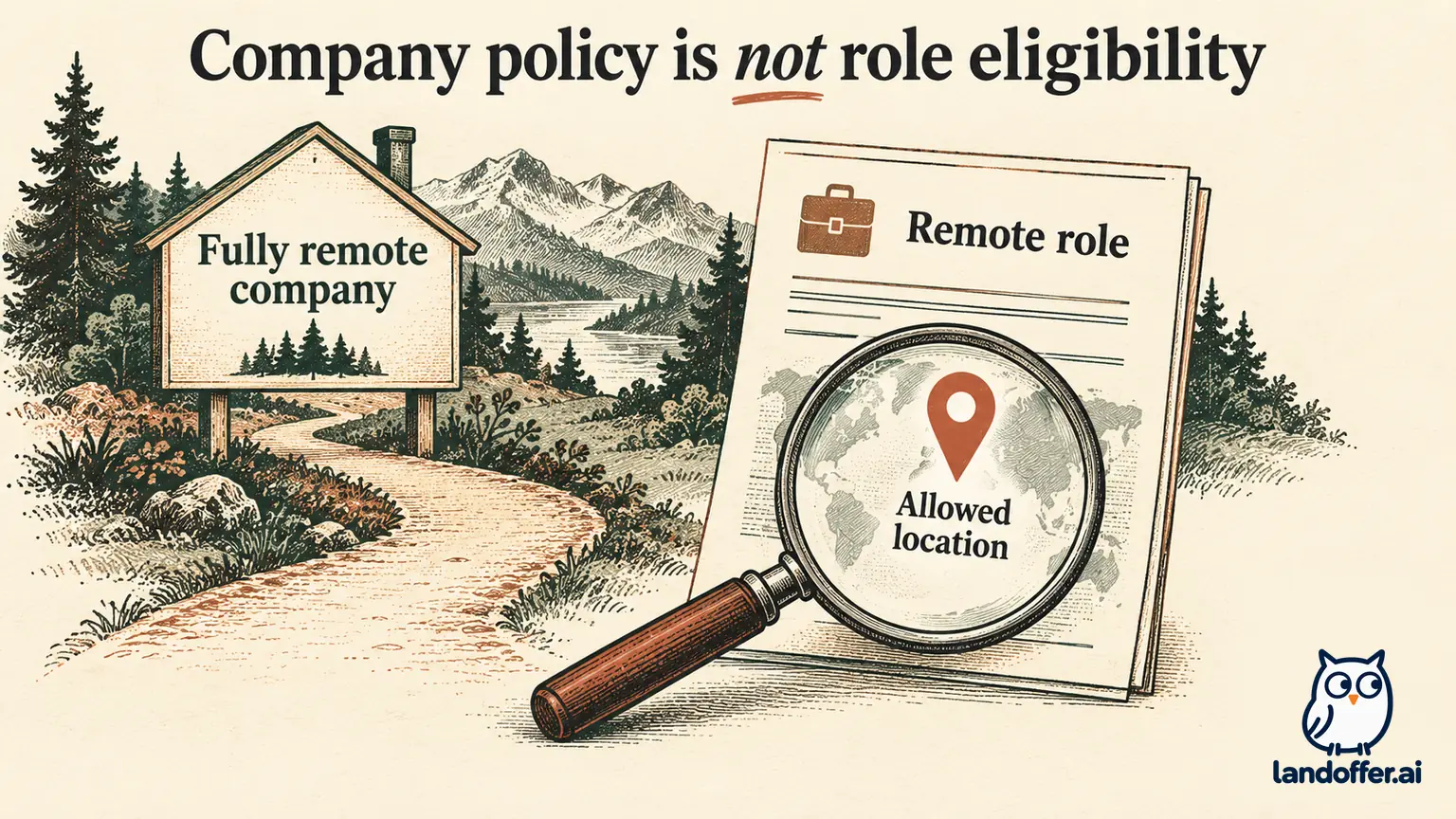
The distinction between company and job matters most for remote work. A company with remote openings may also operate offices and hire other teams onsite. A fully remote company can still restrict hiring to certain countries or states. Neither directory choice replaces the selected role's allowed working location, hours and travel requirements.
The public jobs feed also displays work-mode, location, experience and skills information, with pay on some cards. In the page retrieved for this comparison, engineering openings appeared alongside recruiting, financial-services and sales roles. The site's tech context therefore does not make every result a software engineering job. We did not investigate those vacancies or verify their descriptions with the employers.
Use the company profile to generate questions you can check. A listed stack may suggest relevant experience, but it does not establish the selected team's stack. A benefits section may help identify a consideration, but eligibility can depend on the role and employment terms. Carry useful context forward without silently converting it into a requirement or a promise.
This is where Built In can earn a place in a search that already uses LinkedIn: it may introduce an employer or organize company information you would otherwise gather separately. Name the contribution so you can decide whether to spend another session on that source. “Found a relevant healthtech employer” is useful; “the company looked innovative” still needs a role-level reason to proceed.
What LinkedIn contributes to the same search
LinkedIn's job-search help documents company, location, experience, employment-type and posting-date refinements. It also says results can include additional suggestions and that ordering considers search activity. A displayed count is not a count of distinct suitable openings, and identical words do not establish identical ranking across accounts.
For a known-employer search, company refinements can keep discovery focused. For a question about a team, people search documents current-company and connection criteria. You may have a former colleague who can explain the general organization or direct you to a public recruiting contact. Available actions depend on profile settings; a visible person is not automatically a willing referral source.
Keep the question connected to the person's actual knowledge. A former colleague on a different team may know whether engineering is organized around products, but may not know the selected team's hiring location. An official eligibility question belongs with the employer's recruiting route. Do not turn friendly context into an exception to a written requirement.
You can also use LinkedIn without a useful connection. Its role and company search still supplies discovery information. Relationship research becomes an additional reason to favor it only when you have a relevant relationship or a realistic information gap to resolve. This comparison does not require purchasing Premium; paid-plan features and checkout terms are a separate decision.
Compare the evidence at the right level
The matrix combines visible Built In public fields and LinkedIn documentation with editorial decision guidance. We did not run a controlled same-query experiment or establish equivalent controls for every account.
| Search task | Built In evidence reviewed | LinkedIn evidence reviewed | Use it to decide |
|---|---|---|---|
| Discover employers by context | Company directory includes industry, size and tech-stack categories | Company-oriented job refinements and professional profiles | Whether you need new employers or openings at known ones |
| Find engineering work | Job cards include titles, skills and experience labels | Job search supports role queries and experience refinements | Read duties; a tech company can list non-engineering work |
| Assess remote fit | Company office type differs from open remote jobs; cards display work mode and region | Location refinement narrows discovery | Confirm the role's actual allowed location |
| Add relationship context | Company information is the contribution examined here | People search includes company and connection criteria | Name the question a relevant person could answer |
| Compare results | Retain distinct roles satisfying the brief | Retain distinct roles satisfying the same brief | Merge duplicates and record useful additions |
Do not convert the absence of a documented control into a claim that a platform cannot perform the task. This review establishes the cited capabilities and limits. When your account exposes another useful option, record how you used it without assuming every reader sees it.
Also separate search freshness from vacancy status. A recent or reposted card deserves inspection, but its timestamp does not establish new headcount. The employer's current requisition is a better basis for deciding where to apply. Save the identifier and source links so you can recognize a repeated opening later.
Worked result audit: five cards become three decisions
Fictional example: Nora wants backend product work in healthcare and must remain in Ohio. She can accept US remote work but cannot commute to another state. Her invented sample contains three Built In cards and two LinkedIn cards. Two pairs describe the same openings.
| Invented opening | Cards in this example | Evidence after reading the role | Completed decision |
|---|---|---|---|
| Fern Health FH-501, Backend Engineer | Built In and LinkedIn | US remote; service development in an existing product team | Keep one lead with both discovery links |
| Acorn Care AC-502, Integration Engineer | Built In and LinkedIn | Customer implementations and regular onsite visits outside Nora's accepted scope | Exclude for work and attendance, not platform |
| Morrow Data MD-503, Software Engineer | Built In only in this sample | Company has remote jobs, but this requisition names an onsite team elsewhere | Exclude this role; company-wide remote context is insufficient |
Five cards represent three distinct openings, and one meets Nora's brief. The additional copy of FH-501 contributes confirmation of identity rather than a new opportunity. The two exclusions demonstrate why a relevant industry or company remote label does not settle job fit. These numbers are invented for the exercise and say nothing about real platform overlap.
Nora's completed record for FH-501 preserves the role identifier, US-remote wording, backend duties and the current employer application destination. She keeps Built In's company context as background and LinkedIn's second source as a cross-check. She does not count two applications or assume the second appearance increases her hiring chances.
If the two cards had conflicting location language, the result would be a clarification hold instead of an automatic keep. Nora would inspect the employer's current requisition and ask a bounded location question if needed. She would not choose whichever board offered the more convenient interpretation.
Two candidates can choose different primary sources
For Nora, Built In is a reasonable starting source because she needs to discover healthcare employers and understand their product context. The first useful output is a company list with actual relevant roles. LinkedIn supplements that task when it supplies a distinct opening or a relevant person who can explain a specific uncertainty.
Her next discovery pass should retain the same location and work requirements. She can broaden industry categories if they hide transferable work, but should record that change. A healthcare-adjacent platform may serve her goal even if its directory category is different. The duties determine whether the role belongs in her queue.
A contrasting fictional example: Luis already follows eight employers across retail, banking and developer tools. He wants reliability engineering and knows former teammates at two of them. He begins with LinkedIn company searches and each employer's careers page. His problem is finding the right team and understanding ownership, rather than discovering a tech-company category.
Luis adds Built In when a company profile gives useful context or exposes another suitable employer. He can keep LinkedIn as his primary source if the extra discovery pass adds little. There is no requirement to use every board once the review queue contains enough appropriate roles. The time allocation follows the information each candidate needs.
Recover when a promising search produces poor matches
If Built In yields attractive companies but unsuitable roles, review the level of the constraint you applied. Company industry, stack and office type are company attributes. Add a role-title search and inspect duties before discarding the whole source. If a narrow category hides useful employers, broaden that category while keeping the non-negotiable location requirement.
If LinkedIn yields noisy titles, simplify the query and compare variants rather than adding several exclusions at once. Keep management exclusions narrow: a role can mention its manager without being a management opening. The principle here is to change one retrieval condition at a time and preserve a broader comparison so you can see what disappears.
Track which source adds an eligible distinct opening, resolves a role condition or merely repeats a card. A source can be useful for company research even when another supplies the application route. Set aside a role when its location or responsibility conflicts with your brief, even if the company profile is appealing.
Choose one primary source for your next focused session, using the information gap in your written brief. Choose one promising role and complete its location, duties and employer-destination checks before adding more discovery channels. If you need additional openings, browse recent roles on LandOffer.ai, applying the same location and scope checks. Keep the employer's actual requirements and chosen application route with the retained role.
Sources and Further Reading
- Built In company directory — public company attributes and remote distinctions.
- Built In jobs — public role-card fields and mixed job families observed October 12, 2026.
- LinkedIn job filters — documented refinements and suggestions.
- LinkedIn people search — company and relationship criteria, with profile-setting limits.