LandOffer
Job search
Breezy Application Follow-Up Questionnaires: Why Another Link May Be Required
A Breezy questionnaire link sent after your initial application may be a separate part of the employer’s process.
A Breezy questionnaire link sent after your initial application may be a separate part of the employer’s process. Match it to the company and position, read the questions and deadline, and complete the questionnaire’s own final submission step. A job-board receipt does not necessarily establish that a later questionnaire is finished, and a new link does not by itself mean your original application failed.
LandOffer publishes this guide. When you browse recently posted jobs, keep the initial application and later requests together by role. The examples here distinguish documented Breezy capabilities from an employer’s actual instructions. Candidate names, messages and results are fictional teaching cases, not account tests or reports from real applicants.

Understand why the employer may use another link
Breezy’s public documentation distinguishes general application information from more detailed questionnaires. It notes that some job boards do not support certain questionnaire features and recommends email or stage actions for early questionnaires using multiple sections, video responses or file uploads. Breezy’s guidance supplies a possible explanation, while the employer’s reason for your link remains unverified. Breezy questionnaire application guidance
An employer may also request more information later as part of its chosen workflow. Read what this message says instead of assuming it is a duplicate of the job-board form. The requested content could be different even when the invitation arrives shortly after the first receipt.
Do not infer that the new step guarantees an interview or signals special interest. An automated request can reach candidates without establishing a hiring decision. Likewise, receiving the link does not mean the employer has reviewed or accepted your original answers. Keep the event description limited to what you can verify.
Ask this practical question: what remains required for this position, and what evidence will show I completed it? That question directs attention to the invitation, actual form and confirmation instead of speculation about unseen recruiting settings.
Match the invitation to your role record
Compare the company, title, requisition if provided and application email with your original receipt. If you have several applications at one employer, verify which one the questionnaire covers. A response about location or availability may differ between positions, so a company-name match alone is insufficient.
Check the sender and destination through an established recruiting conversation or the employer’s official career site when uncertain. Do not treat a familiar platform name as authentication. If the invitation asks for information unrelated to the role or unusually sensitive details, pause and confirm the request through a known contact before supplying them.
Record the deadline and timezone if stated. If the message says “complete soon” without a date, ask when necessary rather than inventing a deadline. If the questionnaire has a timer or attempt rule, read it before starting. A general application checklist cannot establish that every link allows saving, reopening or unlimited attempts.
Keep candidate-specific links private. For support, identify the employer, position and error rather than posting the full access URL publicly. Screenshots should omit unnecessary personal information and any restricted question content. The goal is to resolve the step without exposing the application record.
A completed record for a job-board application and questionnaire
This example is fictional. Imani applies through a job board for customer operations requisition CO-155. The board confirms receipt of her application. A later message from the verified employer thread requests a two-section questionnaire with a work-sample upload by October 15.
| Record | What Imani verifies in this example | Result |
|---|---|---|
| Original receipt | CO-155 and her application email | Initial application recorded |
| Questionnaire invitation | Same employer and role; separate link | Additional step identified |
| Requested material | Two sections and a permitted sample | Prepared specifically for this request |
| Deadline | October 15 in the message | Added to role record |
| Final response | Completion page after the questionnaire’s final action | Questionnaire submitted |
| Interview status | No interview invitation received | Not scheduled |
Imani does not mark the questionnaire complete when she opens the email. She reads both sections, checks the selected file and finishes the final action. In this stipulated case, the form then displays a completion page. Her record retains that confirmation separately from the board’s original receipt.
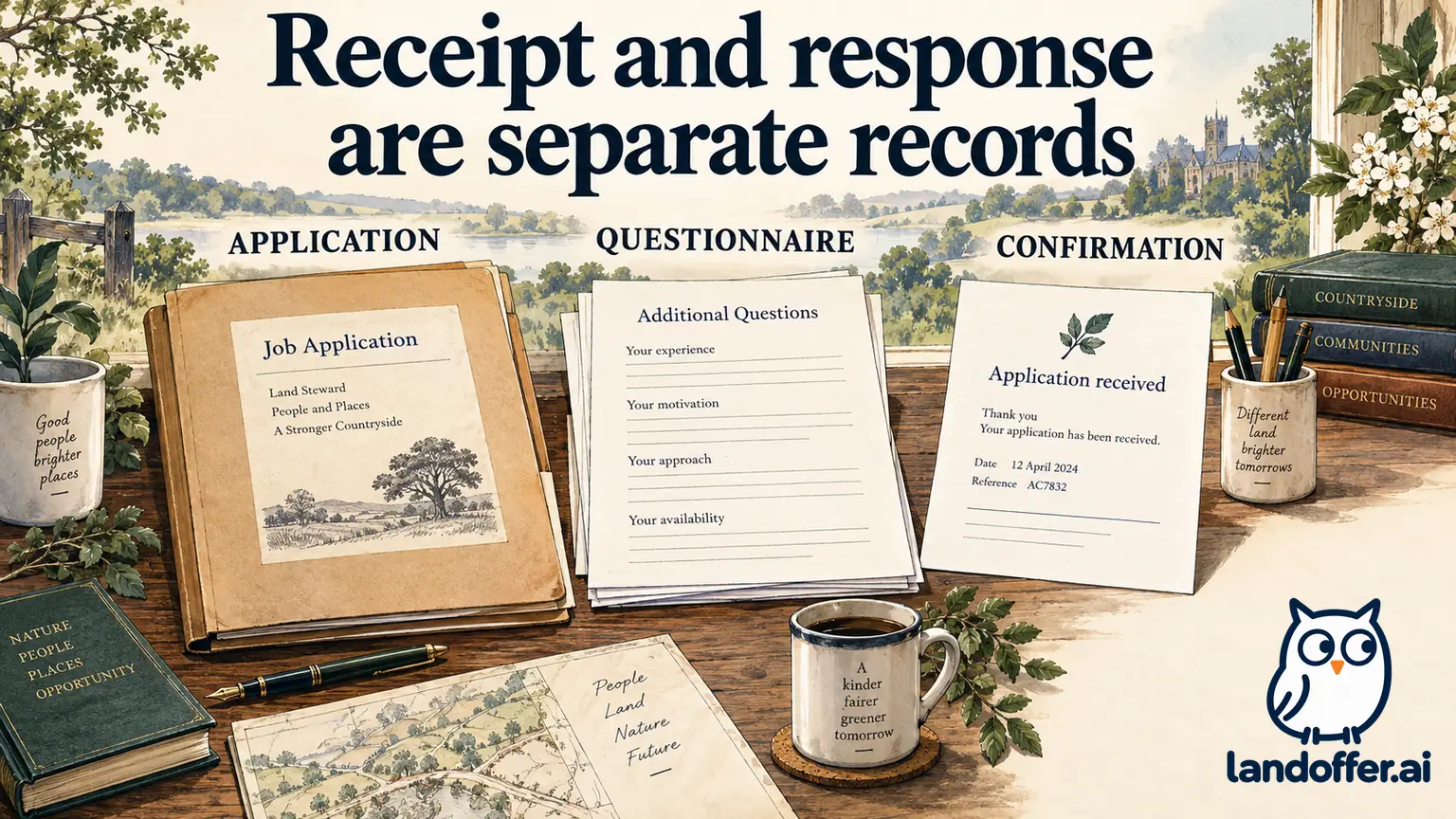
The public compatibility guidance makes this sequence plausible, but Imani does not claim that it proves a particular job board could not support the employer’s questions. That explanation remains unknown unless the employer supplies it. She only needs to establish the requested next step and complete it correctly.
If the work sample cannot be shared, the response is not to upload a confidential client document. Imani asks whether a permitted alternative or a description of her contribution is acceptable. A file-upload requirement does not grant permission to distribute someone else’s material.
Check which questions are new and which facts must remain consistent
Read every question even if the title resembles an earlier field. “Describe your experience with customer escalations” may request a narrative example, while the initial application asked only for a duration. “Which shifts can you work?” may ask for recurring availability rather than an earliest start date.
Use the original application as a consistency reference, not a script to paste without thought. Check names, dates, education status and experience claims. If a fact has changed, give the current truthful answer and explain the change through an allowed field or established contact when it would otherwise create a contradiction.
For a work example, identify the situation, your own action and a result you can support. Avoid converting the team’s entire output into personal ownership. If the form asks for a specific duration or scale, use that unit. More impressive wording does not make an unsupported number accurate.
Read any instructions concerning outside assistance or AI. A questionnaire may be an ordinary information request or a restricted assessment. The platform’s ability to display questions does not authorize a particular kind of help. Follow the employer’s actual rules for the task you are completing.
A completed mismatch and clarification case
A second fictional applicant, Theo, applied to two roles at an invented company: support specialist SS-284 and account coordinator AC-285. A questionnaire message names “Support” in the subject, but the linked page displays Account Coordinator. The questionnaire asks about weekend shifts, which differ between the two postings.
| Check | Theo’s completed finding |
|---|---|
| Email subject | Suggests support specialist |
| Form title | Displays account coordinator |
| Original receipts | Separate applications exist for SS-284 and AC-285 |
| Relevant difference | Weekend requirements are not the same |
| Submission state | Questionnaire not submitted |
| Next action | Ask verified recruiting contact to identify the correct link |
Theo prepares this message:
I applied to SS-284 and AC-285. The questionnaire email refers to Support, but its page displays Account Coordinator. Could you confirm which role this link covers and send the correct questionnaire if needed? I have not submitted answers because the weekend-availability requirements differ.
Theo’s message identifies SS-284 versus AC-285 and the different weekend commitments. It does not allege that Breezy lost an application or that the employer made a hiring decision. Theo retains both receipts and waits for the correct role association before completing the dependent step.
If recruiting confirms that one questionnaire intentionally covers both positions, Theo asks how to distinguish role-specific availability where necessary. He does not assume one universal response can accurately represent different commitments. If a new link is provided, he labels the earlier invitation as replaced rather than submitting both blindly.
Finish all sections and verify the final action
Before entering lengthy answers, inspect the instructions and available controls. Identify required fields, section navigation and any save feature that is actually present. Do not assume that moving to the next section submits the entire questionnaire or that text remains saved after closing the browser.
Breezy’s questionnaire documentation describes questionnaire creation and sending, while its stage-action guide describes configuring a questionnaire to be sent at a pipeline stage. These employer-side capabilities explain how a request can arrive automatically. They do not establish that a candidate’s response is complete when the message is delivered. Breezy stage-action documentation
Review answers and attachments before the final step. Look for unanswered required questions, the correct file and any acknowledgment. If the form offers a review screen, inspect the saved values rather than relying on memory. A field can contain an accidental default even when the page no longer shows an error.
After the final action, retain the confirmation the form actually provides. If there is no clear receipt, note the visible result and use the employer’s stated contact if confirmation matters. Do not invent a universal success message or assume that every Breezy questionnaire sends a candidate email immediately.
Handle reminders, broken links and duplicate requests
A reminder can refer to an unfinished response, a different questionnaire or a message that was already scheduled. Compare the role and form before deciding to repeat the work. Your earlier completion evidence is useful, but it does not prove that every later message is erroneous.
Breezy’s messaging guide describes employer communication that can include questionnaires and delayed messages. That is a capability, not a diagnosis of any particular reminder. Breezy messaging documentation
A narrow inquiry can read: “I completed the CO-155 questionnaire on October 12 and saw the confirmation page. Today’s reminder appears to name the same form. Could you confirm whether my response is recorded or whether another questionnaire is outstanding?” This asks for the missing fact without accusing the employer of ignoring the submission.
For a broken link, record the error, employer, role and access time. Ask for the correct route through the verified recruiting contact. If a deadline is near, include it. Avoid creating a duplicate application or a different account unless instructed; that may create more records without repairing the original invitation.
If your answer needs correction after submission, state the precise correction and ask how it should be recorded. Do not assume the form can be edited, reopened or replaced from your side. A change to your general profile may not alter the questionnaire already delivered to the hiring team.
Keep the application state useful for your next action
Use separate entries for the initial application, questionnaire and any interview or assessment. Record the date, requested deadline, completion evidence and remaining action. This need not become a large administrative project; a few accurate lines can prevent a missed request or an unnecessary second submission.
For example, a role note might say: “CO-155: application received October 10; follow-up questionnaire completed October 12; work sample uploaded; confirmation retained; no further step currently requested.” Recording the completed form and date lets you distinguish a later request from a repeat reminder.
Revisit the record when new instructions arrive. If the employer asks for a new questionnaire, identify it separately. If the role closes, confirm whether an outstanding request remains relevant. Leave the hiring outcome unknown when the available evidence is only silence or an unexplained platform label.
Keep only information needed for your search. Avoid putting sensitive questionnaire answers or private invitation tokens into a broadly shared spreadsheet. Preserve documents securely and follow any restrictions on retaining assessment content. Good tracking is about accurate state, not collecting every piece of personal data.
Questions to answer before opening another link
Does the initial job-board receipt cover the questionnaire? It may confirm only the first application. Check the later request and its own completion evidence.
Why might a questionnaire arrive separately? Breezy documents compatibility limits and email or stage-action delivery. Your employer’s actual reason may still be unknown.
Does an automated link mean I passed screening? No hiring result follows from delivery alone. Read the message’s explicit meaning.
Can I assume the form saves my progress? No. Use only the save or resume options actually provided and confirm the result before leaving.
Should I complete the same link again after a reminder? First compare the role, form and earlier receipt. Ask whether another response is required if the evidence conflicts.
As you compare fresh listings on LandOffer, allow time for the employer’s additional requirements. For each verified questionnaire, check the role-specific facts, finish the final action and retain its completion evidence separately from the original application receipt.
Sources and Further Reading
- Breezy: Using Questionnaires with Application Forms — Job-board compatibility and separate delivery options; updated August 28, 2025.
- Breezy: Automating Questionnaires with Stage Actions — Employer-configured questionnaire delivery at a pipeline stage.
- Breezy: Messaging Candidates — Messages can include questionnaires and scheduled delivery. Checked October 12, 2026.