 LandOffer
Job search
How to Audit Applications Submitted by an AI Agent
Audit AI-agent applications by role identity, sent documents, answers and employer receipt, then trace errors and record the right correction action.
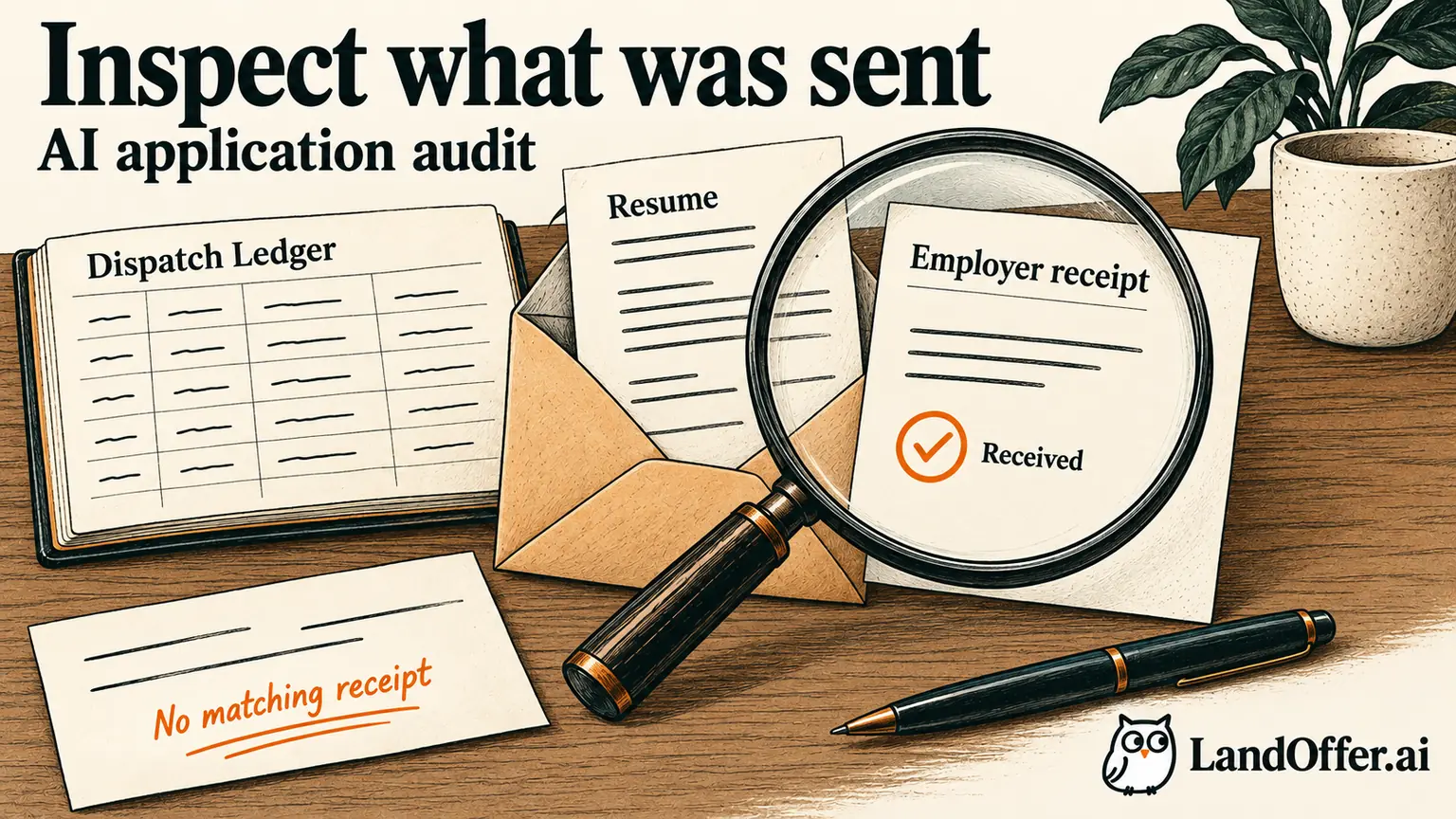
Audit an AI agent's applications by comparing the intended role, the actual material sent, the answers submitted and the strongest available employer receipt. A dashboard count or a “completed” label does not identify the role, prove employer receipt or show that the sent content was accurate. Keep receipt and content accuracy as separate findings, then address material errors before authorizing more work under the same settings.
LandOffer publishes this guide and offers application tools. Its public privacy policy, checked October 9, 2026, describes opt-in cloud AI Agent Apply submitting without another confirmation. That description establishes a reason for retrospective review; it does not establish that a particular account exposes complete answers or retained attachments. The audit below is fictional, not a test of LandOffer or another agent.
You can use recent roles on LandOffer.ai for discovery while reviewing the applications already reported as sent.
Define the batch and preserve its records
Begin with a bounded period, configuration and set of reported attempts. Record when the agent was enabled, which profile and resume versions it could use, what role filters applied and whether those settings changed during the run. Choose identifiable records rather than auditing only a rolling dashboard total.
Save the available history before changing settings. Keep timestamps with their time zones, employer and role identifiers, URLs, reported status and any artifact references. An export is useful if the service provides one; a small manual record can work when it does not. Do not assume every agent retains a downloadable application package.
Use a private location for this material. Applications can contain contact information, employment history, eligibility answers and personal disclosures. The audit record needs enough information to locate the application, not unnecessary copies distributed across unrelated tools.
If you discover a material error, use the available controls to stop or pause future work under the affected configuration. Check what the product actually says the control covers. A disabled toggle does not prove an in-flight attempt was cancelled, and stopping future activity does not recall an application already sent.
Keep three events separate: the agent reported an attempt, the employer appears to have received an application, and you verified the content. Those events may have different timestamps and different levels of evidence. Preserve uncertainty rather than forcing every record into a single green status.
Match the application to the intended role
Compare employer, requisition or posting identifier, title, location, level and application destination. Titles alone are weak identifiers: one company may have several backend openings with similar wording. A tracking URL can also change without creating a different role.
Check the current employer page against the saved role description. If the posting has disappeared, retain the original identity instead of treating the missing page as proof that the application failed. Greenhouse documents that a post can be offline while the job remains open. This is one documented mechanism, not an explanation of your particular case.
Confirm that the role fit the constraints you actually authorized. “Remote” may still include a location restriction. A seniority mismatch or an employer you excluded can be a targeting defect even when the form was submitted correctly. Record that separately from document or answer defects.
Also compare repeated entries. Two agent records pointing to one employer receipt may reflect duplicate logging rather than two employer applications. Conversely, two different requisition IDs should not be merged merely because their titles match. Use the evidence available for each identity.
If the destination itself looks unfamiliar, navigate through the employer's verified careers site before using a correction link or sharing more information. Do not resolve uncertainty by submitting again through a random mirror of the posting.
Verify the sent artifact rather than today's profile
A saved resume in the account shows what is available now. It may not show what the agent attached yesterday. Prefer a retained sent artifact, an employer-side attachment view or another record clearly tied to the application. A filename helps identify a candidate file but does not establish its contents.
Compare the attachment with your intended version. Check contact details, dates, titles, education, skills, projects and claims that AI may have rewritten. If you can inspect exact file bytes, a locally recorded checksum can distinguish two files with the same name. It cannot establish receipt unless those bytes are tied to the employer application.
Review generated answers in their original questions. A truthful sentence can become inaccurate under a different prompt. “Three years” may refer to total professional experience in one question and a specific technology in another. Work authorization, relocation, salary and availability answers require their own context.
Do not infer an answer from a profile field when the submitted form is unavailable. Record “submitted answer unavailable” and name the question you cannot verify. The same rule applies to a cover letter that the agent says it generated but does not expose.
Prioritize errors that change facts, eligibility, identity or the candidate's intent. A slightly awkward phrase is a different problem from an invented qualification or an answer agreeing to relocation you cannot undertake. The severity should guide the next action, not the visual polish of the application.
Preserve the question wording with the finding so a later correction addresses what the employer actually asked. A prompt asking whether you can begin next month is different from one asking for your earliest possible start date. Check whether the answer was selected from a saved field, generated from a resume or changed during form completion. If that origin is unavailable, mark it unknown rather than assigning a cause. This makes the eventual repair more precise: an outdated profile date needs a different correction from a model that answered the wrong question. Review the submitted answer first, then trace the input that could have produced it.
Reconcile six fictional records
Samira Ortiz, a fictional data engineer, authorized a small batch for mid-level roles that allowed her stated location. She intended the data-engineering resume DE-v4. The service reported six attempt records. The following evidence is stipulated for teaching; no applications were submitted for this article.
| Record | Available receipt evidence | Content or targeting finding | Recorded action |
|---|---|---|---|
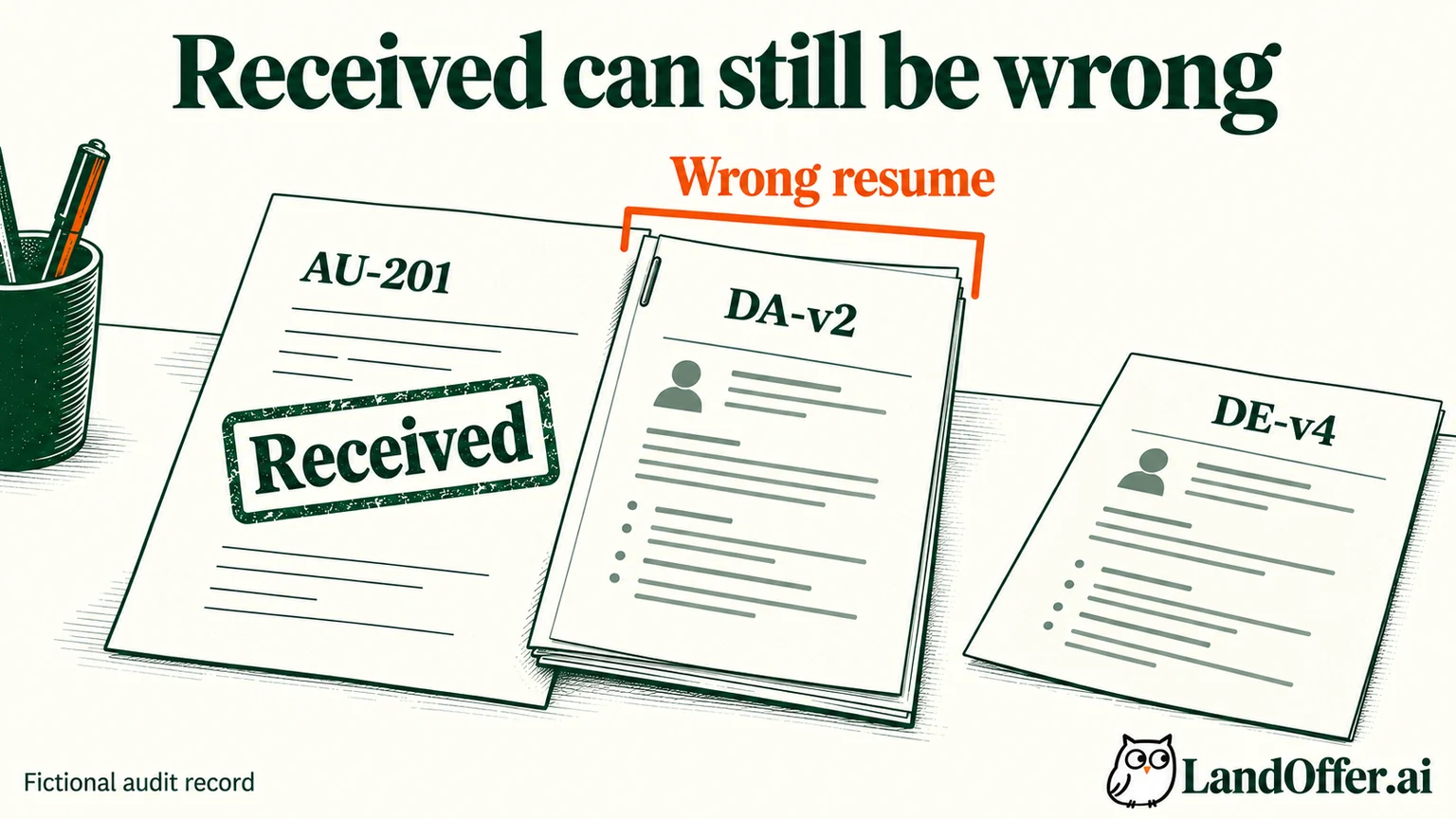
| AU-201 | Employer confirmation identifies the role | Retained sent file is the unrelated analyst resume DA-v2 | Seek permitted attachment correction; inspect the shared profile mapping |
| AU-202 | Agent reports completion; no employer receipt located | No sent file or submitted answers retained | Keep receipt and content unverified; request available records |
| AU-203 | Agent records a validation failure | No evidence of a completed employer submission | Resolve the validation issue before deciding on any retry |
| AU-204 | Employer confirmation identifies the role | Saved description explicitly requires an excluded work location | Stop the affected targeting rule and assess employer options |
| AU-205 | Employer portal shows the application and attachment | DE-v4 inspected; available answers agree with source facts | Mark inspected fields consistent; retain the evidence boundary |
| AU-206 | Same employer application reference as AU-205 | Appears to be a second log entry for that application | Link the records; do not count a second confirmed receipt |
The audit does not produce a success rate. Six attempt entries are not six unique verified applications, and a small targeted review is not a performance estimate for the service. AU-205's checked fields also do not prove that every unavailable field was correct.
Samira now has specific work to do: investigate the file mapping, repair the location rule, reconcile an uncertain attempt and distinguish a failed attempt from a duplicate log. Samira can now work through the unresolved records without treating every green dashboard label as a settled application.
Expand the review around a material defect
AU-201 used profile configuration P3. The history shows AU-202 also ran under P3; AU-203 used the earlier P2 configuration, and AU-204 through AU-206 used P4 after a profile change. These fictional boundaries give Samira a reason to inspect AU-202 closely rather than selecting another record at random.
In the stipulated example, the retained P3 mapping selects DA-v2; this supports a shared-cause investigation without proving AU-202's unavailable attachment. She saves the original mapping in the private audit note, changes the intended future mapping to DE-v4 and records the time of the correction. Updating the mapping repairs a future input; it does not establish what AU-202 already sent.
Her completed issue record says: “Wrong resume confirmed for AU-201. P3 also governed AU-202, whose artifact is unavailable. Future mapping corrected to DE-v4; affected historical content remains unresolved. No automatic retry authorized.” This is a bounded conclusion with a useful next step.
Expand by a plausible shared cause: profile version, resume mapping, prompt version, employer-form adapter or the period between recorded configuration changes. If the cause cannot be bounded, inspect more of the batch or keep the affected workflow stopped until you understand the exposure. Do not assume a clean neighboring record clears a different configuration.
A convenience sample can find defects but cannot certify the rest. For a small batch, inspecting every record may be simpler. For a larger batch, begin with material-risk records and each configuration boundary, then expand when findings justify it. There is no universal sample size that proves an agent's applications are accurate.
Correct through the employer's actual options
For a confirmed error, first look for the employer's documented edit, attachment-replacement or contact route. Some systems permit limited changes; others require contacting the company. Do not assume that updating a candidate profile replaces the file in an existing application.
The current MyGreenhouse candidate FAQ says corrections and application-data questions go to the employer. It also says application updates depend on what the company chooses to share. That limits what a missing or unchanged portal status can establish.
Samira's proposed correction message for AU-201 is specific: “I applied for Data Engineer, reference DE-418, and found that the wrong resume version was attached. Is there an approved way to replace the attachment on my existing application? I can provide the correct version through your preferred channel.” This is a draft example, not a message sent by this article.
She does not claim a replacement has happened until the permitted action and its readback support that conclusion. If the company asks her to submit again, she records that instruction and links the new application to the old one. Without such direction, a duplicate application may create more ambiguity.
For AU-204, an eligibility or location mismatch may call for a different action from a file correction. Read the actual requirement and the available withdrawal or clarification options. Do not rewrite truthful answers to disguise the mismatch.
Decide what the next run may do
Close each audit issue with a status grounded in evidence: corrected and verified, awaiting employer response, artifact unavailable, receipt unresolved or no further action. These are your audit labels, not a claim about a vendor's interface.
Before resuming, check the intended profile, artifact mapping, filters and submission authority. If final generated answers are unavailable before sending, decide whether you are willing to delegate that step under those limits. A material unresolved defect can justify returning to a workflow where you inspect the final content yourself.
Retain the issue history after a repair. If the same mismatch reappears, you need the configuration boundary and prior correction to diagnose it. Separate historical findings from a later successful check so that a clean new run does not erase the earlier record.
Use LandOffer.ai's recent roles to choose your next suitable target only after the current audit has a clear disposition. For any later delegated run, choose a size you can inspect and keep unavailable content explicitly unresolved. The useful result is a reliable record of what was sent and what remains unknown.
Sources and Further Reading
- LandOffer Privacy Policy: publicly described opt-in cloud submission model; account-side audit coverage was not tested.
- MyGreenhouse FAQ for Candidates: employer-controlled updates and application-correction route.
- Greenhouse: Change a Job Post's Status: public post visibility is distinct from the underlying job.
Sources checked October 9, 2026. Samira, identifiers, configurations and audit findings are fictional. No third-party account, application or employer was operated.