LandOffer
Job search
Share an Android Portfolio App: Internal App Sharing and a Recruiter-Friendly Install Guide
Separate Internal App Sharing from testing tracks, reconcile the build and recipient access, and prepare an optional install guide with a useful fallback.
Pair an Android portfolio sample with its exact build identity, the recipient’s permitted access route and a short guide that also offers a no-install demonstration. Google Play Internal App Sharing can deliver a specific test build through a link, but it is not the same workflow as an internal testing release or a production launch.
This guide reviews current Google documentation checked October 22, 2026. Its two worked records are entirely fictional, including the app, builds, recipients and link labels. No artifact was uploaded, invitation sent, setting changed or app installed. LandOffer publishes it for candidates comparing recent roles; a working handoff cannot guarantee a recruiter will review the app or offer an interview.

Choose the distribution route before writing the instructions
Android’s bundle-testing guide, updated February 26, 2026, distinguishes quick URL sharing from formal testing tracks. It describes sharing a specific test version, while local development tools serve a different testing purpose. A successful local run does not establish that a recruiter can download the same experience through Play.
| Route | What the portfolio handoff must account for |
|---|---|
| Internal App Sharing | A specific shared artifact, its link and access conditions; do not describe it as a production listing. |
| Internal testing track | A testing release with tester participation and the appropriate Play link; use that route’s instructions rather than a sharing-link guide. |
| No-install demonstration | A short video or readable case study when installation is unavailable, unwanted or unsuitable for the reviewer’s device. |
Google’s testing-track guidance describes internal testing for up to 100 testers per app and requires a Google or Workspace account to join a test. Test links can take time to become available. These track rules should not be substituted for the separate sharing mechanism simply because both include “internal.”
Choose the route your project and account can actually support before following its setup instructions. If your app does not meet the selected route’s access conditions, keep the no-install version available while you resolve them. Do not publish a production app merely to rescue a portfolio link without considering that separate release decision.
Prepare a sample identity the reviewer can recognize
Name the app, the build and the short task worth reviewing. Record the artifact’s own version information separately from a friendly label used in a message. When a build changes, update its guide and demonstration together so the reviewer is never asked to find a feature the sample no longer contains.
Google’s Internal App Sharing help describes reusable version codes and automatic re-signing with a sharing key; Release apps to testing tracks permission authorizes uploaders by default. Uploaded sharing artifacts are separate from track releases. Consequently, a version code alone is a weak way to distinguish two portfolio packets; maintain your own clear build record.
Re-signing also matters when an integration depends on the package and certificate. Check the delivered sample’s configuration rather than assuming that a feature working in a local developer build will work unchanged after distribution. A certificate mismatch is a developer-side investigation, not a reason to ask a recruiter for account credentials.
Explain the app’s actual boundaries. Identify whether the demonstration needs a login, network connection, payment or device feature. Remove unnecessary dependencies from a portfolio sample when you can, but do not claim they are absent until you have checked the delivered build. Describe known limitations plainly instead of making the recipient discover them through repeated failures.
Check recipient access without promising universal installation
The sharing help page permits an email-restricted audience or access through possession of the link. It also warns that the recipient needs access to the app’s Play listing; country availability or inaccessible testing status can prevent download. “Anyone with the link” is therefore not a guarantee for every app, account and device.
The separate internal-test documentation describes a country-availability exception for internal testers. Do not transfer that exception into an assurance about a sharing link. Likewise, do not assume an unmanaged personal phone and an employer-managed device have identical installation permissions.
Confirm the intended reviewer’s permitted account, listing access and suitable Android device separately; a copied link does not establish any of those conditions. If the answer is unknown, label it unknown. Offer a demonstration that does not require installation rather than pressuring someone to change their device policy.
Google documents enabling Internal App Sharing within Play Store settings: under About, tap the Play Store version seven times, then enable the revealed option and confirm. Menu presentation can vary. This is the specific documented feature, not a request to disable Play Protect or allow arbitrary installers. Recipients can choose the no-install alternative instead.
Worked reconciliation: the build is ready but the packet is not
Fictional developer Mira is preparing an offline tile-puzzle portfolio app called Mosaic Routes. Its invented specification includes a starter board, tile rotation and a reset action. The following record describes a fictional handoff audit; it is not evidence that any app or Play account was operated.
| Packet element | Fictional record | Completed reconciliation |
|---|---|---|
| App identity | Mosaic Routes, sample build 0.4, artifact A. | Retain that identity in the guide and case study. |
| Artifact version code | Code 12; another draft also used code 12. | Distinguish artifacts by the build record, not code alone. |
| Link record | LINK-M1, recorded upload October 20, 2026. | Treat as a nonclickable teaching label, not an installer URL. |
| Guide version | Still describes build 0.3 and an export button. | Replace the outdated task; build 0.4’s specification has no export action. |
| Recipient access | Email-restricted plan; reviewer account and listing access unresolved. | Do not claim delivery readiness or ask for a password. |
| Device scope | The fictional project targets Android 10 and later. | Mark this as the sample’s chosen requirement, not a Play-wide compatibility rule. |
| Runtime assumptions | Designed for offline use without login. | Require a delivered-build check before presenting that as tested behavior. |
| Alternative | Short board-rotation video and explanatory case study planned. | Prepare them before making installation the reviewer’s only route. |
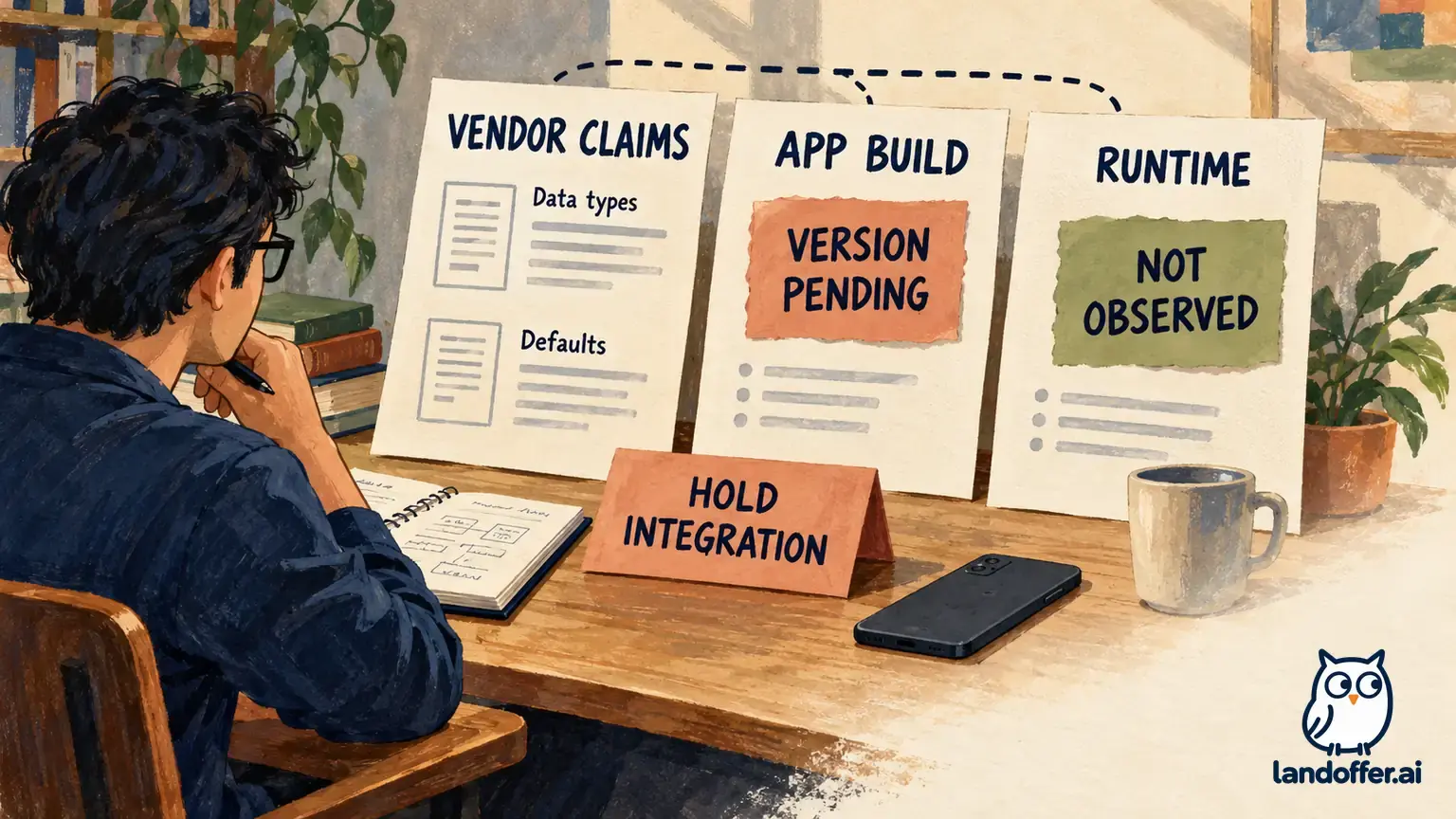
Completed handoff decision: hold the install packet. Its guide references a missing feature and its recipient access is unresolved. The developer has a proposed build, not a verified recipient experience. Changing the message to “ready to install” would conceal the missing checks rather than complete them.
Finished internal reconciliation memo: “Use build 0.4, artifact A, as the sole sample identity. Replace the export instructions with starter-board rotation and reset. Reconcile the video and case study to that same version. Confirm the permitted recipient account and listing access without collecting credentials. Record the result of a legitimate delivered-build check separately from the local build record. Until those dependencies are resolved, provide the no-install demonstration and keep the installer route on hold.”
Mira’s completed record is useful because it reaches a decision. It does not merely list files to collect, and it does not invent a successful download to make the portfolio appear finished. The example’s Android version, puzzle actions and offline design come from its invented project specification; none was verified on a device.

Work through expiry before producing the recruiter guide
Google limits a sharing link to downloads by 100 users and makes it expire 60 days after upload. Its documented remedy for expiry or capacity is another upload that produces a new link. That remedy does not automatically repair a wrong build, missing access or an inaccurate guide.
The second fictional developer, Arun, discovers an old Mosaic Routes packet labeled LINK-R1 with an upload date of July 1, 2026. On October 22, that date is 113 calendar days earlier, so the old link is outside the documented window. No real link has been opened or diagnosed here; the dates are invented inputs used to explain maintenance.
His replacement record uses LINK-R2, a fictional label recorded as uploaded October 21, with build 0.5, artifact B. The complete content below shows what an aligned handoff would say. Neither label is a URL, and this article supplies no functioning installer or claim that a replacement was actually uploaded.
Finished recruiter guide — fictional specimen, unsent
Mosaic Routes — Android portfolio sample 0.5, artifact B
“Thank you for considering this optional app demonstration. The intended review takes about three minutes: open the starter board, rotate a tile and use Reset to restore the initial arrangement. The accompanying case study explains the interaction design and remaining limitations. Installation is optional; the short demonstration video covers the same task.
“The install reference in this teaching copy is LINK-R2, not a working link. In a real packet, I would supply the current developer-verified Play-generated link for this exact build. The sample’s intended device scope is Android 10 or later. Please use an appropriate device and the account covered by the agreed access route; a work-managed device may restrict installation.
“If you choose to install, review Google’s official Internal App Sharing instructions for the current Play Store interface first. Open the supplied current Play link on the intended Android device and check that the displayed app and build match this guide before proceeding. If the screen shows a different app, unexpected payment request or unfamiliar download route, stop and use the video instead.
“This fictional sample is designed for an offline puzzle task with no login or payment. That design statement is not a claim that this article tested a delivered app. A real developer should state what they verified and disclose any remaining account, network or permission requirements. Please do not provide passwords or personal files to troubleshoot the demo.
“If access is unavailable, tell me only the non-sensitive error wording and which build label the guide shows. You do not need to share account credentials, install an alternative APK from an unknown source or change employer device policy. The no-install demonstration remains available while I review the distribution record.”
Finish the replacement finding instead of forwarding another mystery link
Arun’s completed finding separates three problems. LINK-R1 is too old by the invented upload-date record. LINK-R2 is a proposed replacement identity for the worked scenario, not proof of a real installation. The guide now describes build 0.5 and the same starter-board task as its paired demonstration.
Finished replacement memo: “Retire LINK-R1 from the portfolio packet and mark its upload date in the maintenance record. Keep the replacement build, current link, instructions and demonstration together under one version. Before any real handoff, verify the new link’s access conditions and the delivered app’s behavior; an updated timestamp alone is insufficient. If a reviewer cannot or does not want to install, use the paired video and case study without treating that choice as a failed review.”
If the app opens but an integration fails, investigate the sample’s signing and environment on the developer side. If the link cannot be accessed, examine the route and recipient conditions first. If the guide and app disagree, correct the packet identity. These are different failures with different owners; “try again” is not a useful universal recovery plan.
A no-install alternative should still demonstrate your contribution. Explain what you built, why the interaction works as it does and what remains unfinished. Avoid presenting a video as proof that distribution succeeds on every device, just as an install link is not proof of code quality or employment readiness.
Keep the handoff current and proportionate
Review a portfolio packet before sending it to a new reviewer, particularly after changing builds or leaving it unused. Retain the upload date, build identity, access mode, guide version and the date of your own legitimate check. A screenshot of a successful upload would establish a narrower fact than a recipient-side install.
The recruiter-friendly outcome is a clear choice: a documented optional install route or a usable demonstration without installation. As you browse recent roles on LandOffer.ai, choose a short demonstration task that makes your Android implementation choices and remaining limitations easy to discuss. Keep distribution evidence, app behavior and your own contribution separate from any claim about hiring outcomes.
Sources and Further Reading
- Google Play: Share app bundles and APKs internally, checked October 22, 2026; sharing access, limits, signing and recipient settings.
- Google Play: Set up an open, closed, or internal test, checked October 22, 2026; the separate testing-track workflow and its specific conditions.
- Android Developers: Build and test your Android App Bundle, updated February 26, 2026; checked October 22, 2026. Distinct local, URL-sharing and track-testing strategies. No private console or installation workflow was tested.