LandOffer
AI at Work
Acrobat AI Assistant for Work PDFs: Trace Each Answer Back to the Right Passage
Completed authored vendor-specification excerpts, claim-by-claim citation correction and version-disagreement memo distinguish payload/metadata, plan/region limits, future conditions and unresolved applicability; no Acrobat run.
When Acrobat AI Assistant answers a question about a work PDF, open the source number before reusing the answer. Check that the passage supports the exact claim for the stated plan, date, exceptions, and document version. For a response drawing on several files, keep each conclusion attached to its own source rather than turning conflicting passages into one confident statement.
This guide checks Adobe's documentation on October 25, 2026, and is part of LandOffer's workplace content. Its vendor specifications, passages, answer examples, and review decisions are fictional. They were authored to demonstrate verification; no Acrobat account was accessed, PDF uploaded, or AI response generated. Use a citation to inspect evidence before deciding whether to accept the claim.

Use Acrobat's citation controls to inspect the claim
Adobe's current desktop PDF question-and-answer guide, updated October 22, 2026, describes opening a PDF, choosing AI Assistant, and submitting a question. Selecting a source number takes you to the relevant document section. The same guide directs multi-document work to PDF Spaces, which can include PDFs, links, and text.
Use that navigation to read beyond the highlighted sentence. An answer may mention a retention period correctly while omitting the sentence that limits it to trial accounts. A nearby heading, table column, or footnote can change what the cited text establishes. Keep the condition beside the fact in your note.
Adobe's generative AI disclosures warn that responses can be inaccurate, relevant answers can be missed, and attributions can occasionally point to an unrelated section. If an answer says information is absent, search and read the document yourself before calling it undocumented. If the citation opens the wrong passage, mark the claim unsupported rather than treating the existence of a marker as proof.
Keep this workflow within the approved Acrobat surface. Instructions for Adobe Knowledge Base collections or a different AI application do not establish which controls appear in desktop PDF Q&A. Record what you actually opened and which files were active. Retain that context so a teammate can check the summary against the same source set.
Check file readability and account availability first
Adobe's technical requirements currently specify files below 100 MB, up to 600 pages, without password protection or usage restrictions, and outside PDF Portfolios. The page says server settings can change size and page limits. It also requires an online session, enabled generative AI features, and a supported signed-in Adobe ID. Confirm the current requirements and your organization's access before planning a review around the feature.
The requirements say images and complex vector graphics are unsupported. Do not assume that a scanned page or an architecture diagram was interpreted simply because the PDF opened. Inspect whether the necessary text is readable and selectable, and manually examine critical visual material. Passing a file-size limit is not evidence that a small footnote, merged table cell, or handwritten annotation was understood.
For scans, Adobe's separate OCR instructions explain creating a searchable text layer and checking it for errors. Where your permissions allow OCR, preserve the original and verify the recognized text against the image. A dropped “not” or a misread retention period can reverse the fact you are trying to extract. This is not a claim that OCR guarantees AI support for every scan.
Do not remove a document restriction or relocate confidential material to make it processable without authorization. Adobe's usage policy says generative AI involves cloud processing and access depends on a plan including the feature, with possible limited-use requests. Your ability to read a local PDF does not by itself authorize submitting it for AI processing.
Audit one answer against a complete source record
Consider an invented vendor product, SignalBox Relay. Analyst Keira is preparing an internal capability note, not approving a purchase or interpreting a contract. The fictional file record is signalbox-relay-spec-v1.4.pdf, title “SignalBox Relay Product Specification,” dated October 3, 2026, six PDF pages. Its printed page labels match viewer page numbers. These are written source excerpts for the example, not an actual vendor PDF or Acrobat test.
Page 3, “Retention,” paragraph 2:
Standard workspaces retain event payloads for 14 days. Diagnostic metadata is retained for 30 days. Trial workspaces retain event payloads for 7 days.
Page 5, “Regional availability,” paragraph 1:
Standard workspaces may be provisioned in the EU or North America. Trial workspaces are available in North America only. Regional selection occurs when the workspace is created.
Keira's proposed question is: “For Standard and Trial workspaces, distinguish event-payload retention from diagnostic-metadata retention. State regional limits. Cite the supporting passages and identify anything not specified.” This is a narrow document question; it does not ask the assistant to recommend a vendor or infer missing terms.
The illustrative flawed answer reads: “SignalBox retains data for 30 days and supports EU workspaces.” It is authored here, not produced by Acrobat. Both phrases resemble source material, but “data” merges two categories and “workspaces” omits the plan restriction.
| Claim under review | Passage and locator | Completed assessment |
|---|---|---|
| Event payloads last 30 days | v1.4, PDF page 3, Retention paragraph 2 | Contradicted for Standard: 14 days; 30 refers to diagnostic metadata |
| Diagnostic metadata lasts 30 days | Same paragraph | Supported as a description of diagnostic metadata; plan scope remains unclear |
| EU is available | v1.4, PDF page 5, Regional availability paragraph 1 | Supported for Standard; Trial is North America only |
| Trial metadata lasts 30 days | Page 3 does not expressly attach the metadata sentence to a plan | Ambiguous; ask for clarification rather than deciding its scope |
| Existing workspace region can be changed | Page 5 specifies selection at creation | No migration procedure stated in these excerpts; no transfer capability established |
The corrected internal summary is: “Standard event payloads are retained for 14 days [v1.4, PDF p.3, Retention ¶2]. Diagnostic metadata is described as retained for 30 days; the passage does not explicitly clarify its plan scope [same locator]. Standard supports EU or North America, while Trial is North America only [v1.4, PDF p.5, Regional availability ¶1]. Region-transfer capability and Trial metadata scope remain unconfirmed.”
Those bracketed locators are editorial annotations, not simulated Acrobat source buttons. The correction has a limited acceptance decision: Keira can use it as an attributed description of this version's wording. She cannot turn an ambiguous sentence into a verified service guarantee. Reviewer Omar keeps the original flawed answer beside the correction so the omitted distinctions remain visible.
Keep document identity when multiple specifications disagree
For multi-document work, Adobe's PDF Spaces citation guide describes references containing details such as title, section, and page. A response section may have more than one citation. Open each reference and verify which file supports which clause; one citation beside a long paragraph may not support every sentence.
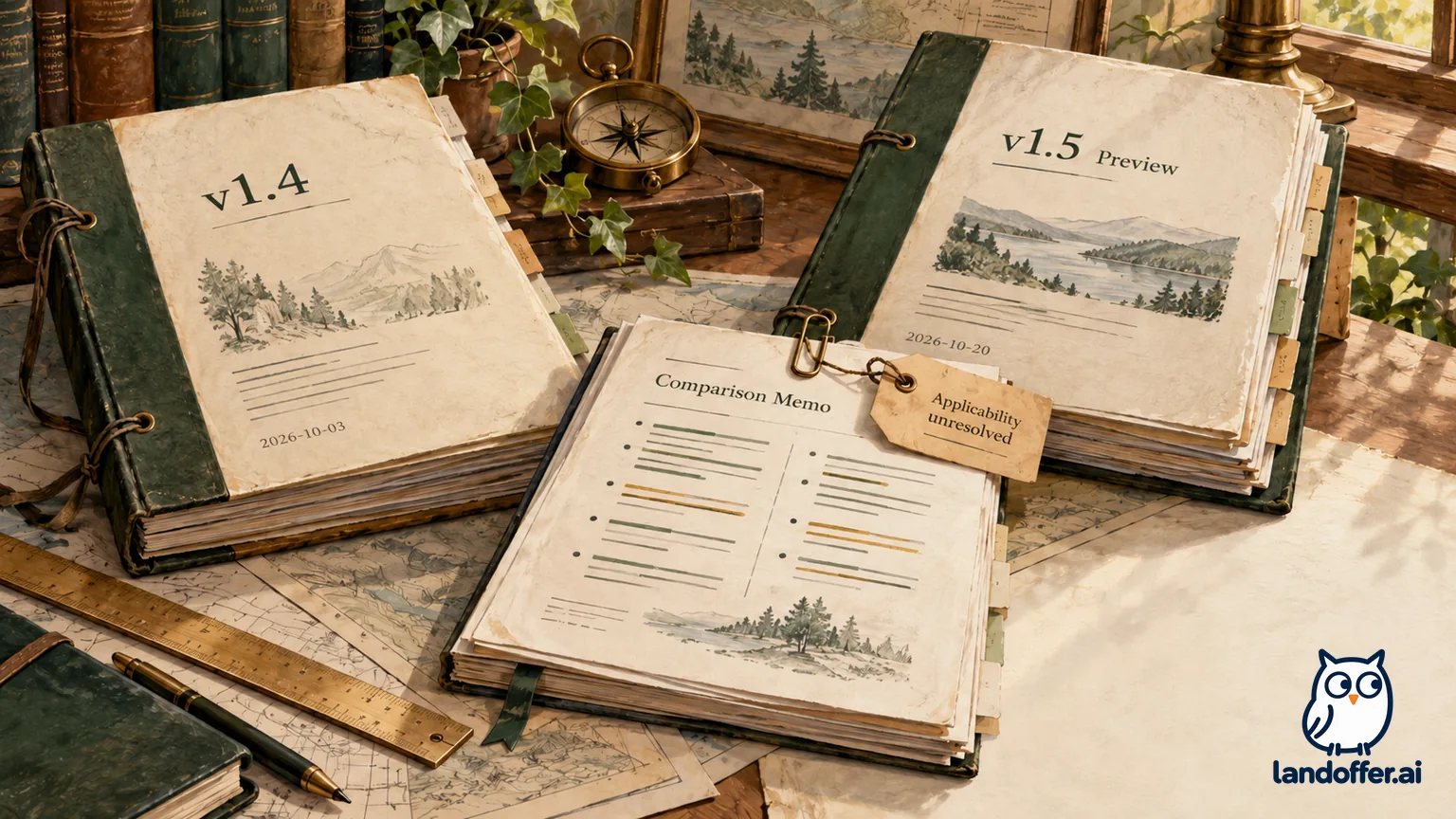
A second fictional file arrives: signalbox-relay-spec-v1.5-preview.pdf, title “SignalBox Relay Product Specification — Preview,” dated October 20, 2026, eight PDF pages. Its cover is unnumbered, so viewer page 4 is printed page 3. A vendor contact has supplied it for discussion, but Keira has no confirmation that it governs the team's existing workspace.
Viewer page 4 / printed page 3, “Retention changes,” paragraph 1:
New Standard workspaces created on or after November 10, 2026 retain event payloads for 30 days. Existing Standard workspaces remain on 14-day retention until the extension is enabled. The enablement date for existing workspaces is not confirmed.
Viewer page 6 / printed page 5, “Regional availability,” paragraph 1:
Standard workspace creation supports EU and North America. Trial remains North America only. This preview does not describe transfer of existing workspaces between regions.
The second question is: “Compare v1.4 and v1.5-preview for event-payload retention in our existing EU Standard workspace. Separate future new-workspace wording from existing-workspace conditions. Identify unresolved applicability.” The workspace itself is fictional, and no real account configuration has been inspected.
An illustrative merged answer says, “The newer specification gives our workspace 30-day retention from November 10.” That conclusion changes both the subject and the condition. The date applies to newly created Standard workspaces, and the preview explicitly leaves existing-workspace enablement unresolved. The later publication date leaves applicability to the existing workspace unresolved.
| Issue | v1.4 evidence | v1.5-preview evidence | Safe conclusion for the note |
|---|---|---|---|
| Existing Standard payload retention | PDF p.3: 14 days | Viewer p.4: remains 14 until enabled | Both descriptions support retaining the 14-day assumption pending confirmation |
| 30-day extension | 30 days refers to metadata | Viewer p.4: future new workspaces; existing enablement date unknown | Do not give the existing workspace the new-workspace start date |
| EU availability | PDF p.5: Standard may be created in EU | Viewer p.6: same creation scope | Creation availability does not prove a region-transfer feature |
| Which version governs | October 3 specification | Later file labeled Preview | Applicability requires confirmation from the responsible vendor/document owner |
Write the disagreement memo with an owner and an open question
Keira's completed fictional memo to Omar reads:
Decision for the internal note, October 25: Do not promise 30-day event-payload retention for the existing EU Standard workspace. v1.4 p.3 states 14 days. v1.5-preview viewer p.4 distinguishes future new workspaces from existing ones and leaves the existing enablement date unconfirmed. Preserve both citations and the preview label.
Clarification owner: Keira will prepare a question for the approved vendor contact asking which specification applies to the existing workspace and what evidence would confirm extension enablement. No message has been sent in this example.
Reviewer outcome: Omar accepts the corrected wording and the unresolved status for the internal research note. He has not approved a purchase, configuration change, retention-policy decision, or customer commitment. Revisit when an authorized source supplies an applicability answer.
This memo resolves what the team should write now while leaving the product question open. It also distinguishes a contradiction from a changed scope: “14 versus 30” becomes comprehensible once you separate payloads from metadata, existing from new workspaces, and a current description from a future conditional change.
If a source is replaced later, preserve the previous version or an approved durable reference according to your record policy. Record the new version and recheck affected claims. Do not silently attach a new file to an old answer and assume the earlier review still applies. A teammate needs enough provenance to reconstruct the decision.
Finish with a traceable answer and a proportionate next step
Before reusing an answer, retain the exact question, active source filenames, document dates, relevant locators, generated wording, and your correction. Distinguish PDF viewer page numbers from printed labels. For tables, keep row and column headings; for exceptions, keep the surrounding clause. If the crucial passage cannot be inspected, the conclusion remains unverified.
A short follow-up can help isolate a gap: ask which passage supports one disputed claim, then inspect it yourself. Repeating the question until the answer sounds confident does not settle ambiguity. When documents omit an effective date or disagree about applicability, route a specific question to the authorized owner rather than asking the assistant to choose a convenient interpretation.
Use the corrected answer only for the purpose the reviewer accepted. An internal capability note is not a service test, contract determination, or permission to alter account settings. Keep the source trail with the note and revisit it when the underlying file changes. LandOffer's workplace content offers related document and collaboration practices; inspect each cited passage, preserve its limits, and name the owner of any unresolved applicability question.
Sources and Further Reading
- Adobe Acrobat: Ask PDF questions and inspect source numbers.
- Adobe Acrobat: Generative AI technical requirements.
- Adobe Acrobat: Generative AI user disclosures.
- Adobe Acrobat: Recognize text in scanned documents.
- Adobe Acrobat: Generative AI usage policy and limitations.
- Adobe Acrobat PDF Spaces: View citations in responses.